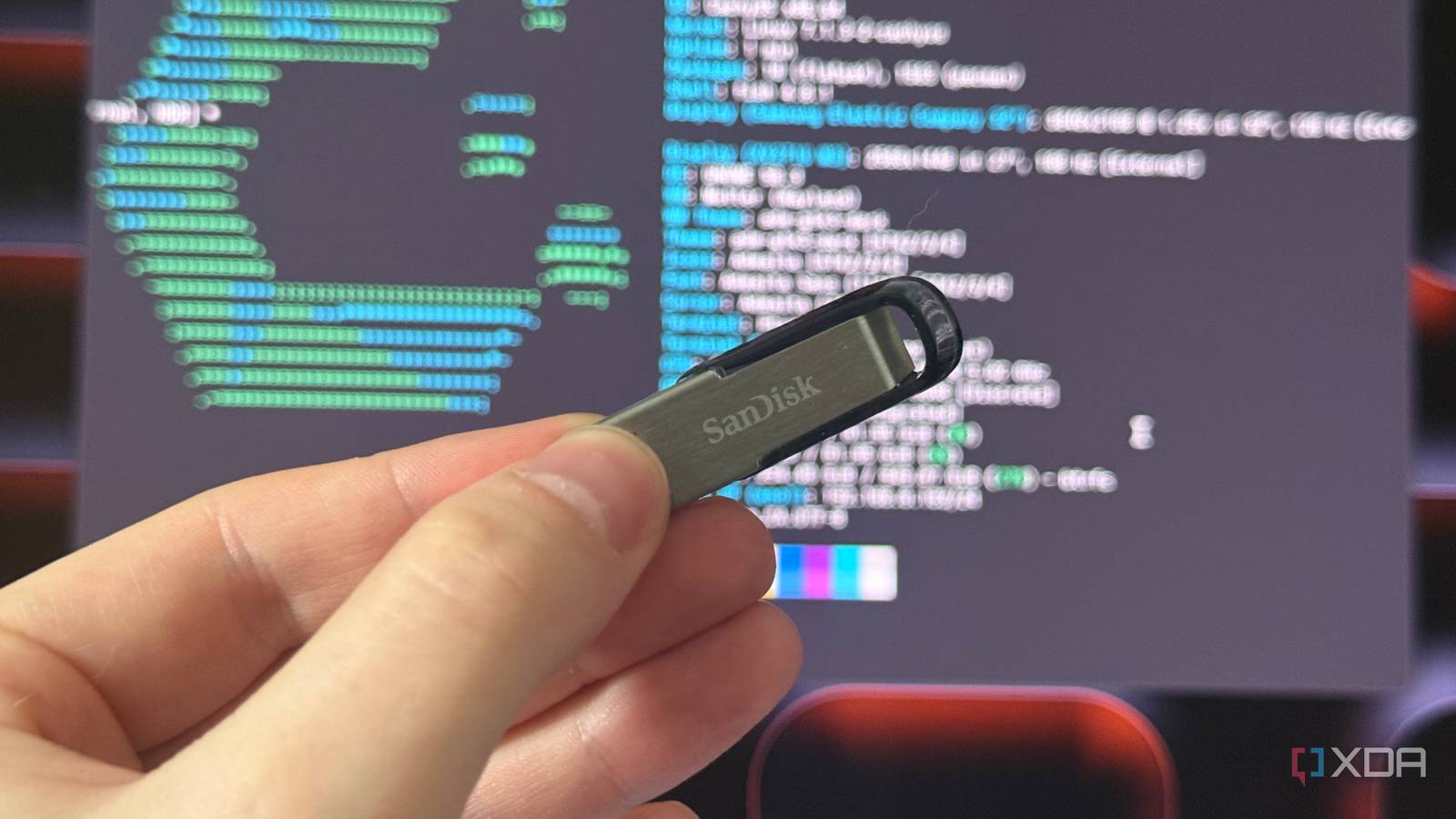
Published Aug 3, 2026, 12:30 PM EDT Ethan enjoys programming, math, and problem solving. He started off as a self taught programmer, and is proficient in multiple programming languages. He has a wide variety of programming projects in his portfolio, ranging from games published on itch.io to open source GitHub projects that anyone can collaborate on. He loves computers and is fascinated by all things tech. I love using Linux. I love jumping between different distributions (although I have come to prefer Arch) and trying out new desktop environments. I have always loved experimenting and tweaking little things on my devices, and Linux operating systems allow me to do this to a degree that far surpasses any other. However, I don't run Linux in a conventional manner. I don't have a separate partition on my main computer, and I don't use a virtual machine. In fact, I technically don't even run Linux off my computer! Instead, I prefer to run Linux off an external USB drive. Why not use a virtual machine? Virtualization seems like the obvious choice One might be wondering why I would choose to run Linux off a USB drive when I could just create a virtual machine. In theory, a virtual machine should be able to give me the flexibility to switch between different Linux distributions without having to partition my drive. The main answer comes down to storage. A virtual machine still requires resources, and you need to allocate some of your computer's storage and memory in order to run your environment. If you have a lot of storage, it may not be an issue, but some may not have enough resources to allocate to the virtual machine. An external drive keeps the whole thing self-contained, as everything will be stored off my computer. I can keep my Linux desktop as long as I want without worrying about how much space it is taking up. If I take a break from using Linux. I don't need to think about freeing up some of the storage that is allocated to the virtual machine. I can let my external drive sit untouched for as long as I want without having to worry. For example, I've been a bit busy as of late, and I can sleep easy knowing my main computer has all its storage. Portability is more beneficial than you might think An "on the go" operating system Portable operating systems are nothing new. Sometimes, you need to go somewhere and have to carry your operating system with you. Microsoft created (and then killed) Windows To Go for this very reason. This point seems pretty silly to bring up as I am basically describing the exact point of a laptop. However, if I mainly use Linux on my desktop (through a virtual machine or partitioning), but need to go somewhere, it would be a little difficult and time-consuming to transfer everything over. With an external USB drive, I can just eject the drive and insert it into whatever computer I need to use. I can even carry around a Chromebook and boot off of my USB drive from that if I so please. While not for everyone, it's perfect for me While this method isn't the approach most take when running Linux, I find it perfect for my needs. However, there are a couple of downsides to this approach. For one, it isn't free. Downloading an ISO image and turning on a virtual machine costs nothing. Meanwhile, if you don't own an external USB drive, you have to buy one — and because of the recent memory and storage price hike, they are as pricy as they've ever been. You also have to download software that allows you to put your ISO image on your drive, and know how to boot from it. If you do plan on booting from an external USB drive, make sure it has fast read and write speeds. The Samsung Fit Plus drive I currently use has read speeds of up to 400 MB/s and write speeds of up to 110 MB/s. Luckily for me, these things weren't an issue, and I found the entire process very rewarding. I was introduced to useful software such as Rufus and Balena Etcher, and learned how to boot from external drives. I also value the portability of using external USB drives. Being able to boot off any compatible computer is pretty useful, making it so that I do not need to worry about file transfer. Of course, the most important thing about booting Linux from a USB drive is the fact that I can save my system storage. While I certainly have enough storage on my desktop PC for a virtual machine, my old PC showed me how fast I use up storage, and I would rather save as much as I possibly can. Rufus If you want to try running Linux off an external drive, Rufus is the way to go!
My new favorite way to run Linux has nothing to do virtualization
Full Article
Original Source
Read the full article at Xda-developers →KhanList aggregates and links to publicly available news content. We do not host full articles from third-party sources. Always verify important information with original sources.