
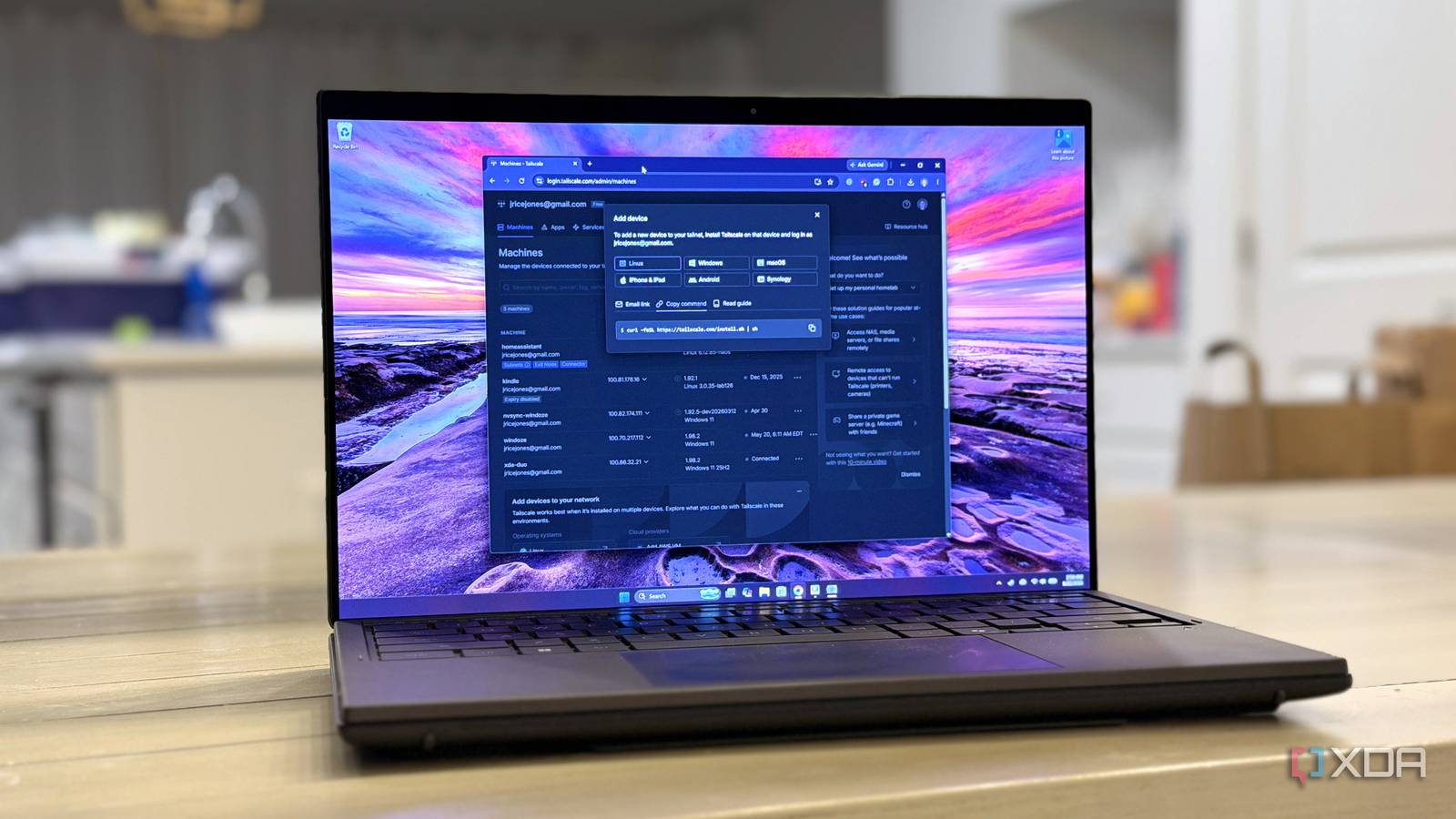
Published Aug 24, 2026, 1:00 PM EDT Korbin is a Linux system administrator who spends most of his time in a terminal figuring out how things actually work. Over the last decade he's written hundreds of articles about Linux configuration, troubleshooting weird problems, and using open-source tools in the real world. He also works a lot with Windows systems and networking, especially in mixed environments where things don't always behave the way the documentation says they should. Writing things down is how he makes sense of it all and hopefully saves someone else a few hours. I love running self-hosted apps. It's become a hobby I've enjoyed for the last few years, but there's one part of the process I don't appreciate as much. If you have even one self-hosted app, then you can probably relate. I'm talking about the tedium that comes with securing each service and making it accessible remotely. Before adopting Tailscale, I assumed that forwarding ports and setting up dynamic DNS were just a necessary part of the hobby. I do enjoy the minutiae of networking to some degree, and digging into a terminal to make something work, but there are times when I simply want to put up a service and have it be available when I'm away from my PC, and that's it. Tailscale is now the scratch for that itch. These days, when I want to add a new service to my home lab, it no longer feels like an assignment that I need to complete. Tailscale handles all of the small (and extremely important) details like NAT traversal, the key exchange, and all of the routing between my devices, without me fiddling with the advanced bits of the configuration myself. Setup no longer involves a big checklist Adding a new service has become a trivial task The old way of doing things is still fresh in my mind. I'd pick a port that nothing else was currently using, forward it to my home server, and set the service to listen on that port. I also set up dynamic DNS, since my WAN address would rotate with modem reboots. For security, I'd configure firewall rules so that the port only allowed certain kinds of traffic in, and blocked everyone else. All of that setup could take an hour or more, and it had nothing to do with the actual app I was trying to run. Certificates were my least favorite part of the chore list. I didn't want to access services through plain HTTP because of all the browser warnings. So, I rented a domain name and ran a reverse proxy on my home server to terminate TLS in front of everything. That's been replaced by MagicDNS and Tailscale Serve, which trimmed that whole setup down to a couple of minutes. Every device on my tailnet has its own name, so I can type "nas" instead of an IP address, and Serve issues the TLS certificate for that hostname. I found out exactly how easy Tailscale makes everything when I rebuilt my home lab last year. The part that I'd dreaded the most was configuring access rules and hardening the network. With Tailscale, I didn't need to worry about any of that. My server came back online and rejoined the tailnet under the same name, and all the devices in my house found it again without me having to do any extra manual configuration. Nothing that I'm running is accessible from the public internet anymore, so my fail2ban config and my iptables rules got chucked aside along with the port forwards. Access rules have replaced my firewall rules Authentication works by user instead of IP My access rules used to follow IP addresses. I had guest devices on one VLAN, and my home lab on another. The rules between them were on OPNsense, and I'd have to modify them whenever a new device got added to the network, or something moved. The problem was that the rules were based on where the device sat on my network, not who was actually using it. That rule list became harder to maintain as device count grew. Tailscale's Access Control List lets me write similar rules, but this time by user. For example, some of my friends can access Jellyfin and nothing else, while my partner's phone can get through to Immich. For my printer and a handful of IoT gadgets that can't run a Tailscale client, I've configured a subnet router that advertises my LAN from one always-on machine. I've kept my VLANs in place, but I rarely need to think about them anymore. The only problem I sort of have with it Someone else now controls my networking The one reservation I have about all this is that I've essentially made a third party responsible for the networking access to my home lab. If Tailscale's service goes down for maintenance or my account catches a flag while I'm abroad, there's nothing I can do to access my home network without configuring something extra. There's also the fact that networking homework was part of the reason I got into self-hosting anyway, and Tailscale feels like cheating on the test. I didn't surrender complete control to Tailscale, though. I keep one plain WireGuard tunnel (the same tech on which Tailscale is built) that I still manage entirely myself; that way, there's always a second way to get into my network, and it doesn't depend at all on Tailscale's service. As for the networking homework, I'm not likely to learn a lot from hosting the tenth app. At least nothing that I didn't already learn from the previous nine. Hosting a new service is finally painless What I value most about Tailscale is how easy it is to stand up a new service. I like to try out different services, even when I know that it's just something I want to temporarily run or check out. With Tailscale, it's up and running in no time, and I don't have to spend an hour configuring it when all I want to do is try out a new self-hosted app. Tailscale Tailscale is a tool that allows you to create specific network connections so you can remotely access resources within a private network.
Tailscale replaced my entire networking setup, and I finally stopped dreading new services
Full Article
Original Source
Read the full article at Xda-developers →KhanList aggregates and links to publicly available news content. We do not host full articles from third-party sources. Always verify important information with original sources.