
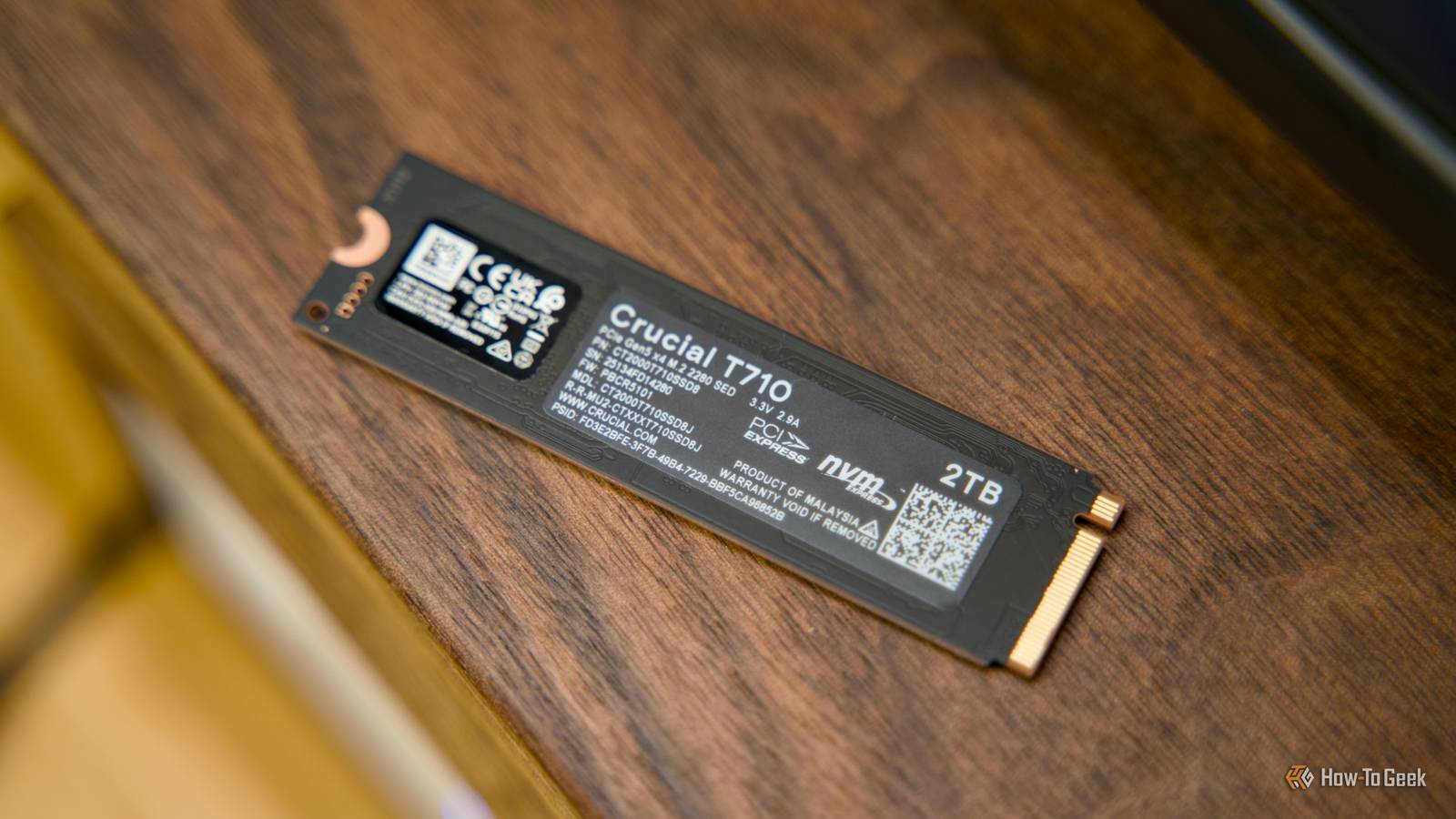
Published Aug 24, 2026, 1:15 PM EDT Arol is a tech journalist who currently works as a contributor at How-To Geek since 2022. He first began writing online for the short-lived portal of Spanish-language gaming forum Emudesc in 2013. Years later, in 2017, he got his true start in tech journalism working for a small Google-focused site called Pixel Spot. He transitioned to a news and feature writer role at XDA Developers that same year, where he worked until 2021 before making the jump to other websites. Arol brings nearly a decade of writing experience, and the occasional hot take, to his writings. While he's a technology lover at heart, he holds computer hardware and smartphones particularly close to heart. You'll normally find him covering news, although he has also written the occasional deal, buyer's guide, how-to post, and round-up. He's also written for Android Police and MakeUseOf. He's also a Political Science student. When he's not writing, you'll probably find him hitting the gym, trying to ace a new hobby, reading his textbooks, or traveling. You can reach him at me@arolwright.com. In the olden days, everyone taking their hardware seriously also had scratch disks. But they're currently considered to be from a bygone era. Some people still use them, though. But should you? What's a scratch disk? Storage dedicated to active tasks Credit: Nick Lewis / How-To Geek A scratch disk is a specialized portion of drive space, or a separate drive, that serves as a temporary storage facility for computer programs, most notably resource-intensive creative software. When you run apps for video editing, 3D modeling, or high-resolution graphic design, the computer’s RAM is the first line of defense for storing immediate data. However, RAM is a finite resource. When a project becomes too complex or the file sizes exceed the available physical memory, the software requires an alternative location to offload data that is currently in use but cannot fit in the RAM. This overflow area is the scratch disk. It essentially functions as virtual memory, allowing the application to continue operating without crashing, even when the system's primary memory is completely saturated with data. In technical terms, this process involves the creation of temporary cache files, history states, and undo data. For example, every time a digital artist applies a filter in Photoshop or a video editor renders a preview in Premiere Pro, the software generates temporary files that allow the user to revert changes or scrub through a timeline. If the designated scratch disk is the same drive running the operating system, the computer must simultaneously read system files, launch applications, and write these heavy temporary files. This leads to a competition for the drive's bandwidth. A dedicated scratch disk solves this by being a physically separate drive—distinct from the partition storing the operating system or the permanent project files—solely assigned to handle this high-volume, high-frequency temporary read-and-write traffic. It's kind of like a "working" drive, designed to be filled with temporary data during a session and often wiped clean once the application is closed. How do scratch disks improve PC performance? Faster computer, longer-lasting drives By physically separating temporary cache operations from the operating system and project files, you can eliminate a significant data bottleneck known as drive contention. In a single-drive setup, the storage controller is constantly besieged by requests to read operating system logs, load application binaries, and simultaneously write massive temporary cache files. This multitasking forces the drive to split its bandwidth, often resulting in system lags, stuttering video playback, or the dreaded "spinning wheel" during complex rendering tasks. A dedicated scratch disk isolates the chaotic, heavy-write workload of temporary files, leaving the main system drive free to run the OS and applications smoothly while a secondary drive handles the project assets. Beyond immediate speed improvements, utilizing a dedicated scratch disk significantly extends the lifespan of a primary solid-state drive (SSD). Modern SSDs have a finite lifespan measured in Terabytes Written (TBW). Creative workflows are notoriously destructive in this regard; a video editor might generate hundreds of gigabytes of render files in a single day, only to delete them hours later. If this constant cycle of writing and deleting occurs on the main OS drive, it rapidly consumes the drive's endurance rating, potentially leading to premature hardware failure. By offloading this "junk" traffic to a dedicated scratch disk, you protect your more critical, often more expensive, primary NVMe drives that house the operating system and essential apps. Should you buy a scratch disk in 2026? It really just depends on what you use your PC for Credit: Hannah Stryker / How-To Geek Modern RAM and storage are incredibly fast and efficient. So, generally speaking, the traditional bottlenecks of reading and writing data aren't all that noticible during lightweight tasks like browsing or writing word documents. The need for a dedicated scratch disk is largely obsolete, at least for the average person. And although a scratch disk may help extend the lifespan of your main drive, hardware pricing in 2026 is completely out of control, so it's difficult to justify the purchase. However, for professional creatives pushing the boundaries of technology, the case for a dedicated scratch disk remains compelling. As storage speeds have increased, so too have the demands of file formats. In 2026, professionals are routinely handling 8K and 12K RAW video footage, engaging in complex photogrammetry, and running local AI models that require massive paging files. These tasks generate temporary data that can easily overwhelm even substantial RAM configurations. In these high-pressure scenarios, physics still applies; splitting the I/O load across multiple physical channels provides a tangible stability benefit. Furthermore, the economic argument remains valid. High-performance, high-capacity OS drives are expensive. Utilizing a cheaper, high-endurance dedicated drive for the sole purpose of absorbing the wear and tear of temporary cache files is a prudent financial decision for anyone generating terabytes of disposable data monthly. WD Blue SN550 NVMe Internal SSD While the SN550 is a budget SSD, it still manages some excellent performance for a great price and is perfect for mainstream or general usage. If you think you need a scratch disk, go ahead and get one Casual users can skip it, but professional workstation builders in 2026 should still consider a dedicated scratch disk a standard component of a balanced system. You might just need it.
Stop destroying your main SSD: Why you might still need a 'scratch disk' in 2026
Full Article
Original Source
Read the full article at Howtogeek →KhanList aggregates and links to publicly available news content. We do not host full articles from third-party sources. Always verify important information with original sources.