
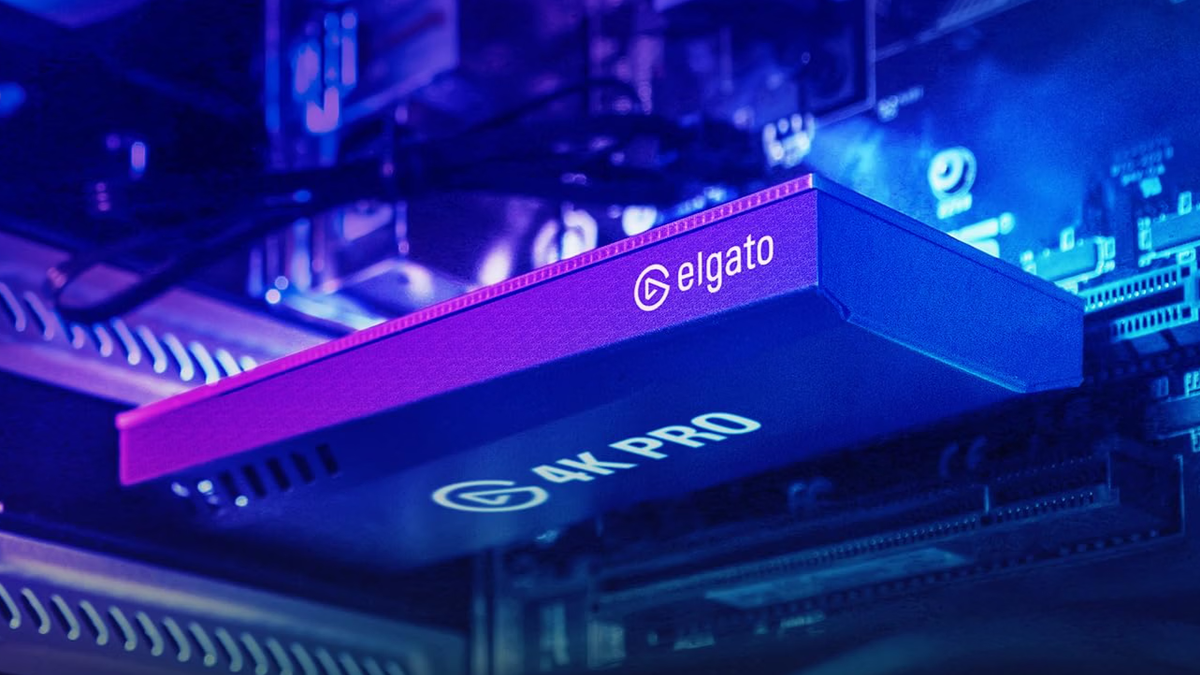
Credit: Elgato Published Nov 12, 2026, 2:27 PM EST Sign in to your XDA account If you're looking to stream games on sites like Twitch, you'll likely want to consider getting a capture card for your PC. Capture cards allow you to plug in one of your consoles and stream the video to your computer, making it much easier to broadcast it on Twitch or YouTube. But it's important to note that a capture card's passthrough specs matter as much as its recording ones. The Elgato Game Capture 4K Pro is an internal PCIe card that handles both with ease, with HDMI 2.1 passthrough and recording at up to 4K60 with HDR. Currently, you can grab this newest addition to your setup for 20% off. Elgato Game Capture 4K Pro Brand Elgato Max Passthrough Resolution Up to 8K60, 4K240 The Elgato 4K Pro is an internal PCIe capture card with HDMI 2.1 input and output. It passes through video at up to 8K60 and captures at up to 4K60 with HDR10. It also records 1080p at up to 240fps and supports VRR passthrough. Play, capture, record, and stream Lag-free passthrough and 4K60 HDR recording Elgato touts the Game Capture 4K Pro's passthrough as lag-free, supporting 8K displays at 60Hz. At lower resolutions, you can even get up to 240Hz, so there's a lot of leeway between the visuals and refresh rate. On the recording side, you can capture up to 4K at 60fps with HDR10 and 10-bit color. Lower resolutions offer higher frame rates, with 1080p capture at up to 240 fps and 1440p at up to 144 fps. The card also has on-device tone mapping that converts HDR to SDR, as well as an ultra-low-latency gameplay preview. You can even stream and record simultaneously in apps such as OBS, Zoom, and Elgato Studio, making it even easier to set everything up to go live. Just be sure to double-check your chosen streaming rig before picking this up. Because it's an internal capture card, you'll need a PCIe 2.0 x4, x8, or x16 slot in a desktop PC. It won't work in a laptop, and Elgato's support page says it can't pass through or capture Display Stream Compression (DSC). It's also Windows-only, so it won't suit anyone on another operating system. The Elgato Game Capture 4K Pro might seem a bit expensive at $239, but this is a top-tier capture card from a top-tier brand. If you're serious about recording and streaming your game footage, it's well worth the investment.
Save on Elgato's internal capture card and stream all of your games with ease
Full Article
Original Source
Read the full article at Xda-developers →KhanList aggregates and links to publicly available news content. We do not host full articles from third-party sources. Always verify important information with original sources.