
Published Nov 15, 2026, 5:00 PM EST I've been writing about Android since 2011, with a focus on device reviews, Samsung and Google Pixel hardware, and the latest happenings in the ecosystem. In my entire writing career, I've reviewed more than 75 Android phones. Carrying both a Samsung or Pixel flagship and an iPhone as a daily driver provides me with deep insight into how Android works and how it compares to iOS. I have been writing for Android Police since 2021, covering news, how-tos, and features. You can find my previous work on Neowin, AndroidBeat, Times of India, iPhoneHacks, MySmartPrice, and MakeUseOf. When not working, I tend to mindlessly scroll through X, play with new AI models, or go on long road trips. You can reach out to me on X or drop a mail at rajesh@androidpolice.com. There are many note-taking apps that are more powerful than Google Keep. Yet I keep coming back to it when I need to quickly take a note, save links, or capture ideas before they slip my mind. It has been perfect for these tasks because it works across all my devices and is simple and fast to use. But as I have started integrating more AI tools like ChatGPT and Claude into my daily workflow, Keep's biggest limitation has become impossible to ignore. It keeps my notes locked away from the other AI assistants I use every day, and that's pushing me to switch. Google Keep is great at capturing notes In an AI world, though, that alone is not enough The sole reason I have stuck with Google Keep for so long is its simplicity. I don't need a complicated note-taking system with nested folders or elaborate formatting options. While those features are nice to have, they aren't what I want when I need to jot something down quickly. That's where Keep excels, and that's why, despite its flaws and shortcomings, it has remained an integral part of my workflow. But most of the time, the information I capture ends up sitting in Keep until I remember to search for it. Sometimes I forget I saved something useful. Even when I remember, I need to manually find that note and copy its content into whichever app I am using. This workflow made sense until last year. However, the more I integrate Claude and ChatGPT into my workflow, the more I realize how big a bottleneck Keep is becoming. I use both ChatGPT and Claude to brainstorm ideas, research topics, organize information, and work through tasks. For that, these assistants need access to the relevant information I stored in Keep. But they can't see those notes, and that's a problem. Google Keep can't talk to other AI assistants And that's no longer acceptable in 2026 Until a few months ago, my biggest complaint with Google Keep was its limited formatting options and basic organization features. Now, it's the lack of an official Model Context Protocol (MCP) integration. MCP allows AI assistants to talk to external apps and services. Instead of making you copy information between apps and an AI assistant, it lets the assistant access that data and take relevant actions. It is an open standard, so nothing stops Google from bringing it to Google Keep. For example, if Google Keep supported MCP, I could ask Claude or ChatGPT to search my notes about useful Android apps I have come across this year, summarize the information, and turn it into something useful. Or I could ask ChatGPT to go through my saved ideas, tell me their pros and cons, and suggest how I could implement them. Since Keep doesn't integrate with ChatGPT or Claude through MCP, I have to do all this manually: search for the notes, copy their content, and paste it into the AI assistant I'm using. All of this slows down my workflow. The frustrating part is that Google has started embracing MCP across its Workspace products. It offers developer preview MCP integrations for Google Drive, Docs, Gmail, and Calendar. But for some reason, Keep is missing. And while there are some unofficial Google Keep MCP servers, I am not comfortable using them. There's also a Keep API; however, it's primarily meant for enterprise and security use cases. Keep only talks to Gemini, Google's own AI assistant. However, it's not my preferred assistant for several reasons. It's time to move to a note-taking app that can talk to my AI assistants But I am still searching for the perfect replacement Credit: Lucas Gouveia / Android Police I would love to end this article by saying that I have found a perfect Google Keep replacement with MCP integration. However, that's not the case. Many note-taking apps offer MCP integration, so finding one isn't difficult when you look outside Google's ecosystem. The problem is that they are not as simple or quick to use as Google Keep. Plus, some excellent note-taking apps are still only available on iPhones and Macs. For me, a replacement needs to get the basics right first. I should be able to quickly open the app and capture a thought in a few seconds. I don't want to select a folder, pick from a template, or deal with an overly complicated interface. Google Keep needs to keep up Google Keep gets a lot right, which makes moving away from it harder than expected. But my workflow has changed, and I need my note-taking app to change with it. Quickly capturing an idea or note is now only one part of the equation. I also want my AI agent to take action on it automatically, even when I am away from my PC. Until Google opens up Keep to those assistants, I'll have to look for an alternative that fits how I work.
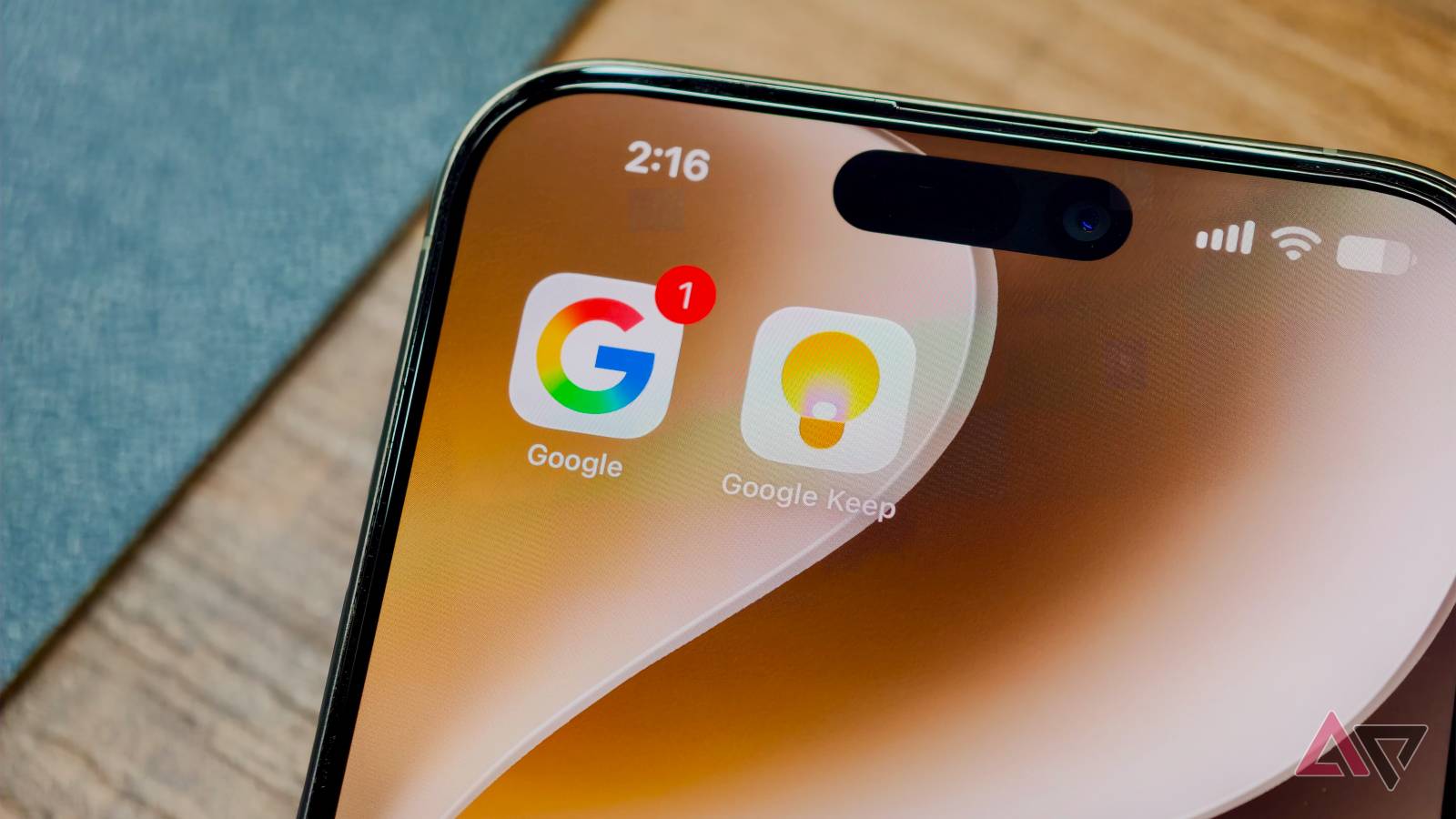
I'm ditching Google Keep for good; Claude and ChatGPT are why
Full Article
Original Source
Read the full article at Androidpolice →KhanList aggregates and links to publicly available news content. We do not host full articles from third-party sources. Always verify important information with original sources.