
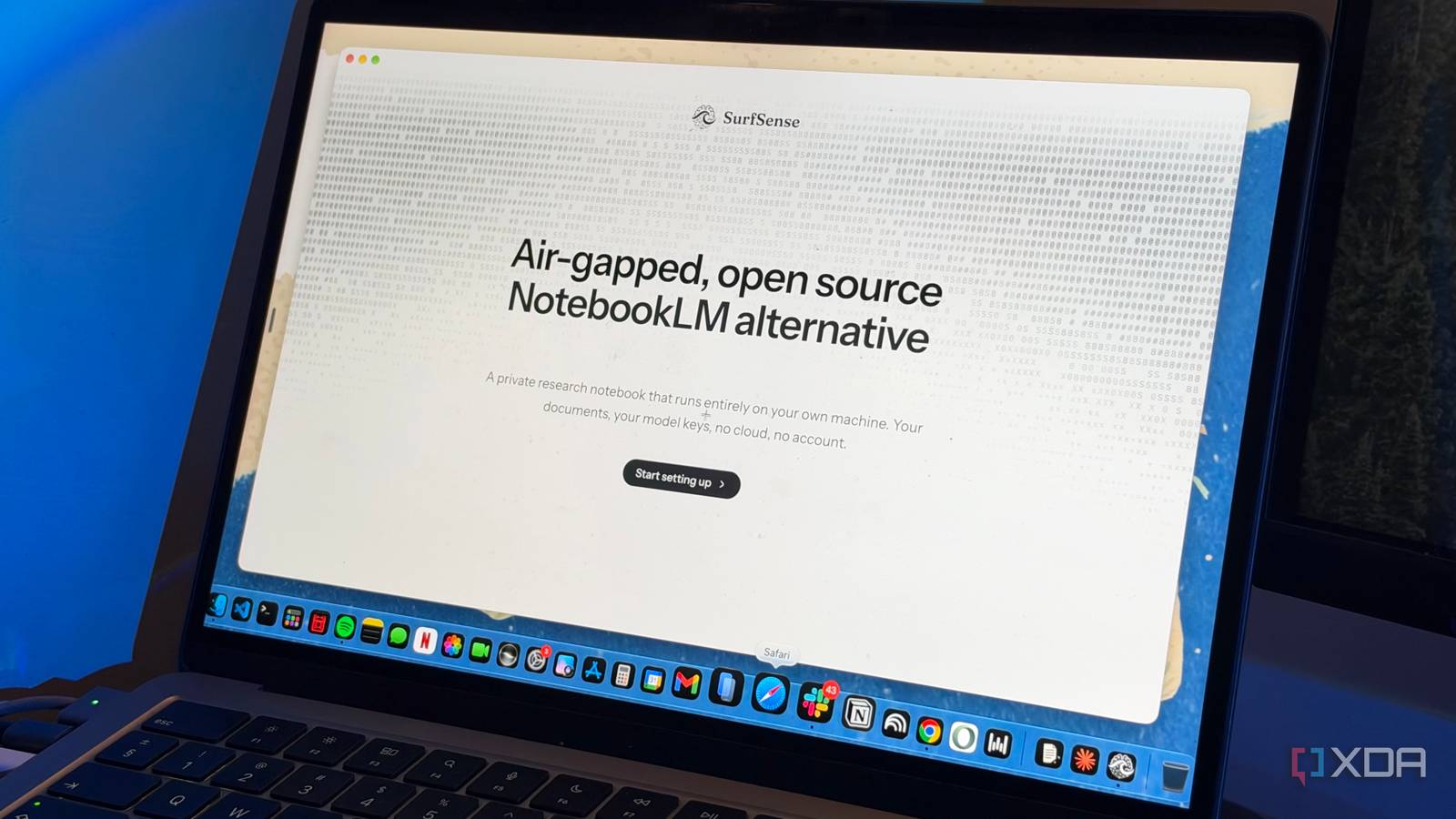
Published Nov 20, 2026, 12:30 PM EST Mahnoor Faisal is a tech journalist covering AI and productivity tools with bylines at XDA, SlashGear, MakeUseOf, Laptop Mag, and Android Police. She's been writing professionally since she was sixteen, and has since penned hundreds of articles. This includes in-depth coverage of AI tools like NotebookLM to breaking news across the AI space. Her passion for technology started when she received her first iPod Touch (4th generation) on her 8th birthday, and she's been deep in the tech world ever since. Currently pursuing a degree in computer science, Mahnoor brings both a journalist's eye and a technical foundation to her coverage of how AI is reshaping the way we work and learn. Sign in to your XDA account NotebookLM and Perplexity are two of my most-used tools in my entire productivity stack. They're both designed to solve very specific problems, consistently deliver great results, and have become such an integral part of my workflow that I can't imagine going without either of them. My fingers naturally end up typing NotebookLM into my address bar whenever I have a lengthy document or a pile of research I need to work through, and Perplexity is my go-to when I need to research something from scratch and get answers backed by sources from across the web. As much as I love both tools, though, I've always wished there was a way to bring their capabilities together instead of constantly switching between them. That's exactly what led me to SurfSense, a free, open-source research app that combines the best of both worlds. SurfSense starts off as a private, open-source NotebookLM alternative Who said NotebookLM needed Google's servers? If you go through SurfSense's GitHub repository or even through the tool's setup once you install its Windows, macOS, or Linux app, you'll find that SurfSense describes itself as an "air-gapped, open-source NotebookLM alternative." That's a pretty accurate description of what you're getting right out of the box. Much like NotebookLM, SurfSense lets you upload your own documents, ask questions about them, and get answers grounded in the uploaded sources with citations. Once you've installed the app, you'll actually be greeted with an interface fairly similar to NotebookLM. For instance, you'll find a Sources section, a chat panel, and a full-fledged Studio panel with the following twelve options: Markdown, Word, Slides, Spreadsheet, Web page, PDF, Mind map, Flashcards, Quiz, Podcast, Image, and Infographic. A lot of the options here, like Mind Map, Flashcards, Quiz, Podcast, and Infographic, overlap with what you'd find in NotebookLM's own Studio panel, so the similarities are pretty hard to miss. So, how is it any different from NotebookLM? For starters, SurfSense is open-source, with its source code publicly available on GitHub under the Apache 2.0 license. This means you can inspect the code, modify it to suit your needs, and even contribute to its development. More importantly, though, SurfSense is designed with privacy in mind. Unlike NotebookLM, which relies on Google's servers, SurfSense can run entirely on your own machine, without requiring you to create an account or upload your documents to the cloud. Your files and their search index stay on your device, and you even choose which AI model powers the app. So, if you opt for a fully local setup, you can basically use SurfSense without your research ever leaving your computer! SurfSense lets you pick the AI model for practically everything Why settle for one AI model when you can have them all? When it comes to models, you'll be spoiled for choice. During the initial setup, SurfSense walks you through choosing the AI models you want to use for different tasks. You can either download and run models locally on your computer or connect to cloud-based models. First up is the text generation model, which powers SurfSense's chat and answers to your questions. You can choose from local models like Qwen3 and Gemma 3, search Hugging Face for other options, or connect to a cloud-based model. SurfSense also lets you connect your existing ChatGPT Plus or Pro subscription directly without needing a separate API key. There's a similar option for Claude Pro, Max, and Team subscribers through Claude Code. Beyond text generation, you can also choose separate models for image generation, image editing, audio generation (for podcasts), and even video generation. Finally, there's an embedding model, which helps SurfSense find relevant information within your uploaded documents. If you don't have the hardware or just don't want to install separate models for all of the above, you'll be glad to know that the image, audio, and video models are optional, so you can skip them during setup. You can also mix and match local and cloud-based models depending on your hardware, existing subscriptions, and preferences. Do keep in mind that you'll only really get the full "privacy-focused" experience if you stick to local models for all of these tasks. If you choose to use cloud-based models instead, your prompts and relevant excerpts from your uploaded documents will be sent to the model provider's servers for processing. SurfSense does a pretty good job of being NotebookLM It's not perfect though I've been using SurfSense for the last few days, and I've largely been impressed with the results I'm getting out of it. Since I wanted to replicate my NotebookLM workflow, I stuck to SurfSense's Basic Q&A mode instead of its Agentic mode. To begin with, the grounding is impressive, but it's not perfect. Before uploading a single source, I asked SurfSense, using GPT-5.6 Luna, "What is XDA?" Interestingly, while it acknowledged that its knowledge base didn't contain information about XDA, it still went ahead and gave me a generic answer. I then uploaded a document and askedSurfSense to summarize it, which it handled really well. The response was surprisingly fast compared to other open-source NotebookLM replacements I've tried, neatly formatted into bullet points, and included citations. Clicking a citation opened the source in the Studio panel and highlighted the relevant passage. However, when I asked an entirely unrelated question about Miami's typical weather, SurfSense once again gave me an answer based on the model's general knowledge, only acknowledging at the end that my uploaded document contained no information about Miami's weather. That's not exactly what I'd want from a NotebookLM alternative that's supposed to ground its answers in my sources. As for the Studio outputs, I was pretty impressed with what worked. Similar to NotebookLM, you can select which sources to use and customize the output through prompts. The mind map was good enough, and I particularly liked the web page it generated from my document. Slides worked really well, too! Unfortunately, flashcards, quizzes, and podcasts repeatedly failed to generate. Plugins turn SurfSense into a Perplexity alternative Why stop at researching your own documents? Now, I've spent a lot of time talking about how SurfSense is a great NotebookLM alternative, as it advertises, but how can I claim it can replace Perplexity, too? Well, that's where plugins come in. SurfSense actually has a fairly decent collection of plugins. There are ten official ones, including Google Search, Web Crawl, Reddit, YouTube, Instagram, TikTok, Google Maps, Amazon, Walmart, and Indeed. You'll also find third-party plugins like DeepWiki and Notion, along with the option to connect your own MCP servers. With plugins enabled, SurfSense can double as a Perplexity alternative. You can search the web, pull information from multiple sources, and combine that research with the documents you've already uploaded. I've previously written about how I pair NotebookLM with Perplexity for research, and SurfSense lets me do something similar without constantly switching between two tools. To test this out, I switched to SurfSense's Agentic mode and asked it to research an event I recently attended. It ran eight Google searches in parallel, mentioned that it was prioritizing official sources, and returned a fairly detailed breakdown of five major announcements, their availability, and how the creative community reacted to them. I was pretty impressed with the results! The response was well-structured, covered most of the major announcements, and even distinguished between features that were already available and those still in beta. Since I'd attended the event myself, I had a pretty good idea of what to expect, and SurfSense did a decent job. Unfortunately, there's a catch. While SurfSense itself is free, its official plugins only come with a 14-day free trial. After that, you'll need to pay $60 for the first year, with subsequent years costing $120. That's a pretty significant amount, especially when the app itself is free. I didn't expect SurfSense to impress me this much One thing I particularly appreciate about SurfSense is just how easy it is to set up. I've tried other open-source NotebookLM alternatives, like Open Notebook, which took me hours just to get running, whereas SurfSense is practically as easy to get started with as NotebookLM itself. All you need to do is download the app, configure your models, and you're good to go! The usage limits are also a lot more generous. If you're running local models, you're primarily limited by your hardware rather than a fixed usage cap. And if you're connecting an existing AI subscription, the limits depend on your plan. I've been using my $200 ChatGPT subscription with SurfSense and haven't hit a limit once!
I tried replacing NotebookLM and Perplexity with one open-source research app, and it does more than just answer questions
Full Article
Original Source
Read the full article at Xda-developers →KhanList aggregates and links to publicly available news content. We do not host full articles from third-party sources. Always verify important information with original sources.