
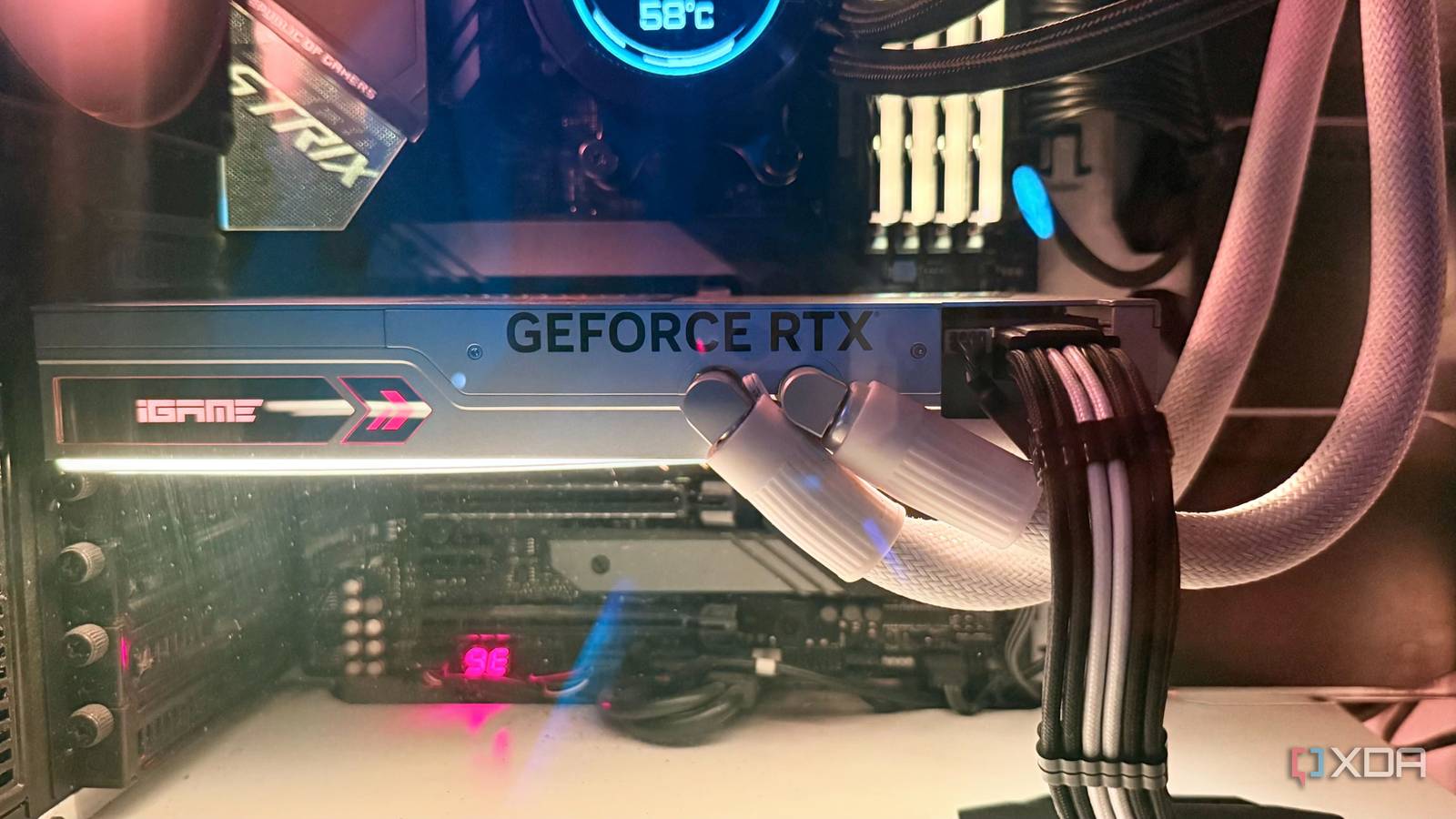
Published Nov 28, 2026, 5:00 PM EST Hamlin has been in the tech field for over nine years. Since 2017, his work has appeared on MakeUseOf, Android Police, OSXDaily, Beebom, and more. He served as the Senior Editor at Valnet's MakeUseOf for over two years before joining XDA. He uses a high-end gaming rig for desktop use and a MacBook for traveling, but dislikes some of the quirks of macOS. You're more likely to catch him at the gym or on a flight than anywhere else. When I bought my RTX 4090 four years ago, I didn't care that it was a 450W GPU beyond making sure I got at least a 1000W PSU to handle it. If anything, I was curious to see how much more performance I could squeeze out of my liquid-cooled variant, which could pull up to 630W if I wanted it to. Fast forward to 2026, and my GPU runs hot, even at stock settings. It's not unusual to see temps hovering around 85C while playing AAA titles. I tried undervolting to bring my temperatures down, but I got tired of dealing with crashes and going back and forth with the voltage/frequency curve in MSI Afterburner. So, I figured I'd be better off using the power slider, even if it meant sacrificing more performance. What I wanted to find out, though, was how many frames I'd be leaving on the table. And after power-limiting my 4090 to 80% and 60% and comparing its performance to stock, I don't think I'll undervolt again. 80% power limit doesn't mean 80% performance I still get roughly 95% of the performance I knew that lowering my GPU's power limit by 20% wouldn't necessarily result in a 20% FPS hit, but I was fully prepared to lose at least 10% of the performance in AAA titles that push my GPU to draw over 400W. That's why I chose games like 007 First Light, Battlefield 6, and Cyberpunk 2077 for this experiment. I maxed out all the graphics settings with a couple of adjustments. For Battlefield 6, I set the resolution scale to 120% to stay GPU-bound at 1440p. I turned off path tracing for 007 First Light, but enabled it in Cyberpunk 2077. Let's start with 007 First Light, where I was getting 115FPS at stock settings. Moving the slider to 80% only dropped my frame rate by about 5% to 109FPS. Of course, the numbers fluctuated depending on what was happening on screen. In Battlefield 6, I went from 106FPS to 100FPS, which is roughly a 6% hit. Cyberpunk 2077 is where I noticed the least difference, dropping from 56FPS to 54FPS. That's not even a 4% hit, but the rain during my run at stock settings could partly explain the smaller difference. At 60%, the FPS hit is actually noticeable But that's what happens when you limit a 450W GPU to 270W Lowering the power limit to 60% is a step too far, if you ask me. Given how well my RTX 4090 held up at 80%, I was expecting another 5% FPS hit with the next step down. But that's not how it panned out. The performance didn't scale nearly as favorably when I took away another 90W from its power budget. In Battlefield 6, my frame rate dropped to 82FPS, which is nearly a 20% hit compared to what I was getting at an 80% power limit. Things looked better in 007 First Light, though. I was still hitting 100FPS at a 60% power limit, which is only an 8% drop compared to what I was getting at 80%. I'm not sure why the drop wasn't as substantial here, but in Cyberpunk 2077, it was almost identical to what I experienced in Battlefield 6, dropping from 54 to 44FPS. Anything more than a 10% FPS hit is pretty noticeable to me unless the game is running at over 100FPS, so it just doesn't make sense to lose roughly 20% of the performance for the sake of efficiency and thermals. 60% is all about efficiency But 80% is the sweet spot for performance and thermals To be fair, I'm not saying setting the power limit to 60% is pointless because you're still getting roughly 80% of your GPU's performance on 60% of its rated power. In fact, getting 100FPS in a game like 007 First Light while pulling 270W goes to show just how efficient the RTX 4090 can be. So if you care about how much performance you're getting per watt, or you just want to keep temperatures as low as possible, I get the appeal. But as someone who used to undervolt his GPU to maximize efficiency, I'd say an 80% power limit delivers performance close to what I was getting with an undervolt. A roughly 5% performance hit for a GPU that draws up to 90W less and runs cooler and quieter is a win in my books. Sure, the temperature drop isn't as substantial as what I saw at 60%, but getting my GPU to run another 2-3C cooler isn't worth the additional 15-20% FPS hit in some AAA games. 80% strikes the right balance, so that's where I'll leave the slider. For something that takes no effort, it's a no-brainer My favorite thing about power limiting is that I don't have to spend an entire night, if not multiple days, figuring out what voltage my GPU is stable at, like I used to with undervolting. All I have to do is move a slider and apply the setting. The last time I messed with the power slider, it was to actually increase my GPU's power limit and squeeze 3-5% more performance. If you still have that habit, I highly recommend moving the slider in the opposite direction for once. You might be surprised by how little you're getting in return for all that extra power.
I tested my GPU at 60%, 80%, and 100% power, and the results surprised me
Full Article
Original Source
Read the full article at Xda-developers →KhanList aggregates and links to publicly available news content. We do not host full articles from third-party sources. Always verify important information with original sources.