
Published Nov 28, 2026, 5:00 PM EST Nimrah has spent the last five-plus years writing about technology, with Linux being one of her favorite subjects to explore. Her work covers everything from Linux and open-source software to databases, cybersecurity, and everyday software. She has contributed to Baeldung, Make Tech Easier, and LinuxHint. She particularly enjoys turning a concept that initially seems complicated into something anyone can understand. Away from tech, she loves to read, cook new recipes, and try new restaurants and cuisines. Google Keep makes taking notes almost effortless. You can open it, jot down a thought, create a checklist, or set a reminder without navigating a maze of menus. Its colorful cards and integration with your Google account make it a convenient place to dump information before you forget it. But there's a difference between capturing information and actually managing it. Keep's organizational options are fairly basic, its formatting tools are limited, and it doesn't offer features such as hierarchical notebooks or linked notes. If you regularly save research, manage projects, or build a collection of reference material, you might find yourself wishing it could do more. Fortunately, you don't have to settle for sticky notes dressed up as a productivity app. These three alternatives give you more room to organize your thoughts and make better use of the information you save. Microsoft OneNote is better for organizing detailed notes Turn your notes into organized digital notebooks If your notes are starting to look like a digital junk drawer, Microsoft OneNote offers a much better way to organize them. Google Keep relies on individual cards, labels, and colors, which work well until you have dozens of notes competing for your attention. OneNote takes a notebook-based approach. You can create separate notebooks for work, personal projects, studies, and research, then divide each into sections and pages. For instance, you could create a notebook for work, divide it into sections for individual projects, and give each project its own pages for meeting notes, research, and important links. I used to take a lot of notes during my degree, and having everything organized by subject would have made revisiting older material considerably easier. Sharing those notes with my juniors or classmates would have been just as simple. You can organize your content into notebooks, sections, and pages, making it easier to find specific material without scrolling through an endless collection of notes. OneNote isn't limited to plain text, either. You can drop images between paragraphs, add tables, attach documents, draw diagrams, and even write by hand with a stylus. Its free-form canvas is particularly handy when you don't want your notes confined to a rigid document layout. You can arrange information wherever it makes sense. It also has a search function that helps you find information across your notebooks. You can keep years of notes without having to remember exactly where you saved every little detail. The downside? OneNote can feel a little overwhelming if all you want is a quick place to jot down a phone number. Its interface is considerably busier than Keep's, and its notebook structure takes some getting used to. But for detailed study material, meeting notes, and long-running projects, that extra organization makes a difference. Obsidian is better for connecting ideas Build a personal knowledge base with linked notes Imagine researching a topic and discovering that something you read six months ago is relevant to your current project. You vaguely remember saving it, but where? Google Keep might help you search for a keyword, but it doesn't do much to show how that information relates to your other notes. Obsidian takes a different approach. Rather than treating every note as an isolated piece of information, it lets you connect related notes using internal links. You can create a note about Linux desktop environments, link it to separate notes about GNOME and KDE Plasma, and then connect both to another note about Wayland. Over time, you build a web of information that you can navigate instead of repeatedly searching for individual entries. Backlinks make those connections even more useful. They show you which other notes reference the one you're reading, so you can discover related information you might otherwise overlook. There's also a graph view that turns your collection into a visual map of connected notes. It can look like a detective's conspiracy board, but it's a neat way to explore a growing knowledge base. Obsidian also keeps things relatively flexible. Your notes are stored as local Markdown files, meaning you're not locked into a proprietary database. You can access them outside Obsidian, and its community plugins let you add features such as task management, calendars, and custom templates. However, don't mistake flexibility for simplicity. Obsidian has a learning curve, and its enormous customization ecosystem can become a distraction. You might spend an afternoon perfecting your theme instead of writing anything useful. Its official synchronization service also requires a separate subscription, although alternative sync methods are available. If you collect research, develop ideas, or regularly revisit information from older projects, Obsidian can turn your notes into something much more useful than a digital filing cabinet. Joplin is better for privacy and control Keep your notes under your control Not everyone wants their entire note-taking setup tied to a Google account. Keep is convenient, but that convenience comes with a fairly straightforward arrangement. Your notes live within Google's ecosystem, and Google handles the synchronization. If you'd rather have more say in where your information is stored, Joplin gives you that flexibility. Joplin is a free, open-source note-taking application with local storage, notebooks, tags, and Markdown support. You can create and edit notes without an internet connection, organize them into notebooks, and attach files. It's also possible to export your information, so you're not stuck wondering how to retrieve everything if you decide to move elsewhere. Privacy-conscious users will also appreciate its end-to-end encryption. Once enabled and configured across your devices, it encrypts synchronized notes and attachments before they reach the synchronization destination. That's a useful extra layer of protection for personal information and sensitive research. Of course, more control means more responsibility. You'll need to configure synchronization, and encryption requires some attention when setting up additional devices. Joplin's interface also isn't quite as polished or effortless as Keep's. Still, if you value open-source software and want greater control over your notes, Joplin offers a practical alternative without forcing you into an elaborate knowledge-management workflow. Obviously, Google Keep still has its place Google Keep hasn't suddenly become useless. It's still great for grocery lists, quick reminders, and random thoughts you need to jot down before you forget them. But not every kind of note needs to live in the same place. OneNote gives you a more structured digital notebook, Obsidian helps you connect ideas, and Joplin offers greater control over where your notes are stored. You can also keep Google Keep for quick reminders and move your longer notes to another app. Rather than searching for one tool that does everything, it's often better to use the right app for each task.
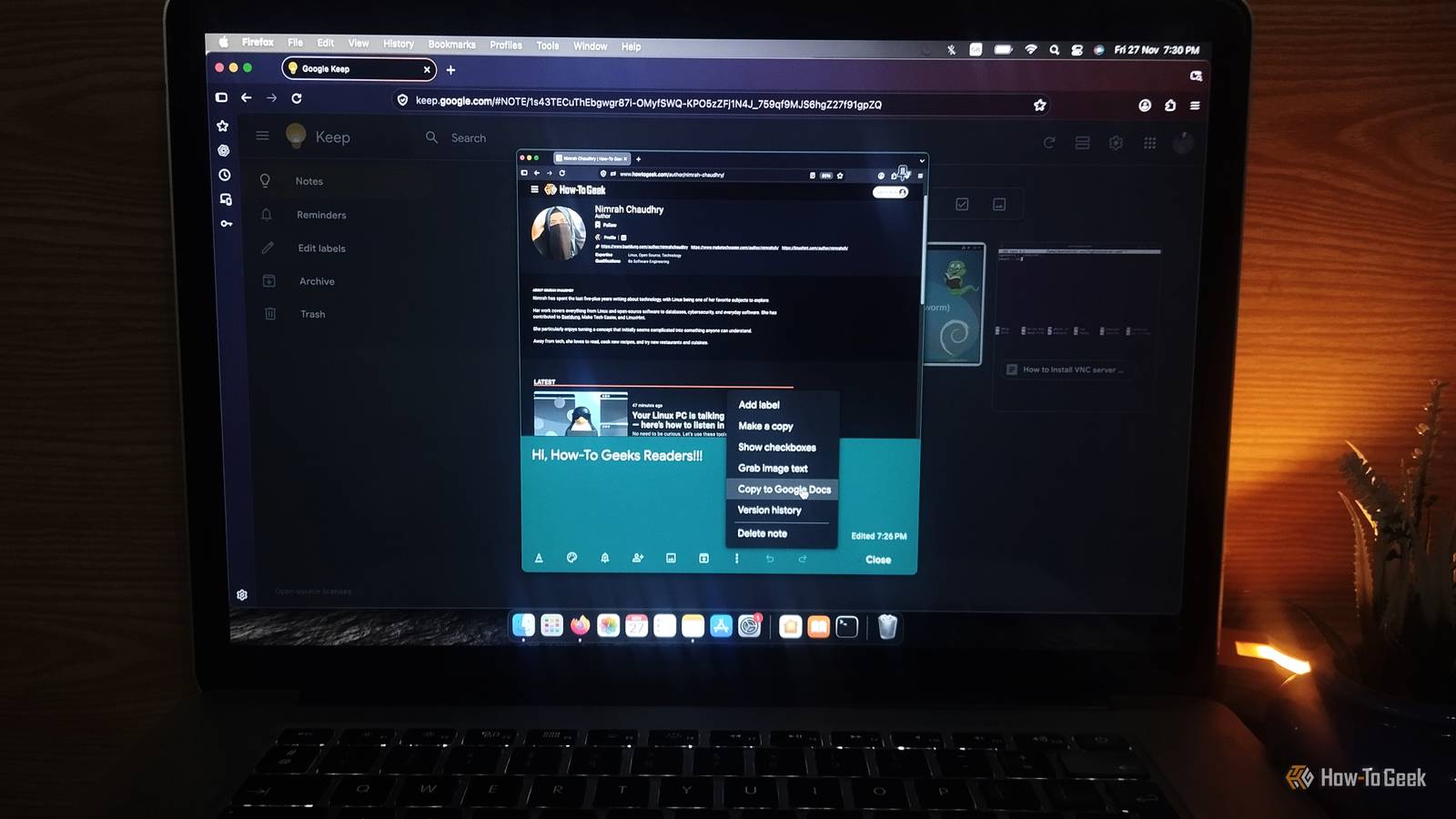
Google Keep isn't the best note-taking app
Full Article
Original Source
Read the full article at Howtogeek →KhanList aggregates and links to publicly available news content. We do not host full articles from third-party sources. Always verify important information with original sources.