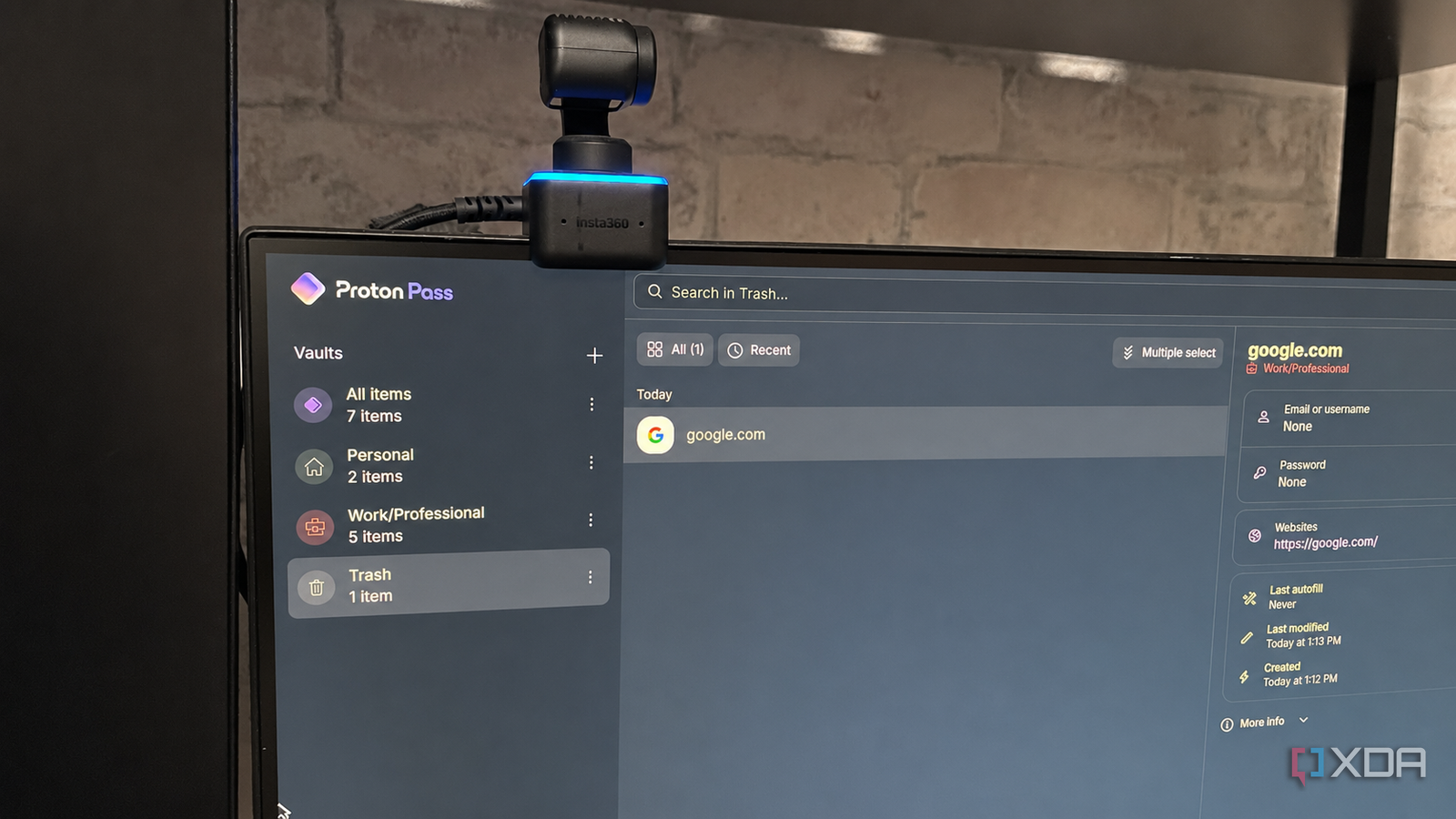
Published Aug 2, 2026, 5:00 PM EDT Patrick is a seasoned writer with more than a decade of experience, specializing in any and all things tech. His work has been featured on platforms like CNET, Yahoo, Xfinity, and many other outlets. When not typing away, he can be found with his nose in a book. I've used a lot of password managers over the years, but none come anywhere near the functionality and ease of use of Proton Pass. Outside of Proton Pass, Google Password Manager (Chrome's built-in option) is probably my most-used alternative, but that's just because Chrome is my primary browser. It suffers from a few drawbacks that Proton Pass doesn't. And while Proton Pass is more intuitive and has a nicer interface than most other managers, it has another major draw: it does more than just store passwords. Proton Pass allows users to create aliases for their email, and all emails from that alias are forwarded to their primary inbox. If you tend to get more spam than legitimate emails, chances are high that something you signed up for—an app, an online service, some random forum — sold your email to a third party, or it was leaked in one of the seemingly endless data breaches that happen these days. Aliases are just the start, too. Proton Pass offers easy management, surprisingly robust features even on a free plan, and affordable upgrade options if you want expanded functionality. Email aliases help track the source of all those spam emails And put a stop to them, too Most of us use a single email account to sign up for nearly everything. Is it the best security practice? Absolutely not—but it is easier, and at the end of the day, most people pick easy over security-conscious. With Proton Pass, you can use an email alias to sign up for an account. Any emails sent to that fake address will come to your main inbox, but if you start to receive an overwhelming amount of spam to a given address, you can remove it, and those emails will no longer appear in your inbox. For example, if you sign up for a Reddit account with one of these aliases, and suddenly you're receiving a slew of spam messages, you'll know that your email was compromised somehow. Proton Pass lets you pause all emails from that alias until you figure out a solution, or you can simply remove it completely. It's a useful tool for putting a stop to unwanted emails and for placing one more step between your real email and the internet. A free-tier user can have up to 10 aliases pointing to a single email address, but paid users get an unlimited number of aliases and custom domains, too. The backend interface is sleeker and easier to manage than most It's faster and more responsive Proton Pass is cross-platform. You can access it through its web interface, via a mobile app, or through a browser extension. I use all three. The mobile app gives me easy access to all of my accounts from my phone, while the web interface makes it easy to see my different accounts at a glance. I can split saved credentials into different categories called "vaults" depending on what they're for. In my case, I'm using one for my personal logins and another for my work/professional logins. Free users are limited to two vaults, but paid users can have up to 50. Dividing accounts by vaults is just a way to keep things organized; it doesn't have an impact on actual functionality. I can also use the web interface to import all my saved passwords from other managers as a .CSV file. Like I said before, I primarily use Google Password Manager, and it's easy enough to download my saved credentials and re-upload them. The only reason I haven't done so yet is that there are a lot of dead accounts saved in that list, and I need to do some pruning before I upload it to Proton. Even the more advanced premium subscriptions are affordable It's a reasonable cost for a surprising number of benefits One of the main downsides to software as a service is the recurring monthly cost. Almost everything starts at $9.99 a month, if not more. Proton Pass takes the opposite approach. It provides a wide range of benefits even for free users, and the first paid tier is just $2.99 per month (if paid yearly; it jumps to $4.99 if you want to go month-to-month). The next-highest tier is the Proton Pass Family plan, for just $4.99/month/year. Here's the thing: even the cheap subscriptions unlock nearly full functionality across the board. The best bang for your buck, though, is Proton Unlimited, the highest-tier plan at $9.99 per month. It doesn't just unlock full functionality for Proton Pass, but for almost all other Proton services, too. The ecosystem is impressive, especially for users focused on privacy. Between Proton Mail, Proton Calendar, Proton Pass, and the other tools at your fingertips, you get a lot of value for $10 per month. Considering what I've paid for services in the past, it feels almost too good to be true. Proton Pass has quickly become my go-to password manager, and I don't see that changing There are a lot of different password managers on the market, and they all have their strengths. I've used (or at least looked into) the majority of them, and I've found Proton Pass to be in a league of its own. I don't see myself dropping it anytime soon, especially when I consider how integrated it is with the rest of the Proton ecosystem. Proton Pass Individual pricing $4.99/month Key highlights hide-my-email aliases, open-source Proton is a password manager from the highly popular Proton Team, who else develops Proton Mail and Proton VPN.
I switched to Proton Pass and realized password managers were doing it wrong the whole time
Full Article
Original Source
Read the full article at Xda-developers →KhanList aggregates and links to publicly available news content. We do not host full articles from third-party sources. Always verify important information with original sources.