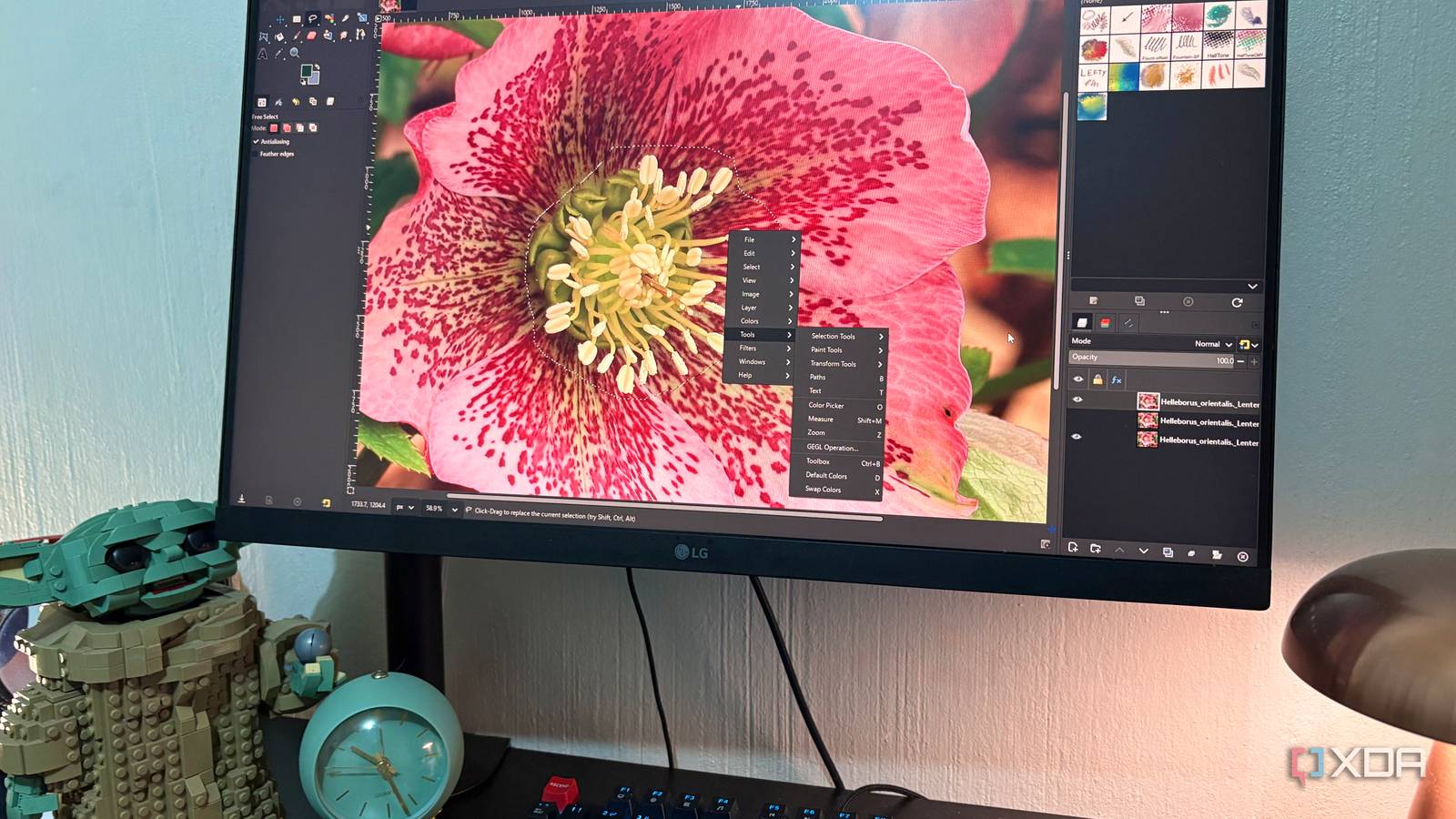
Published Jul 27, 2026, 8:30 AM EDT Nolen began their writing career in 2019, with three years dedicated to editing the Creative section at MakeUseOf. Their expertise lies at the crossroads of technology and creativity, covering areas like photography, video editing, and graphic design. Outside of work, you'll often find Nolen diving into a good book, writing their own stories, or playing video games. GIMP 3.2 dropped several months ago, and it was probably the biggest GIMP update I've personally seen since using the app. It almost felt a bit like a different tool, with loads of genuinely interesting and quality-of-life features such as link layers, real vector layers, and the draggable text toolbar. Shortly after, 3.2.2 dropped with some bug fixes, and a couple of months ago, we got 3.2.4 with more fixes and a couple of extras. None of this seemed headline-worthy at first, but then I started digging into it and there are some real gems to unpack… The features that made 3.2 interesting are still doing the heavy lifting A big update needs time to settle GIMP 3.2 dropped in March, and it's what made me actually reopen the app after a rocky on-and-off user journey. We finally got true non-destructive workflows, which was probably the biggest roadmap item users have been asking for for years. Link layers let you drop an external image in as a live pointer to the source file, so if you edit it in another app, GIMP picks up the change, which I think is just a really cool feature. We also got vector layers, which only took about twenty years, with proper editable shapes with fill, stroke, and anchor points that survive closing and reopening the file. The text editor also got a draggable on-canvas toolbar, which sounds small but genuinely made text work less annoying. Then 3.2.2 came a couple of weeks later, which was very much a "first batch of fixes" release, including the usual stuff that gets flagged when a much bigger audience starts using the new features. And then 3.2.4 landed in April, closing 45 more bug reports and merging 21 patches on top of that. So this isn't really about GIMP adding a bunch of new stuff, but more about GIMP making 3.2 even smoother. The non-destructive layers are actually staying non-destructive now Rasterization protection improved One of the bigger things in 3.2.4 is a category of fixes I wouldn't have thought to ask for, but genuinely appreciate now that they're here. The team apparently caught more cases where regular tools would accidentally rasterize link, text, and vector layers - basically flatten them into pixels and cut the non-destructive connection you'd set up. The Crop tool was one of the culprits, and it's been updated to not try and resize vector layers anymore. "Edit > Fill with" was another, and it now behaves properly on non-raster layers instead of just flattening them. The "Layers to Image Size" and "Resize Layer to Selection" actions are now raster-only too, which honestly should have been the default from day one. There's also a text layer regression that got fixed - a bug introduced in 3.2.2 was making text layers uneditable after reloading them from an XCF file. I hadn't personally run into it, but I've had my fair share of little annoyances like this that would ruin an afternoon of an editing workflow. Jehan (the project lead) fixed it so that it works on both old and new files, so nothing has to be redone. The behind-the-scenes work is where a lot of the actual improvements went A pile of small performance fixes that add up The first is the marching ants function, which is the animated dotted outline that shows the edge of a selection when you have one active. In 3.2.4, when you're moving a floating layer or selection, the marching ants get temporarily hidden - sounds like nothing, but the constant animation can actually cause lag on larger images, so killing it during moves gives you a noticeable performance boost. Selection performance also got improved in Intersection Mode. Before, when you had a selection active and were trying to intersect a new one with it, GIMP was calculating across the entire image every time. Now it only considers pixels inside the existing selection, which the release notes describe as a "significant speed-up" on large canvases. Makes sense, less math to do. The UI image size cap also got raised to 8192 pixels, which mostly matters if you're on a big display and want docks like the Gradient Editor to actually stretch out properly. And there's a small housekeeping fix I'd almost missed: the Welcome Dialog now shortens long file names on the Create page so it stops stretching the window off-screen, with hover-to-see-the-full-name behavior restored. None of these were features I'd have thought to ask for, but this is exactly how you level up the user experience. The 26-year-old bug There was a fix from the dial-up era Jehan fixed a bug in GIMP's native XCF file format code that has literally been there since 1999. The release notes flag it as "one for the record books," and Phoronix specifically pointed out it's been lurking since the dial-up era. They also added code to correctly load XCF files made both with and without the bug, so 27 years of GIMP project files should still open fine. This is probably one of the funniest bug fixes I've come across if I'm being honest. Windows scanner support is also back. When GIMP dropped 32-bit Windows builds in 3.2.2, the old TWAIN-based scanner plugin died with it, since it needed 32-bit TWAIN drivers. 3.2.4 introduces a new WIA (Windows Image Acquisition) plugin in the same place; the UI will look different since it's a new Windows API, and you might need updated WIA-compatible drivers for your scanner. GIMP's latest update won't win any headlines, but it's the reason 3.2 finally feels finished Maintenance updates are usually easy to skip past, but I feel like the rasterization fixes alone make the non-destructive layers easier to manage, which was probably the biggest weak spot of 3.2 as a first release. Add the performance work (and also can't forget about the ancient XCF bug), and there's more in this changelog than the coverage out there gives it credit for. GNU Image Manipulation Program (GIMP)
I stopped worrying about GIMP ruining my layers after this one update fixed everything
Full Article
Original Source
Read the full article at Xda-developers →KhanList aggregates and links to publicly available news content. We do not host full articles from third-party sources. Always verify important information with original sources.