
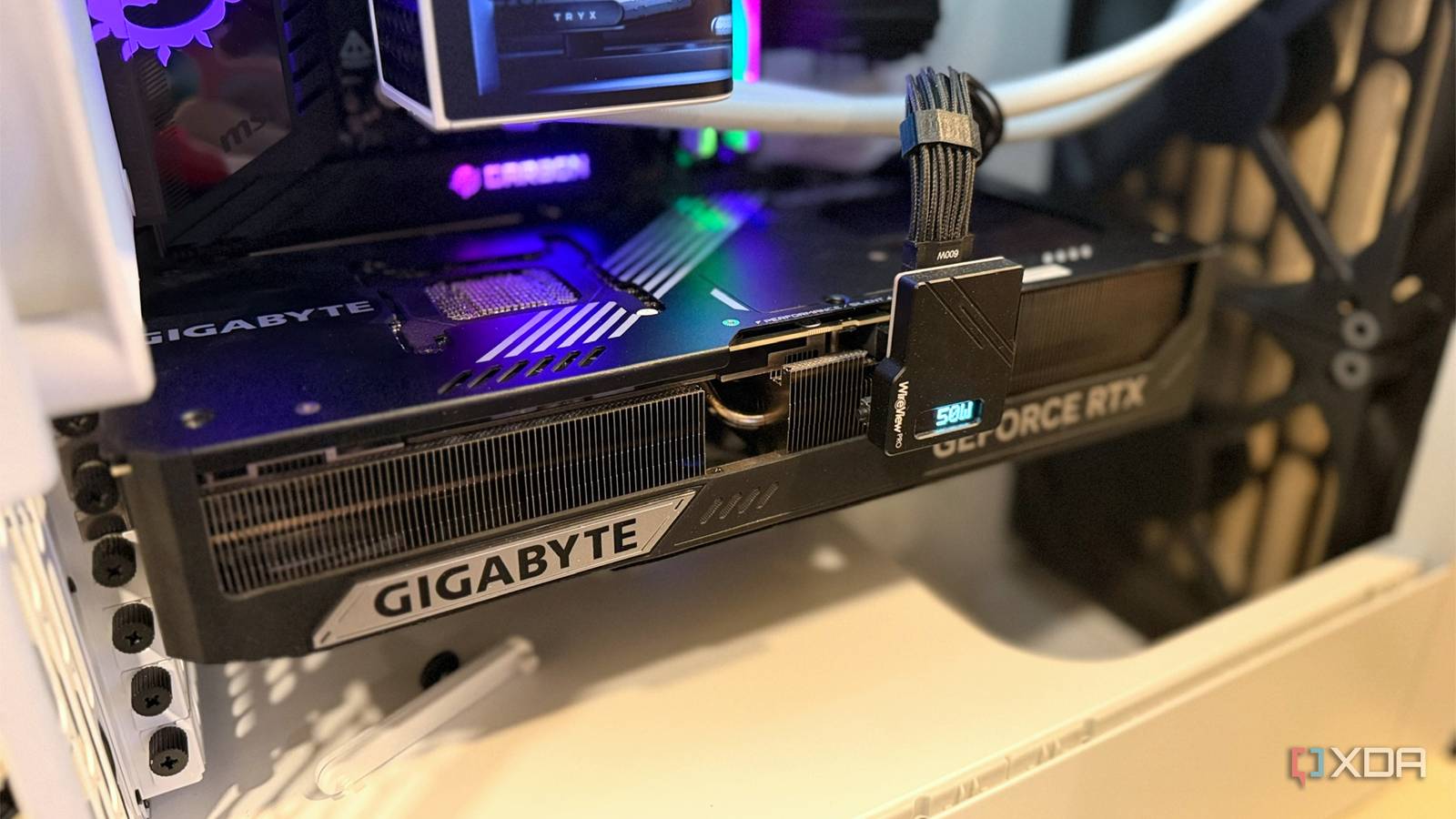
Published Nov 23, 2026, 4:30 PM EST Hamlin has been in the tech field for over nine years. Since 2017, his work has appeared on MakeUseOf, Android Police, OSXDaily, Beebom, and more. He served as the Senior Editor at Valnet's MakeUseOf for over two years before joining XDA. He uses a high-end gaming rig for desktop use and a MacBook for traveling, but dislikes some of the quirks of macOS. You're more likely to catch him at the gym or on a flight than anywhere else. The last thing you'd expect to hear from someone with an RTX 4090 is that they're deliberately limiting its performance. But seeing my liquid-cooled GPU's temperatures creep up over the last four years was enough to convince me to do just that. In fact, I even undervolted my GPU for a while when playing demanding AAA titles, just for my own peace of mind. After all, when you have a GPU that draws 450W, you start wondering how much of that power is actually necessary. As much as undervolting my GPU improved its efficiency and helped it run cooler while barely sacrificing performance, finding a stable undervolt wasn't exactly straightforward. You'd think you had everything dialed in for stability, but then weeks later, a completely different game would crash, and you'd be back at square one. I was getting tired of going back and forth with the voltage/frequency curve in MSI Afterburner, so I decided to mess with the power target instead. A 20% lower power limit doesn't mean 20% less FPS I wouldn't be able to tell the difference without MSI Afterburner running I deliberately chose 007 First Light for this experiment because I wanted to push my RTX 4090 as hard as possible. With path tracing now available in this game, I thought it would be my best bet. I set path tracing to High and used DLAA instead of DLSS because I was gaming on my 1440p monitor. I maxed out every other setting, and I left frame generation disabled. My RTX 4090 was easily pulling over 400W, and I was averaging about 35FPS in the nightclub mission. Then, I set the power limit to 80% in MSI Afterburner, fully expecting my FPS to drop by at least 10–15%, but that's not what happened. In most of the scenes I tested, the difference was only around 3–4%, although the worst-case scenario was closer to 10%. I had to check if my GPU was actually pinned at 360W, and sure enough, it was. If we compare that number to the 420W my card was pulling at stock, that's a ~15% reduction in power consumption for a 3–4% FPS hit that I wouldn't have noticed without monitoring my frame rates. My GPU also ran a couple of degrees cooler I expected this, but not without a noticeable performance hit Reducing the power draw should naturally translate into lower temperatures, and that's actually the main reason why I did it in the first place. With the power limit set to 80%, I noticed my RTX 4090 running around 2–3C cooler in the same scenes I tested at stock. I'll admit that's far from impressive for a liquid-cooled RTX 4090, but I'm pretty sure its thermal paste has degraded after four years, considering it now runs around 20C hotter than it used to. And I'm scared to take it apart for a repaste. This temperature drop would've meant nothing if I lost 10–15% of my frame rate, but the fact that I barely sacrificed any performance is what makes it noteworthy. Let's not forget that all I had to do was drag a slider, which even a complete newbie could do without worrying about messing anything up. Considering how much time I've spent tweaking the voltage/frequency curve to find a stable undervolt, I wish I'd tried this sooner instead of assuming that performance would drop linearly. Undervolting still gives me better results I don't want to give you the impression that lowering the power limit is somehow better than undervolting. In fact, I undervolted again using my saved custom profile for this test, and my GPU ran 7–8C cooler than it did at stock in the same scenes. Now, you shouldn't expect the same drop, since that depends on your cooler and how far you push the undervolt. What makes this appealing is that you don't necessarily have to sacrifice clock speeds to reduce power consumption. And the FPS hit was only about 2–3% in my case. But getting those results while making sure your PC remains stable is easier said than done. Even though it only takes 5–10 minutes to check your GPU's stock voltage and clock speeds and adjust the voltage/frequency curve, you may have to spend hours, if not days, before you find a stable undervolt. Despite all of that testing, there's no guarantee a different game won't crash weeks later. I've had games crash, and my entire PC freeze a handful of times since I started undervolting last year. I'll take convenience and peace of mind over better results As much as I still like undervolting, especially when it comes to CPUs, I don't think I'll be going back to it on my RTX 4090 unless I have time to kill. I'm not convinced the difference in temperatures and performance is worth compromising stability. It's either me worrying about high temperatures or my game crashing when I'm in the middle of a session, and I'd rather not deal with either. I'll just take the 2-3C improvement I get by moving the slider and call it a day.
I lowered my GPU's power limit instead of undervolting it, and the results surprised me
Full Article
Original Source
Read the full article at Xda-developers →KhanList aggregates and links to publicly available news content. We do not host full articles from third-party sources. Always verify important information with original sources.