
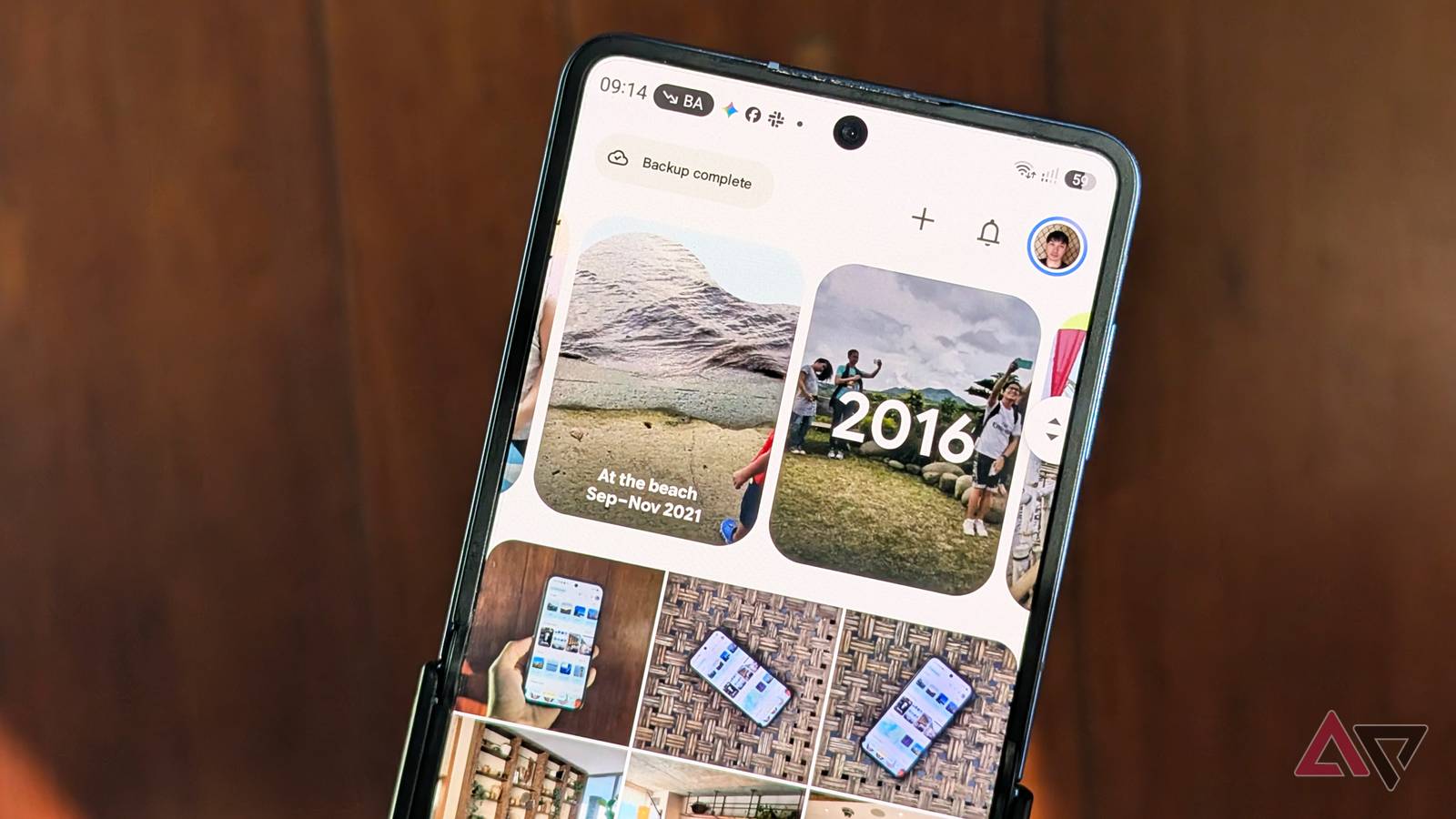
Google Pixel smartphone with the latest Google Photos cloud photo library app Published Nov 11, 2026, 10:55 AM EST I've been writing about Android since 2011, with a focus on device reviews, Samsung and Google Pixel hardware, and the latest happenings in the ecosystem. In my entire writing career, I've reviewed more than 75 Android phones. Carrying both a Samsung or Pixel flagship and an iPhone as a daily driver provides me with deep insight into how Android works and how it compares to iOS. I have been writing for Android Police since 2021, covering news, how-tos, and features. You can find my previous work on Neowin, AndroidBeat, Times of India, iPhoneHacks, MySmartPrice, and MakeUseOf. When not working, I tend to mindlessly scroll through X, play with new AI models, or go on long road trips. You can reach out to me on X or drop a mail at rajesh@androidpolice.com. Sign in to your Android Police account Google is making a major change to how you edit and save photos in Google Photos. When using advanced editing features like Magic Eraser, Unblur, or Ultra HDR, it'd save the edited version as a duplicate. Going forward, this won't be the case with Google directly applying changes to the original image. Until now, using features like Magic Eraser or Unblur, or editing Ultra HDR and C2PA images, would create a duplicate copy in your Google Photos library. This meant multiple versions of the same picture, all cluttering your photo library. Plus, if you didn't immediately delete the version you disliked, finding the right picture and deleting the unwanted copies would become increasingly difficult after a few days. Thankfully, Google is finally putting an end to this menace. It is rolling out a major upgrade to the editing and saving pictures workflow in Google Photos. On Android 11 and later devices, Google Photos will no longer create a duplicate edited image. Instead, it will apply all the changes to the original picture itself. Don't worry about losing access to the non-modified picture, though. You can always open the editor in Google Photos to adjust the previous edits. Google explains this with an example in its announcement: "If you applied a filter or adjusted the brightness, those tools remain set to your last preference so you can continue to adjust them until the photo is perfect." So if you are experimenting with Magic Eraser or Unblur on a picture and don't like the changes, you can always fine-tune the results or revert to the original version. Edit freely without cluttering your photo library As someone who frequently uses Google Photos AI-powered editing tools, this is a great quality-of-life improvement. Previously, it was annoying that even a minor edit would create another copy of the same picture, cluttering my already cluttered library. The change should also make it easier to experiment with different edits without worrying about managing multiple copies afterward. And with Google increasingly adding more AI-powered editing features to Photos, this streamlined saving experience is a welcome improvement. Note that Google is not removing the option to save an edited picture as a separate copy. The "Save as a copy" option still exists, so you can keep both the original and the edited versions of an image. Today's change ensures that Google Photos will no longer force you to create a duplicate when using certain advanced editing features. Since the changes are rolling out to Android 11 and newer devices, it should benefit the large majority of Google Photos users. Google has not confirmed a rollout timeline, but expect it to take a few days to appear on your device.
Google Photos is finally putting an end to a frustrating photo editing problem
Full Article
Original Source
Read the full article at Androidpolice →KhanList aggregates and links to publicly available news content. We do not host full articles from third-party sources. Always verify important information with original sources.