
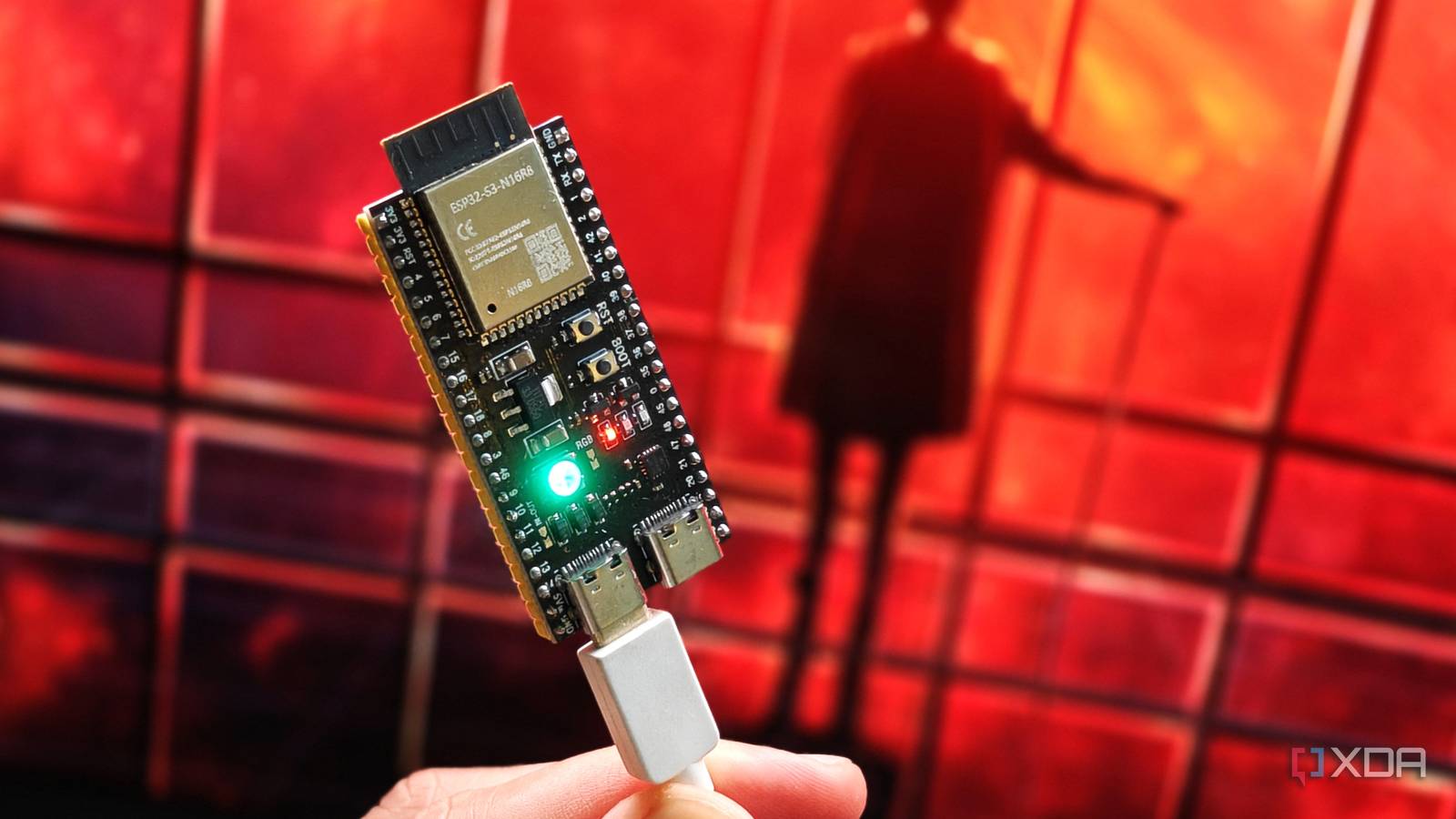
Published Nov 23, 2026, 3:31 PM EST After a 7-year corporate stint, Tanveer found his love for writing and tech too much to resist. An MBA in Marketing and the owner of a PC building business, he writes on PC hardware, technology, and Windows. When not scouring the web for ideas, he can be found building PCs, watching anime, or playing Smash Karts on his RTX 3080 (sigh). When you're getting into DIY electronics, you'll probably wonder whether to choose a compact ESP32 board or go for a full-fledged Raspberry Pi. For starters, these two boards are meant to serve different purposes. They're not even the same thing; one's a microcontroller while the other is a single-board computer (SBC). That said, most beginners might pick the Raspberry Pi simply because that's the one they've heard about. However, it's not the right choice for the kind of projects a newbie will probably target at first. The right ESP32 board can have several advantages over a Raspberry Pi in terms of power consumption, simplicity, running cost, and even the learning experience. ESP32 can't replace the Raspberry Pi, but it's the better choice for beginners looking to get started with smart home, IoT, and wireless projects. Investing in ESP32 is considerably cheaper It's priced just right for new hobbyists For DIY enthusiasts not specifically looking for a Raspberry Pi, spending $100–$130 on an RPi 4 or 5 is probably overkill. When you're just getting into the hobby, you don't need all the power and complexity of an RPi. It's pretty great at its job, and there's a reason it used to be recommended left, right, and center. It combines capable hardware and solid OS support with a low entry price, rivaling low-end computers. However, with RAM prices making the RPi more expensive than ever, you need to be sure you need it before you buy it. If you've decided to expand your smart home and create your own home automation devices, an ESP32 is the right place to start. Even now, an ESP32-S3 costs less than $10. It's just the right price for someone who doesn't have a lot of DIY experience under their belt — messing things up won't lead to a costly mistake. Even a complete starter kit with an ESP32-S3 board, camera and various other sensors, modules, LEDs, buttons, and wires will only cost you less than half the price of a single Raspberry Pi. The lower pricing of ESP32 doesn't just limit the risk; it gives many beginners the push they need to dive headfirst into the hobby. Doing the same with an RPi needs way more confidence and experience, which new makers don't have. Running an ESP32 costs much less, too Deep sleep energy savings couldn't be more different The upfront investment is just the start — even the running cost of an ESP32 dwarfs in comparison to that of the RPi. Where an ESP32 sips roughly 10 µA in deep sleep, even the Raspberry Pi Pico will consume 0.18 mA when dormant. The difference may not matter in terms of energy costs, but it can be the difference between a project running for days and months. The differing energy expenditure directly impacts what kind of projects your ESP32 or RPi are efficient for. If I want a soil moisture sensor or smart doorbell that runs for months on a single 18650 battery, the ESP32 becomes the perfect fit. Similarly, simple projects like a door sensor or Wi-Fi temperature sensor are well-suited for an ESP32 board instead of a Raspberry Pi. ESP32 is surprisingly capable and simple to use And you can learn low-level communication, too Despite costing a fraction of the Raspberry Pi's price, the ESP32 packs a lot of performance. Its dual-core processor, built-in Wi-Fi and Bluetooth, native USB support, and several MBs of flash memory and PSRAM allow it to handle complex tasks. ESP32 boards also have programmable GPIOs, serial and multimedia support, and compatibility with a wide variety of display, vision, audio, presence, motion, and environment sensors. Unlike the Raspberry Pi, which needs the Linux-based Raspberry Pi OS, the ESP32 has no OS to configure. It works on programmable firmware using Arduino IDE or ESP-IDF (or ESPHome). You can flash custom code or install ready-made packages using an IDE or even a web interface. ESP32 boards are way more reliable than the RPi in the event of a power loss, since there's no OS to corrupt. It also restarts in milliseconds instead of tens of seconds. The ESP32 code talks straight to the hardware, which allows for consistent, low-latency timing. That also allows you to grasp fundamentals like reading a sensor, timing a signal, and switching a relay. Raspberry Pi makes sense when you need more power ESP32 can only take you so far The ESP32 may be ideal for beginners, but it has its limits as a microcontroller. The Raspberry Pi resides firmly in computer territory, thanks to its 64-bit quad-core processor, onboard GPU, up to 16GB of RAM, and a dedicated I/O controller. You won't pick an ESP32 when you need to run Docker containers, databases, or Home Assistant instances. If your DIY projects need full-scale Linux computing capabilities with a GUI, data processing, and USB peripherals, the Raspberry Pi is incredibly more powerful. So, when you want a compact computer to host a NAS or media server, run machine learning models, or write high-level code, you ought to pick the Raspberry Pi. Both the ESP32 and Raspberry Pi are suited to different tasks, and you'll probably realize the importance of the latter as you progress through the hobby. The ESP32 is the right choice for most budding hobbyists DIY electronic and smart home projects don't need the power of the Raspberry Pi. Despite it being more than capable of such projects, an ESP32 is, by far, more suited to the job. It's way cheaper and simpler to use, and doesn't feel limiting even in relatively complex projects. You just need to know how to leverage its modest but capable hardware and elaborate firmware. ESP32-S3 ESP32-S3 comes with a dual-core Xtensa LX7 microcontroller. It has 16MB of flash memory and 8MB of PSRAM with years of maturity to be ready for a variety of projects.
Beginners should pick the ESP32 instead of the Raspberry Pi, and it's not even a contest
Full Article
Original Source
Read the full article at Xda-developers →KhanList aggregates and links to publicly available news content. We do not host full articles from third-party sources. Always verify important information with original sources.