
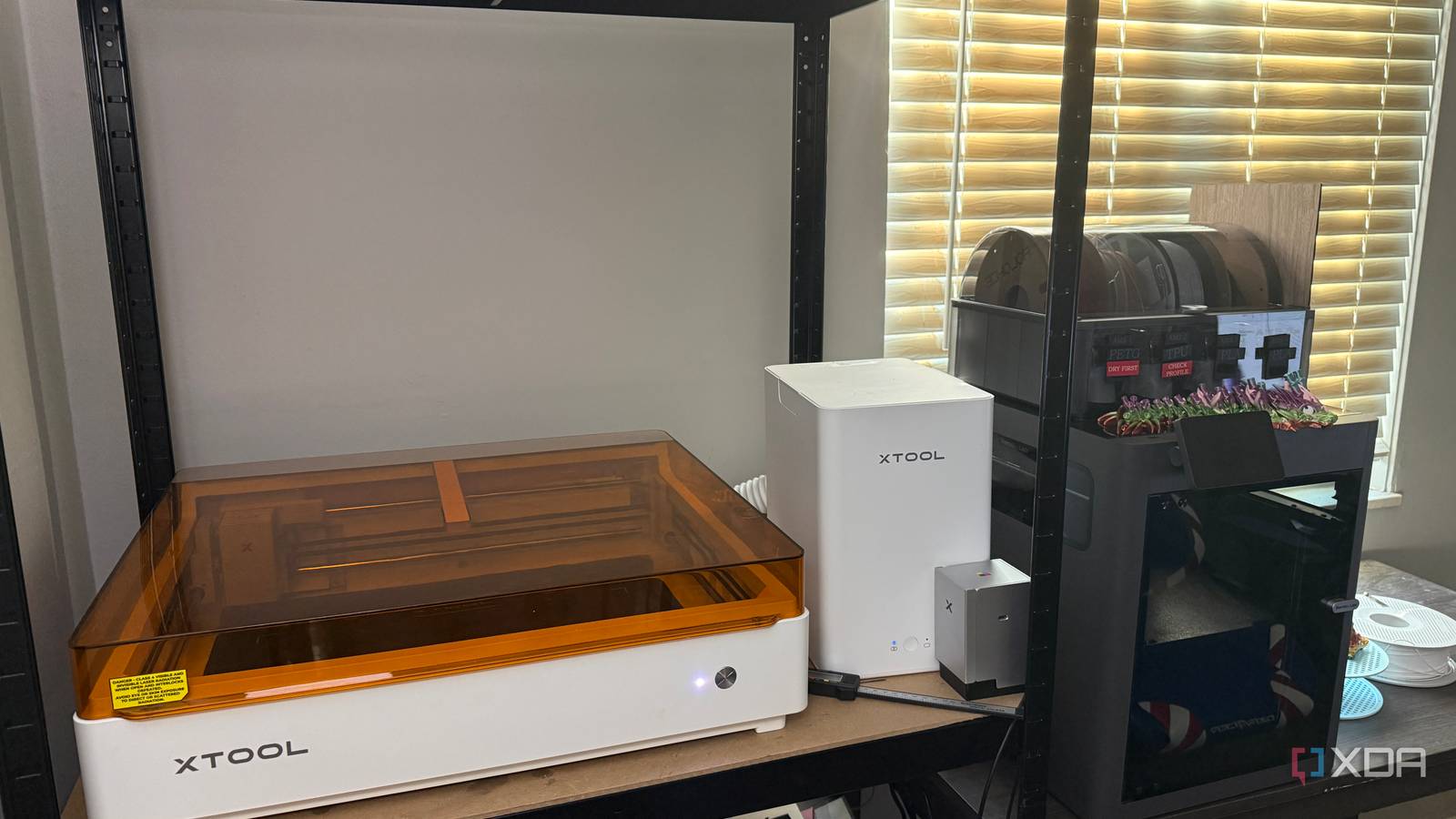
I bought a laser engraver to cut and engrave, not because I thought I needed a much more complicated label maker. That part crept up on me. I started using it for filament swatch tags, cable labels, spool labels, maintenance tags, and small identifiers around my 3D printers and home lab. After a while, I realized I was reaching for it constantly for those jobs. A regular label maker can cover a lot of the same ground, but the laser lets me choose the material, dimensions, layout, and how permanent I want the result to be, instead of working around a strip of tape. A laser engraver makes permanent labels ridiculously easy to create I can make labels exactly the size I need The first thing that really sold me was not having to accept whatever width of label tape I happened to own. If I need a tiny tag for a cable, I can make a tiny tag instead of printing something oversized and trimming it afterward. If I need something bigger, I can give the text the room it needs without squeezing everything into a couple of awkward lines. I’ve done enough cutting and fiddling with ordinary labels to know how quickly that gets irritating. That comes up constantly around my 3D printers because almost none of the things I want to label have the same shape or amount of available space. Filament swatches, spool identifiers, AMS-related labels, and maintenance tags all need different dimensions and different kinds of information. With the laser, I can start with the thing I’m labeling and make the tag fit it instead of doing the reverse. Once I’ve got a design right, I can save it and make another later without reinventing it. I also get to decide what information matters most instead of treating every line of text equally. A maintenance tag can make the title obvious and leave room for dates or notes, while a filament tag can make the material name the first thing I see. That seems like a small detail, but it makes the labels much easier to use. I’m still spending time making labels, which is never going to be the most glamorous part of owning a laser, but at least I’m not fighting the format the whole time. It handles materials a normal label maker cannot touch Acrylic, wood, and leatherette all become useful label stock The bigger shift came when I stopped thinking in terms of dedicated label stock altogether. I already had black acrylic, colored MDF, leatherette, and plywood from other laser projects, and any of them could become a tag if it suited the job. That means I’m choosing material based on where the label is going rather than on which cartridge I remembered to order. It also gives some of those smaller scraps a purpose instead of letting them pile up forever. Acrylic has been one of the most useful materials when I want something that feels permanent. Rather than printing a sticker and hoping the adhesive still looks decent months or years later, I can make an engraved tag. It has enough structure to feel like part of an organizer or piece of equipment rather than something I stuck on as an afterthought. For the stuff I plan to keep around, I prefer that. Wood and leatherette are more situational, and I definitely don’t reach for them for every little labeling job. Still, when I care about how the finished result looks, they give me options I wouldn’t have with ordinary label tape. I can make something that feels intentional without adding much more work to a project I’m already doing on the laser. The fact that I can often use material I already have around is another nice bonus. Small leftover pieces of acrylic, MDF, plywood, or leatherette can be perfect for labels, so don’t automatically toss them after a larger project. Labels usually need very little material, and keeping a few usable scraps around gives you more freedom to match the tag to the job without cutting into a fresh sheet. The labels can become part of the object itself Engraving directly onto parts keeps everything cleaner and simpler The engraving in this sample uses different speed and power settings for the phoenix and the text Sometimes the best label is no separate label at all. If I’m working with a material that can be safely engraved, I can put the identifying information directly on the object or build it into the design before I cut it. That eliminates adhesive, crooked placement, and peeling corners. It also means the label can’t go missing unless the whole thing goes missing with it. With the laser, I can start with the thing I’m labeling and make the tag fit it instead of doing the reverse. That has changed how I approach many small workshop and home lab projects. If I’m already creating a tag, panel, or organizer on the laser, adding text while I’m designing it is barely any extra work. I don’t have to finish the project and then remember I still need to label it. I’ve had enough projects where I got to the end and realized the text really should have been part of the design from the beginning. This also works well with how I use my 3D printers. I’m already printing organizers, brackets, cable-management pieces, and other little utility parts, while the laser gives me another way to make identification around those projects cleaner. The two tools do different work, but they overlap in a useful way when I’m trying to make a workspace less chaotic. Thinking about the label while I’m designing the object has saved me from having to patch things together afterward. A dedicated label maker is still much faster sometimes For quick office labels, the laser is clearly overkill There are definitely jobs where using the laser would be silly. If I need to label a storage bin in half a minute, I’m not opening a design file, positioning material, and running the engraver just to avoid adhesive tape. A normal label maker wins immediately in that situation. Type the words, print the strip, stick it on, done. The laser also demands more attention every time I use it. I have to make or adjust the design, pick the right material, position everything properly, and then run the job. Even when the actual engraving is quick, there are still more steps than pressing Print on a handheld label maker. If I’m trying to get through a cleanup or organization job quickly, I notice the difference. There are also plenty of things I don’t want labeled permanently in the first place. Temporary storage, changing equipment, or anything I’m likely to reorganize later is better off with something I can peel away without caring. I’ve gotten better at resisting the urge to turn every tiny labeling problem into a laser project just because I can. Sometimes the cheap adhesive strip is exactly the right tool. But speed matters less when labels need to last The laser earns its place through flexibility and durability The laser makes more sense on labels I don’t want to redo. If I need something with an odd shape, a specific material, or enough durability to stay with a piece of equipment for years, the extra setup is easy to justify. I’d rather spend a little longer making the right tag than end up replacing a convenient one because it curled, peeled, or never quite fit in the first place. That matters more for equipment that I’m trying to keep organized for the long haul. I also like that I don’t have to decide ahead of time what a label is supposed to be. It might be a tiny cable tag, a larger maintenance plate, a filament identifier, or text built into another laser-cut part. Those are all doing the same basic job, but a conventional label printer treats them very differently. With the laser, I can start with what the job needs and work from there. That’s probably why labeling became such a regular use for a tool I originally associated with much more interesting projects. Detailed engraving and decorative cuts are more fun to show someone standing next to the machine. A new spool label or maintenance tag is not going to get much of a reaction. But those boring little jobs are the ones that keep being useful every time I come back into the workspace. That flexibility changed how I think about labeling I used to treat labeling as one of those things I did at the end, after organizing everything else. Now I’m much more likely to think about identification while I’m designing or arranging the thing itself. The laser lets me choose the size, material, layout, and level of permanence instead of forcing everything into the same format. I still use regular labels plenty, but I’ve become much more selective about when they’re actually the better choice. That’s why the laser engraver has quietly become the best labeling machine I own. It’s slower than a dedicated label printer and wildly unnecessary for many small jobs, but it handles the labels I care about around my printers, workshop, and home lab far better. I bought it for much more ambitious work, yet much of its everyday value has come from small pieces of engraved material that tell me what something is, where it belongs, or what I need to remember about it. It’s not the flashy reason to own a laser engraver, but it’s probably one of the reasons I keep using mine so much. xTool M2 Color Craft Laser Brand xTool Laser Power 10W diode base, 20W diode and 3W IR available Working Area 16.7in x 12.5in (424mm x 317mm Connectivity USB/Wi-Fi Software xTool Studio Of all the projects I've completed with the M2, using it as a label maker was the most surprising experience.
A laser engraver is secretly the best labeling machine I own
Full Article
Original Source
Read the full article at Xda-developers →KhanList aggregates and links to publicly available news content. We do not host full articles from third-party sources. Always verify important information with original sources.