
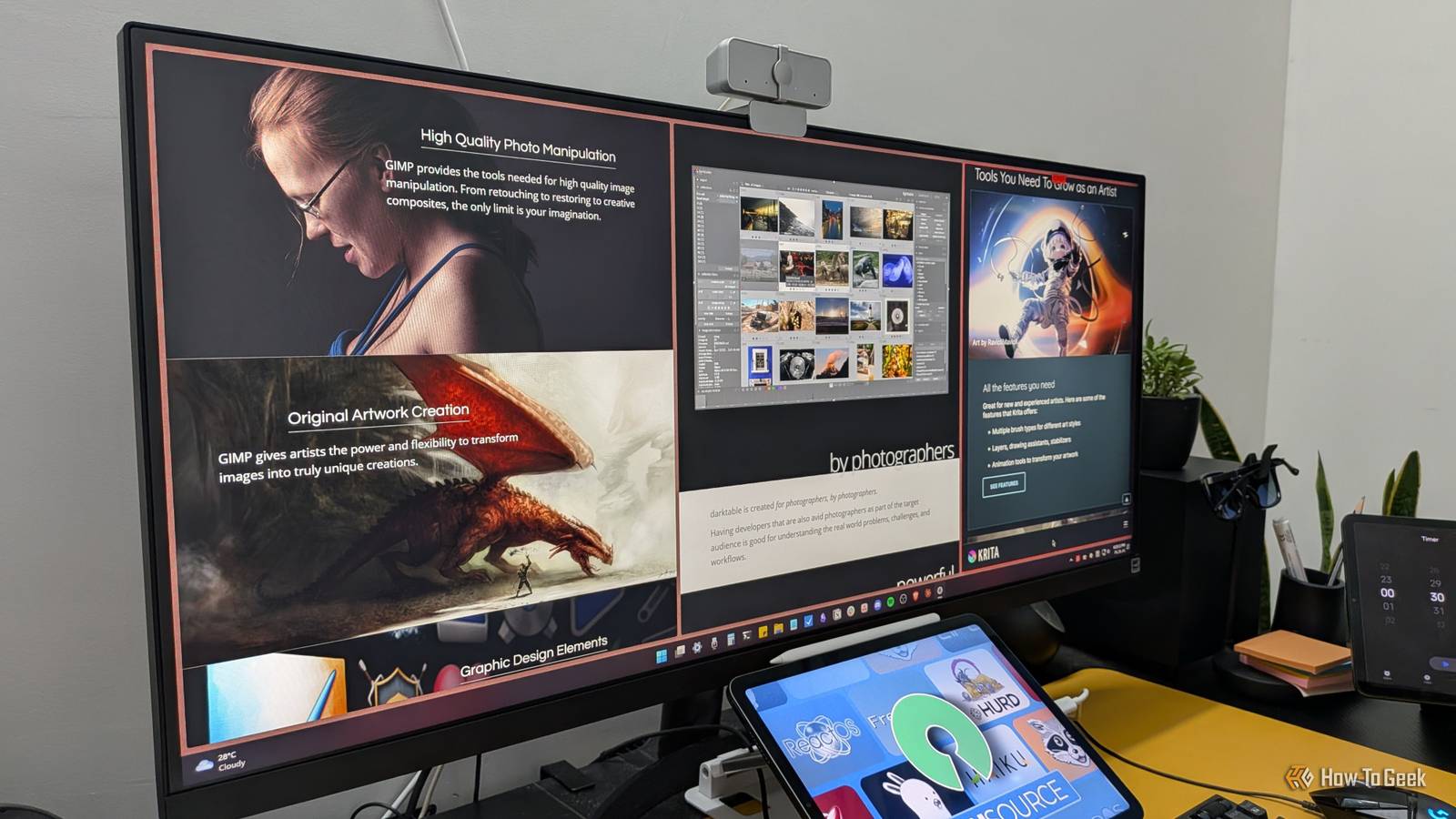
Published Nov 29, 2026, 5:00 PM EST Sydney Butler is a technology writer with over 20 years of experience as a freelance PC technician and system builder and over a decade as a professional writer. He's worked for more than a decade in user education. On How-To Geek, he writes commerce content, guides, opinions, and specializes in editing hardware and cutting edge technology articles. Sydney started working as a freelance computer technician around the age of 13, before which he was in charge of running the computer center for his school. (He also ran LAN gaming tournaments when the teachers weren't looking!) His interests include VR, PC, Mac, gaming, 3D printing, consumer electronics, the web, and privacy. He holds a Master of Arts degree in Research Psychology with a minor in media and technology studies. His masters dissertation examined the potential for social media to spread misinformation. Outside of How-To Geek, he hosted the Online Tech Tips YouTube Channel, and wrote for Online Tech Tips, Switching to Mac, and Helpdesk Geek. Sydney also wrote for Expert Reviews UK. He also has bylines at 9to5Mac, 9to5Google, 9to5Toys, Tom's Hardware, MakeTechEasier, and Laptop Mag. Millions of people are trapped in a perpetual subscription with Adobe because they don't know there are alternative apps that can do most if not all the same things. These four apps are just a taster. All you have to do is step out of your comfort zone and try something new. GIMP can take over Photoshop duties for almost anything So I guess they're sticking with the name GIMP has been a thorn in the side of Adobe Photoshop since it was first released in 1996. OK, maybe it wasn't a serious contender from the start, but I was using this app 20 years ago for moderately advanced photo editing, and it's only gotten better since. Several changes to GIMP have made it easier to make the switch from Adobe. The big one is that GIMP is no longer destructive when adding filters and effects. You can roll it all back and get your original pixels if you need them. It's now designed to protect your original image and document your changes systematically. Apart from this, most of the features people actually use in Photoshop on a day-to-day basis are here, ready to use for free. There might be a bit of a learning curve, but there's also a massive amount of community content to help. Whatever question you have as a former Photoshop user, it's probably already been answered in a forum post or YouTube video. Darktable can replace Lightroom Classic for an entire photo shoot The name is a pretty funny joke too Adobe Lightroom (a play on dark rooms, I guess) is where your RAW photos usually go before they ever reach Photoshop, if indeed they even need to. This is where you can "develop" your digital photos so they have the right lighting, white balance, contrast, and all the other stuff that separates a flat, ugly photo from one that could be on the cover of National Geographic. Lightroom is a staple of professional photography workflows, and there's a reason it's included with Photoshop in its subscription. Darktable aims to do what Lightroom does, but for free. When my colleague Jorge A. Aguilar canceled Lightroom and tried Darktable, he found it not only worked as a free replacement, but actually improved on Lightroom in several ways when it comes to workflow, and especially experimenting iteratively with your photos. Inkscape can replace Illustrator for logos, decals, and vector artwork Yes, AI hasn't replaced it all yet Credit: inkscape.org / Rizky Djati Munggaran Among the niche creative apps, Inkscape is definitely closer to the super-niche corner than something like GIMP. However, it's a direct competitor to Adobe Illustrator and anyone who works in that app is doing an important job most of us never think about. Unlike bitmaps and JPEGs, vector images store data as points and lines, which means you can scale a piece of vector art infinitely without losing any quality. It's the go-to method for making logos and even complex artwork. Personally, I can barely draw a believable stick figure, with or without computer assistance, but Inkscape has been around for ages, and if you're a graphic designer or vector artist, it's at least worth trying in case it could free you from the shackles of an Adobe subscription. Kdenlive can replace Premiere for editing a video from start to finish Edit your heart out In July 2026, I wrote that this open-source video editor was catching up fast with Adobe Premiere, thanks to unrelenting community work to add and polish the day-to-day video editing features people actually use. You might be wondering why Da Vinci Resolve isn't in this spot instead, but as people often forget, Resolve is not open-source software. It's still an excellent tool, but the code is proprietary. As for Kdenlive, it's not a perfect 1:1 drop-in replacement for Adobe Premiere yet, but that doesn't mean it couldn't be a replacement for what you do in your video editing projects right now. It's based on the robust FFmpeg video encoding system, so it should work with just about any video or audio file. As with all the apps on this list, it costs you nothing but time to give it a try and see if you can achieve the same results that you currently do with an Adobe product. You have until your next annual renewal to figure it out, after all. For whom the bell tolls People have been in a love-hate relationship with Adobe's apps for a long time. Apps like Premiere and Photoshop became industry standards. These were used to teach in colleges, and, of course, amateur creators passed bootleg copies around, and therefore became paying customers later when they could afford it. Adobe has slowly made the deal more and more painful with its subscription-only model, replete with dark-pattern penalties you won't notice until you try to cancel. So far, Adobe's been able to hide behind its ubiquity and deep pockets for software development. However, apart from the relentless rise of FOSS, it now also has AI coding agents to deal with. Recently, someone made AI clones of the Adobe suite. It's completely legal, because it's normal reverse engineering. The only difference being the speed with which AI can do it. Ironic that a technology pushed by companies like Adobe might end up making them relics of the past.
4 free open-source apps that replace an Adobe Creative Cloud subscription
Full Article
Original Source
Read the full article at Howtogeek →KhanList aggregates and links to publicly available news content. We do not host full articles from third-party sources. Always verify important information with original sources.