
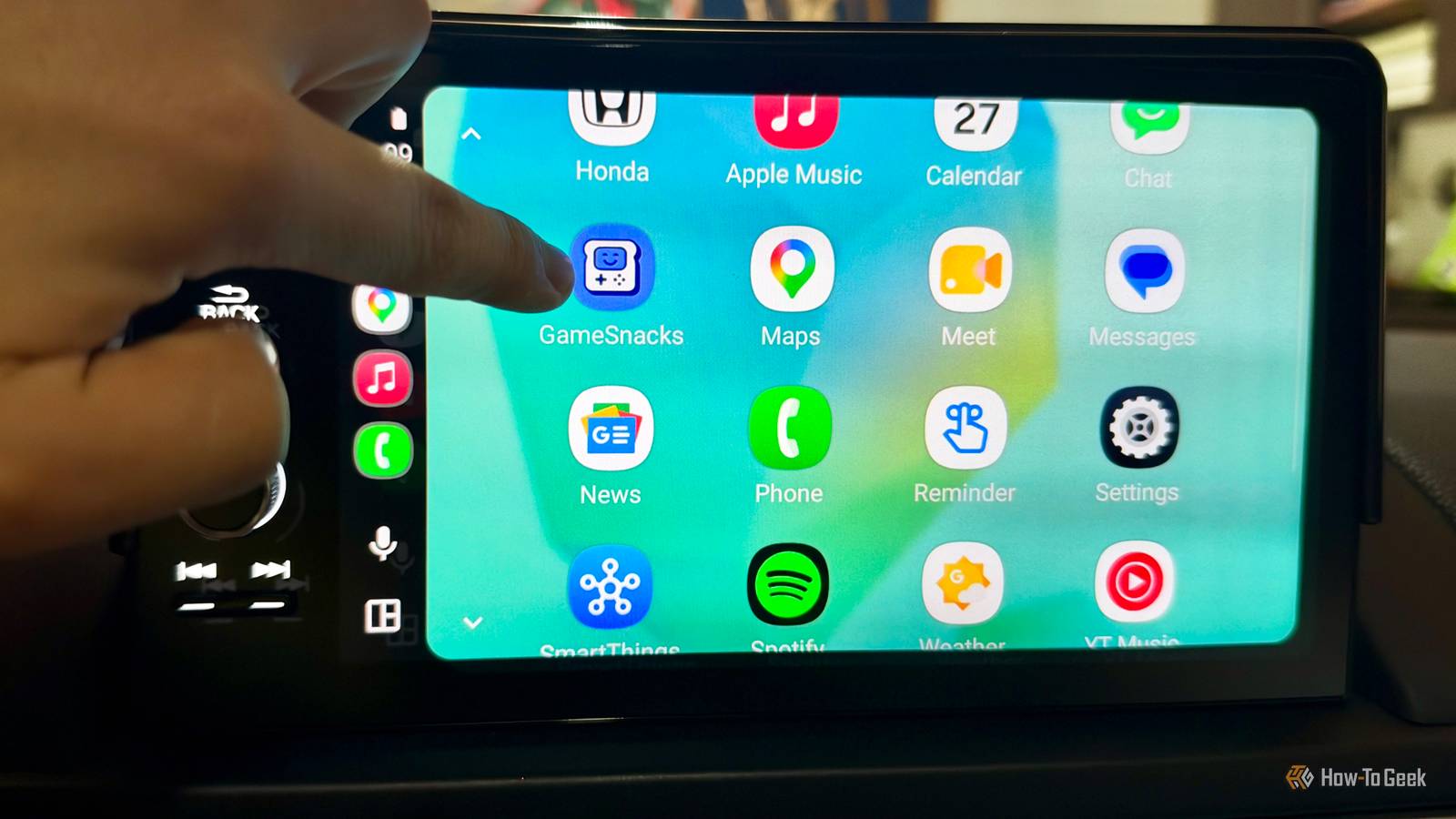
Published Nov 18, 2026, 10:00 AM EST Tim has been covering technology for almost 20 years, in that time spanning a broad range of topics from security to product reviews. He is especially focused on the Apple ecosystem, productivity, and consumer advice. Over the years Tim has written thousands of articles, reviews, and round-ups in addition to producing video content and original photography. A graduate of journalism, he found his footing as a freelancer with a laptop and loves how he is able to work from practically anywhere. Now a Senior Editor for iPhone, Mac, and Smart Home at How-To Geek, Tim still loves to write. He can also be found crafting round-ups and productivity posts for the Zapier blog. Earlier in his career Tim spent nearly a decade as a writer and eventually Apple section editor for MakeUseOf. Tim currently lives in Brisbane, Australia. Outside of work he loves to hike and work out, play video games, and spend quality time with his wonderful partner and two cats Inka and Roger. It might sound unhinged, but the one CarPlay (and, by extension, Android Auto) app that I feel like I’m missing is YouTube. No, I don’t want to watch video while I’m driving—but most of my YouTube use isn’t about watching video anyway. Let me explain myself. This isn’t about watching videos while driving I’m not crazy I would estimate that for all of the videos I “watch” on YouTube, I am looking at the screen for less than half of them. Of the remainder, I am probably doing something else and occasionally glancing. There are a handful of channels I will exclusively watch, either because the content is heavy on visuals or they’re the sort of thing that you watch to turn your brain off at night while falling asleep on the sofa. Listening to YouTube videos is the main way I engage with the platform, and there’s a good reason for that. YouTube is still the biggest podcast platform in the world. The company claimed to have one billion podcast viewers per month in 2025, and this shift has probably had a direct effect on your favorite podcasts. Ultimately, these are still audio experiences. But many have made the switch from audio-only to cameras-in-a-makeshift-studio format with compressed webcam feeds and more video that takes advantage of the platform. It’s not unusual to hear terms like “for those listening to the audio feed” in a show that, a few years ago, was nothing but audio. Furthermore, video essays remain some of the best things you can watch on YouTube. Creators with well-stocked Patreon coffers are now paid a living wage to produce deep-dive videos on every topic under the sun, carving out niches, establishing authority, and becoming trusted sources in their own right. There’s a good chance that the next big fall from grace you hear about will be a YouTube personality, not a celebrity or athlete. It makes sense that one might want to enjoy such a body of entertainment in their car, a space that is already well-served by streaming platforms, dedicated podcast apps, and online radio. It turns out that there is no elegant way to listen to or control YouTube via CarPlay or Android Auto, and I’d like to see this change. My current workaround is clumsy But it works You can technically “watch” YouTube in your car; you just need to hit play on a video that’s already in your Now Playing screen from the CarPlay interface. I can’t independently verify this for Android Auto, but I assume a similar state of affairs. The other option is to hit play on your YouTube app before driving off, leaving the video playing in the background while you drive. I really don’t recommend that second one, since it might break some sort of law and get you in a lot of trouble. I should add that I don’t recommend touching your phone at all while driving, and only interacting with CarPlay or Android Auto when it is safe to do so. I’ve had success by resuming the video I was already watching when I got into the car, but this only works because I pay for YouTube Premium Lite, which gives me access to background playback. Without some sort of Spotify-esque interface, skipping to another video or even manipulating the playhead on what’s already playing is not possible. Some means of selecting an upload from my Watch Later, or a specific driving playlist, would work for me. I don’t want to browse my whole feed, thumbnails and all; I just want to be able to move between media and focus YouTube as my media source of choice. Make it a YouTube Premium feature I don’t care Credit: Dan Girolamo/How-To Geek/YouTube I subscribed to YouTube in the first place because I couldn’t sit through any more repetitive video advertisements for the worst products on the planet. I could never go back to a world of YouTube ads. As soon as I’d subscribed, I realized what an incredibly useful feature background playback was, especially while doing things like working out at the gym or cooking and cleaning at home. I came for the ad-free perks, but I stayed for the superior user experience. I think YouTube for CarPlay or Android Auto could work in the same way—and I can’t be the only one who thinks so. We’ll always have audiobooks I’m a sucker, but YouTube has me now. I can’t realistically go back to a free plan unless I drastically cut my YouTube consumption (that’ll be the day). For now, I’ve discovered a new love for audiobooks (which are probably a better use of my time anyway). If all else fails, there’s always the radio…
YouTube needs a CarPlay and Android Auto app (yes, really)
Full Article
Original Source
Read the full article at Howtogeek →KhanList aggregates and links to publicly available news content. We do not host full articles from third-party sources. Always verify important information with original sources.