
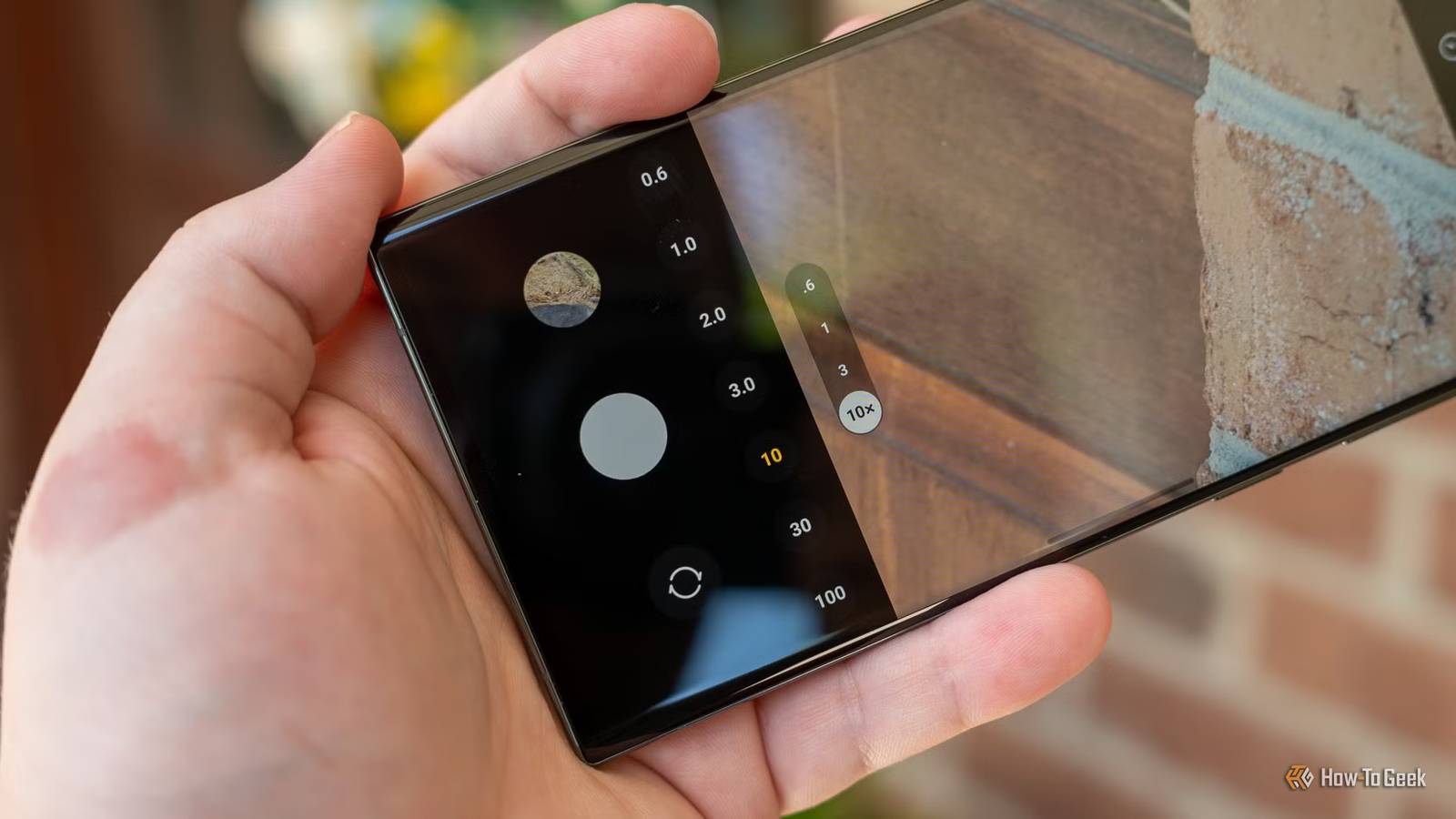
Published Nov 19, 2026, 12:47 PM EST Tyler Cross is an author for How-To Geek who reports on a wide range of cybersecurity stories. Before this, he spent 5 years creating cybersecurity articles under the Kape brand, including both short- and long-form blog posts. He also has 2+ years of experience creating news articles, YouTube scripts, and product reviews for a wide range of VPNs, antivirus software, password managers, and more. Outside of work, I am an avid tabletop gamer and enjoy writing my own TTRPG systems and campaign modules. A beta build for Samsung One UI 9.5 was released this week, and with it comes a feature that might change how you use the camera on your phone. This information comes from images and strings pulled from the new build. The feature is called "Frame guides," and it gives users control of specific aspect ratios and compositions while shooting videos. How does it work? Will changing the aspect ratio of your video be intuitive or clunky? While nothing is concrete at this point, the beta build indicates that you'd tap a Frames icon in your camera to see how the crops would look. The code currently refers to 2 guides, one for previewing a 16:9 aspect ratio, and one for a 9:16 vertical frame. This lets you keep the subject in frame for both versions. You can shoot, then crop the same clip to view it both ways. The code suggests that it will offer up to 16 aspect ratios, ranging from standardly used ratios like 4:3 and 16:9, to landscape ratios such as 1.85:1, 2:1, and 2.35:1, all the way to portrait shots in 1:2 and 1:2.35. The code also suggests another feature called “Open Gate,” which records using your full image sensor. This would allow you to view more of a scene above and below what a typical widescreen format offers. Together, Open Gate would show you more footage as you record, while the Frames guides will show you how to best position the subject before you begin recording. Open Gate isn't a new feature in the Samsung/Android ecosystem, but having it built-in saves users from relying on third-party apps to get the job done. The update also retains important camera features, such as the horizontal leveler and composition lines, meaning the update won't take away your old camera features for new ones. While we have a good idea of what the feature will do, not every detail is set in stone. "Currently, we only see references to the first and second frame guides, but it’s difficult to say whether the feature will also allow more than two guides at once," Android Authority explains. "While the feature is mentioned alongside Open Gate, we’re unsure whether it will also work with the standard or Pro video modes." That's cool, but what would I use it for? Here's why it isn't just a gimmick To put it simply, you could set up a shot on your phone, see how it looks in both widescreen and vertical, then, once you've decided, record in that aspect. For example, if you create YouTube content, the update will let you take a video in widescreen for a main channel video, then adjust it to a vertical format to turn the same video into a YouTube Short. If you were at a wedding, you could get a video of both the bride and groom standing in the middle, and one with the whole ensemble standing next to them in the same shot. While I likely wouldn't use it for every video that I ever record, it has a strong use case; I wouldn't call it a gimmick. Source: Android Authority
Your Samsung phone will soon help you shoot in portrait and landscape mode at the same time
Full Article
Original Source
Read the full article at Howtogeek →KhanList aggregates and links to publicly available news content. We do not host full articles from third-party sources. Always verify important information with original sources.