
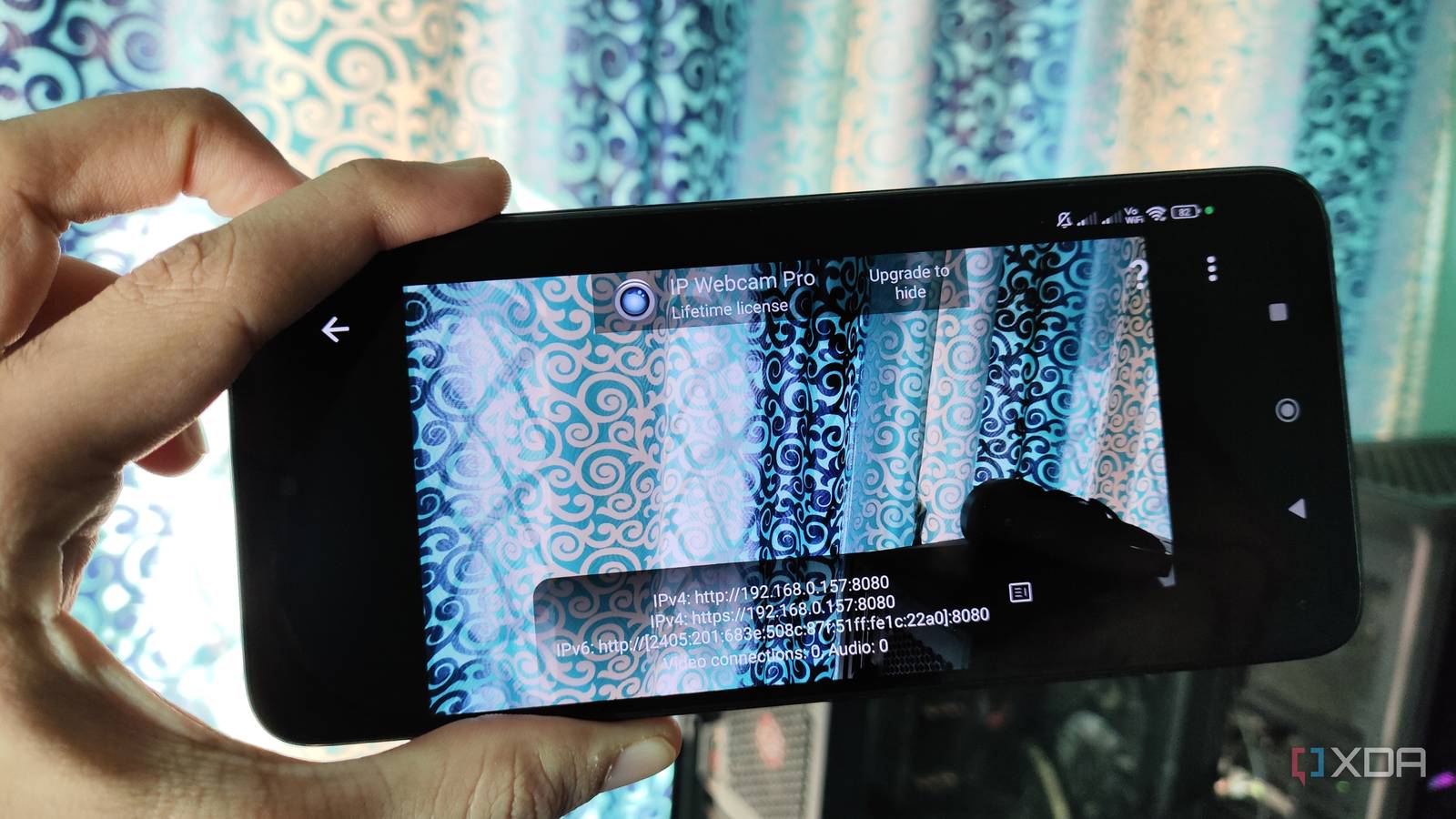
Published Nov 19, 2026, 1:01 PM EST Ayush Pande is a PC hardware and gaming writer. When he's not working on a new article, you can find him with his head stuck inside a PC or tinkering with a server operating system. Besides computing, his interests include spending hours in long RPGs, yelling at his friends in co-op games, and practicing guitar. As much as I love experimenting with cutting-edge server hardware, most of the systems in my tinkering arsenal include old gaming PCs, recycled laptops, office mini-PCs, and refurbished enterprise-tier paraphernalia. This even extends to my smartphones, especially since they include a bunch of neat sensors built into them. Their displays, for example, have their utility as dedicated dashboards for self-hosted services, and I’ve even got smart panels for Home Assistant built from an old tablet and a phone. Likewise, their microphone and speaker combo lets me configure them as voice satellites for my voice control AI pipeline, and I’ve even used the gyroscope sensor for wild automation pipelines involving different smart appliances. And then there’s the phone’s camera that, when set up correctly, can record footage just like any other surveillance system. The best part? I’ve paired my smartphone-turned-security camera with Frigate, which can not only manage its stream but even trigger some neat automation chains using its object-detection functionality. I’d rather not toss out my old but perfectly useable phone Especially since it can double as a fully-private security camera Let me make this clear: the cameras on my budget-friendly phones can’t capture picturesque landscapes or clear portraits. That said, even the most ancient phones in my arsenal can capture videos without turning all the footage into a low-resolution mess. And well, that’s all I needed to build a reliable security camera that keeps an eye on my smart home’s perimeter. Besides reviving an otherwise useless phone, the fact that I don’t need to worry about external AI servers gaining access to the private security footage of my home is another neat aspect of this setup. Sure, I could technically grab a “modern” security camera for a few bucks instead of creating a makeshift arrangement involving my old phone. But unless I opt for a local-only security camera, I’d have to contend with the fact that all the footage of my home’s premises would get processed on some random company’s servers. Application-wise, anything that can generate RTSP streams for my phone’s camera works well for this project. I typically stick to IP Webcam, but RTSP Camera Server Pro can also deliver solid results for DIY security cameras. I also tweaked my router’s network settings to assign a static IP address to my phone, or I’d have to constantly change its IP in my NVR every time my router decides to assign it a new address. Frigate serves as the NVR hub for managing my makeshift security camera With the right AI HAT, even a Raspberry Pi can drive object detection tasks So far, my phone can transmit RTSP streams, but it can’t record anything. And that’s where a Network Video Recorder comes into the equation. After trying out different tools, I eventually chose Frigate, as it’s light enough to run on conventionally weak hardware, while shipping (pun intended) with extra features to bolster my security setup’s capabilities. Specifically, I’ve opted for a Raspberry Pi 5-powered Frigate setup, with a dedicated NFS share sending all the recorded footage to my NAS. On its own, my Raspberry Pi 5 can drive a couple of camera streams with ease, but AI-powered object detection can cause the performance to drop significantly. I solved this problem by slotting a dedicated AI HAT into the Raspberry Pi, which allows my pint-sized companion to handle as many as six 720p sub-streams for object detection workloads. I also had to work with object filters, motion masks, and zones to reduce the chances of false positives from showing up in my detection tasks. Technically, Frigate supports the WebPush protocol for sending quick notifications every time it detects objects in the camera frame. However, I had another over-engineered pipeline in mind for my DIY NVR … I’ve even paired this setup with local LLMs and Home Assistant With Frigate handling the object detection workflow, I figured I could connect it to Home Assistant and design some quirky automation pipelines involving the two services. Take the AI Event Summary blueprint, for example. Rather than just getting a notification about Frigate detecting something fishy in the footage, I can have full-fledged LLMs analyze the frames and generate a quick summary of the detected objects. And since I’ve deployed the entire pipeline on my local machines, I opted for self-hosted LLMs. Gemma 4 E4B (Q4_K_M) turned out to be the perfect model for this project, as it’s light enough to run at terrific speeds even on my aged hardware, while supporting image analysis capabilities with the right MMPROJ file. Configuring the entire setup took a while, as I had to tinker with the Home Agent and LLM Vision integrations, before pointing the AI Event Summary blueprint to the new entities these integrations added to Home Assistant. But after a little bit of elbow grease, Home Assistant had no trouble generating detailed summaries of the objects detected by Frigate. I prefer this DIY security camera to premium setups Unlike cloud-based surveillance devices, my security pipeline runs entirely on hardware that most people would’ve tossed out ages ago. Besides saving a few hundred bucks that I’d otherwise have to drop on “AI-powered” security cameras, this setup also ensures that none of my private footage gets stored on some random company’s servers. But if you’re not into creating an entire automation workflow involving Home Assistant and local LLMs, a regular ol’ smartphone can still serve as a reliable security camera once you pair it with Frigate. Frigate
I turned my old Android phone into a Frigate security camera, and it watches my front door for free
Full Article
Original Source
Read the full article at Xda-developers →KhanList aggregates and links to publicly available news content. We do not host full articles from third-party sources. Always verify important information with original sources.