
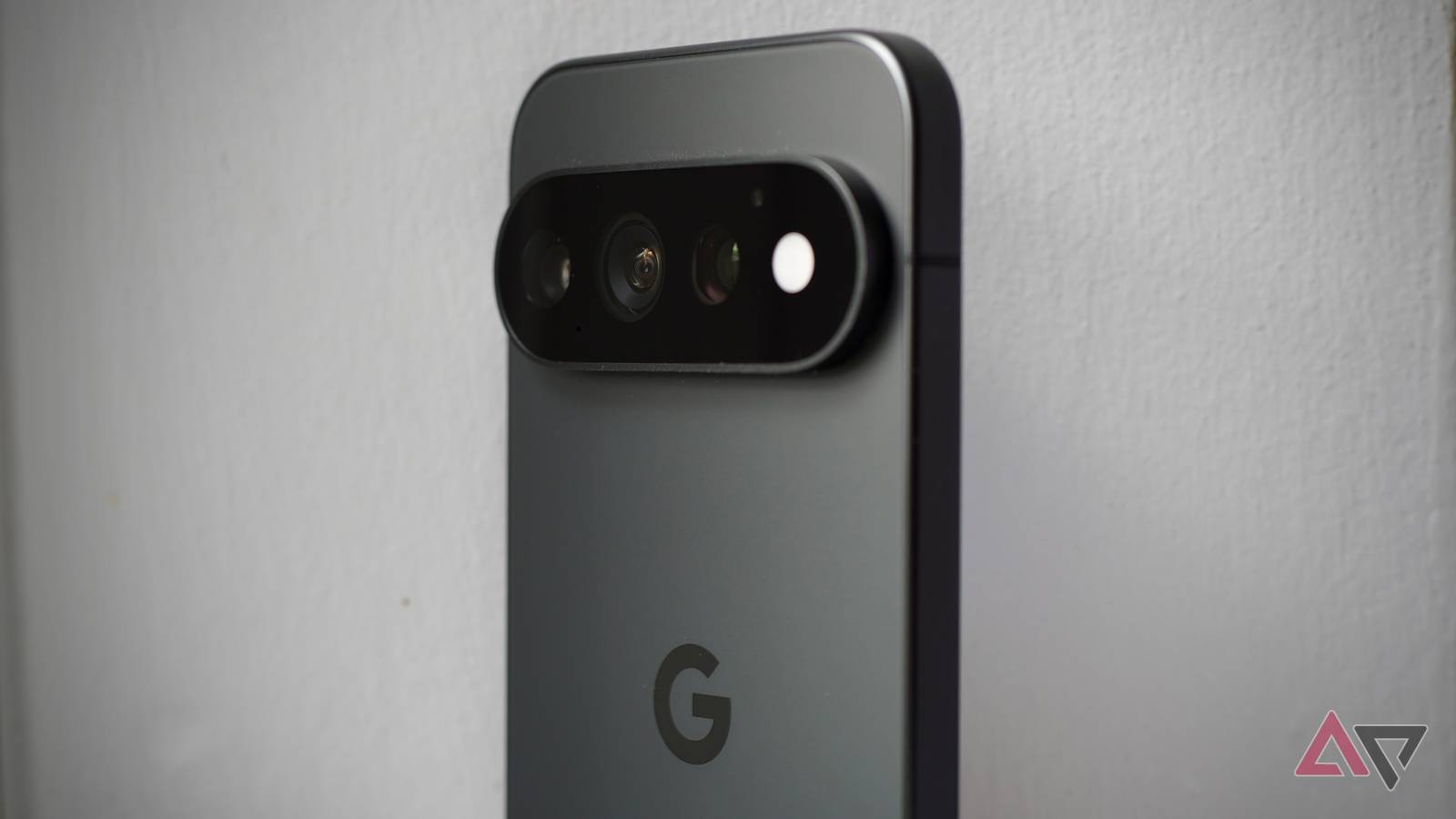
Published Nov 27, 2026, 8:35 AM EST I've been writing about Android since 2011, with a focus on device reviews, Samsung and Google Pixel hardware, Google’s apps and services, and Gemini AI. Throughout my writing career, I've reviewed several Android phones and attended major consumer tech events like MWC and IFA. Carrying both a Samsung or Pixel flagship and an iPhone as daily drivers gives me deep insight into how Android works and how it compares to iOS. I also closely follow Google’s AI efforts, exploring how Gemini fits into Android and the wider Google ecosystem. I have been writing for Android Police since 2021, covering news, how-tos, and features. You can find my previous work on Neowin, AndroidBeat, Times of India, iPhoneHacks, MySmartPrice, and MakeUseOf. When not working, I tend to mindlessly scroll through X, play with new AI models, or go on long road trips. You can reach out to me on X or drop me an email at rajesh@androidpolice.com. Sign in to your Android Police account Google's November Pixel Drop arrived with several new features. But it also introduced unwanted bugs, including one that leaves the camera on Pixel phones completely unusable. Now, Pixel owners are running into another issue with Android Auto after the November update. Frustrated Pixel owners on Reddit and other online forums report that their phones' always-on display doesn't work when connected to Android Auto. Instead of subtly displaying the time, notifications, and other relevant information, the screen remains blank. The bug appears to affect multiple Pixel generations, with reports coming from Pixel 9, Pixel 10, and Pixel 11 users. As spotted by Android Authority, one Pixel 9 Pro owner on Reddit says that wireless Android Auto worked fine before the November update on their unit. But after installing it, their phone's screen remains black as long as it's connected to Android Auto. Other Pixel users have also chimed in with similar experiences in the comments. Tap to wake still works, but the Always-on-display functionality seems to be broken. Toggling Driving mode and other Android Auto or Always-on display settings doesn’t help solve this problem. Bedtime mode or Driving mode is not the cause of the problem, as even with them turned off, the Always-on display doesn’t work properly. Some users also report that installing a Google Play system update fixed the issue, only for it to return again after about a day. A blank screen and no reliable fix Google seems to be aware of the problem, as a Pixel Community specialist member has reached out to some affected users to share more details and has asked them for more details via email. Bugs and the Pixel experience go hand in hand, with every new Pixel update introducing more bugs rather than fixing them. It's the same case with Android Auto, with persistent connectivity issues and bugs. The Always-on display bug might seem like a small thing, but having to wake your phone manually to check for information defeats its purpose. Yes, you might not rely on the feature as much when your Pixel is connected to your car’s infotainment system. But that doesn’t make it any less frustrating when an update breaks something that previously worked just fine. Considering that Google conducts a public beta program for Pixel's major QPR updates, it's surprising that such bugs still slip through the cracks and land in the hands of final users.
Your Pixel's always-on display is going dark with Android Auto
Full Article
Original Source
Read the full article at Androidpolice →KhanList aggregates and links to publicly available news content. We do not host full articles from third-party sources. Always verify important information with original sources.