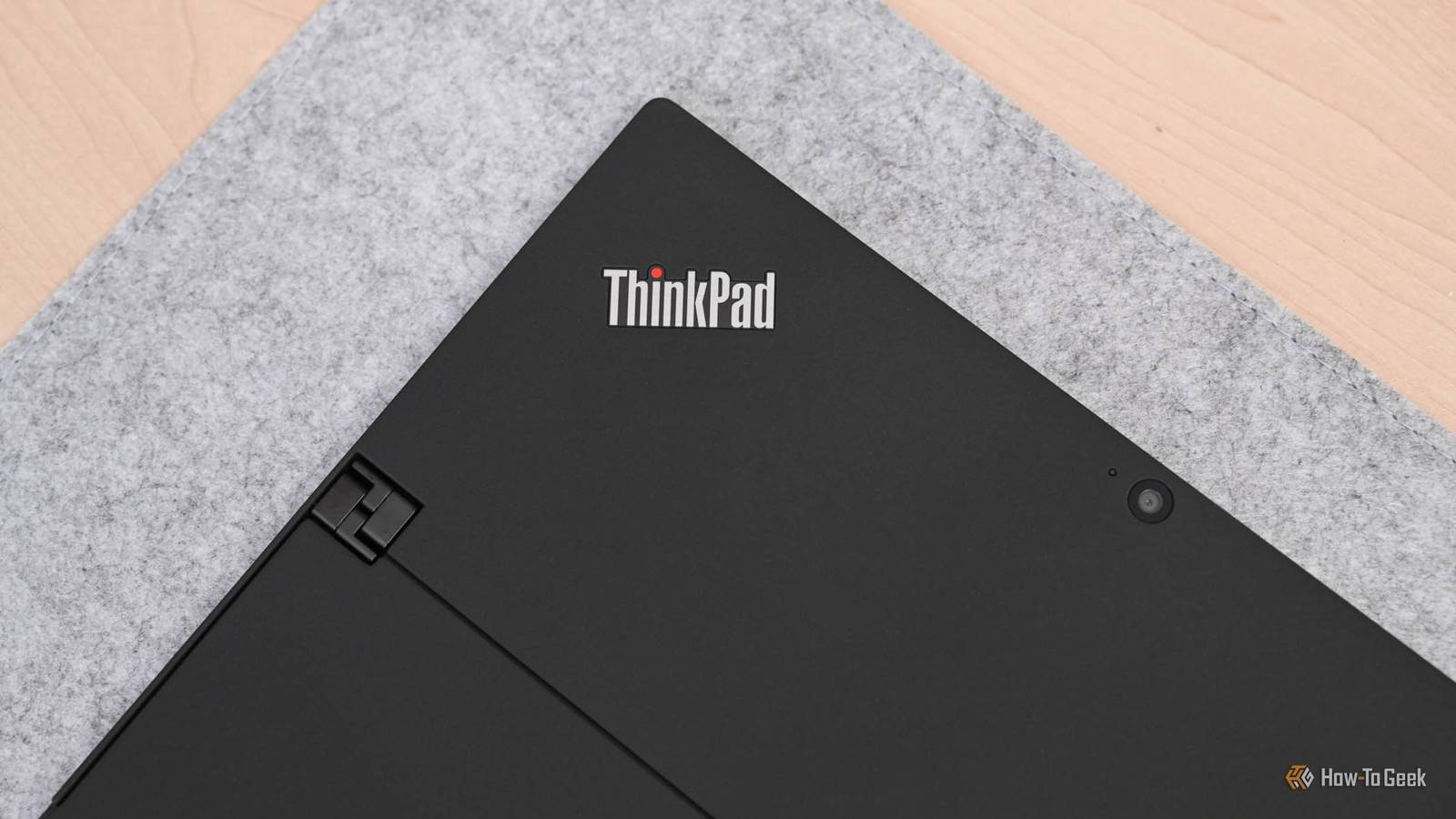
Published Jul 22, 2026, 9:30 AM EDT Bertel is a lifelong tech enthusiast with over a decade of experience writing thousands of articles about Android devices, Linux, and more. Before joining the How-To Geek team, Bertel wrote for the likes of MakeUseOf, MakeTechEasier, and Android Police—at the latter he wrote over 3,500 articles. He delights in helping others decide which tech to bring into their lives... and which tech to do without. Bertel graduated from the College of William and Mary in 2012 with degrees in History and Government. He has spent his entire career as a tech journalist covering Android, Linux, wearables, smart home devices, and more. For a long time, if you've wanted a laptop built to last, there's been a single easy-to-remember bit of advice: buy a ThinkPad. These laptops have long been designed with business customers in mind, so they're made to be durable and repairable. Yet there's now a better brand if you want a laptop that's not only repairable—but upgradeable. "Just buy an old ThinkPad" is no longer the sound advice it once was They don’t make them like they used to When I first installed Linux on a laptop, it felt like owning a ThinkPad was a prerequisite if you wanted credentials as a bonafide Linux user. Those laptops were so well built, durable, and open that if you ask the Free Software Foundation for a recommendation today, decades later, it will still point you towards those exact same models of ThinkPad. But the ThinkPad brand has changed a lot in the years since. There are now more product lines—with wide variations in the durability, repairability, and quality between them. While you absolutely can still buy a ThinkPad today and wind up with a laptop that you can fully take apart and upgrade on your own, you need to do your research. You can just as easily wind up with soldered-down RAM. Some models may technically be upgradeable, but the job is nowhere near as easy as it once was. As laptops have gotten thinner, parts are more difficult to access. In the pursuit of making as thin and light a laptop as possible, some ThinkPads are as restrictive as any other laptop. That’s because while ThinkPad still targets businesses, other brands have caught up. The HP Elitebook is an immensely repairable laptop with affordable parts. You could do all right by buying a ThinkPad, but you could do just as fine buying the right model of Dell. It's time to buy a Framework laptop Laptops that are both repairable and upgradeable Framework is a laptop brand built almost entirely on one concept: that your computer is yours to open up, fix, and upgrade over time. You can not only repair a damaged display, but you can swap it out for a new one. You can increase the RAM and storage size. You can replace the keyboard or the touchpad. There are limits, but you'll get much further along upgrading a Framework before you reach them than any other laptop. Just take a scroll through the available parts on the Framework website and let the full breadth of what you see sink in. Framework Laptop 13 Price Starting at $799 Brand Framework Build your laptop yourself and get exactly what you want—and replace parts as they become outdated. You can not only increase your own storage, but you can swap out the ports. You can have a laptop with only USB-C ports and live that dongle life, or you can build one with a USB-A port, HDMI, and Ethernet. You can even carry these ports along with you in a bag as though they were flash drives. Being able to swap out ports is a degree of flexibility no other laptop can match. The company is even offering Oculink ports. Frameworks aren't yet mainstream computers that you will find in big box stores, but they're not a new upstart anymore either. They've been around for the better part of a decade, long enough to establish a reputation and earn a degree of trust. They've also gotten better over time. The new Framework Laptop 13 Pro is expected to address many of the complaints and vulnerabilities of earlier models. It should have better battery life and a nicer display, all with a price that is more in line with the competition. It also comes with LPCAMM2 RAM. For a while, you had to pay more for a Framework computer than you would for an equivalent laptop of similar specs. This led many to make the calculation that they would be better off buying a regular laptop and selling it when the time comes to replace the entire unit with a new one. With RAMageddon upon us, that argument may no longer hold true for long, at least compared to other new laptops. When comparing pre-owned models, well, that's a different story. Framework has been around long enough now to establish a used market Shopping second-hand can make a Framework more attainable Framework computers come at a premium, and that has long been their biggest weakness. You can get a pre-owned ThinkPad that a corporation is unloading in bulk, use it for five years, and replace it with another one for less than the price of a Framework. Fortunately, Framework has been around long enough to establish a second-hand market of its own—but there's a catch. Framework laptops tend to hold their value. That's because the people selling them know that these computers still have many years of life ahead of them, and buyers know this as well. These laptops won't be cheap, but they will be cheaper than they otherwise would be. These older Framework computers may not have the best battery life, but they remain capable PCs that can become even more so. Keep it simple and buy a Framework If you want a repairable laptop, you don't want to have to comparison shop between myriad similar sounding models. Just buy a Framework. No matter which one you get, it will be repairable and upgradable. It's the laptop you can sit down with, your screwdriver in hand, and feel powerful in a way most modern electronics, including many ThinkPads, no longer allow. Now if only Framework could do the same thing for printers.
Your old ThinkPad obsession is outdated, and here's the laptop that killed it
Full Article
Original Source
Read the full article at Howtogeek →KhanList aggregates and links to publicly available news content. We do not host full articles from third-party sources. Always verify important information with original sources.