
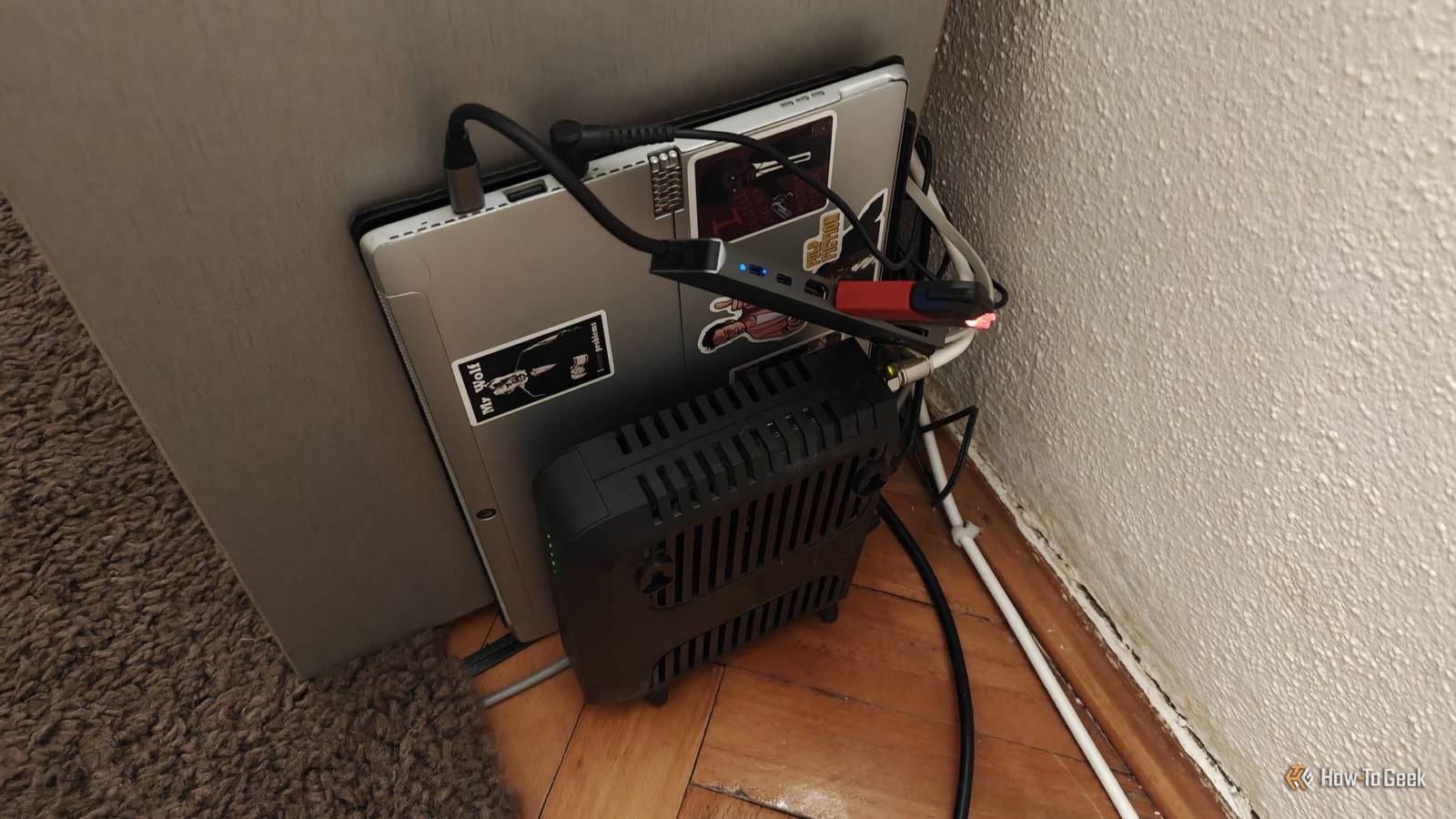
Published Nov 6, 2026, 7:30 AM EST Patrick Campanale has been in the tech space for well over a decade, specializing in PC/gaming news and reviews, as well as maker-focused products to build small businesses. With a start in technology back in 2010 surrounding the Palm/webOS ecosystem, Patrick spent his formative years developing mobile applications as well as blogging for various publications, eventually leading to starting his own website in 2014. After running a technology blog for a few years, he stepped out of that role and into the world of high-end custom PC manufacturing and building, with a focus on YouTube video production and overclocking. Then, in 2017, Patrick joined the 9to5Toys team as an editor/writer/reviewer with over 14,000 articles being published during his time there, ranging from deals and roundups to in-depth reviews on the latest technology, video games, 3D printers, and more. In his free time, Patrick loves to create projects from wood using various robots and methods, including leveraging the technologies of CNCs and lasers. If Patrick isn't working on a computer or playing video games, he's likely in his 2-car garage workshop creating something unique. In addition to all this, Patrick is also the media director at his local church where he feels God has called him to serve, and he loves every minute of it. If you're looking at starting a homelab, then you could be looking at using the free hardware you have in your house, whether that's an old mini PC, old desktop, or old laptop. If you need to rely on these services, that old system might not be the best idea. Old machines are great for tinkering, but they can be a bad foundation for things you need to depend on daily. You'll outgrow an old laptop faster than you think The storage options only go so far A laptop might seem like the best idea to use for a homelab because it has a built-in backup battery, it's got a built-in monitor, keyboard, and trackpad, and it's pretty slim. A lot of people I know have started their homelabs with laptops, and it actually can be a great way to start. However, one of the main reasons laptops might not be a great fit for a reliable homelab is that many only have one to two M.2 slots available for storage. If you happen to have a laptop that has a 2.5-inch bay, then that gives you one more space for storage and that's it. This means that you would have to use USB storage for things like Plex or Jellyfin media as your library grows, which will work, but USB isn't the best method for storage management. Also, many laptops made within the past 10 years have soldered RAM, which means it's not easy to upgrade and you're stuck with whatever RAM it shipped with. Old mini PCs are often worn out and behind on modern standards HEVC and AV1 are the industry standard codecs for a reason Like old laptops, an old mini PC might sound like a great idea for your homelab, but it could be way behind the times in terms of hardware capability. Features like HEVC encoding and decoding only started coming around in the 6th or 7th generation Intel processors. The AV1 codec didn't get native support in Intel processors until around until the 11th generation processor, and even then, that was only for decoding. In fact, even a more modern mini PC, like something powered by the Intel N100 or N150, only does AV1 decoding, not AV1 encoding. Why does codec support matter? Many modern smartphones shoot video in HEVC by default. And AV1 is a much more compressed format that delivers high-quality results without taking up nearly as much space. Without having the right hardware, Plex, Jellyfin, or Emby fall back to CPU transcoding. This means that it's going to create more heat, which will produce more fan noise, and also introduce more playback stutters. Also, old processors just don't hold up to modern performance all that well. I have a 10-year-old NAS deployed at my church, and one of the hard drives failed this morning. Thankfully the system is still operational, but I'm now having to back up the NAS to my homelab remotely over a VPN. While both my house and the church are on symmetrical gigabit fiber, I can only get around 30MB/s transfer speeds because the anemic processor in the old NAS can't handle the encryption overhead that Tailscale requires. The NAS works perfectly fine for local transfers, but its age is definitely starting to show at this point and it's a piece of hardware I'll be replacing before long. I wouldn't trust an old laptop with anything my family depends on Most of the ways it fails, you won't see coming If I had to pick between an old laptop and an old mini PC, I would pick an old mini PC for my homelab over an old laptop. The battery-is-a-free-UPS argument of a laptop in a homelab is good until you realize that keeping a battery charged to 100% indefinitely does not help the longevity of the battery. At some point that battery will fail, and, when it does, the battery backup is no longer viable. Also, heat is the enemy of a battery, and laptops often run hot, especially when the clamshell is closed and the laptop is old. You see, laptops already have poor cooling performance compared to mini PCs or desktops, and the thermal paste often dries out. Thermal paste can be fixed, but poor thermal performance can't easily be remedied as most laptops aren't compatible with aftermarket cooling solutions. Another reason I would always choose a proper desktop or mini PC over an old laptop is laptops typically don't have power loss recovery. This means a laptop isn't going to turn itself back on after the power goes out like a desktop or mini PC will. While that might sound trivial, having your homelab boot back up after a power outage automatically is one of those things that I definitely didn't think would be such a big deal early on, but it's now crucial in my homelab. Old hardware is for learning, not for the things you can't lose If you're just starting out with your homelab, then it might be a good idea to look at older systems you might already own or that you can pick up cheaply. Old hardware is fantastic for learning on. In my own homelab, I don't put jobs I need to rely on on old hardware. I used to have a 15-year-old server that ran my entire homelab, and, while it worked fine, it was just time to move onto a more modern system since it ran the core infrastructure of my homelab. While newer mini PCs might not be as affordable as they once were, spending a few hundred dollars on something that's newer and more reliable might be the best choice.
Your old laptop makes a great homelab for learning, but not for anything you depend on
Full Article
Original Source
Read the full article at Howtogeek →KhanList aggregates and links to publicly available news content. We do not host full articles from third-party sources. Always verify important information with original sources.