
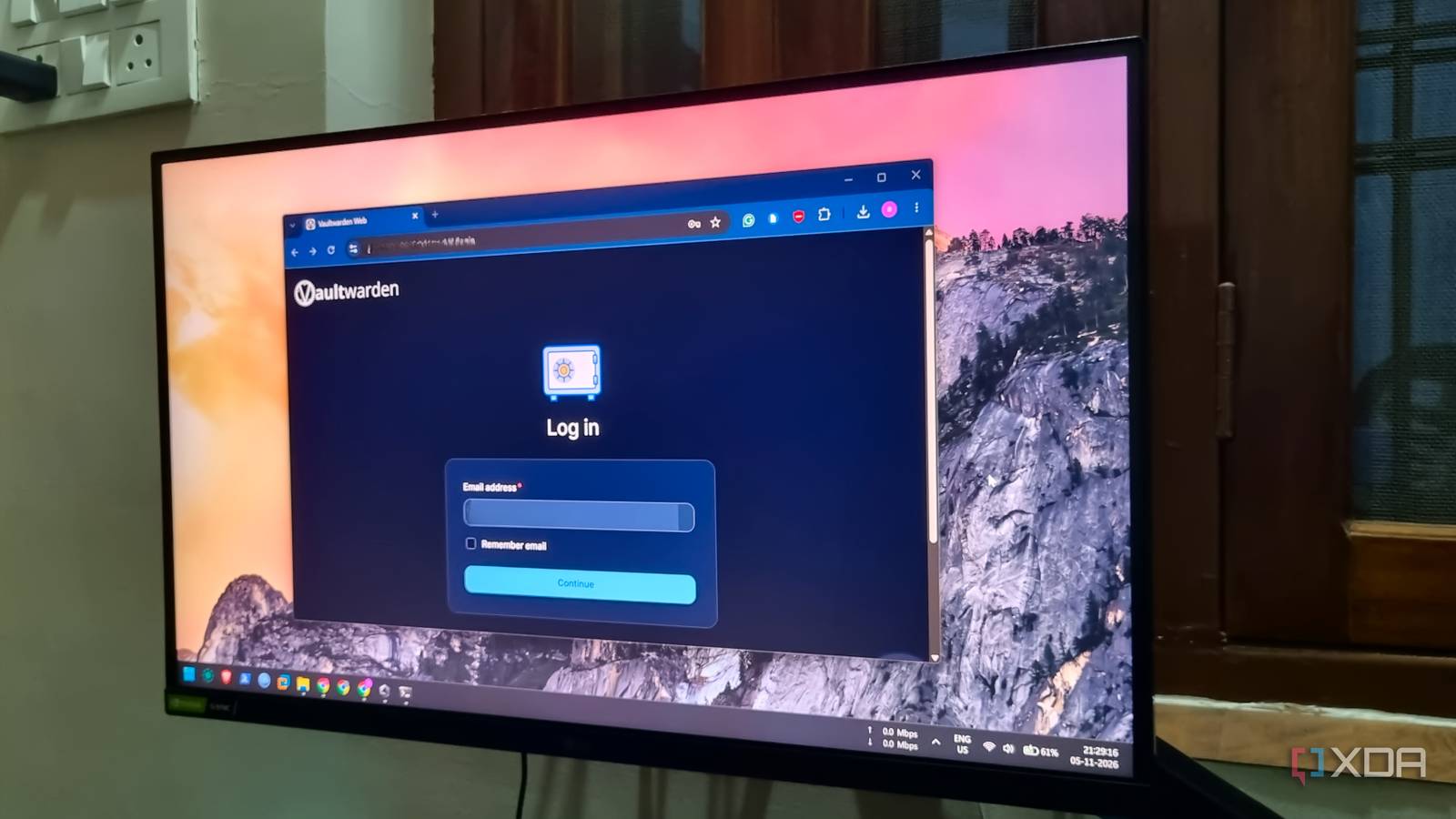
Published Nov 6, 2026, 8:00 AM EST Abhishek is an author at XDA who covers computing. He has loved computers since he got the Lenovo G570 in 2012. Abhishek holds a master's degree in computer applications and began his writing career in 2018. He loves writing how-to articles, listicles, and informational posts on popular operating systems and web services. He closely follows the Windows Insider program and tests new Insider builds to discover upcoming experimental features and upgrades. His past work includes long-term collaborations with reputed publications like Tom's Hardware, and Windows Latest. When not writing anything, he is busy watching new episodes of One Piece or searching for something binge-worthy. Self-hosting applications to get rid of high prices and forced tracking sounds easy at first. You switch to a Linux distribution, set up Docker (or Dockerless) tools, and run and access them locally on your home network. It feels liberating to use a tool that's just as good as, if not better than, premium cloud-based ones. However, things become complex when you want to access the app/tool outside your network. A sudden realization hits you because you never felt the same need with a non-self-hosted tool. The most obvious way to make an app accessible outside your home network and add HTTPS support is a reverse proxy. But after discovering Tailscale Serve, I felt I had wasted my effort using a reverse proxy. Tailscale Serve is much simpler; it doesn't require you to juggle DNS, port forwarding, or buying a domain. Reverse proxies are incredibly useful The setup complexity ruins my interest in them You might have read about Caddy and Nginx whenever you searched for anything related to reverse proxies. Many users prefer Caddy because it can manage and generate new HTTPS certificates when the old ones expire. A simple reverse proxy setup requires you to install a tool, configure it to issue certificates, set up port-forwarding rules, add a domain, and update DNS settings. You may also need to put in extra effort if your ISP uses CGNAT. For a newbie, most of the technical jargon mentioned flies over your head. Networking is the hardest part of any self-hosted setup, and these reverse proxy tools don't simplify it. You have to understand self-signed certificates and manually add them to each device you want to use to access the self-hosted tools. Caddy might automate the certificate process. A reverse proxy sounds like a tormenting hike for a basic user who needs to host a few tools and needs HTTPS support for tools that demand it. You have to do too much to gain very little practical benefit. Reverse proxies are better left for things like hosting your web server and opening it to the public. For private, user-only servers, Tailscale Serve is much better. Tailscale solves remote access Serve adds HTTPS support Even if you forget HTTPS support for a moment, there’s one major reason to use Tailscale. It acts as a private network where all your connected devices can communicate with each other. Each device gets a unique Tailscale IP address, making it easy to access the tools hosted on it. Tailscale MagicDNS resolves your devices' names to their corresponding Tailscale IP addresses. You can use shorter, simpler names for your devices if you prefer it that way. A basic user can install Tailscale with a simple command on each home server. Then you can do the same for your desktop and phone, since you’ll use them to connect to the hosted services when you're away from home. After a quick registration of all the devices on your network, you can access any home server from your PC or phone while you are connected to the Tailscale network. Follow just three steps to enable remote access to your home server. No port forwarding, public DNS configuration, or security certificates required. This is the most exciting part of Tailscale. Similarly, implementing HTTPS support for your installed container tools is also a three-step process. I wouldn’t have used Tailscale Serve if I hadn’t encountered a specific Vaultwarden error. After using a Raspberry Pi Zero 2 W as a Vaultwarden server for a year, I decided to shift it to Docker for better management and troubleshooting. The container created without any problems, but the web interface wouldn’t let me create an account, citing an unsecured connection issue. Before that, I was happily using Vaultwarden remotely via Tailscale, but the mobile app didn’t work with an HTTP URL. I used to launch the web interface on the phone, copy the passwords, and then log in to an app or website. So the seamless autofill feature was missing because Vaultwarden didn’t support HTTPS. Securing my Vaultwarden server access A simple Tailscale Serve command Adding HTTPS support for any self-hosted tool requires a single command. But before that, do a quick check of your Tailscale admin panel and enable HTTPS support in the settings. It’s the one that does all the background grunt work for you related to obtaining and updating certificates. Thereafter, you can use the following command: tailscale serve --bg --https 443 http://localhost:8080 I’ve used port number 8080 because that is the port assigned to my Docker container. If you have another server, do a quick check of the port number by running the docker ps command or ss -tulpn. Executing the command generates the secure URL you can use to connect to the tool (Vaultwarden in my case). You can bookmark this permanent, HTTPS-enabled address and then connect to the server when you are outside your home network. The above example illustrates the difference between setting up Tailscale Serve and a reverse proxy. Notice how easy it becomes when you pick Tailscale Serve. The tool hides all the complexity from you, which is why I suggest it for beginners. If you have multiple tools or containers and want to add HTTPS support for all of them, the core command needs a slight tweak. Don’t fall into the reverse proxy pit I have made that mistake for myself and unnecessarily complicated something that could have been set up in a few minutes. The biggest argument for using Tailscale is its simplicity and the fact that you can connect many home servers on a free account. There isn’t a restriction on the number of devices. All the essential features, like MagicDNS and HTTPS support, aren’t hidden behind the paywall, and you don’t need to buy a domain name. Tailscale Tailscale is a tool that allows you to create specific network connections so you can remotely access resources within a private network.
I replaced my reverse proxy with Tailscale Serve for private services, and I'm not going back
Full Article
Original Source
Read the full article at Xda-developers →KhanList aggregates and links to publicly available news content. We do not host full articles from third-party sources. Always verify important information with original sources.