
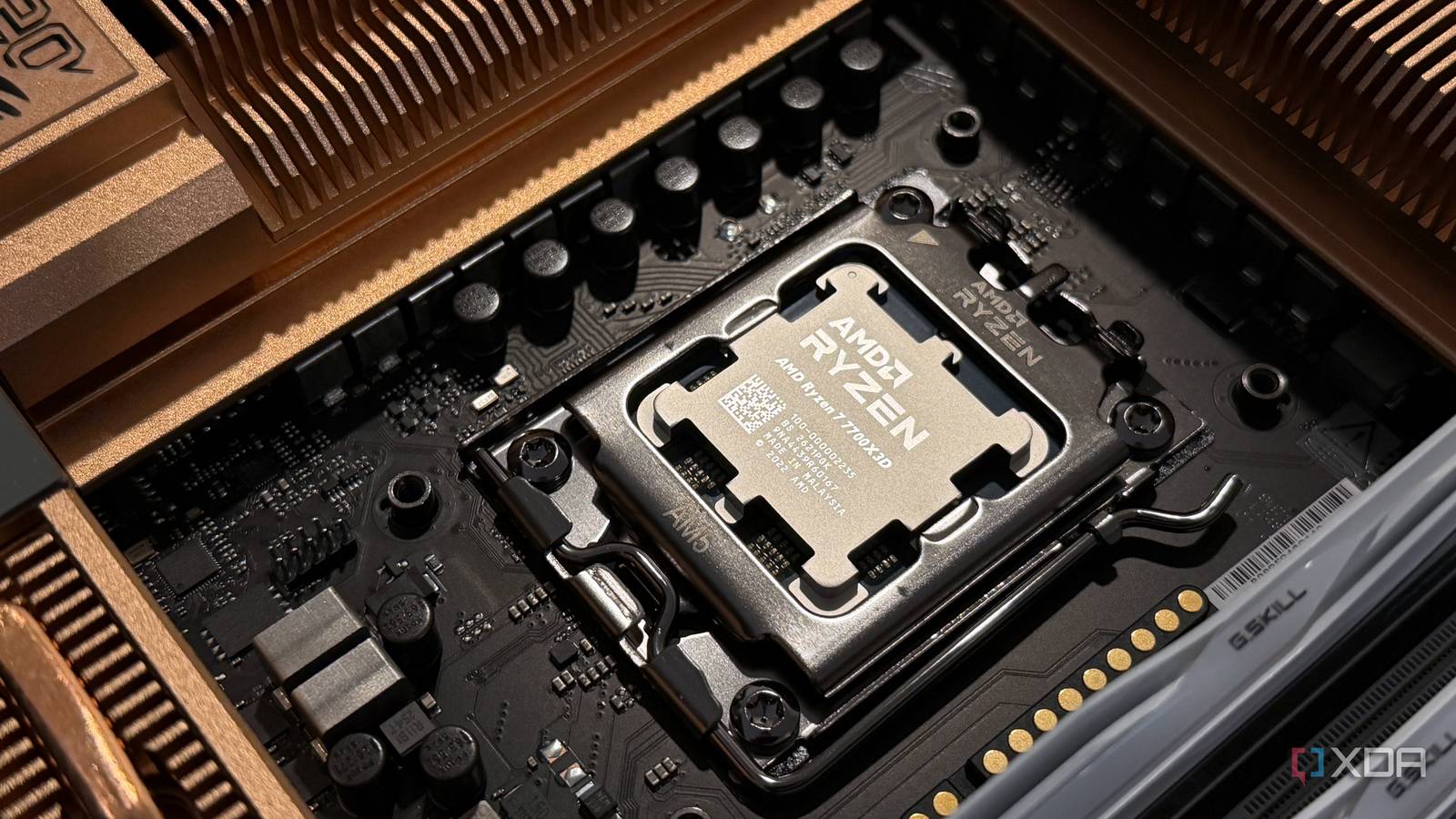
Published Sep 30, 2026, 7:00 AM EDT Hamlin has been in the tech field for over nine years. Since 2017, his work has appeared on MakeUseOf, Android Police, OSXDaily, Beebom, and more. He served as the Senior Editor at Valnet's MakeUseOf for over two years before joining XDA. He uses a high-end gaming rig for desktop use and a MacBook for traveling, but dislikes some of the quirks of macOS. You're more likely to catch him at the gym or on a flight than anywhere else. When I switched to AM4 in 2020, I was surprised by just how much hotter my CPU was running out of the box. My 5900X was averaging 80–85C while playing AAA titles, and that's despite me using a 360mm AIO. Of course, I assumed something was wrong with my cooler, or perhaps even the mounting, so I repasted the CPU with Thermal Grizzly Kryonaut and remounted the cooler, tightening the screws in a cross pattern, only to see temps barely improve. At one point, I even considered switching to an AIO with a thicker radiator. Looking back, that was a silly assumption on my part. Since then, I've learned that a better cooler can only do so much when the motherboard itself could be one of the reasons why your CPU is running hot in the first place. Depending on how the motherboard manufacturer configured it, your CPU could be running with higher power limits than you realize, even if you haven't touched anything in the BIOS. So if you've been blaming your cooler recently, it's probably worth checking what your motherboard is doing first. "Auto" doesn't always mean stock Motherboard manufacturers can change the limits your CPU is allowed to use Credit: This is what makes motherboard defaults so confusing. You may have never touched a CPU-related setting in the BIOS and still end up with behavior that differs from Intel's or AMD's stock limits. The PBO setting on Ryzen CPUs is probably the easiest way to understand how this happens. Instead of manually locking your CPU to a higher clock speed, PBO gives Precision Boost (Ryzen's boost behavior) more headroom by allowing it to operate beyond AMD's default power and current limits, namely PPT, TDC, and EDC. Intel has similar limits, like PL1 and PL2, which motherboard-specific features such as Asus's Multicore Enhancement can relax. By default, PBO is set to "Auto" in the BIOS, and on most motherboards, that means the feature is effectively disabled. However, that doesn't necessarily mean your board is following AMD's stock limits, since manufacturers can apply their own performance presets that push the CPU more aggressively out of the box. And if those settings give the CPU more power and current headroom, it can use that to sustain higher boost clocks. But that also means more heat for your cooler to deal with, even though you haven't technically overclocked the CPU yourself. The gains aren't worthy of being called an "overclock" And you're trading a lot more power and heat for higher boost clocks The problem with these aggressive presets is that all that extra power doesn't necessarily get you the kind of performance uplift you'd expect from a manual overclock. Both Intel and AMD CPUs these days already boost pretty aggressively at stock, so you're mostly squeezing out a little more clock speed rather than unlocking meaningful performance gains you'd notice while gaming. But remember that the further the CPU pushes its clocks, the more voltage it may need to remain stable, and that's where your cooler pays the price. When your CPU draws more power, it generates more heat, and sure, a better cooler can help with that. But splurging on a high-end AIO isn't going to give you the temperature drop you expect because the CPU may just use some of that thermal headroom to push boost clocks even further. This is what I wish I had paid more attention to when I was trying to figure out why my 5900X was running so hot. Instead of doubting my AIO, I should've been monitoring how much power the CPU was drawing and what I was getting in return. Even at stock, CPUs are designed to push hard But that's all the more reason to revisit your BIOS Like I said earlier, modern CPUs already run close to their limits at stock. Their boost algorithms are designed to take advantage of whatever power and thermal headroom is available, so seeing your CPU hit the high 80s doesn't necessarily mean something is wrong in your BIOS. That's why upgrading from an air cooler to an AIO doesn't always give you the massive temperature drop you're expecting. With more thermal headroom to work with, the CPU can simply boost higher and start pushing up against its limits all over again. But if you're already uncomfortable with stock temperatures, letting your motherboard push the CPU harder is only going to make things worse. I'd rather head into the BIOS and make sure any board-specific performance presets aren't enabled before I even think about the cooler or thermal paste. And if you're already running at stock, you can always go the other way and undervolt your CPU instead. At least, that's what I did with my 5800X3D. I used PBO2 Tuner to apply a -30 Curve Optimizer offset, which helped lower its temperatures while gaming by 4–5C. Your cooler should be the last thing you blame As long as you know you purchased a decent cooler that's capable of handling your CPU, I'd check all the other factors before assuming something's wrong with it. Checking your BIOS is a good start since it takes almost no effort. But if you see nothing out of the ordinary and your CPU is running too hot for your comfort, undervolting is always worth a shot. And don't forget that mounting pressure and cooler contact can also impact temperatures, so I'd rule those out too. The important thing is figuring out what's making your CPU run hot in the first place.
Your motherboard might be overclocking your CPU out of the box, and it's why your cooler is working so hard
Full Article
Original Source
Read the full article at Xda-developers →KhanList aggregates and links to publicly available news content. We do not host full articles from third-party sources. Always verify important information with original sources.