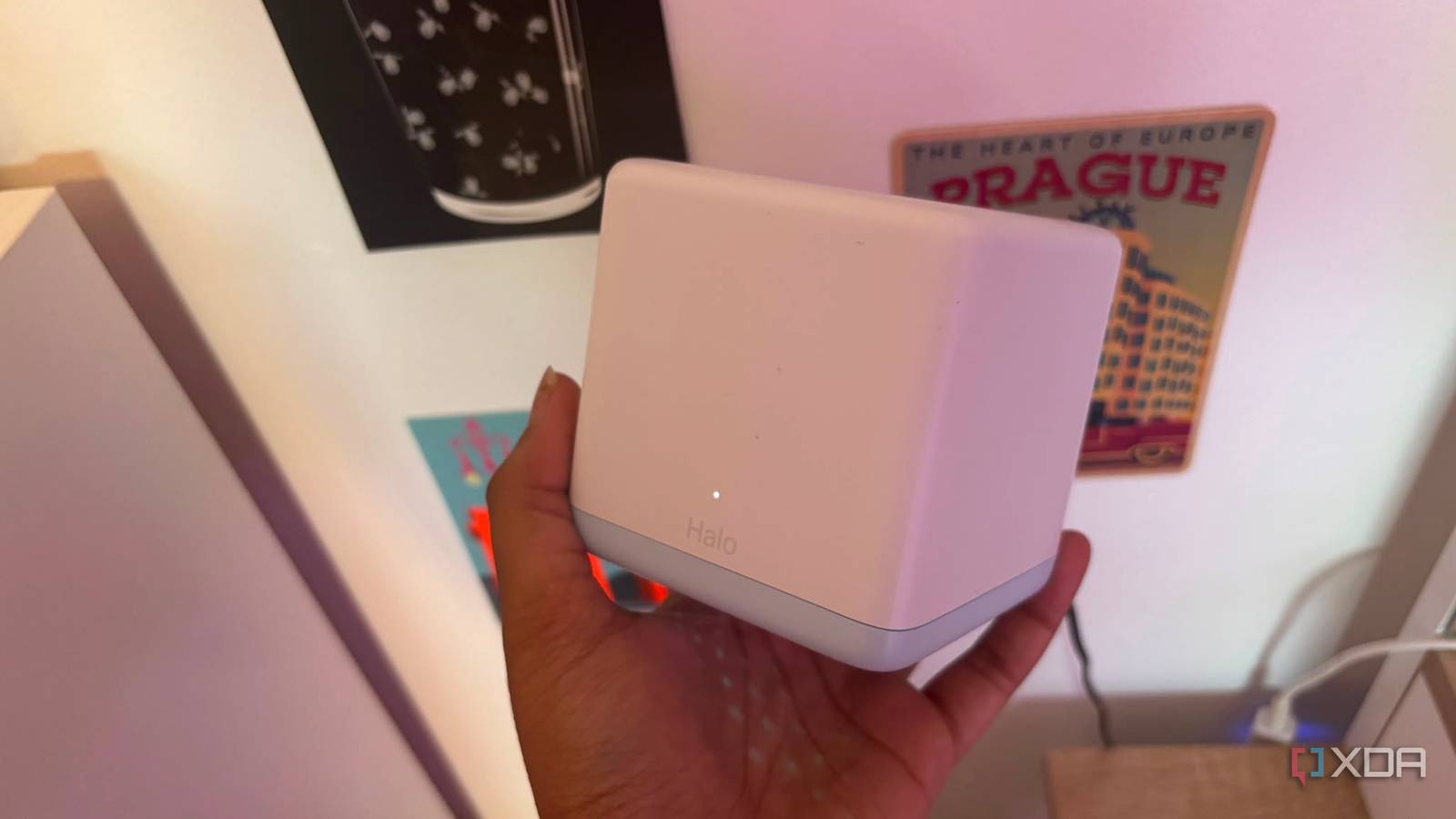
Published Jul 26, 2026, 10:00 AM EDT Jasmine is Software and PC Hardware Author at XDA with years of tech reporting experience ranging from AI chatbots right down to gaming hardware, she's covered just about everything. Whether it's breaking news about the latest AMD NPUs or creating video tutorials on social media platforms, Jasmine has contributed to the world of AI and tech in a variety of ways including interviewing the CEO of Razer, AMD's Director of Product Marketing and the VP of Lenovo. Passionate about gaming and PC technology, she has built countless computers, keyboards and other peripherals - knowing them inside and out. Let's say you've got full Wi-Fi bars on all of your devices, in every corner of your home. You bought a $400+ tri-band mesh kit, so you're glad to see that your dead zones are gone, and at first glance all of your speed tests look great. However, reality hits you quickly when your Zoom calls start freezing during uploads, online gaming suffers from sudden unexplained ping spikes, and your smart home switches lag. A mesh network is essentially a signal generator. It paints over structural networking issues with high-power RF coverage without actually fixing any packet delivery, backhaul bottlenecks, or local latency queues. This means a mesh Wi-Fi system doesn't fix a broken home network. It can hide the symptoms behind a wall of full signal strength. By ignoring all of these fundamental issues, mesh setups can introduce more latency, packet retries, and network jitter than a single well-configured access point. Wireless backhauls often aren't as reliable as wired An Ethernet cable goes a long way Introducing a mesh system into your home can also come with a backhaul penalty. This is due to invisible radio traffic jams, which are the physical realities of wireless backhauls. When a client device talks to a mesh satellite node, that node must immediately retransmit those packets across the airways to reach the main gateway router connected to your modem. If you're sporting a half-duplex radio, every wireless hop cuts available airtime capacity, effectively doubling packet collisions and local network latencies. This can be avoided by running a high-end system with a dedicated 6GHz backhaul radio or an Ethernet cable connecting the nodes. However, some of these systems can be excessively pricey. If you're opting for a standard mid-range mesh system, you will likely be dealing with a half-duplex radio. Placing mesh nodes too close together can also cause co-channel interference as they fight for the exact same radio spectrum frequencies. This can degrade performance far more than a single wall would. Bufferbloat can be annoying Your latency isn't anywhere near where you want it to be Some mesh systems can also lead to bufferbloat. This is because massive bandwidth doesn't actually stop latency spikes. Even if your speed tests say that your internet is delivering you amazing speeds, the primary culprit behind modern connection lag is actually bufferbloat. Bufferbloat occurs when network hardware uses oversized unmanaged memory buffers to hold data packets when a link gets saturated. Most mesh routers prioritize raw throughput benchmarks over active queue management. This means your mesh system might show that you've got 500 Mbps on a speed test, but the second someone backs up a phone or streams a large video file, the router's internal packet queue fills up, and then you experience bufferbloat. Time-sensitive packets like real-time voice calls, online gaming inputs, or DNS requests get stuck behind massive file downloads in a first-in-first-out queue. You'll see a full Wi-Fi signal on your devices, but your connection latency will jump from 15ms sometimes to over 400ms at other points. A distant node, far, far away Why is your phone sticking to it? Your devices might become victims of the sticky client phenomenon, which again means it might be showing that it's got full bars, but actually, in reality, it's struggling and connected to a distant node on the other side of your home. It is commonly thought that mesh systems control which node your phone connects to. However, in reality, the decision to switch access points rests entirely on the client device's network card. This means as you walk across the house, your phone sees a brand-new mesh node right next to it offering you a pristine 100% signal. Instead, it stubbornly clings to a faint 10% connection from the other router downstairs just so it doesn't have to switch over. Adding too many mesh nodes can actually exacerbate this issue due to over-amplification. Blasting high-power Wi-Fi from multiple nodes in a small space causes overlap, confuses client devices, and can lead to continuous connection toggling, packet drops, and rapid phone battery drain. Realistically, it can be far from the mesh node's fault, but your devices can simply refuse to roam correctly, leading to a whole range of networking issues. Mesh kits aren't all bad But they aren't perfect either Investing in a mesh kit can be great. It's a convenient product designed to deliver raw coverage to casual consumers who don't want to run wires across their whole home. However, it comes with its issues too. For enthusiasts, gamers, and remote workers who demand ultra-low latency and absolute stability, relying on mesh wireless nodes to hide architectural floors can lead to long-term frustrations. Instead of investing in a mid-tier, budget-friendly wireless node, it might be better to measure your connection for bufferbloat, wire your access points with direct Ethernet, and configure smart queue management. This allows you to build a network that delivers pristine performance under the hood instead of just full Wi-Fi bars on a screen that actually delivers subpar speeds and latency.
Your mesh Wi-Fi is lying to you about your home network
Full Article
Original Source
Read the full article at Xda-developers →KhanList aggregates and links to publicly available news content. We do not host full articles from third-party sources. Always verify important information with original sources.