
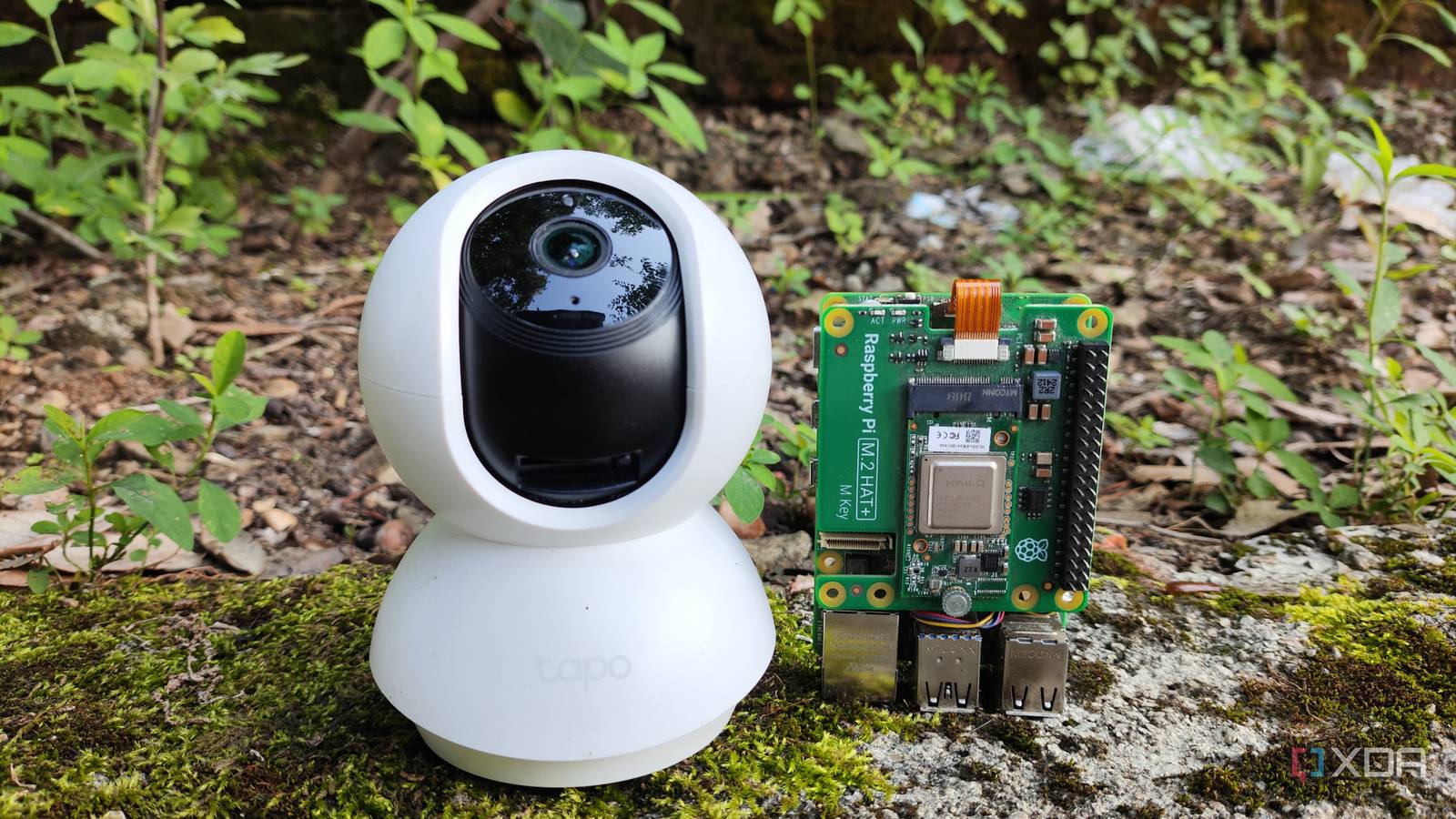
Published Aug 15, 2026, 8:00 AM EDT Ayush Pande is a PC hardware and gaming writer. When he's not working on a new article, you can find him with his head stuck inside a PC or tinkering with a server operating system. Besides computing, his interests include spending hours in long RPGs, yelling at his friends in co-op games, and practicing guitar. Over the past couple of months, I’ve integrated all sorts of cool gizmos into my smart home setup, and these range from smart plugs monitoring my entire home lab to DIY weather stations built from cheap ESP32 boards. On the security front, I bought several TP Link security cameras for my living space (and even ended up building a makeshift FFMPEG camera out of my ESP32-CAM module when I realized I was running short of one). That said, I still wanted to integrate AI features into this setup. To be more specific, I wanted automated notifications whenever motion is detected on certain cameras and a short summary describing the contents of the footage. However, my apprehension of expensive cloud models led me down the self-hosted route, and with a little bit of elbow grease, I was finally able to deploy an AI surveillance pipeline that runs on my local devices. Frigate serves as the NVR server for my setup But you can also use the MotionEye app on Home Assistant (or even add the cameras directly to HASS) Since Home Assistant controls all the smart home (and even certain home lab paraphernalia) in my arsenal, I planned to base my security setup around this platform. However, I’ve already got a Frigate container controlling these security cameras, one that runs off a tiny Raspberry Pi 5 (8GB), no less. Since I had a spare Raspberry Pi AI HAT I bought ages ago, I used it to bolster my single-board computer’s motion detection prowess. Performance-wise, this setup holds up pretty well even with a bunch of 1080p streams, and I also reduced the processing power that would otherwise get wasted on high noise areas by applying motion masks to them. As for linking my Frigate instance and Home Assistant together, I used the integration built into the latter, though I had to configure MQTT on both platforms to get everything to work properly. However, I also installed MotionEye to see if I could get it working with my automated AI surveillance workflow, and it’s not bad, either. Of course, I prefer the AI detection provisions on Frigate, but if you don’t have a separate device running it as I do, MotionEye is a solid NVR that you can deploy directly on your Home Assistant hub. But aside from the MotionEye service within the App Store, you’ll also want to configure the MotionEye integration on HASS and enable the webhook calling functionality to ensure HASS receives a notification every time motion is detected on a camera stream. Or, if you’re not a fan of NVR tools, you can even ditch Frigate and MotionEye, and just pair your surveillance cameras as conventional FFMPEG cameras within Home Assistant. The AI Event Summary blueprint is pretty useful for automating this pipeline On the AI front, I needed a way to connect my large language models – specifically, the ones with vision capabilities – to the camera streams on my Home Assistant hub. Since it can analyze streams, I can point it to a camera (or even a picture/recording stored on my Home Assistant server) and have it generate a brief summary of the frames. Better yet, I’ve even hooked up a local voice assistant pipeline involving an old tablet-turned-kiosk as well as TTS, STT, and conversation LLMs to Home Assistant, so I can just ask my smart home server about my camera streams to trigger LLM Vision’s image analysis workflows. The AI Event Summary blueprint was the final missing piece in this LLM surveillance puzzle, as it’s responsible for dishing out detailed notifications whenever motion is detected on any of my cameras. That said, I had to fine-tune the cooldown period within this blueprint for busy areas to avoid getting spammed by a barrage of false positives. I connected cameras pulled from Frigate as the entities, while LLM Vision served as the provider and the HASS Companion App within my tablet served as the notification target. Everything runs locally on my home lab nodes Including the LLMs responsible for watching my security cameras For reference, I initially conducted this experiment via a Qwen3.6-35B-A3B (q4_K_M) running on my RTX 3080 Ti, and while it worked decently well, its token generation speeds of 24ish t/s meant I had to wait over a minute for the image analysis tasks to wrap up. Not to mention, I’ve got my coding pipeline built on this GPU, meaning I had to look into a different setup for my AI surveillance workflow. So, I switched to my GTX 1080 and began running lightweight models instead. Gemma 4 E4B is the one that delivered the best results, and since I’d deployed it on my GTX 1080, I was able to get 35+ tokens/second consistently with this model. Of course, it’s not as precise as Qwen3.6, but it's pretty good at identifying objects as long as I include the --mmproj flag alongside a link to its multimodal projector file. While we’re on this subject, I’ve used llama.cpp (or rather, its llama-server component) to run these LLMs, as I didn’t want the extra performance overhead from Ollama causing bottlenecks for my security cameras. The best part? Since everything, including the LLMs, Home Assistant, and Frigate, relies on local hardware, I don’t need to worry about cloud models gaining access to something as private as the surveillance footage of my house. Home Assistant OS Windows, macOS, Linux iOS compatible Yes Android compatible Yes
My security cameras now describe what they see, and not a single frame leaves the house
Full Article
Original Source
Read the full article at Xda-developers →KhanList aggregates and links to publicly available news content. We do not host full articles from third-party sources. Always verify important information with original sources.