
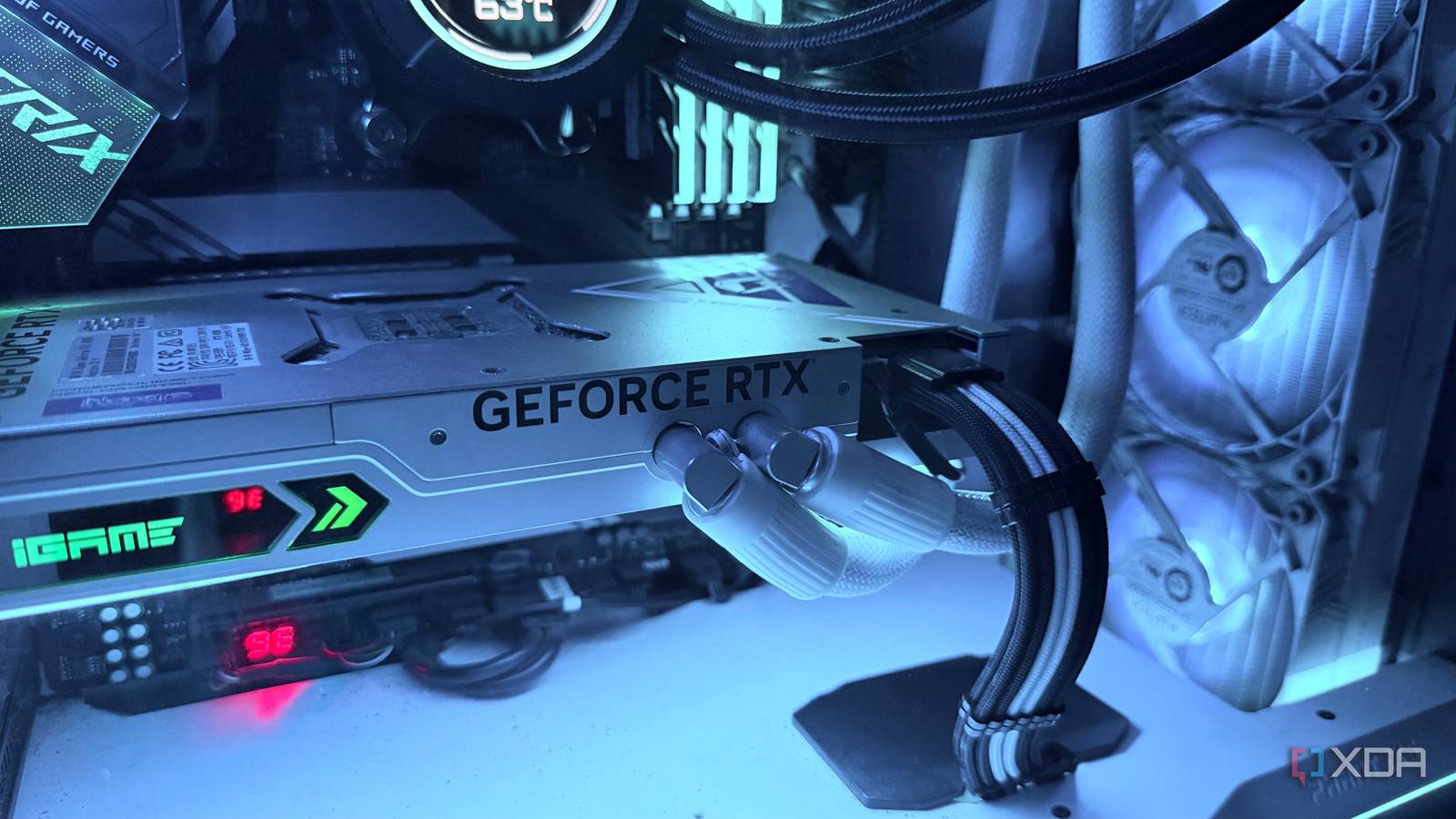
Published Nov 6, 2026, 5:01 PM EST Hamlin has been in the tech field for over nine years. Since 2017, his work has appeared on MakeUseOf, Android Police, OSXDaily, Beebom, and more. He served as the Senior Editor at Valnet's MakeUseOf for over two years before joining XDA. He uses a high-end gaming rig for desktop use and a MacBook for traveling, but dislikes some of the quirks of macOS. You're more likely to catch him at the gym or on a flight than anywhere else. I'm sure most of us pay attention to our GPU temperatures, especially while gaming. Even though I know my liquid-cooled RTX 4090 can handle pretty much any game I throw at it, I still like the reassurance of seeing its temperature stay below 70C in MSI Afterburner. You know, peace of mind and all that. Sure, if you have an air-cooled GPU, you might be accustomed to higher temperatures, but as long as they're within the normal operating range, there's really no reason to worry. At least, that's what we've convinced ourselves. The problem with GPU temperature, though, is that it doesn't tell you how hot the hottest part of your GPU die is getting. To know that, you need to look at GPU hotspot temperature, which MSI Afterburner doesn't show. While it's normal for the hotspot to be several degrees hotter, the difference between your GPU temperature and hotspot temperature can tell you a lot about how well your GPU is dissipating heat. If there's a huge gap between the two, it could mean your GPU needs repasting. The temperature difference is what really matters Your GPU hotspot is expected to be hotter, but a huge gap is a red flag The GPU temperature metric is derived from readings taken by thermal sensors embedded across the GPU die. Nvidia GPUs report it as an average of those sensor readings, whereas AMD GPUs use an edge temperature reading. The GPU hotspot, on the other hand, is the highest temperature any sensor on the die detects. Since different parts of the GPU generate different amounts of heat, it's only natural for some areas to run hotter than others. So, seeing your hotspot temperature sitting 10-15C higher isn't something to worry about. But what if your GPU temperature is sitting at a perfectly reasonable 70C while the hotspot is hitting 95C when you monitor using HWiNFO64? Now that's a problem because it's a 25C difference. I'd definitely be concerned if I saw something like that on my RTX 4090. Of course, a 25C gap doesn't automatically mean there's something wrong with every GPU, but anything above 20C is worth monitoring, especially if the gap has increased over time. If the hotspot brushes against your card's thermal limit, you could end up with louder fans or even thermal throttling, despite your GPU temperature looking perfectly normal. Why your thermal paste might be the culprit Especially if the gap has been getting wider over time As you probably already know, thermal paste doesn't stay in the same condition forever. Yes, it does dry out over time, but that's not the only way it can deteriorate. There's also something called the pump-out effect, where repeated heating and cooling cycles gradually push the thermal paste away from the center of the GPU die toward its edges. Since thermal paste is supposed to fill the microscopic gaps between the die and the cooler's cold plate, this can leave some areas with poor thermal contact down the line. So, what's the end result? You could see much higher hotspot temperatures because heat isn't being transferred efficiently from those areas to the cooler. The GPU temperature may only be a couple of degrees hotter because the problem could be limited to certain parts of the die. That's why I'd be concerned if the gap between the two readings has increased over time. Of course, you wouldn't know whether that's happened if you never checked your GPU hotspot temperature when it was new, but that doesn't mean you can't start monitoring it now. Don't repaste just because your hotspot is high But that doesn't mean you should wait until your GPU starts throttling I wouldn't recommend prying open your GPU and potentially voiding your warranty just because its hotspot temperature is unusually high, though. Your GPU may have a different thermal limit from mine, so what I'd consider an alarming temperature for my RTX 4090 might be just fine for your GPU. For instance, AMD GPUs like the RX 9070XT can reach hotspot temperatures of up to 110C before thermal throttling kicks in. You also need to consider cooler variance because even among air-cooled models, a chunky 3.5-slot triple-fan cooler will perform very differently from a 2-slot dual-fan unit. However, you don't need to wait until you face problems like thermal throttling before you take action. You can start with the basics like checking dust buildup, fan operation, and case airflow. Once you've ruled out those factors, that's when you can start suspecting your thermal paste or poor contact between the GPU die and cooler. Even then, I'd recommend undervolting your GPU slightly because it's a lot easier than taking your GPU apart to repaste it or reseat the cooler. But if you do decide to repaste, make sure you get a thermal paste that's resistant to the pump-out effect, or you could end up dealing with the same problem all over again. The hottest part of your GPU matters just as much You don't need to obsess over hotspot temperature like you probably do with its core temperature, but it's still worth checking every now and then to see if your GPU's cooling is holding up as it ages. Even though it doesn't cause your fans to ramp up on its own, it can serve as an early sign that your GPU isn't dissipating heat as effectively as it should, especially if the gap between the two temperature readings has been getting wider over time. Just don't be quick to blame your thermal paste, though, because mounting pressure and uneven contact can also be the culprit, especially if you've already repasted your GPU in the past.
Your GPU hotspot temperature can reveal a thermal paste problem that regular temperatures won't
Full Article
Original Source
Read the full article at Xda-developers →KhanList aggregates and links to publicly available news content. We do not host full articles from third-party sources. Always verify important information with original sources.