
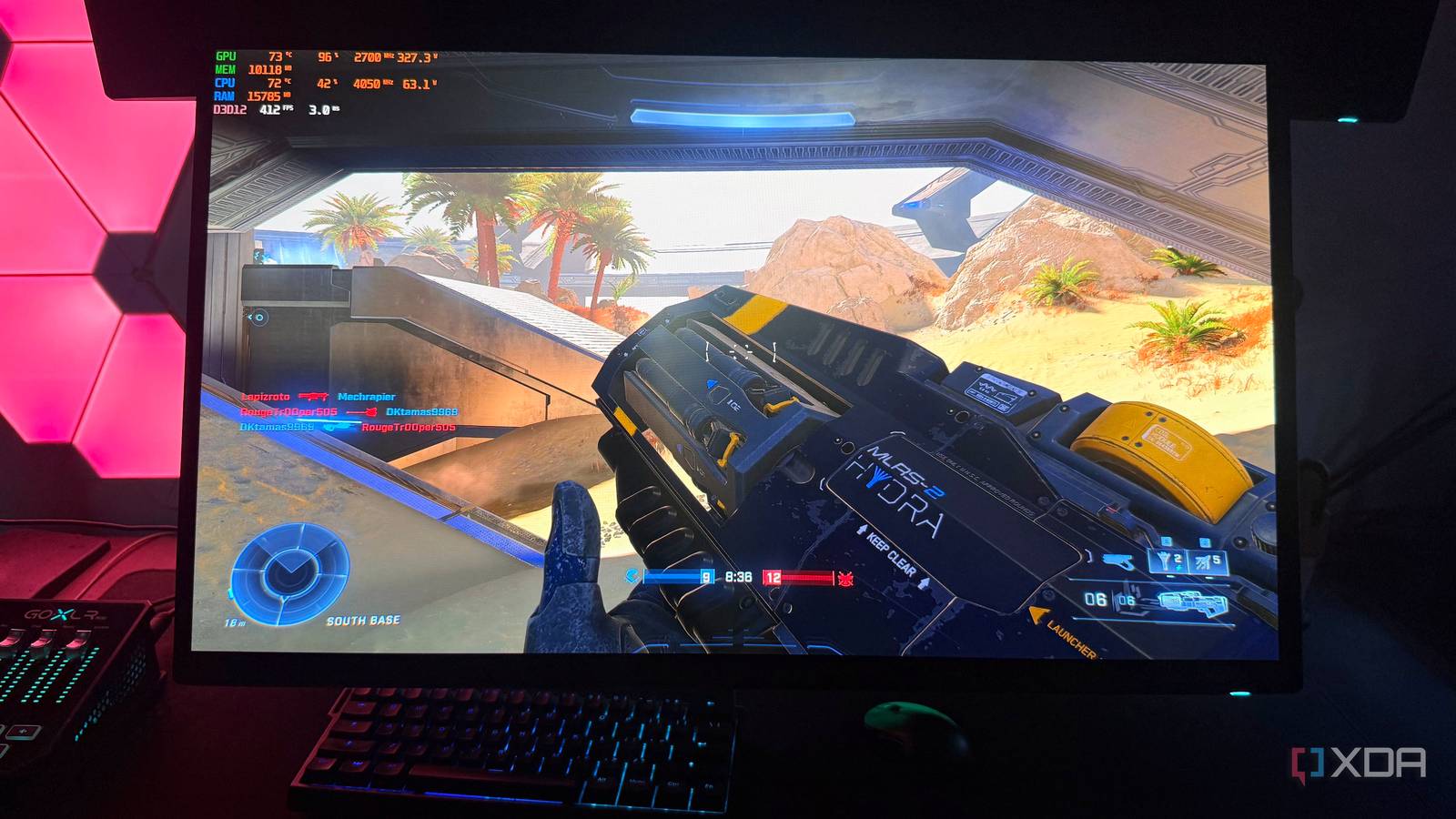
Published Oct 30, 2026, 4:30 PM EDT Hamlin has been in the tech field for over nine years. Since 2017, his work has appeared on MakeUseOf, Android Police, OSXDaily, Beebom, and more. He served as the Senior Editor at Valnet's MakeUseOf for over two years before joining XDA. He uses a high-end gaming rig for desktop use and a MacBook for traveling, but dislikes some of the quirks of macOS. You're more likely to catch him at the gym or on a flight than anywhere else. I've spent enough time tweaking settings in competitive shooters to know that simply turning everything down to Low doesn't automatically guarantee the frame rates I'm trying to hit. I used to blame my GPU whenever my FPS fell short, and while that logic makes sense when you're playing demanding AAA titles at 1440p or 4K, it doesn't necessarily hold up when you're chasing 200+FPS in esports titles. At some point, the CPU becomes the limiting factor, and even a faster GPU isn't going to move the needle. It all comes down to how quickly your CPU can prepare frames for the GPU to render. When you're gaming at 60FPS, your PC needs to deliver a new frame every 16.7ms, which modern CPUs can handle without breaking a sweat. Even at 120FPS, when that window drops to 8.3ms, most CPUs can keep up just fine. But at 240FPS, you're down to just 4.17ms, and that's when even flagship gaming CPUs from a few years ago can struggle to maintain that pace. At these frame rates, your CPU matters just as much as your GPU, if not more. A faster GPU won't make your CPU prepare frames faster And that's why lowering graphics settings doesn't help after a point The thing is, your GPU isn't the only component doing work when you're playing a game. Sure, at higher resolutions in demanding titles, you could say it does most of the heavy lifting, but even then, your CPU still has to handle things like game logic, physics, and player movements before the GPU can render a frame. The only difference is that at lower frame rates, your CPU has more time to get through all that work. At 200+FPS, though, it has to do the same kind of work much more frequently, and there's only so much it can process in a tighter window. When your CPU struggles to keep up, your GPU ends up waiting, and that's essentially what a CPU bottleneck is. At this point, lowering graphics settings or even enabling upscaling will barely improve your FPS because your GPU isn't what's holding back performance. In fact, that may just reduce GPU usage while your FPS stays in the same ballpark. And if that's happening with your current GPU, upgrading it isn't going to solve the problem either. Maintaining 240FPS is a lot harder than hitting it Your 1% lows and frame-time spikes can reveal CPU limitations When we're benchmarking games, we tend to focus too much on the average FPS because that's the easiest way to judge performance. But that doesn't really tell us how consistently a game runs. That's why it's important to look at other metrics like 1% lows and frame times, especially when you're trying to maintain 240FPS. You could be averaging 240FPS in a competitive shooter like Apex Legends, but that doesn't mean your frame rate isn't dropping well below that number when things get hectic. Maintaining 240FPS means keeping your frame times consistently around 4.17ms, but that's easier said than done. If your CPU takes longer to prepare a frame for the GPU to render, that can show up in the frame-time graph as a spike. You may experience stutters or hitches when that happens, even if your average FPS looks fine. Then, you have 1% lows, which represent performance during the slowest 1% of frames. If you're averaging 240FPS but your 1% lows are closer to 100FPS, that's a clear sign your frame delivery isn't nearly as consistent as the average suggests. Falling short isn't going to ruin your experience, though But if you're chasing a consistent 240FPS, CPU performance should be your priority It's not like you need to maintain 240FPS at all times to enjoy competitive shooters. Even if your frame rate occasionally drops to 180FPS, you're still getting a pretty smooth experience for the most part. Sure, you may feel those dips, but that's not going to suddenly make a game unplayable or put you at a significant disadvantage during a gunfight. As long as the CPU bottleneck isn't significant enough to cause frequent stutters or major FPS drops, I wouldn't obsess too much over it. But if you're like me and you're sensitive to changes in responsiveness, you're going to notice that dip from 240FPS to 180FPS more than most people. Anyone who plays competitive shooters seriously can probably relate to this. Consistency matters a lot in games like these, and the last thing you want is your frame rate dropping during intense moments. That's why I'd still prioritize a faster CPU if I'm trying to consistently hit 240FPS or higher in the games I play. At these frame rates, your CPU can very well be the difference between occasionally hitting your FPS target and maintaining it. The fastest CPUs are for those chasing the highest frame rates There's a reason why CPUs like the 9800X3D sell like hotcakes. It's not like you need that kind of processing power to play AAA titles at 4K. If anything, even my old 5800X3D held up pretty well in those scenarios. But if you're after the absolute best frame rates, having one of the fastest gaming CPUs can make a noticeable difference, especially when games become CPU-bound at lower resolutions or when using DLSS. Even an RTX 5090 can only do so much when the CPU starts holding it back.
Your CPU has less than 4.2ms to keep up at 240FPS, and that's harder than it sounds
Full Article
Original Source
Read the full article at Xda-developers →KhanList aggregates and links to publicly available news content. We do not host full articles from third-party sources. Always verify important information with original sources.