
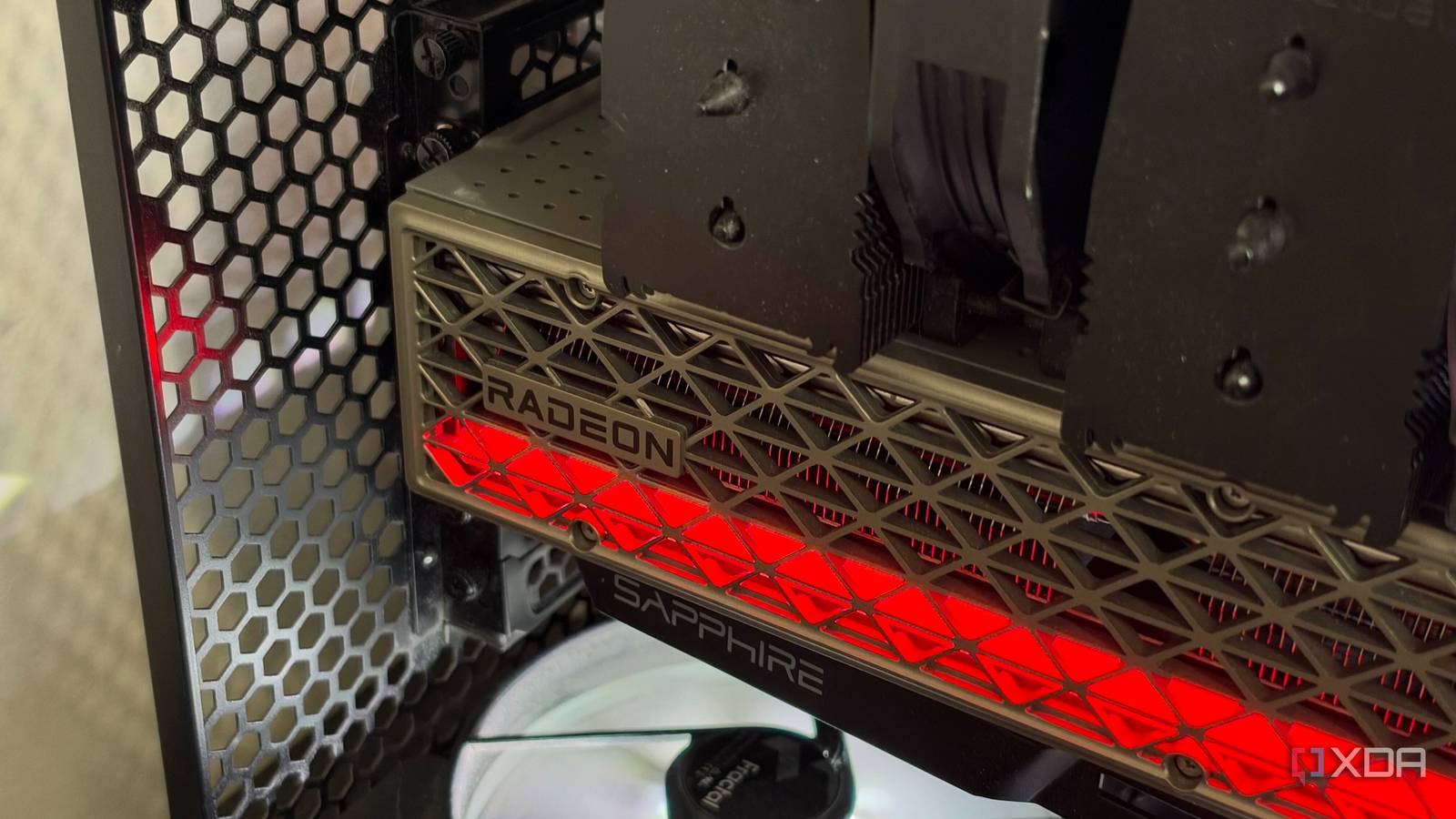
Published Nov 16, 2026, 4:30 PM EST His love of PCs and their components was born out of trying to squeeze every ounce of performance out of the family computer. Tinkering with his own build at age 10 turned into building PCs for friends and family, fostering a passion that would ultimately take shape as a career path. Besides being the first call for tech support for those close to him, Ty is a computer science student, with his focus being cloud computing and networking. He also competed in semi-pro Counter-Strike for 8 years, making him intimately familiar with everything to do with peripherals. If you have a Radeon GPU in your system, there's a pretty nasty bug in some versions of the driver that puts a never-ending load on your storage, and you could be affected. A background process has been discovered writing to the system drive around the clock, even while the PC is completely idle, and AMD has confirmed the behavior. Your card itself isn't at fault and the fix is as simple as updating your driver, but it's still not in the driver branch most people are using. What AMD's driver is actually doing to your SSD It affects some systems more than others When you install AMD's GPU driver, by default it will also come with the Adrenalin software suite, where you're able to change things about the card and how it functions. With this software comes a Windows service called AMD External Events Utility, which runs in the background and handles things like hotkeys and detecting new displays. Normally, you'd never need to know this service exists, but it seems to be malfunctioning in a way that completely hammers your system drive with writes. A forum member on ComputerBase named Necandi traced its activity using Windows’ built-in event tracing, and they found that atieclxx.exe was copying its own executable out of the driver folder and into the Windows system profile every second, all day, no matter what the PC was doing. A company representative on Reddit gave AMD’s explanation, and they say the problem comes from an interaction between the External Events Utility and Microsoft’s PCIe filter driver. Reports generally point to Adrenalin versions 26.10.1 and 26.10.2 being the affected versions, although some users believe the behavior could exist in prior versions of the driver. Some Radeon owners say they don't see any unusual disk activity at all, so it really varies system to system. A few megabytes a second adds up fast SSDs aren't made to last forever Hard drives can handle this sort of constant writing behavior a bit better than SSDs can as far as endurance goes, but most people house their OS on an SSD these days, and solid state storage can only be written to a limited number of times before it wears out completely. A typical 1TB SSD with TLC flash has around 600 TBW, or terabytes written. During normal use, the average user simply doesn't approach that limit through the lifetime of their system, but with a bug like this, the constant writing can add up really quickly. User reports put the write rate anywhere from about 0.6MB/s to 5MB/s. In my experience, it hovered around 0.6MB/s before I simply stopped the service from activating. At that rate, that's about 52GB a day and about 20TB for a year, which still isn't terrible, but at the high end of 5MB/s, that's about 432GB a day, which would use up a quarter of that same drive's rating every year. To check if you're affected, open Task Manager and then sort by Disk usage. Brief blips of write activity are normal, but if you're seeing the "atieclxx.exe" process continually writing to disk, your system has the bug. AMD has delivered a fix Well, sort of The good news is, AMD has already supplied a fix for this in the latest Adrenalin driver at the time of writing. The bad news is it's contained in an optional driver download, and Adrenalin doesn't tell you that. If I go to update my drivers in Adrenalin right now, it says my 26.10.1 driver is the latest. The fix is in Adrenalin 26.11.1, released on November 12, and the release notes list fixes for both the excessive writes at idle and the extra writes when moving or resizing windows. By default, AMD puts users on the "Recommended" driver updates, and changing it involves going into the AMD Install Manager and selecting "Recommended + Optional". I assume the fix will be coming to a driver in the recommended branch very soon, if it hasn't already by the time this article goes live. If you're affected by this bug, that would be my first course of action. Choose the optional driver branch if you're on one of the affected versions, even if you don't see excessive disk usage in Task Manager. It's not entirely clear when or how this behavior is triggered, so even if it seems like you're good now, a few percent off of your SSD's health simply isn't worth the risk. A bug that's annoying at best and potentially damaging at worst For a lot of Radeon owners, this caused maybe a couple percent of their SSD's rated endurance, and that's definitely annoying but not catastrophic. It won't go down in history alongside something like the Intel 13th and 14th Gen disaster, but it's certainly something to keep an eye on if you run an AMD GPU. The fix is simple: update your drivers and keep an eye on SSD health.
Your AMD GPU might be burning through your SSD's remaining lifespan - here's how to check
Full Article
Original Source
Read the full article at Xda-developers →KhanList aggregates and links to publicly available news content. We do not host full articles from third-party sources. Always verify important information with original sources.