
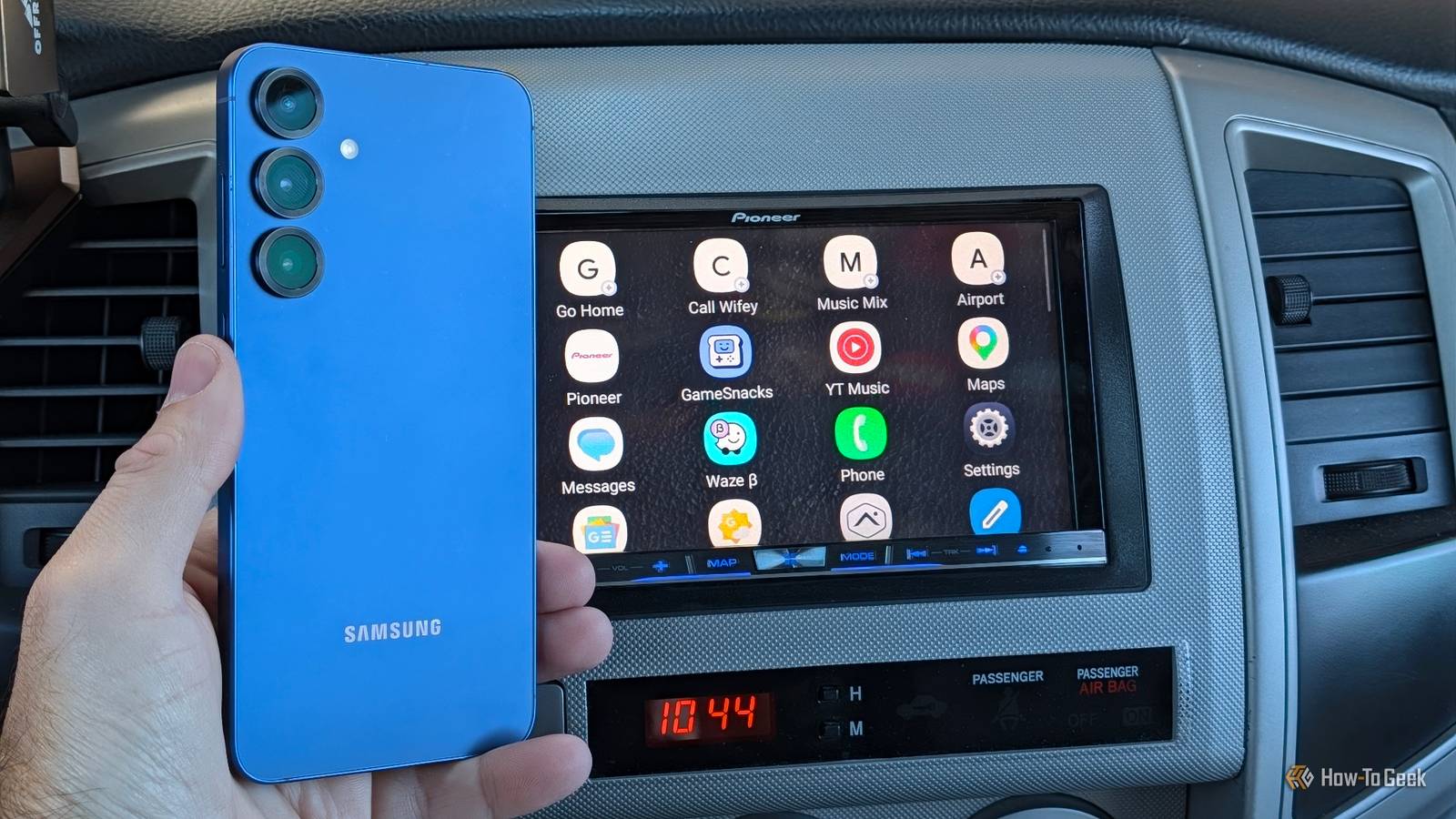
Published Nov 16, 2026, 4:30 PM EST Cory Gunther is a senior author and Newsletter Editor at Valnet, covering cutting-edge tech, Android, and more for How-To Geek. He's covered Android, cars, and technology for over a decade. When he's not reviewing the latest gadget, you can find him off-roading in his Toyota truck, fixing said truck, or doing something outdoors with friends and family. He's covered CES, SEMA, and MWC and reviewed countless phones, TVs, speakers, EVs, e-bikes, and more. Before Valnet, Cory worked for GottaBeMobile. His writing has also appeared on SlashGear, InputMag, and AndroidCentral. He's written over 9,000 articles. Android Auto and Google Maps are great, even if they're nothing more than a means to the destination while I'm driving. Don't get me wrong, they're both essential to my daily driving routine, but there's a hidden feature on Samsung Galaxy phones that pairs perfectly with Android Auto and completes the driving experience. I'm talking about a brand-new feature in One UI 9 called Driving Report that takes trips and errands to the next level. Instead of just knowing where I've been or how to get there, my Galaxy tracks my trips, progress, and driving habits, providing detailed information on speeds, hard braking, and more. It's pretty neat and could be a valuable tool for parents of teen drivers. Here's what you need to know. Google Maps only gives me directions Samsung gives me a full report card of the drive By default, Samsung's new Driving Report mode is disabled, so you'll need to enable it first, as we'll explain below. Once you do, you can pair it with specific Bluetooth devices like your vehicle, an Android Auto stereo, or an AA dongle, and you're all set. Then, every time your phone pairs to the car or stereo, Driving Mode fires up and starts tracking your driving habits. At first, I wasn't sure what to expect when I found this hidden in "Connected devices" after the One UI 9 update, but after using it for a few weeks, it's pretty amazing. Driving Report is exactly what the name suggests: a full report of your drive — from start to finish. It'll display the route, time traveled, timestamps, total distance, average speeds, and even your driving type. By that, I mean it shows fast acceleration, making sharp corners, sudden braking, and a few other habits and behaviors. I like being able to see exactly how long it takes me to get to a destination and back, even if I forgot to time it during the trip. And that's just one of many ways to take advantage of it. And what's even better, or worse, depending on how you look at it, each trip calculates how much you use your phone. As we all know, that's a big no-no, but let's be honest, we all do it a little bit. One drive I was on my phone for two minutes, which is quite shameful. Another report shows 7 minutes of phone usage, although for full transparency, that was after I got home and sat in the driveway checking emails. You can even see how in my last image, at the end of my trip, I was stopped for several minutes before disconnecting from the vehicle. Instead of just using Google Maps to get me home or to a destination and never thinking about it again, Samsung's Driving Report gives me a full breakdown. It's pretty interesting, and while it looks like I drove pretty calmly this weekend, I'd love to see more reports with longer trips and heavy traffic. I can have a lead foot at times, and I doubt I'm the only one. Parents will love Samsung's Driving Report Track your teens' driving habits At first glance, while I think this is a pretty nifty feature, and one I'll use to see travel times, track speeds, and even hold myself accountable and use my phone less while I'm on the road, parents will absolutely love it. I'm already stuck in my ways and full of bad habits that I aim to reduce, but if you have a new driver at home, this is a goldmine. Think about it. Android Auto might help keep your new teen driver focused on the road, but when you're not in the car, it's hard to know just how good (or bad) they're actually driving. Is your child speeding, gunning it at a green light, or driving recklessly? Android Auto won't tell you, and neither will Google Maps. You know what will: Samsung's new Driving Report. You'll be able to take a peek at every single drive, look at driving behaviors, or get a detailed look with weekly reports. That's because your Samsung Galaxy phone uses map data, GPS, and a slew of on-device sensors to detect rapid acceleration, hard braking, sharp turns, top speeds, and even average speed. Honestly, parents using this to ensure teens are driving safely and responsibly is huge, and I'm surprised Samsung isn't talking about it more. Sure, there are options like this from insurance companies, but having access to it all right from your Galaxy is pretty neat. How to enable Samsung's Driving Report And a few things you need to know To turn on this interesting new feature, head to Settings > Connected Device > and scroll down to Driving Report. I like that Samsung actually put it right above Android Auto, which should help people find and discover it. However, keep in mind that you'll need to grant it the necessary permissions, such as location, nearby devices, and usage access, and you'll be ready to roll. Some people might not like the idea of their phone tracking every movement, but let's face it, they already do. Next, tap the 3-dot menu button and open Driving Report's settings menu. From here, you'll be able to add vehicles, input specific locations like your home and work, and adjust a few other settings. By default, it'll be set to "Auto start trip when Bluetooth is connected"; that way, you don't have to do anything — it'll simply log all your drives. Be a better driver As a new dad, I'm already a pretty cautious driver compared to my earlier years, but after using this app for a few weeks, it's clear I have a little more work to do. Furthermore, I can only imagine how beneficial this will be for parents. I've spent a lot of time tweaking my Android Auto experience with custom shortcuts, so I don't have to rely on unreliable voice commands, setting up automations using Google Assistant in Android Auto, and more. Still, all of that only gets you so far. Samsung's Driving Report picks up the slack and tells the rest of the story for each drive. Keep in mind that this is a new feature, so Samsung could even tweak, improve, or add features down the line. I'd love for deeper Android Auto integration, or for some of this to roll into the Google Maps timeline feature.
This hidden Samsung Galaxy feature pairs perfectly with Android Auto
Full Article
Original Source
Read the full article at Howtogeek →KhanList aggregates and links to publicly available news content. We do not host full articles from third-party sources. Always verify important information with original sources.