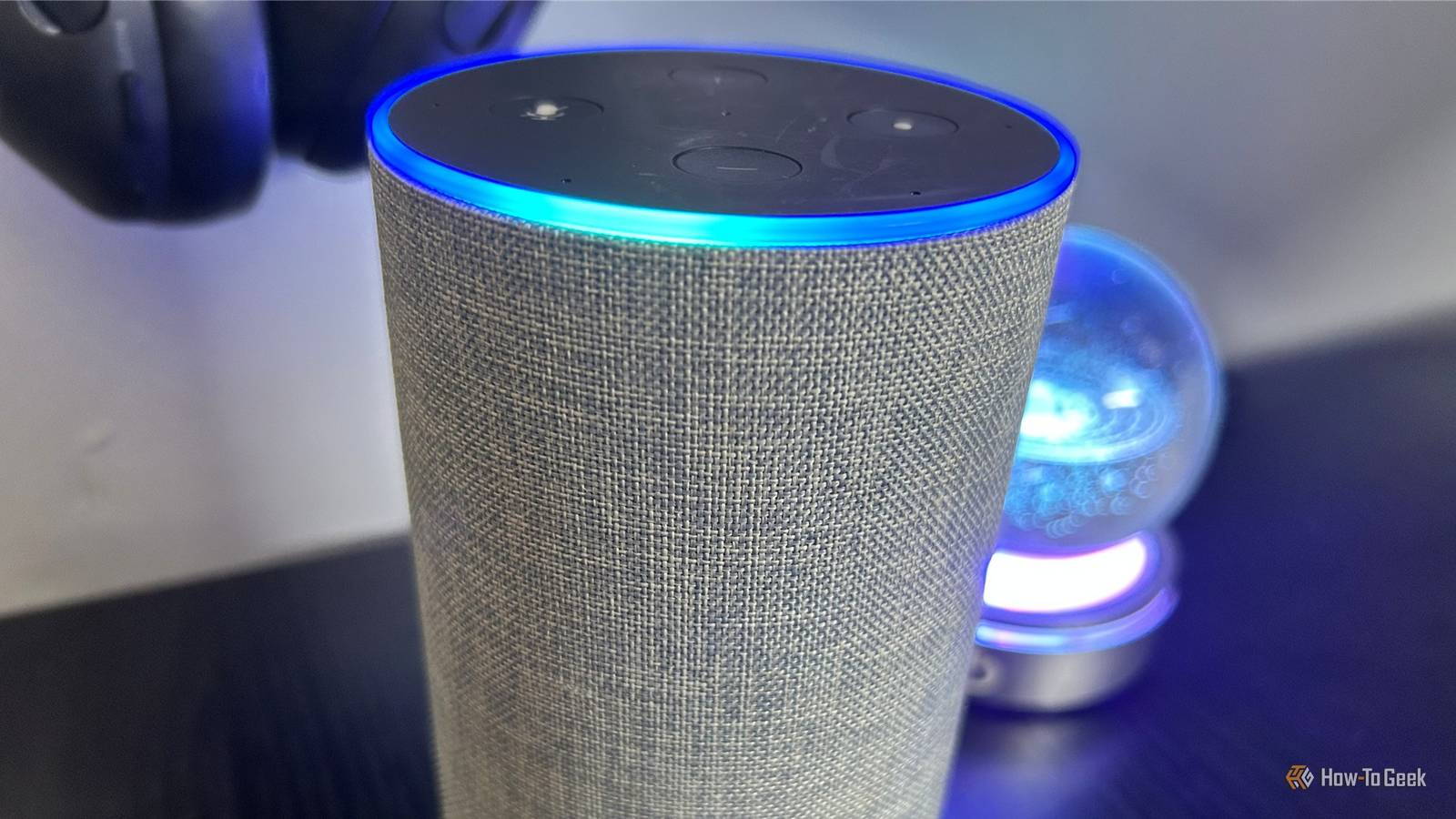
Published Aug 8, 2026, 8:15 AM EDT Tony Phillips is an experienced Microsoft Office user with a dual-honors degree in Linguistics and Hispanic Studies. Prior to starting with How-to Geek in January 2024, he worked as a document producer, data manager, and content creator for over ten years, and loves making spreadsheets and documents in his spare time. Tony is also an academic proofreader, experienced in reading, editing, and formatting over 3 million words of personal statements, resumes, reference letters, research proposals, and dissertations. Before joining How-To Geek, Tony formatted and wrote documents for legal firms, including contracts, Wills, and Powers of Attorney. Tony is obsessed with Microsoft Office! He will find any reason to create a spreadsheet, exploring ways to add complex formulas and discover new ways to make data tick. He also takes pride in producing Word documents that look the part. He has worked as a data manager in a secondary school in the UK and has years of experience in the classroom with Microsoft PowerPoint. He loves to encounter problems in Microsoft Office and use his expertise and legal-level training to find solutions. Outside of the Microsoft world, Tony is a keen dog owner and lover, football fan, astrophotographer, gardener, and golfer. Pull the plug on your internet connection and your Amazon Echo suddenly seems useless. But there's a difference between Alexa being offline and Alexa being completely switched off. I took my Echo offline to find out what still works and what doesn't. Your Echo still has a job when Wi-Fi disappears There's more happening than you might expect Credit: Justin Duino/How-To Geek Smart speakers tend to divide people into two camps: those who wonder how they lived without them, and those who wonder why anyone would put a microphone in their home. The second group often raises a fair question: if an Echo is always waiting for you to say "Alexa," what exactly is it doing while it sits quietly on a shelf? The reality is more nuanced than simply saying it's either "listening" or "not listening." Your Echo needs to monitor for its wake word, but that doesn't mean it's constantly sending everything around it to Amazon. One way to think about it is to imagine a family dog. It can hear you talking, but only reacts when it recognizes words or phrases it has learned, such as its name or "sit." Your Echo works in a similar way. It continually checks what it hears against its wake word, and only after detecting that trigger does it capture your request and send it to Amazon for processing. Only once that happens do you get the assistant experience. You ask it to tell you the weather, control smart home devices, play music, answer questions, or set up reminders, and usually, it obliges. But what happens when Echo loses its internet connection? If it can't communicate with Amazon's servers, what happens when you say "Alexa?" I tested this by connecting my Echo to my phone's personal hotspot, telling it to forget my usual Wi-Fi network, and then disabling the hotspot. This left it with no available network connection. When I said "Alexa," the blue light still appeared, but when I followed up with a request, the Echo didn't respond. This might seem like a failure, but it actually reveals something important. The device has to perform some local processing while it's powered on—otherwise, it would have no way to detect that you've said the wake word without first sending audio to the cloud. That's why my Echo could still detect its wake word, even though it had no way to process my request. The part of my interaction that happened on the device still worked, but the parts that depended on Amazon's cloud didn't. An offline Echo isn't necessarily completely useless. Depending on your device and how it was configured, some limited features—such as previously set alarms, timers, or Bluetooth playback—may still work without an internet connection. Losing Wi-Fi isn't the same as losing the internet Different connection problems produce different results Credit: KsanderDN/Shutterstock When we talk about Echo being "offline," this can mean a few different things. I've seen this distinction myself when staying in remote cottages with unreliable internet. A weak Wi-Fi signal or patchy connection can leave a smart speaker in an awkward middle ground. If your Echo is still connected to the Wi-Fi but the internet connection itself has failed, it can communicate with your router but can't reach Amazon's servers. In this situation, Alexa may tell you that it's "having trouble connecting" to the internet. A completely different situation occurs when Echo has no Wi-Fi connection at all. In the test I described before, my Echo had no Wi-Fi connection available. So even though it could detect its wake word, it didn't go on to tell me it was struggling to connect. The distinction matters because a Wi-Fi connection and an internet connection aren't the same thing. Your router can still be working perfectly while the wider internet is unavailable, or your Echo can be unable to connect to any network at all. In either case, even though the device's behavior can differ, the wake word is usually as far as Alexa can go without a full connection to Amazon's servers. The microphone mute button is what really stops wake-word detection Offline isn't the same as disabled If your goal is to stop your Echo from listening for its wake word, don't waste time and effort turning your Wi-Fi off. Instead, mute the microphone. When you do this, the Echo displays a red indicator and won't react when you say its wake word. This is different from simply being offline, where the device is still powered on and waiting for the trigger phrase. If you don't trust that, unplug your Echo altogether. Scenario What Echo can do No Wi-Fi Your Echo may still detect its wake word. Some limited offline features may still work depending on the model and setup. No internet Your Echo may remain connected to your network and detect its wake word, but most Alexa features can't reach Amazon's servers. Microphone muted Your Echo can't detect the wake word. Unplugged Your Echo is completely powered off. An offline Echo isn't the same as an inactive Echo If your internet connection goes down, your Amazon Echo doesn't stop listening altogether—it continues monitoring for its wake word. After that, most Alexa features rely on the cloud, so while it might react when you say "Alexa," it's unlikely to be able to process your requests. If your Echo is staying plugged in and connected, there are plenty of ways to get more out of it. From creating routines and enabling Brief Mode to discovering useful Alexa skills, a few simple tweaks can unlock features you might not be using yet.
Your Amazon Echo doesn't stop listening when Wi-Fi dies—here's what's actually happening
Full Article
Original Source
Read the full article at Howtogeek →KhanList aggregates and links to publicly available news content. We do not host full articles from third-party sources. Always verify important information with original sources.