
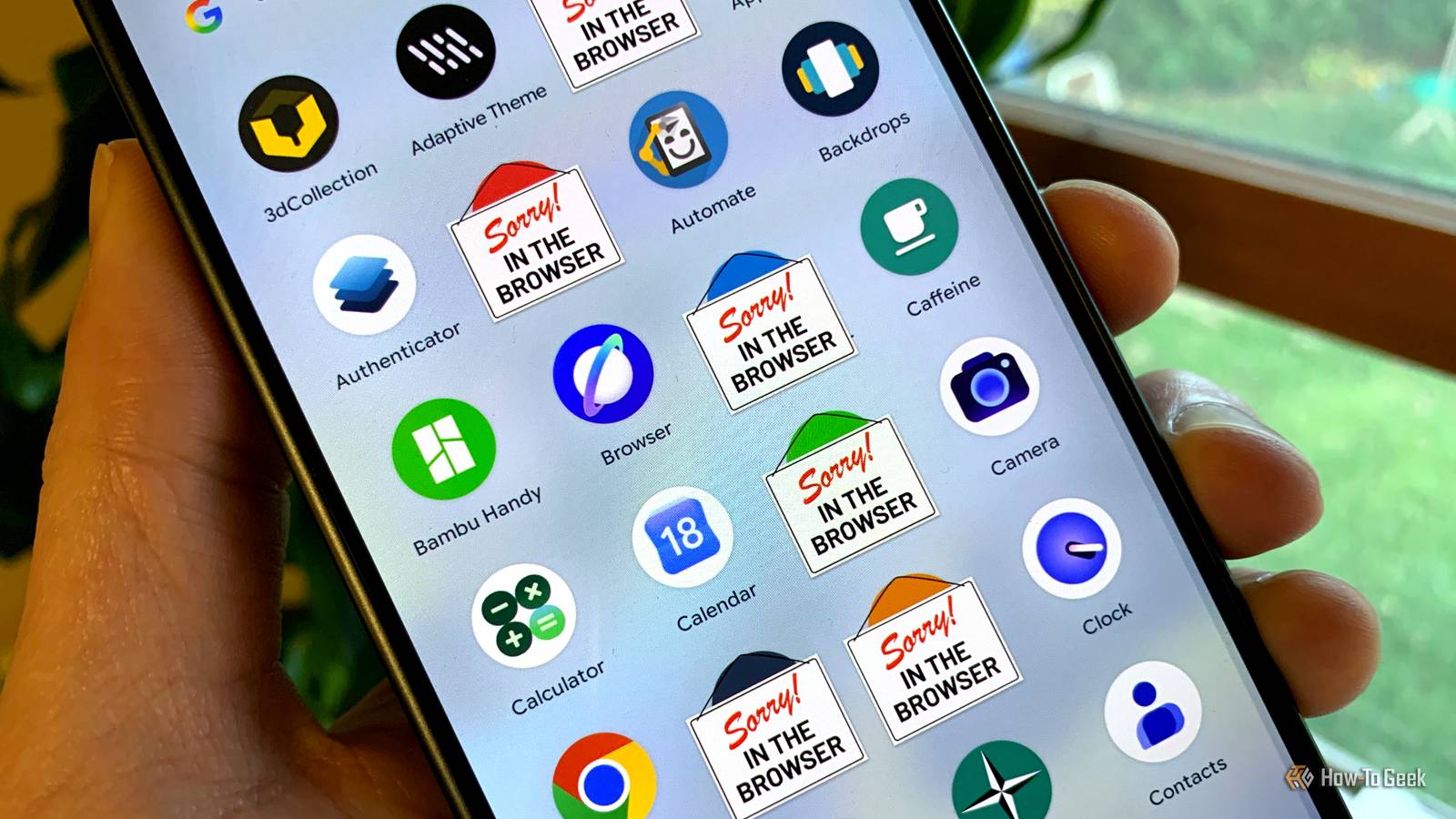
Published Nov 19, 2026, 6:30 AM EST Joe Fedewa has been writing about technology for over a decade. Android and the rest of the Google ecosystem have been a focus for years, as well as reviewing devices, hosting podcasts, filming videos, and writing tutorials. Joe loves all things technology and is also an avid DIYer and food blogger. He has written thousands of articles, hundreds of tutorials, and dozens of reviews. Before joining How-To Geek, Joe worked at XDA-Developers as Managing Editor and covered news from the Google ecosystem. He got his start in the industry covering Windows Phone on a small blog, and later moved to Phandroid where he covered Android news, reviewed devices, wrote tutorials, created YouTube videos, and hosted a podcast. From smartphones to Bluetooth earbuds to Z-Wave switches, Joe is interested in all kinds of technology. After several years of jailbreaking and heavily modifying an iPod Touch, he moved on to his first smartphone, the HTC DROID Eris. He's been hooked ever since. There’s an app for everything, but not everything needs an app. You’re probably wasting valuable storage and mental space on services that work completely fine on your phone without a dedicated app. This is not another article about cutting back on social media or digital minimalism — create as many accounts as you want. Every website, store, and service on the internet will beg you to install their app, but that benefits them more than you. Apps turn you into the product Collecting data and your attention You’ve no doubt encountered perfectly nice, mobile-optimized websites asking you to install their app. Some even go so far as to insult their own site by saying, “The app is better!” Regardless, it’s a common practice, and there are a few reasons for it. First, it’s much easier to keep you inside of an app than a mobile browser with the entire internet just a tap away. When you’re in the Amazon Shopping app, you’re completely inside Amazon’s little bubble. Every menu, button, and search bar leads to the same place: Amazon. In addition, notifications are much more powerful from apps. People tend to mindlessly allow notifications when installing new apps, but the prompts for notifications in a browser are jarring and easy to block. App notifications appear with app icons and other flashy extras to grab your attention, while browser notifications get lumped together. Of course, it’s not only about keeping you inside the app, but it’s also about what the service does while you’re there. In a mobile browser, tracking is done with cookies, which offer a relatively limited amount of data about users. And that’s assuming you’re not using some sort of ad or tracking blocker. Apps, on the other hand, know much more about you. They can access anonymous demographic info, location data, and see exactly how you’re using the app. This information is far more valuable to advertisers, which is a big reason why they want to get you off the site and into the app. When it doesn’t make sense to use an app It’s a privilege that needs to be earned Credit: Joe Fedewa / How-To Geek Personally, there are a couple of reasons why I might prefer to use my browser over an app. If a service is known to spam notifications, or it’s one that I don’t particularly love to begin with, I’m not giving it space on my phone as an app. Amazon, Home Depot, and other online stores are good examples. It’s not hard to do my shopping in the browser. Then there are services that I just don’t use very often. I wouldn’t install a full-blown app on my PC for a service I barely use, so why do it on my phone? Food delivery apps fall into this category. I might use GrubHub once a month at most, and the mobile site is perfectly fine for that. Lastly, there are a few services that I’m actively trying to use less often. I’m not as tempted to constantly check them if I have to use the browser. Bluesky, Instagram, and Reddit are a few that come to mind. I purposefully don’t install these websites as web apps — speaking of… It’s time to relegate apps to the browser Mobile websites are just as convenient As someone who has been using smartphones for nearly 20 years, I can tell you that mobile websites used to be pretty awful. Thankfully, that is very much not the case these days. The mobile web has come a long way, and so have mobile browsers. One advantage of a dedicated app is the convenience. The icon is easy to find on your home screen, and it’s nice to be immersed in the service without distractions. No tabs, URLs, or bookmarks needed. However, you should know that most mobile websites can be used in the same way. This is thanks to something called a “progressive web app” (PWA) or just “web app.” It’s essentially a lightweight app that can be installed from the browser rather than an app store. PWAs can be added to the home screen, and they launch in their own window. But they’re still technically running in the browser, which means you can avoid the tracking mentioned above. On Android, you’re going to want to use Chrome to install PWAs, and it has to be set as the default browser when you do it. The steps look like this: Open Chrome and navigate to the website you’d like to install. Tap the three-dot menu and look for an option titled “Install and create shortcut.” If you see “Add to Home screen,” that is not a PWA. It’s simply a shortcut to the page that will open in the browser (still useful). Select “Install page as app.” You’ll have a chance to choose a name for the home screen icon. Finally, tap “Install” to put it on the home screen. The PWA situation on iPhone isn’t great. Many websites that can be installed as PWAs on Android are just basic shortcuts in Safari. Plus, Apple does not differentiate between PWAs and shortcuts, which makes it hard to know which one you’re going to get. Regardless, here’s how to do it: Open Safari and navigate to the website you’d like to install. Tap the share button and select “Add to Home Screen.” Choose the name and tap “Add” to put it on the home screen. Don’t go app crazy The moral of the story here is to get out of the habit of automatically installing an app for anything you want to do. Mobile websites are often just as good, and you’re not feeding as much information to advertisers.
You have too many apps on your phone (the browser is better)
Full Article
Original Source
Read the full article at Howtogeek →KhanList aggregates and links to publicly available news content. We do not host full articles from third-party sources. Always verify important information with original sources.