
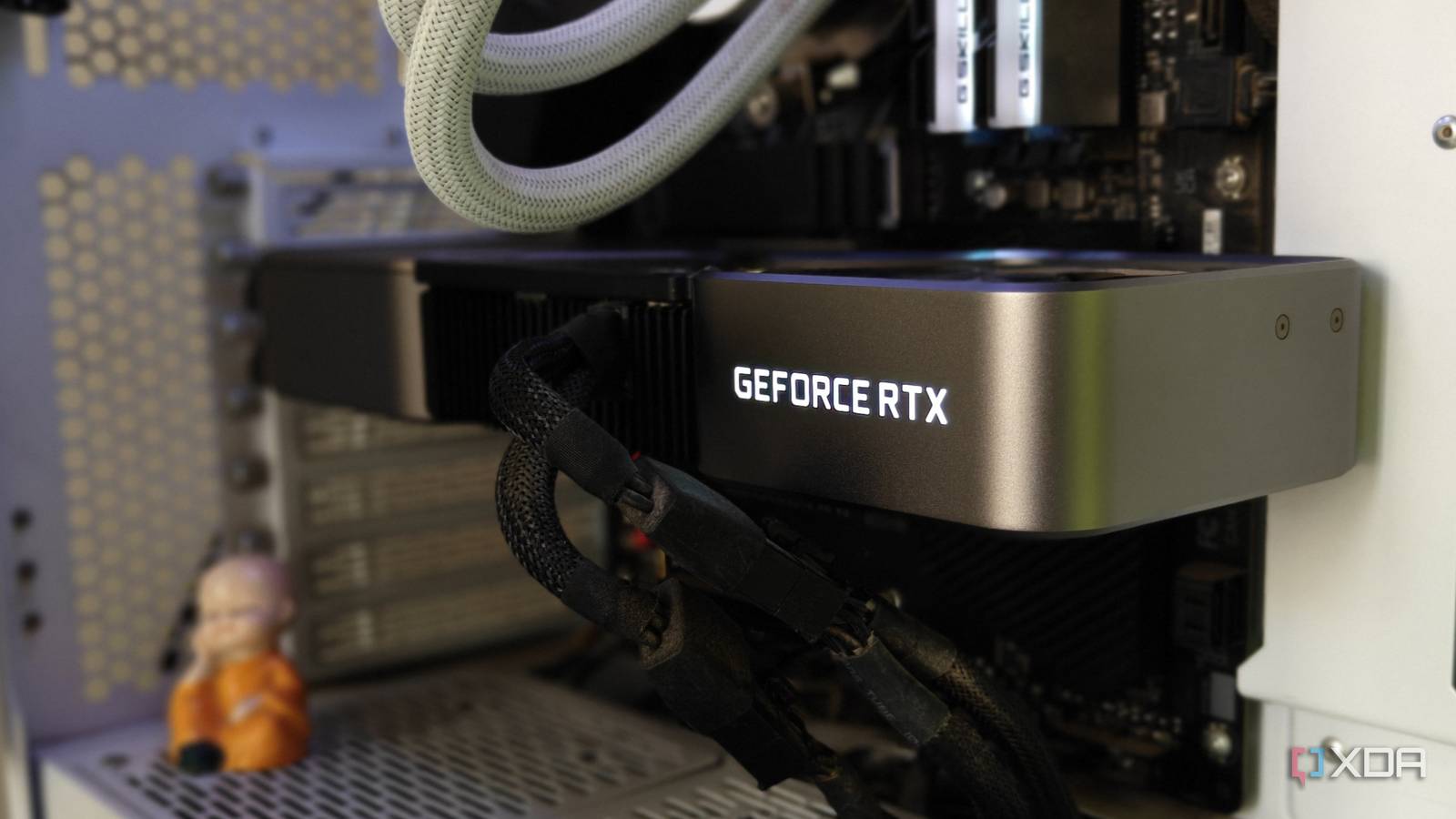
Published Jul 24, 2026, 5:00 PM EDT After a 7-year corporate stint, Tanveer found his love for writing and tech too much to resist. An MBA in Marketing and the owner of a PC building business, he writes on PC hardware, technology, and Windows. When not scouring the web for ideas, he can be found building PCs, watching anime, or playing Smash Karts on his RTX 3080 (sigh). I know the temptation to buy a new graphics card when your current GPU doesn't perform as well as it used to. As a PC gamer, I have dreamt about buying a new GPU for the last three years. It was the RTX 4080 Super in 2024 and the RTX 5080 in 2025 that had me reaching for my wallet, but I reconsidered on both occasions. It's because my RTX 3080 is far from outdated, even in 2026. It stopped being high-end back in 2023, but that doesn't mean I can't enjoy the latest games anymore. It's just a matter of using optimized graphics settings, skipping ray tracing where possible, using advanced upscaling models, and trusting third-party tools for adding missing features. If you have a powerful RTX 30 or RX 6000 series GPU, you still don't need a new GPU for modern gaming. Keep your VRAM usage under control After all, you can't download more VRAM Your older GPU might be running out of VRAM rather than raw horsepower. If you're gaming at 1440p or 4K, keeping VRAM consumption in check can become a genuine challenge in newer AAA titles. For instance, I struggled to maintain 60+ FPS and Ultra ray tracing settings in Forza Horizon 6 on my RTX 3080. I was forced to sacrifice some eye candy. The 10GB VRAM just wasn't enough. The first thing you need to become comfortable with is not chasing Ultra settings. It can be a tough pill to swallow if your GPU is relatively recent, but you can't have it both ways. Dropping to a mix of High and Medium settings is necessary for a healthy framerate. On RTX 30 series and older cards, you can't expect to enable ray tracing or path tracing without a severe FPS hit. Even with upscaling, ray tracing isn't worth it in most titles. The render resolution is another setting you can experiment with. You can reduce it by a few percentage points until the FPS improves to the desired level. You can also tweak the texture quality and anti-aliasing settings to strike a better balance between visuals and performance. Newer GPUs with 12GB or 16GB VRAM don't struggle as much in the latest games, at least at 1440p. Plus, the more mature architecture helps to optimize the VRAM usage. Some settings can be toned down without a major visual hit The cost of recovering FPS doesn't need to be high Ray tracing, texture sizes, and anti-aliasing can make a huge difference to the perceived quality. Other settings, however, can be turned down to improve performance without a proportionate hit to the visuals. For instance, dropping the shadow quality from Ultra to High or even Medium might not be as noticeable as turning down reflection quality. Shadows are a key aspect, but the FPS you recover from a slight reduction matters more. Then, there are the volumetric settings, namely fog, clouds, and lighting. They add a certain richness to the visuals, but reducing the volumetric effects quality doesn't suddenly make a game look bad. Alan Wake 2 will still look pretty great on your RTX 3060 Ti or RX 6700 XT without maxed-out settings. In newer titles, global illumination (GI) settings can also be lowered without a significant drop in the perceived quality. Changing ambient occlusion settings can also improve your FPS while retaining most of the visual identity of the frame. You will have to dial in a different balance between these settings in different games. Alternatively, you could refer to optimized settings on channels like Hardware Unboxed or Digital Foundry for almost every new game. Don't shy away from aggressive upscaling The times they are a-changin' For the longest time, I used to stick to the "quality upscaling or nothing" sentiment. Even if balanced or performance upscaling could net me a few more frames, I stubbornly stuck to the quality mode. Today, however, both DLSS and FSR models are advanced enough that aggressive upscaling modes aren't visual compromises anymore. When launching a new game, you should experiment with balanced, performance, and even ultra performance modes before settling on one. You'll struggle to differentiate between these modes, especially during motion. If there's no visible visual downgrade, and you're getting better performance for free, what's the harm in using a lower-tier upscaling mode? Upscaling has gotten so good that native settings have become an outlier these days. If your GPU doesn't have native support In 2026, one of the biggest downsides of using an old GPU is that you often don't have native support for frame generation. Whatever you feel about AI-generated frames, Nvidia and AMD have refined the technology to the point that it's a genuine performance boost. The hit to latency isn't a huge concern as long as the base framerate is decent. In single-player titles, where split-second reaction times aren't needed, frame generation adds to the experience. Nvidia GPUs from the RTX 30 series and prior don't have native frame generation support, but you can use OptiScaler or DLSS Enabler to inject the technology into any DirectX 12 GPU. AMD's RX 90 series GPUs enjoy FSR 4 frame gen, and the company has started rolling out FSR 3.1-based (non-ML) frame gen for RX 7000 and RX 6000 series. That still leaves RX 5000 series cards, where tools like OptiScaler can legitimately improve performance. You could also try Lossless Scaling, which provides upscaling and AI-powered frame generation for any game. To be fair, this tool won't work as well as DLSS 4 or FSR 4 frame generation, but for older and unsupported GPUs, a few visual artifacts can be excused. After all, for just $7, you can try a frame-boosting technology on any GPU. Lossless Scaling OS Windows CPU 64-bit processor required With its powerful frame generation and upscaling provisions, Lossless Scaling offers an affordable way to increase your in-game FPS. Your old GPU has a lot more life left in it than you think Not everyone can afford the latest RTX 50 and RX 90 series GPUs, at least the ones worth buying. GPU prices haven't been rising as fast as RAM and SSD prices, but you can still make the most of your existing card instead of upgrading. Turning down some in-game graphics settings, using more aggresive upscaling, and trying third-party tools is all you need to give your old GPU a new lease on life.
You don't need a new GPU to play the latest games, you just need to change these settings
Full Article
Original Source
Read the full article at Xda-developers →KhanList aggregates and links to publicly available news content. We do not host full articles from third-party sources. Always verify important information with original sources.