
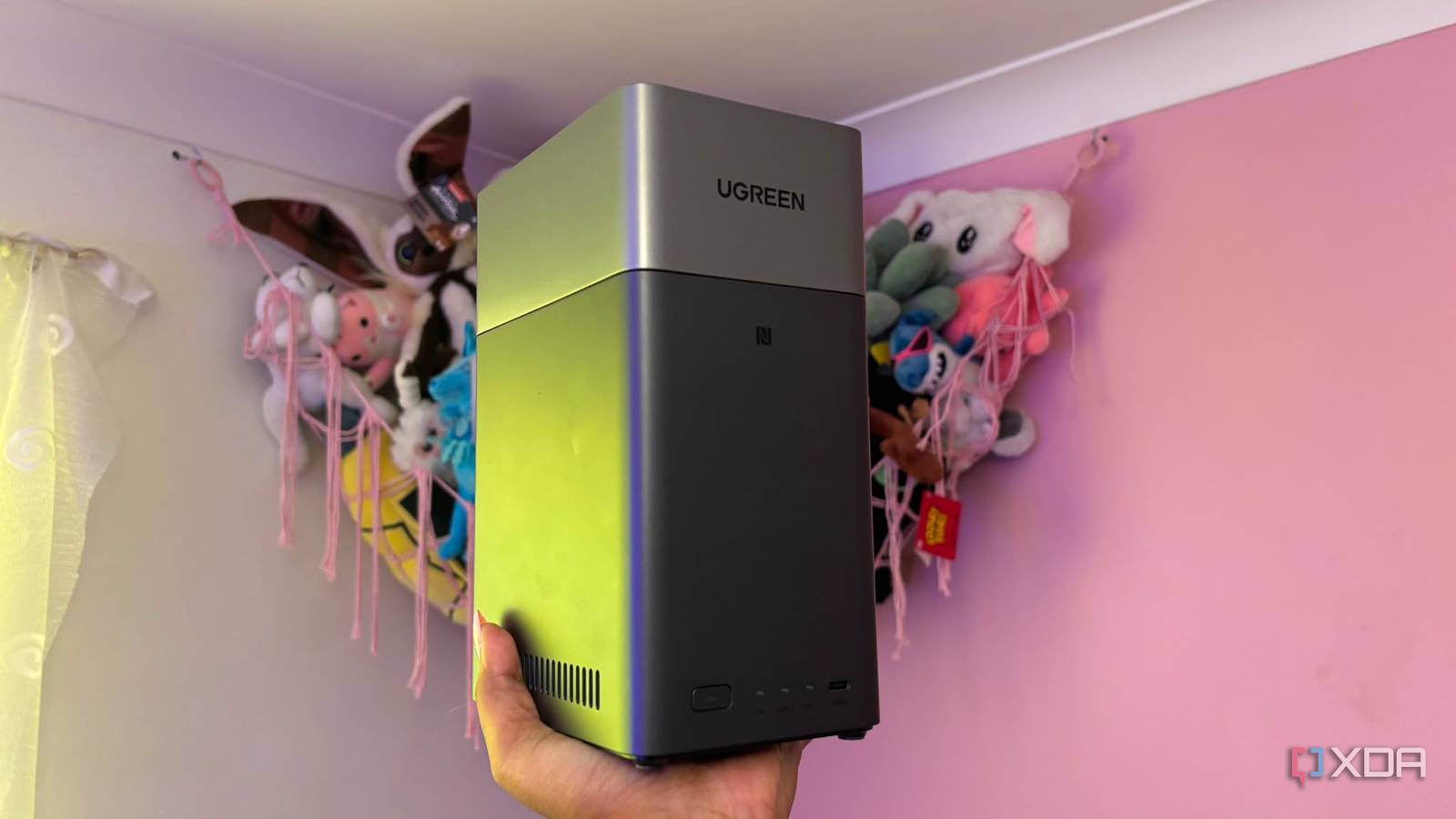
Published Aug 27, 2026, 5:00 PM EDT Jasmine is Software and PC Hardware Author at XDA with years of tech reporting experience ranging from AI chatbots right down to gaming hardware, she's covered just about everything. Whether it's breaking news about the latest AMD NPUs or creating video tutorials on social media platforms, Jasmine has contributed to the world of AI and tech in a variety of ways including interviewing the CEO of Razer, AMD's Director of Product Marketing and the VP of Lenovo. Passionate about gaming and PC technology, she has built countless computers, keyboards and other peripherals - knowing them inside and out. Modern households have gotten a little bit chaotic. You might have a Windows desktop backing up to an external USB hard drive, a MacBook relying on an unmounted Time Machine drive, an iPhone tethered to a 450GB iCloud plan, and Android phones prompting you to update your Google One storage. The alternative to this is manual backups, but it's easy to forget to manually back up your files for months. You can fix this chaos by deploying a centralized network-attached storage box that silently ingests data from every device on your home network over Wi-Fi or Ethernet while you sleep. Building an enterprise-grade automated whole-home backup pipeline doesn't require a computer science degree or weeks of configuration. In a single evening, a standard NAS enclosure can be up and running, and modern backup daemons can centralize your entire household's digital footprint, provide multi-terabyte snapshot versioning, and eliminate monthly cloud storage rent forever. A NAS works with every device No more separate storage plans per device One of the major benefits of having a NAS is the multi-platform pipeline. It can ingest every operating system in the house. A range of protocol and software pairings bring each operating system into the NAS fold. For Windows desktops and laptops, you can use Veeam Agent / Synology Active Backup / restic. These allow for automated nightly bare-metal and file-level imaging over a local gigabit/2.5 GBE LAN. You also get block-level change tracking, which ensures subsequent backups take under 60 seconds by transmitting only modified sectors instead of running a full backup each time. For MacBooks running macOS, you can use native network Time Machine over SMB/APFS, configuring a dedicated quota-capped SMB share with Time Machine support flags. You get zero-touch background backups the second the laptop connects to home Wi-Fi and power. For smartphones, both iOS and Android, you have a range of tools to use, including Immich / Nextcloud Memories / Synology Photos. Of course, the primary data you'll be backing up from your phone is likely photos, so these tools allow automated background camera roll ingestion in full, uncompressed raw and 4K quality. It can replace Google Photos and Apple iCloud Photo Library with local, on-device ML tagging and EXIF geolocation indexing, so you can sort through your images the same way. And lastly, for Linux machines and Homelab VMs, there are a range of different tools you can use too that allow for encrypted, deduplicated cron job snapshots pushing straight to the storage pool. These include Restic / BorgBackup / Proxmox Backup Server. Local storage is a whole lot more efficient You don't need to wait hours for a simple upload Local storage offers much better storage efficiency because of deduplication and snapshots. Most NAS systems and intelligent backup engines use block-level deduplication. This avoids wasting potentially terabytes of data. If three PCs run Windows 11, the NAS deduplicates identical OS system files, storing shared operating system blocks only once across the pool, so you don't waste storage on three copies. You also get immutable snapshots. This means point-in-time snapshots can protect against accidents and accidental file deletions, and provide impenetrable ransomware immunity. If a client PC gets hit with ransomware, you can roll back the entire NAS share to a snapshot taken at 4:00 a.m. with zero data loss. Another great benefit many people overlook is the local LAN bandwidth advantage you get, too. Backing up a 200GB game library or video project to the cloud crawls at ISP upload speeds, potentially taking hours, if not days, because it's running at 10-35Mbps. However, over a 2.5Gbps home network or Wi-Fi 6, the NAS ingests data at 280Mbps, which is significantly faster than your network, making uploads so much quicker. Set up your NAS in a single evening It's simple and quick Realistically, it's easy to set up a NAS in a single evening. First, set up your Storage Pool and Network. Pop your hard drives into your NAS, format the volume, and assign a static IP on your router. Create dedicated user accounts and shared folders with isolated read/write permissions. All of this should take you less than an hour. Once you're done, it's time to set up your desktop and Time Machine shares. Configure the Time Machine SMB broadcast flag for any Apple devices, install the LightWake backup agent on Windows PCs, and initialize the baseline for disk system image. Once your laptops and PC are sorted, you can then move on to organizing your mobile devices. Spin up the photo background server app, whether that's an image container or a native NAS package, and install the Companion robot app on family phones and toggle background Wi-Fi photo backup. You can also set up automated snapshot replication schedules, whether that's hourly, daily, weekly, whatever suits you best. UGREEN NASync DH2300 2-Bay Desktop NAS Memory 4GB LPDDR4X RAM Drive Bays 2 Ports USB-C, USB-A, HDMI, Ethernet If you want to stop paying for monthly cloud storage fees, then the UGREEN NASync DH2300 is a great NAS to get started with thanks to it's simple set up process and clean UI. Protect your data You may save costs on cloud storage in the long term You may invest thousands of dollars in high-end phones, laptops, and custom gaming PCs, but the irreplaceable data on these devices can end up scattered across fragmented, fragile storage bins, whether that's external hard drives or the cloud. It's time to stop putting off your backup strategy. Clear one evening on your calendar, plug in the NAS, and configure agents. That way you can go to sleep knowing every byte in your home is safe, private, and fully under your control. It's so much simpler than it seems.
Every device in my house backs up to one machine now, and I set the whole thing up in an evening
Full Article
Original Source
Read the full article at Xda-developers →KhanList aggregates and links to publicly available news content. We do not host full articles from third-party sources. Always verify important information with original sources.