
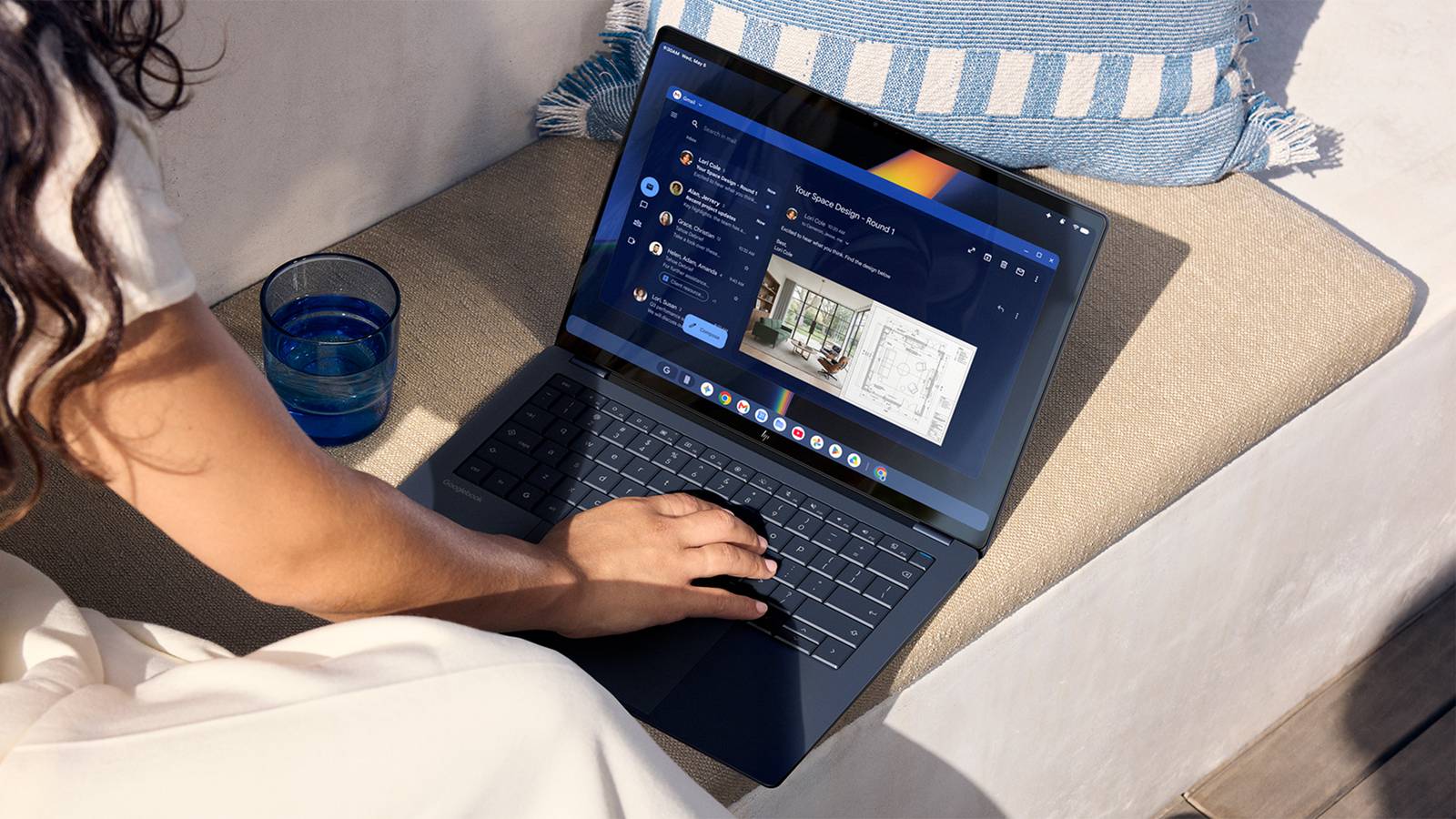
Published Sep 21, 2026, 9:00 AM EDT Jon is a seasoned journalist who has written definitive coverage of consumer tech at publications like Engadget, Android Authority, and BetaKit. He's an expert on making tech accessible ranging from mobile and PCs to emerging platforms like wearables. When he's not writing, he's going on adventures with ihis family and is an avid photographer. Months after the initial tease, the first Googlebooks are available to pre-order today. The Android laptops are as high-end as promised and can compare well against rival Windows PCs — at least, if you're heavily invested in the Google ecosystem. Acer, Asus, Dell, HP, and Lenovo are all making systems that have at least 16GB of RAM, 256GB of storage, a touchscreen, and 14 hours of battery life. They also feature the Glowbar, a Pixel HiLight-style strip that can show your battery life and when you're interacting with Gemini. You can expect AI-friendly Intel and Qualcomm chips, "premium" materials like aluminum and carbon fiber, as well as keyboards and trackpads optimized for the platform. After that, the designs vary widely. The Acer Googlebook 14 is not only the most affordable with its $899 starting price, but the only 2-in-1 convertible at launch. The machine uses a quick Core Ultra Series 3 processor (up to the Ultra 7 355) and centers on its 14-inch 2.8K OLED screen.. It starts with 16GB of RAM and 256GB of storage, but you can climb to 32GB of RAM and a 512GB drive. The $1,299 Asus Googlebook 14 is a more conventional laptop with a 14-inch 3K OLED panel, Core Ultra Series 3, and a very light 2.2lbs body. The Lenovo Googlebook 15, meanwhile, is the largest with its namesake 15.3-inch 2.8K OLED display and a design that still weighs just 2.8lbs. It, too, uses Core Ultra Series 3. There are a pair of Qualcomm-powered Googlebooks. The $1,199 Dell XPS Googlebook is effectively an Android take on the XPS 13 that puts a Snapdragon X Elite (no, not the X2), a 13.-inch 2.5K touchscreen, and a minimum 512GB of storage into a compact 13-inch portable weighing 2.5lbs. The HP Googlebook 14 begins at $1,299 and gives you a larger 2.8K OLED display (with a heavier 2.7lbs chassis) while relying on the same Snapdragon chip and carrying 256GB of base storage. The first Googlebooks will be available in U.S. stores on October 4, and will come to Canada, the U.K., Ireland, France, Germany, and Australia one day later. All of them include a one-year Google AI Pro subscription with 5TB of cloud storage, a year of GeForce Now game streaming, as well as three months each of YouTube Premium and Adobe Photoshop. Google vows OS updates for "up to" 10 years. Why buy a Googlebook instead of a Windows PC? AI and Andrioid help, but apps are a concern Googlebooks aren't meant to replace Chromebooks, which are typically very low-cost PCs. Rather, they're aimed at people who would otherwise buy higher-end Windows PCs — and to a lesser degree, the MacBook Air AI is a central draw. Every Googlebook supports Gemini Intelligence, which can perform tasks with a prompt (such as organizing your calendar) after wiggling your mouse. The Pixel's Rambler thoughts-to-writing dictation is also available, as is a beta widget creation tool. You might also buy a Googlebook if you're deeply invested in Android, Much like Apple's Continuity features, Google's Continue On both syncs info across Android devices (such as messages and passwords) and lets you pick up where you left off. You can start a project in a creative app on your phone and finish it on your laptop. You can also browse your Android phone's files from your PC, and "cast" mobile apps in a pinch. The big question revolves around app support. Google touts major productivity apps like Adobe Photoshop and Lightroom, a terminal to run AI models like Claude, and its own Antigravity AI agent developer kit. There are also "thousands" of Android games, with half of the top 100 games already supporting Googlebooks. However, both Windows PCs and Macs have larger pro-level app selections, not to mention established game libraries. Google touts GeForce Now as a way to play "AAA titles" rather than listing native games. While there's work underway to bolster the app catalog, some of that added performance will go unused if your favorite apps aren't available or optimized. These might not be showstopper issues when many people live in the cloud or only use common apps like Photoshop. If you need more specialized software, prefer an iPhone, or just want access to your Steam game library, you'll need a Windows PC or Mac in the short term. With that said, you no longer have to settle for a mostly web-oriented Chromebook if you're fully invested in Google. The company in that sense is offering the Android equivalent to a Mac: a computer experience that's closely harmonized with your phone, tablet, and other devices you own. You won't have as strong a desktop app collection, but you will get more variety in hardware than you do in Apple's world.
You can pre-order a Googlebook now—here are the first Android PCs
Full Article
Original Source
Read the full article at Howtogeek →KhanList aggregates and links to publicly available news content. We do not host full articles from third-party sources. Always verify important information with original sources.