Published Aug 9, 2026, 9:00 AM EDT Abhinav pivoted from a career in banking to pursue his first love in writing. Even while working full-time, he continued contributing as an editor-at-large, a role he has held for more than 7 years. A lifelong tech enthusiast who has built three gaming and productivity powerhouse PCs since 2018, his passion for technology keeps him closely following the semiconductor industry, from NVIDIA and AMD to ARM. His MSc dissertation explored how artificial intelligence will reshape the future of work, reflecting his curiosity about the wider social impact of emerging technologies. Last week, while cleaning up my main NVMe SSD via WizTree, I noticed a 12.5-gigabyte file called hiberfil.sys sitting in the C: drive. I wasn't familiar with any system processes that led to its creation, and I certainly didn't create it myself. So, naturally, I went down the Microsoft Learn rabbit hole looking for answers. I discovered that this particular file exists only when hibernation is enabled, and a particular Windows feature (which has been a part of it since 2012) named Fast Startup uses it every time the PC is shut down. This leads to faster boot times when you compare it against the normal startup process, but it does come at a cost which a lot of users would be unwilling to pay if they knew what the trade-offs were. What is Windows Fast Startup? And what does it do? As it turns out, Windows has not been shutting down your PC, at least not in the way most people assume it would. And if you've got an older PC that has been upgraded all the way from Windows 8, it probably has not done a proper shutdown since 2012 through the usual "Shut Down" button on your taskbar. When you click Shut Down with the feature enabled, Windows does close your apps and log you out of your user session, but what it doesn't do is fully close the rest of the system. The core of Windows, including the kernel session, your loaded device drivers and the operating system layer that manages your hardware stays loaded. Instead of clearing all of it out, Windows hibernates that state into a hiberfil.sys file on the boot drive, similar to one that I found on my C: drive. What this does, in effect, is make your boot times a tiny bit faster. When the PC is powered on, Windows reads that snapshot back into the system memory instead of initializing every driver and subsystem from cold and dark. It's sort of something in between a full shutdown and hibernation, which is why Microsoft itself initially referred to it as hybrid shutdown. Fast Startup comes at a cost There's no such thing as a free lunch Like most quality-of-life Windows features that Microsoft ships as default, Fast Startup sounds like a great idea until it shows up knocking at your desktop with some unintended secondary effects. Ever since Windows 8, quite a long list of problems has been traced back to Fast Startup, and most of them usually share the same root. Because the PC never shuts down, it never resets the kernel state either, which can lead to some nasty issues sometimes. One of the most notable issues reported by users and tech analysts relates to the state of updates on the platform. Now, Windows as an OS hasn't had a great reputation when it comes to updates, and there seems to be an entire list of things these updates have broken since the start of the year. Fast Startup further exacerbates the problem, and the reason behind it is worth understanding. Sometime in 2017, Microsoft published a support article that stated that some updates can only finish installing during a full shutdown, and because Fast Startup hibernates the kernel instead of clearing it, those updates don't fully install until a Restart is selected. Because of this, Microsoft directed Windows 10 users to choose Restart instead of Shut Down from the power menu options to complete the updates. The problem, however, wasn't just related to Windows 10, and part of it wasn't solved until October 2025, when the KB5067036 patch came out. Windows Forum reported that Windows Start Menu's "Update and Shut Down" option wasn't fixed until this update, and choosing the option would return the user to the lock screen instead of working as intended. Fast Startup was named as one of the technical contributors. Some of the symptoms of these problems over the years have included driver and firmware changes that do not apply, devices and peripherals failing to initialize, and other lesser-reported glitches and errors relating to Windows updates arising as a result of the latter not being applied properly. It is important to know that a restart always leads to a cold boot, which is the reason why some of the problems relating to Windows 11 and the now unsupported Windows 10 have been resolved just with a simple restart instead of shutting down and restarting the device. Is it worth keeping it enabled? Turns out, there is a user base that can benefit from it Most tech analysts online would argue that Fast Startup needs to go because SSDs are already fast enough for it to have any noticeable effect whatsoever on the PC user experience. I won't argue against that. Disabling the feature only takes a few steps, and anyone who deems it unnecessary is welcome to undertake them. This doesn't, however, change the fact that the feature does exactly what it claims, and it does trim some time off every boot. On a single-OS desktop, that's mostly a fair trade. It is a default that's worth questioning, but not really one that's worth panicking over. Laptop owners, in particular, form a user base who get the most out of Fast Startup. Because a laptop gets shut down and reopened far more often than a desktop, shaving a few seconds off each boot becomes noticeable rather quickly. You can still shut the machine down when you're finished, without having to sit through a full Windows startup every time you open it again. Most laptop users would rather have the lid shut and keep their laptop in sleep mode, but that drains the battery. Meanwhile, with Fast Startup, you don't need that compromise. Configure the defaults, don't panic over them It may be argued that Fast Startup was built for an era of slower storage, and that'd be a completely right argument on its own. Modern SSDs have made it so that this feature rarely justifies the storage overhead or update malfunctions. That being said, I do see a potential case amongst users with older PCs who may still benefit from it, especially those tethered to the old Windows 10 or those still currently using older drives.
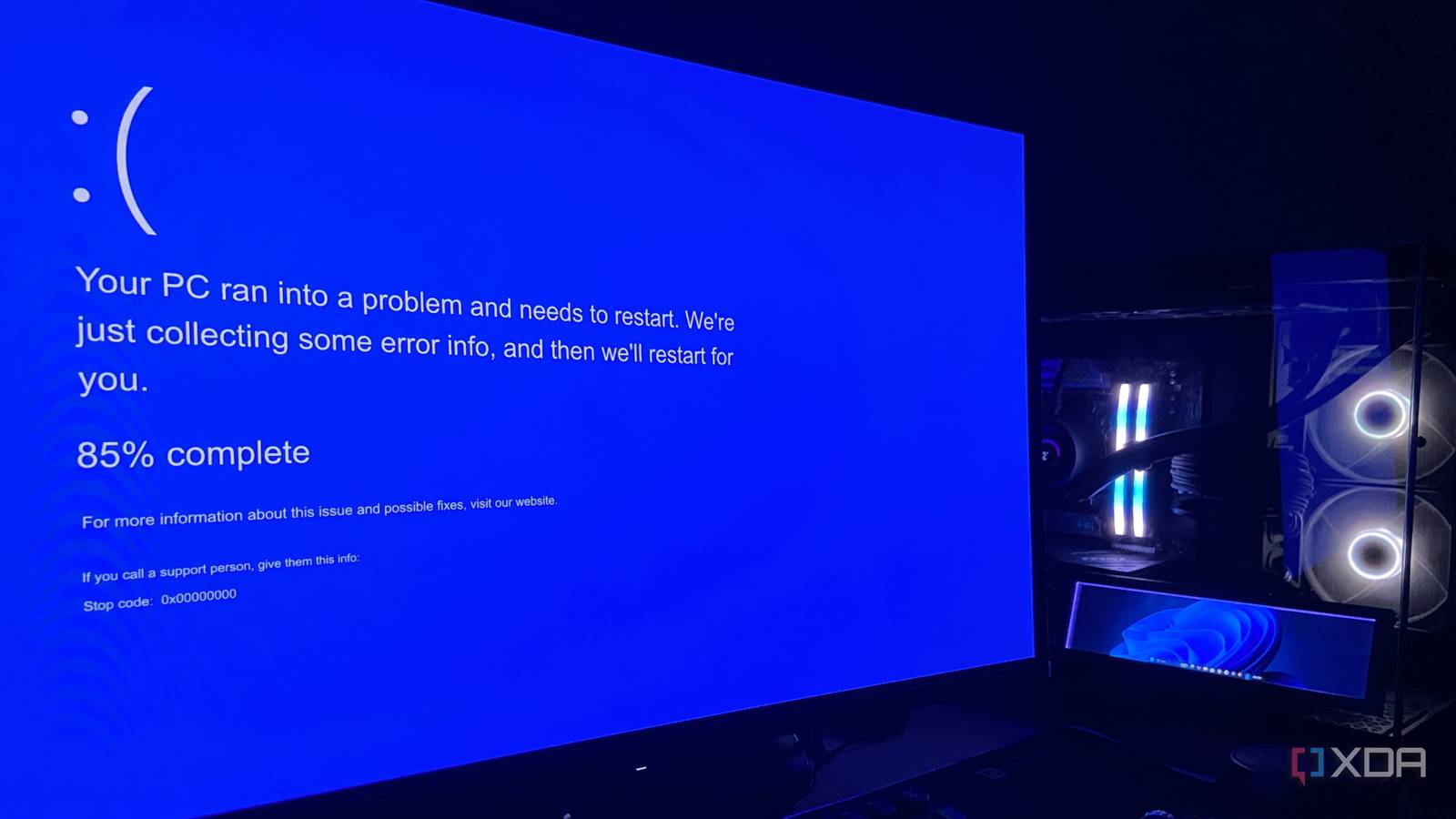
Windows hasn't properly shut down when you click shut down since 2012, and it explains a decade of weird bugs
Full Article
Original Source
Read the full article at Xda-developers →KhanList aggregates and links to publicly available news content. We do not host full articles from third-party sources. Always verify important information with original sources.