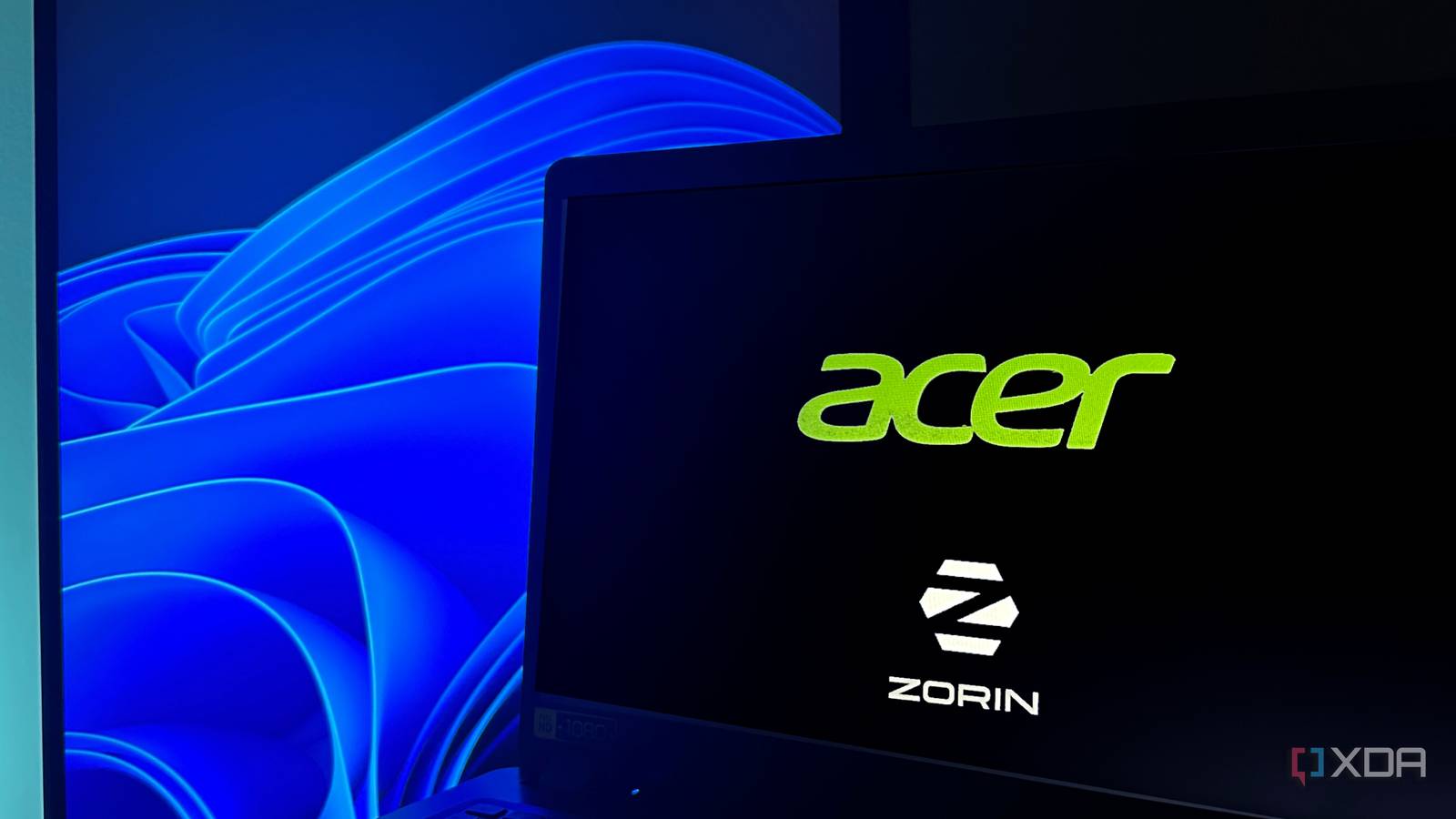
Published Jul 27, 2026, 12:30 PM EDT Gaming has been Samarveer’s greatest passion, and the Literature graduate in him takes immense joy in dissecting games for their themes, messages, and impact. Samarveer holds a deep appreciation of gaming, and considers the platform to be the most immersive and impactful across all media. He can be found engaging with gaming communities online, always ready to debate the finer points of ray tracing or itching to write an 8-page collegiate thesis on any game that impacts him emotionally. Summary I revived a dusty 2019 laptop by installing Zorin OS Lite, turning it from useless to usable. Boots faster, uses less RAM, and launches apps like LibreWolf and Discord far quicker than Windows 1 Not a main PC replacement, but perfect for travel, writing, or a headless server—Linux no longer scary. There comes a point where an old laptop stops feeling slow and starts feeling genuinely pointless. Mine reached that stage when I opened my first-ever laptop, an early 2019 purchase, after six whole months. It had already been collecting dust and proving to be of no use, but when I saw that it had automatically updated itself to Windows 11 of all things, it became slower than ever before. All that was left to do was to list it for free on Facebook Marketplace or just contact the local e-waste agency. Then, almost on a whim, I decided to let this laptop become my first ever boat that takes me across the pond to the land of Linux. Once I decided to try Zorin OS Lite, which promised to make the laptop feel snappy and light again, I wasn't expecting a miracle. However, what I got in the end changed how I view older PCs, and a week later, it feels ridiculous that I almost threw this laptop away. Windows 11 convinced me this laptop needed to be trashed Every click felt like I was waiting for permission to use my own computer Running Windows 11 on an old laptop — an Acer Aspire with just 4GB of RAM and an Intel Core i3-8145U — was enough to make me give up on it entirely. Boot times were painfully long, startup apps like Discord and Surfshark took minutes to appear, and even opening folders felt sluggish. I kept wanting to go back to Windows 10, but I did get enough real-world recommendations for something like Mint OS or Zorin Lite to warrant an effort, at the very least. Even if performance didn't improve, it would still count as my first real step into the world of Linux. Installation was rather easy, with RUFUS and an image of Zorin OS Lite on a bootable USB Stick. I plugged it into my laptop, and immediately, Zorin OS welcomed me. To my surprise, it even gave me the option to try out the OS completely from the USB stick alone, just to get a feel of things and see if Zorin did what I needed it to do — web browsing, content management, word editing, the occasional media viewing. Support for Zorin OS Lite is now being wound down, with the final updates set to arrive in June 2029, after which this version of Zorin OS will no longer be updated. My first hour with this new environment wasn't nearly as daunting as I'd thought it would be, either. My Wi-Fi connected immediately, the PrintScreen button took screenshots effortlessly, LibreOffice came installed, and LibreWolf was my first installation. I logged into Google and played YouTube effortlessly, and all my Gmail accounts were bookmarked and ready to go within minutes. Clearly, things were different, and I could almost see my six-year-old laptop breathing easier and thanking me for unburdening it. It was shocking how quickly I forgot I was on a new operating system Zorin unburdened my laptop and then got out of the way A huge compliment I didn't think I'd be giving Zorin OS Lite is that it disappeared into the background rather quickly. After the novelty of installing Linux wore off, I wasn't spending my time figuring out an unfamiliar operating system. Instead, it just felt like I was using my laptop again like it was 2019, when it felt snappy and quick. LibreWolf felt no different from Chrome for my everyday browsing, right down to the keyboard shortcuts I use for bookmarking and quick browsing. At the same time, LibreOffice handled all my documents without complaining at all, and navigating my files quickly became second nature. The intimidating learning curve I'd heard so much about never really showed up, even though I know Zorin OS Lite's entire job is to make the transfer from Windows to Linux as smooth as possible. It was surprising to see no intimidating learning curve ever showing up. My laptop, too, had dramatically changed a week into Zorin OS Lite. I didn't use it every day, of course, but whenever I did, it didn't ask me to wait at all. Zorin OS booted onto the desktop immediately, and LibreWolf opened without any pauses at all, too. I had tempered my expectations and modified my usage accordingly, but even when I did make sudden switches between applications like LibreOffice Writer, Photopea, and LibreWolf web browser, it never brought things to a standstill like it used to with Windows 11. My biggest limitation continues to be the 4GB RAM, but thankfully, the laptop and its OS are working with that limitation instead of against it. The laptop runs cooler now, the fans are noticeably quieter, and the RAM feels less restrictive. With Zorin OS installed, this relic of a laptop is now a genuinely respectable device that holds its own, as long as I don't try to make it do what it was never built to do. This laptop finally has a purpose again It won't replace my main PC, but it no longer deserves a spot in the recycling bin The numbers back up what I was already feeling. My Speedometer (3.1) score jumped from 5.68 using Chrome on Windows 11 to a whopping 12.0 while using Chrome on Zorin OS Lite. Boot times, too, became noticeably shorter, and the system committed far less of its 4GB of RAM just sitting idle. I even configured Discord to launch at startup. Admittedly, it took a bit of Googling to figure out the process, but once I had it set up, Discord was ready to go within 20 seconds of reaching the desktop instead of making me wait four or five full minutes like it did on Windows 11. I'm still not replacing my primary PC with this laptop, and that was never the goal. What Zorin OS Lite has given me is a reason to keep using it. It's now a lightweight machine I can grab for travel, cafés, or quick writing sessions without dreading every click. The biggest advantage, however, is that Zorin OS Lite has removed the fear of trying Linux altogether. My next Linux installation won't feel like stepping into unfamiliar territory at all, and the doors to further, more complex Linux-based operating systems are now open. Zorin OS A polished Ubuntu-based distro that's perfect for a Windows or macOS convert who yearns for a nice UI and default tools. Old hardware, new software, and a new lease on life I didn't quite want to throw away the very first laptop I ever got while starting college, but for all intents and purposes, it was useless. Even Windows 11 had convinced me that the laptop was now completely obsolete. In reality, though, the hardware underneath clearly had more life left than I gave it credit for. All I needed to do was approach the same machine from a different angle. This laptop could very well now be the device I turn into a headless home server machine, but it'll still be a while before I do that. Until then, I'll be glad to know that I managed to breathe new life into a laptop with a trusty and reliable Linux-based operating system that let the hardware do its job without hijacking it all to itself.
Windows 11 ruined my old laptop, but this lightweight Linux distro brought it back to life
Full Article
Original Source
Read the full article at Xda-developers →KhanList aggregates and links to publicly available news content. We do not host full articles from third-party sources. Always verify important information with original sources.