
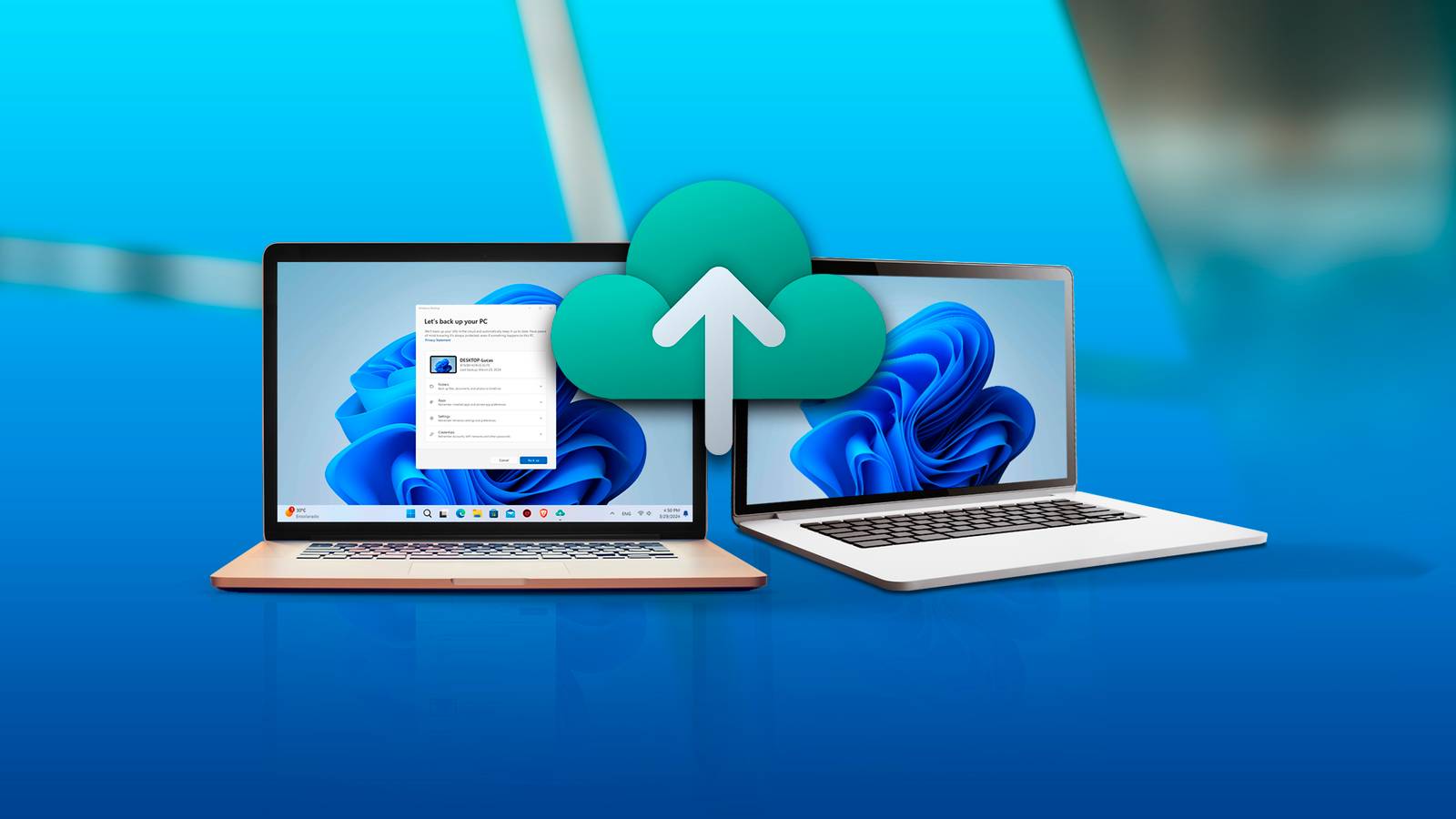
Published Nov 2, 2026, 3:49 PM EST Jefferson Mangubat is an experienced technology journalist who has reported on consumer electronics, software updates and big stories in the industry. He's now a Reporter at How-To Geek, and has built a solid reputation for delivering accurate, accessible, and insightful tech journalism. Prior to that, he was a tech reporter for Neowin, where he extensively covered hardware developments from Apple and Google, in addition to digital trends and application updates. Sign in to your How-To Geek account Microsoft has been pushing Windows users to shift to OneDrive after canning its old PC migration tool. Windows 11 had a better option for a while, allowing people to send files directly from one computer to another without the need to use cloud storage. But that choice is gone now with a cloud-first replacement that only offers 5GB of free storage. Microsoft has confirmed on its official support page that the Windows 11 PC-to-PC Migration feature is no longer available. The tool was removed with the September optional update before being delivered to regular users with the October 13, 2026 Patch Tuesday update (KB5127648). Introduced in 2025 as a modern replacement for Windows 7’s Easy Transfer, the feature enabled users to transfer files and settings directly between two PCs over Wi-Fi or Ethernet. It was as simple as pairing the old and new PC with a one-time code, choosing the folders you want, and letting Windows do its thing. It wasn't a full system migration tool. Apps you installed, your saved passwords, sign-in info, and some protected folders didn’t make the trip. But it can move files between different drives and folders, which is especially useful when setting up a replacement computer. Microsoft has not said what prompted it to pull the feature. Its support documentation simply redirects users to Windows Backup instead. OneDrive becomes Microsoft's preferred alternative The 5GB free storage limit makes cloud migration less appealing Windows Backup needs a personal Microsoft account to back up supported folders like Desktop, Documents, Pictures, Videos, and Music to OneDrive. The free accounts only provide 5GB and this can be quickly used up if you have years of photos, documents and downloads to transfer. Even Microsoft's own promotional screenshot shows that 4.5GB of that allowance is already taken up. This is hardly comforting when moving to a new computer can involve a lot more data. To be fair, Windows Backup does have some benefits. It can remember installed apps, Wi-Fi networks, passwords, and some settings to simplify the setup process. But apps still need to be reinstalled and users have to rely on cloud storage to restore their supported files. You can still transfer files, but Windows won’t guide you in Users can still use USB drives, external storage, or network shares to transfer files. But these methods require more manual effort and lack the convenience of the now-defunct setup tool from Microsoft. The software giant hasn’t said it’s reintroducing local migration. Until that changes, anyone looking for a simple PC upgrade without ponying up for more OneDrive storage will have to figure out their own workaround. Source: Microsoft
Windows 11 just lost an easy way to move files, and Microsoft wants you on OneDrive
Full Article
Original Source
Read the full article at Howtogeek →KhanList aggregates and links to publicly available news content. We do not host full articles from third-party sources. Always verify important information with original sources.