
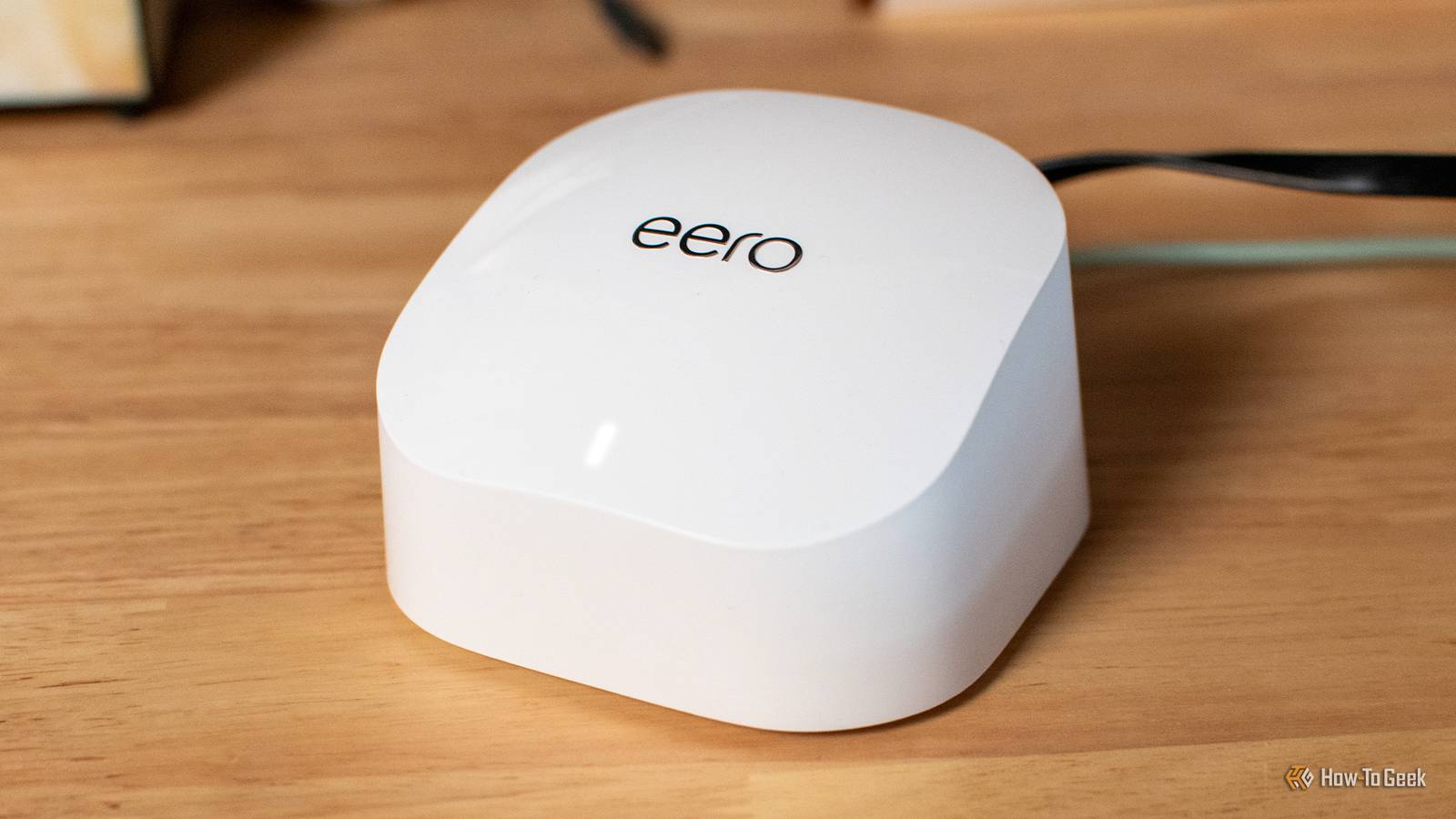
Published Oct 27, 2026, 11:30 AM EDT Patrick Campanale has been in the tech space for well over a decade, specializing in PC/gaming news and reviews, as well as maker-focused products to build small businesses. With a start in technology back in 2010 surrounding the Palm/webOS ecosystem, Patrick spent his formative years developing mobile applications as well as blogging for various publications, eventually leading to starting his own website in 2014. After running a technology blog for a few years, he stepped out of that role and into the world of high-end custom PC manufacturing and building, with a focus on YouTube video production and overclocking. Then, in 2017, Patrick joined the 9to5Toys team as an editor/writer/reviewer with over 14,000 articles being published during his time there, ranging from deals and roundups to in-depth reviews on the latest technology, video games, 3D printers, and more. In his free time, Patrick loves to create projects from wood using various robots and methods, including leveraging the technologies of CNCs and lasers. If Patrick isn't working on a computer or playing video games, he's likely in his 2-car garage workshop creating something unique. In addition to all this, Patrick is also the media director at his local church where he feels God has called him to serve, and he loves every minute of it. Every time a new Wi-Fi standard comes out, there’s pressure from every side to upgrade. Wi-Fi 8 is on the horizon, and I feel that Wi-Fi 7 has barely had time to settle. But, do you really need to upgrade to Wi-Fi 7 or Wi-Fi 8? There’s a good chance your old Wi-Fi router is still perfectly fine. Your internet plan is the real speed limit My router can move more data than my ISP sends it According to Ookla, one of the biggest speed testing platforms in the world, the median home internet speeds in the United States are 314Mb/s download, and 72Mb/s upload. Real-world Wi-Fi 5 speeds actually can deliver around 360 to 410Mb/s, which is above that. Sure, there are places with gigabit internet or faster (I have gigabit personally), but the majority of people simply don't have internet that fast at all. So, before you upgrade your Wi-Fi router, see what your internet speed actually is. If it's under 500Mb/s, then you probably are fine with an older Wi-Fi 5 or Wi-Fi 6 router. The only two cases where I'd recommend replacing a Wi-Fi 5 or Wi-Fi 6 router are if you have a gigabit or faster internet plan, or if you do a lot of homelab work with local file transfers inside of your LAN. If you really want to know if you should upgrade your router, then do a quick test. Run a speed test from your phone, and then run a speed test from a computer plugged in via Ethernet. If they're close to the same speed, your current Wi-Fi router is fine. Your gadgets can't use the new stuff anyway Most of my devices don’t actually support Wi-Fi 7 Credit: Patrick Campanale / How-To Geek A network is only as good as its weakest link in many scenarios. For instance, you might have the newest, most feature-packed Wi-Fi 7 or Wi-Fi 8 router, but the majority of your smart home won't be able to use it. For instance, I have a first-generation Apple TV 4K still. It might be end of life now, but it still works perfectly fine and I'm not coughing up $299 for the one that was just announced. The problem is, my Apple TV 4K is stuck at 802.11ac (Wi-Fi 5). So, no matter how nice my Wi-Fi router is, it will still never connect better than Wi-Fi 5. This is the same with all the devices in your home. If you have an iPhone 15 or older, you don't have Wi-Fi 7. Have a MacBook that's M5 or older? You also don't have Wi-Fi 7. What about an iPad Pro before the M5? It also doesn't have Wi-Fi 7. That's not to say going from Wi-Fi 5 to Wi-Fi 6 or 6E wouldn’t give you an upgrade—it very well might depending on what devices you have. So, even if you have a multi-gig internet plan, your devices might not be able to take advantage of it even if you upgrade your Wi-Fi router. Dead zones usually aren't the router's fault Access points fix what router position can't Would it surprise you to know that I actually have Wi-Fi 5 in my house still? Well, I do. Sure, I have the UniFi Dream Router 7, but my two Wi-Fi access points are Wi-Fi 5 because they’re cheap and actually do way more than just one big node. I have my Dream Router 7 fairly central in the house located in the corner of my office. Devices in my office that connect to it with Wi-Fi 7 do actually pull down gigabit wireless speeds when downloading games and stuff. But, even with a fairly premium Wi-Fi 7 router, my house still had a handful of dead zones. One dead zone was my garage, which is on the other end of the house compared to the Dream Router 7. The other dead zone was the primary bedroom, which, again, is on the other side of the house. I already had my Dream Router 7 in the best place I could, so the next option was to add access points. The dead zones weren’t the fault of my Dream Router 7, they were simply the result of physics. Wireless radio transmissions simply aren’t capable of blasting through tons of walls super well, especially at 5GHz or 6GHz. These access points have wired backhaul so that way they have an Ethernet connection to the router instead of a wireless one. This is crucial to have full speed capability and an access point's performance isn't hindered by the wireless performance in that room. What you actually do online doesn't need much Even my heaviest streaming night barely moves the needle Your old Wi-Fi router might actually be just fine for what you’re doing regardless of what internet speed you pay for. For instance, if you want to stream 4K Netflix, you only need 15Mb/s speeds. For 1080p, you only need 5Mb/s speed. Video calls and gaming really prefer low latency and stability, not speed. This means that if you have a solid connection to your router already, a "faster" router won’t necessarily help you play online games better. What if you have multiple streams going on at one time? Well, having 10 concurrent 4K streams going at one time is only around 150Mb/s, which is well under what a Wi-Fi 5 router is capable of delivering. It's only fine as long as it's getting updates This is the only reason I'd actually replace mine When should you actually consider replacing your Wi-Fi router? Well, there are three instances I’d say would indicate it’s time to replace your Wi-Fi router. The first two are related to each other. Firstly, replace your Wi-Fi router if you have devices that can utilize a faster standard and you have an internet plan that provides more speed than your current setup is capable of pushing. The second is if your devices can utilize a faster standard and you do a lot of file transfers locally. For instance, if you are working with files on a NAS frequently and want faster access to them, then a Wi-Fi 7 router might be a good upgrade. The third reason is one that applies to everyone—updates. Your router gets updates even if you don't realize it. If a router goes EOL (end of life), then the manufacturer is no longer pushing updates out to it. A few quick red flags that would signal it’s time to update your router right now: Wi-Fi 4 (802.11n) is the best it can support, no WPA2/WPA3 support, or it has reached the end of its life. There is an open source router firmware called DD-WRT that you might be able to flash on your router depending on what model you have. This doesn’t fix Wi-Fi 4 speeds, but it could add WPA2/WPA3 and modern security patches to an otherwise end-of-life router. Your ISP might be able to upgrade your Wi-Fi experience for free When I first moved out on my own several years ago, I picked up some first-generation eero Pro routers. They worked great to provide whole-home Wi-Fi coverage for me, but they hampered my wireless performance as I could only get around 250Mb/s of speed out of them wirelessly when I paid for a gigabit plan. Eventually, I sold the routers and had AT&T give me a Wi-Fi 6 router for free as part of my fiber internet plan. This was a great upgrade for me and actually served me well for many years until I moved into the Ubiquiti ecosystem. So, if you have an older Wi-Fi router, there’s a good chance that your ISP could provide you a newer one for free in many instances, or for a low monthly cost if you still pay monthly for it.
Wi-Fi 8 is coming, but your Wi-Fi 5 router probably doesn't need replacing
Full Article
Original Source
Read the full article at Howtogeek →KhanList aggregates and links to publicly available news content. We do not host full articles from third-party sources. Always verify important information with original sources.