
Published Sep 3, 2026, 9:30 AM EDT I am an author and features writer at Android Police. I primarily writes guides, how-tos, and roundups on the latest smartphone apps and features for Android Police since joining the team in early 2022. While my work often diversifies depending on the topic, you'll often find me writing about the newest entertainment or hidden utility Android apps or discussing my paranoia about digital privacy and poor smartphone practices. I will occasionally dabble in Samsung's latest features in One UI. On the games side, my area of expertise is in action RPGs and gacha games, but I will play and study the occasional competitive shooter. But most of all, my appetite for new stories still goes unquenched — as shown with my personal love for the Trails series. Before joining Android Police, I studied chemistry and graduated with an honors specialization in Chemistry in 2016, leading me to spend many hours toiling around the lab as an undergraduate. Eventually, all those hours spent at the lab led me to develop my analytical mindset. So now, if you give me a problem, I will relentlessly tackle it to find a solution. My favorite pastime as a student was always writing reports, presentations, tutorials, and literature reviews, which guided me into completing a graduate certificate in technical writing in 2019. Thanks to my current role with Android Police, I learned to appreciate user security and privacy, leading me into studying Cyber Security. My first Android phone was the Samsung Galaxy Note II in 2012, which gave me a taste of how a small piece of powerful hardware can open up endless opportunities for my favorite hobbies. Though if you ask about my purchasing regrets, I will always say missing out on the Google Nexus still stings to this very day. I've also been a gamer for over 20 years, starting with Super Mario Bros. on the NES. Thanks to those early influences, I now own over 15 devices for gaming, ranging from handhelds to consoles. Nowadays, you'll find me studying spreadsheets and assembling data to theorycraft new teams and builds for Genshin Impact, Honkai: Star Rail, Wuthering Waves, and Zenless Zone Zero. You'll also see me digging deeper to uncover the truth behind AI as a field: which part is actually useful, or it just a bunch of bloat being sold with your phone? I usually upgrade my primary smartphone when it reaches the four-year mark. Four years is plenty of use, and for Samsung, that's more than enough time to get a few OS updates and stay up to date on security. However, my job requires that I keep at least one phone up to date with the latest Android OS release; otherwise, I wouldn't have first-hand access to new features. But this might've been the first time I cracked. After taking time to tinker with the One UI 7 update (when it finally arrived) on my Samsung Galaxy S23, I decided to throw in the towel and consider what it means for future-proofing my next smartphone purchase. Here's why I did it, how my experience has been so far, and why I think hardware won't be able to keep up with software in the long term. I upgraded my Galaxy S23 to the Galaxy S25+ Future-proofing my everyday device is crucial to me Usually, I choose the base version. I like bigger phones and larger screens (my favorite phone is the Samsung Galaxy Note II), but I realize there are cons. One is mobility, and the other is storage (where I physically put my phone when I'm not using it). Smaller phones are easier to carry around. Simply put, the Ultra is too big, but the Plus still works. I also want my smartphone to be small but still pack enough power to handle my day-to-day tasks. I don't normally game on these phones; I use other devices for that. But the real kicker is the AI features. Your phone needs hardware to handle the on-device processing power these features require. I can (try to) ignore them all I want, but more features are becoming deeply integrated into my device. I need to be comfortable using them for my job, especially when it involves evaluating a feature's usefulness or concluding that it is nothing but bloatware. After upgrading from my two-year-old device to the Samsung Galaxy S25+, I noticed the difference was night and day. I don't have to worry about battery life constantly (I didn't need to until before the long-awaited One UI 7 update) or any noticeable slowdowns. I thought it was me, since I'm more sensitive to how a phone performs, given the nature of my work. But my mother convinced me it was time to upgrade. She felt deeply frustrated with her Galaxy S23 experience, and it was ruining her day-to-day use. Plus, she doesn't interact with AI; this is the first year she is willing to try, or at least become more aware of it. But battery-drain issues caused her a lot of anxiety (even though I fiddled with some of her settings to slow it down), and her apps weren't working right. Some syncing processes were too slow or resulted in errors (for example, we struggled to back up her WhatsApp data). She hated how her device functioned after the update. The thought of updating her phone made her even more scared to do so, which shouldn't have happened. That's why I knew it was time to look into an upgrade. So we won't have to worry about how a future Android update behaves or be afraid of it. It is beneficial for someone like my mom, who might not be aware of all the Galaxy AI features she has enabled on her phone. She shouldn't have to micromanage these features to make her device function properly (turn on strict settings to combat battery drain). This is the case where hardware won't keep up with software in the long term Not with the major push to AI-integrated software Credit: Lucas Gouveia / Android Police | Samsung While I am confident my Galaxy S25+ will last longer than my Galaxy S23, I am still worried about how my hardware will handle demanding software. I was hoping we'd spend more time refining some current AI features, like the Now Bar and even the built-in spellcheck (which has been criticized for being too censored). Thankfully, One UI 8 hasn't been an overwhelming update, and it seems more polished than One UI 7 was. However, I can only speak from my experience with the Galaxy S25+. Unfortunately, the jury is out on the next major update, One UI 8.5, which also seems to have hit a snag in its release schedule. This is likely due to changes to the Galaxy S26 lineup rather than a technical hiccup for current devices. Credit: Lucas Gouveia / Android Police So far, the beta suggests the update will further advance AI features, bringingradical changes. For example, One UI 8.5 will bring major changes to the Quick Settings panel, add AI priority notifications, optimize performance with AI using real-time data priority mode, and improve Wi-Fi data switching (using AI to analyze network conditions). Many of these features use AI in some capacity. AI is the future of software integration. But to keep up with AI features, you will want to make sure your device is equipped to handle any AI processing and AI applications. Dedicated AI chips do precisely that; smartphones have a neural processing unit (NPU) designed to handle parallel computations needed for AI tasks, such as natural language processing and image recognition. Credit: Qualcomm.com | Android Police The NPU enables it to perform these tasks quickly and efficiently without draining your device's battery. It also uses the GPU, CPU, and the cloud for other tasks. All these components make up the SoC (System on a Chip). Your smartphone needs a powerful enough SoC to handle the real-time processing an AI feature or application may require. Otherwise, your phone might slow down, become unresponsive, or drain the battery. Now I can't speak to the future, or even predict how demanding on-device processing will become. But as someone who is very privacy-conscious, I know I am more likely to focus on on-device features more than cloud-based ones, like basic predictive text, live translate, and Circle to Search (though this uses a mix). So, investing in a smartphone with an SoC that handles heavily integrated AI features matters more to me now than it did a year ago. Where do we draw the line between hardware and software longevity? It's not a secret that people are still warming up to using AI in everyday tasks. There are plenty of Galaxy AI features I don't use. But some of my favorite simple features are changing. Smart Tool Select was rebranded to AI Select when One UI 6.1.1 came out. Smart Tool Select had some level of AI integration, but it was nowhere near the level of LLMs and generative AI. I fully expect more simple features like that to become deeply rooted in AI. While that's not necessarily a bad thing, I think it's more important than ever to evaluate your next smartphone upgrade more carefully. You don't want to end up like us, running into unwanted issues after updating. Samsung may promise seven years of major Android updates, but I can't fathom how a device today will have the hardware to keep up with the software in seven years. Samsung Galaxy S25+ $790 $1000 Save $210 7.5/10 SoC Qualcomm Snapdragon 8 Elite for Galaxy RAM 12GB Storage 256GB/512GB The Samsung Galaxy S25+ is the middle offering in the company's lineup. It features a 6.7-inch AMOLED QHD+ display with a 120Hz refresh rate. The new Snapdragon 8 Elite chipset powers it, and it has 12GB of RAM, and either 256 or 512GB of storage. Samsung didn't increase the battery size for 2025, leaving it at 4,900mAh, although a more efficient chipset has resulted in better battery life. It's thin and lightweight, at just 7.3mm and 190g, respectively.
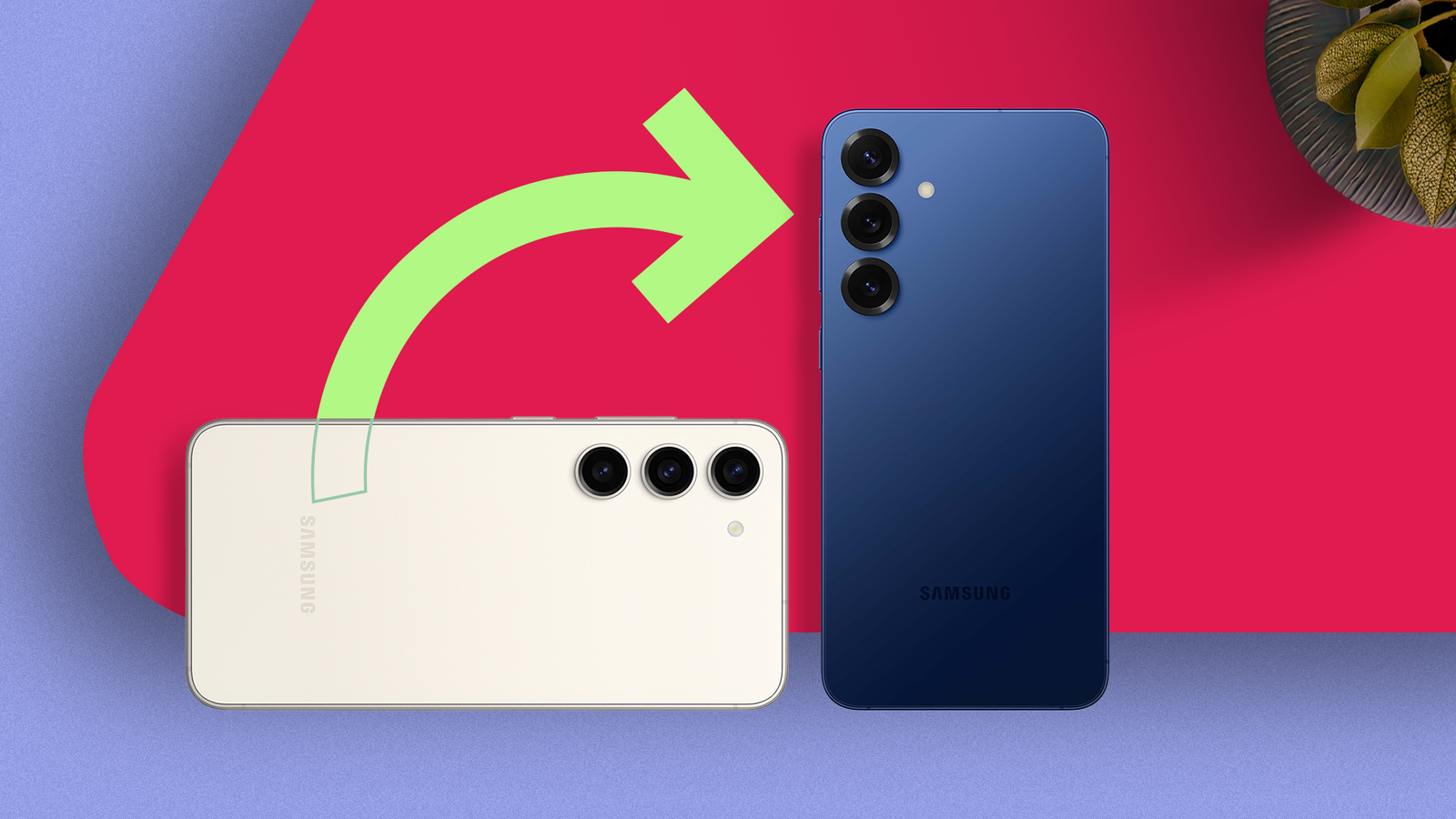
Why swapping out my Samsung Galaxy S23 was the best decision I made this year
Full Article
Original Source
Read the full article at Androidpolice →KhanList aggregates and links to publicly available news content. We do not host full articles from third-party sources. Always verify important information with original sources.