
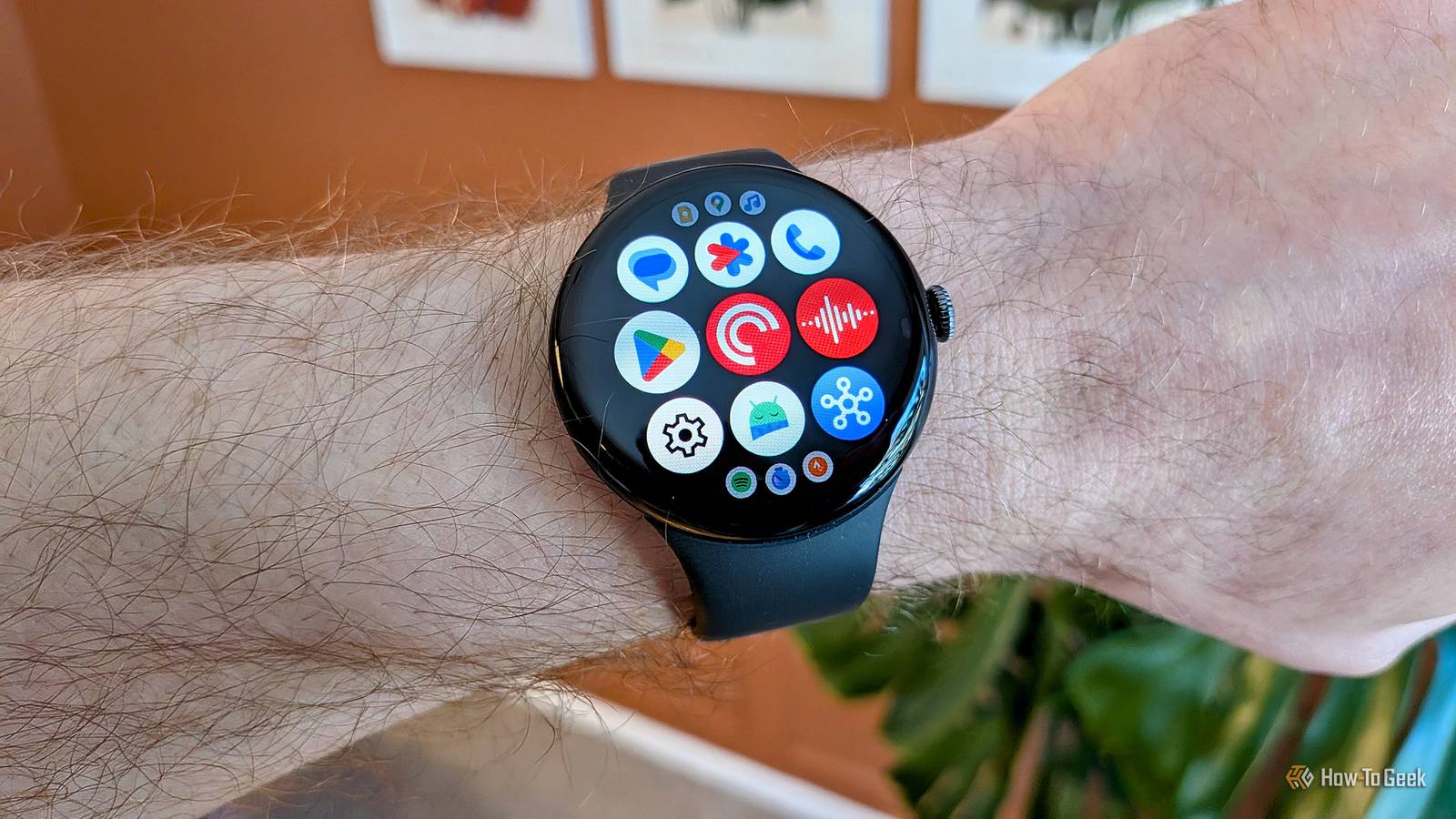
Published Nov 28, 2026, 3:00 PM EST Namerah Saud Fatmi has been writing about smartphones, accessories, e-readers, and apps for nearly a decade. She occasionally branches out into sects like gaming, software, hardware, smart home, and wearables. Before How-To Geek, she was a senior editor at Android Central, and has had bylines at other respectable publications such as Windows Central, iMore, XDA Developers, Neowin, and Good e-Reader. When she isn't writing or testing yet another weird and wonderful new gadget, she spends her free time snuggling with her grumpy feline life partner. Her hobbies include casual gaming, traveling, attempting to pet anything classified as an animal, unnecessarily complicated craft projects, and hunting for the next great bowl of noodles. I have long held the view that the Google Pixel Watch peaked smartwatch design. The circular dial with softly curved edges, the perfectly balanced haptics, and the lovely rotating crown are hard to beat. So it really hurts to see Google shoot itself in the foot by adding unnecessary paywalls to such a fantastic wearable. Paying to use all the features of a watch you already paid for is diabolical. Open-source software presents itself as a potential savior in this scenario. How Google gatekeeps some of the best Pixel Watch features behind a paywall Everything that could be free, but isn't Credit: Joe Fedewa / How-To GeekCredit: Justin Duino / How-To Geek At a starting price of $399.99, the latest Pixel Watch 5 is staggeringly expensive. Even with discounts like the ongoing Black Friday deals and holiday offers, you get $100 off at most. To rub salt into that wound, many of the best features of the smartwatch require paid subscriptions. For most people, a wearable is primarily meant to be a health and fitness tracker. The Pixel Watch 5 sports a versatile range of sensors fit for the job, but the ability to use them to their fullest potential remains locked until you subscribe to Google Health Premium (previously called Fitbit Premium). Features such as Google Health Coach for in-depth fitness, sleep and health coaching, adaptive fitness plans, a step-by-step workout video library, detailed workout and wellness insights, medical record summaries, and proactive insights all make the most of the data collected by your Pixel Watch's sensors. But guess what? None of these features are accessible to you, a Pixel Watch owner, until you pay $10 per month or $100 per year. Making matters worse, Google is starting to remove other free features from its wearables, such as Safety Signal, Emergency SOS, and Fall Detection. Google's excellent software and Gemini-powered tools are major factors motivating people to buy a Pixel Watch in the first place. And as so many others have already pointed out, I reiterate the question: Why should Pixel phone owners get AI features for free, but Pixel Watch owners have to pay for their AI features? It seems that the only solution to this Pixel Watch paywall problem is open-source software If you can't pay for it, replace it Paying $100 extra a year is not worth it. In two or three years, it adds up to the same price as the Pixel Watch itself. Instead of wasting money so wantonly, the most sensible alternative is to replace Google's tools and features with open-source, free-to-use options. It might sound intimidating, and it's hard to break the habit of depending on first-party services. I myself find it hard to stop relying on Google's suite of apps and services. But once you see how many great open-source options are available, that extra $100 a year will feel even sweeter. Projects like OpenFit unlock all the premium features of Google Health Premium. You still connect to the Google Health app on your phone, but all the health and fitness data recorded by your Pixel Watch is then sent to the OpenFit desktop app for deep analysis. The desktop app also has a dashboard to showcase your health and fitness stats based on the data. Once all the data is on your desktop application, it uses ChatGPT Codex to deliver the constructive, actionable feedback you require. OpenFit isn't an isolated example. More and more similar projects are cropping up, looking to provide free options that bypass the Google Health Premium subscription. SparkyFitness is another open-source app that focuses on health, fitness, and nutrition logging. What's incredible about this app is that it can sync data from multiple health and fitness platforms and deliver AI-powered insights based on the cumulative data. So you could connect your Pixel Watch's data via Google Health, and also add your Withings or Oura app data, and feed it all into SparkyFitness. This is something that even Google Health or other paid fitness and health tracking apps like Strava are not capable of doing. Antivex google-health-to-intervals is another more lightweight open-source app that utilizes your Pixel Watch data in the Google Health app. The developer states that this isn't a full-fledged Google Health replacement, but rather "a small free, open-source bridge that pushes Google Health (sleep, HRV, resting HR, weight) into intervals.icu, which gives you a proper dashboard with trends outside Google Health." For a lot of people, this is more than sufficient. Open-source is the way to go Clearly, open-source options are excellent alternatives to Google's paywalls. Some projects like SparkyFitness are pushing the boundaries of what health and fitness apps can do. In fact, Google should learn from such efforts. If small, independent developers can utilize Google's own app to create such useful, free tools, what is holding a large corporation like Google back? You already paid for your wearable, so it's only fair that you can put it to good use without having to shell out even more coin.
Why open-source software is the better bet for Pixel Watch owners tired of Google's paywalls
Full Article
Original Source
Read the full article at Howtogeek →KhanList aggregates and links to publicly available news content. We do not host full articles from third-party sources. Always verify important information with original sources.