
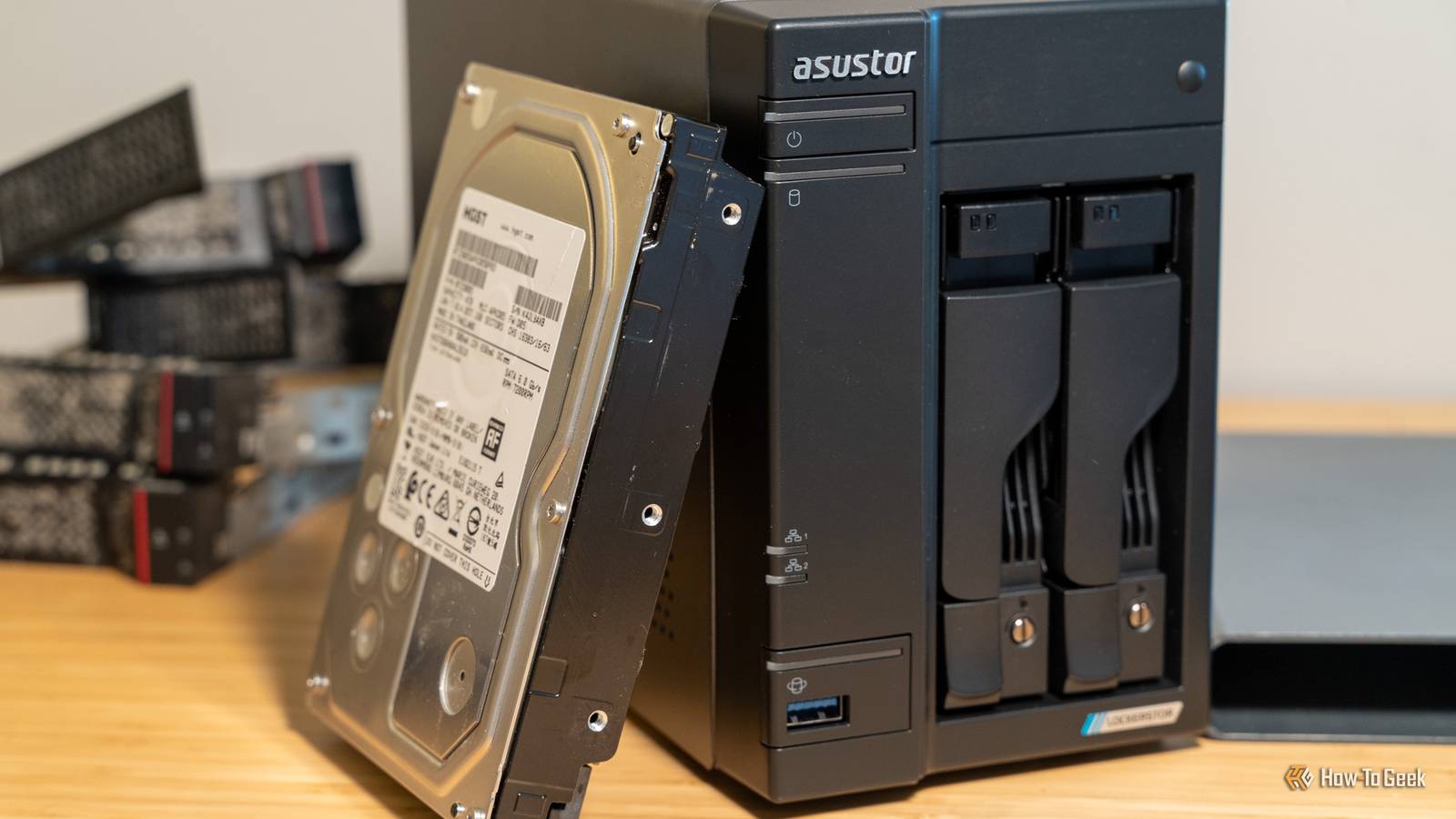
Published Nov 2, 2026, 6:30 AM EST Arol is a tech journalist who currently works as a contributor at How-To Geek since 2022. He first began writing online for the short-lived portal of Spanish-language gaming forum Emudesc in 2013. Years later, in 2017, he got his true start in tech journalism working for a small Google-focused site called Pixel Spot. He transitioned to a news and feature writer role at XDA Developers that same year, where he worked until 2021 before making the jump to other websites. Arol brings nearly a decade of writing experience, and the occasional hot take, to his writings. While he's a technology lover at heart, he holds computer hardware and smartphones particularly close to heart. You'll normally find him covering news, although he has also written the occasional deal, buyer's guide, how-to post, and round-up. He's also written for Android Police and MakeUseOf. He's also a Political Science student at the Central University of Venezuela, and a proud member of student movement Àgora UCV. When he's not writing, you'll probably find him hitting the gym, trying to ace a new hobby, reading his textbooks, or traveling. You can reach him at me@arolwright.com. A NAS runs around the clock, serving files, streaming media, and handling backups for every device in the house. Yet the drive I trust most spends nearly all its time disconnected. It sounds backwards, but keeping that copy offline solves problems no RAID array can. And here's why I think you should do that too. The advantages of an unplugged main backup drive Nothing can reach a drive that isn’t connected The biggest reason to keep a backup drive unplugged is simple: software can’t touch hardware it can’t see. Ransomware is the clearest example. Modern strains don’t stop at encrypting the files on the machine they infect. They look for mapped network shares, mounted volumes, and attached storage, and they encrypt everything they can write to. A NAS that’s always online, with a backup drive always attached, gives that malware a single target holding both your data and its copy. A drive sitting in a drawer is out of the attack’s reach entirely. It's out of anything's reach, really, unless your drawers are haunted. The same logic applies to mistakes that have nothing to do with malware. RAID protects against a disk failing, but it faithfully mirrors deletions, overwrites, and corruption across every drive in the array. A sync job configured the wrong way, a script that wipes the wrong folder, or a careless click can spread to every connected copy within minutes. An offline drive keeps a snapshot of how things looked the last time you plugged it in, and that snapshot doesn’t change no matter what happens to the live system. Electrical problems are another quiet risk. A power surge, a lightning strike near the house, or a power supply that fails badly can damage every drive connected to the same machine at once. When the backup isn’t plugged in, it’s not part of that circuit. There’s also the matter of wear. Hard drives that spin all day accumulate power-on hours and heat, both of which shorten their working life. A backup drive that only spins up for a periodic copy spends most of its life at rest. Together, these benefits make an unplugged drive the closest thing a home user can get to a true air gap, the offline copy that the familiar 3-2-1 backup rule is built to encourage. There are disadvantages, too Offline protection costs convenience and freshness An unplugged drive is only as current as the last time you connected it. If you back up once a month, anything created or changed since then exists only on the live NAS, and that’s exactly the data most exposed to the failures described above. The gap between backups is the amount of work you’re agreeing to lose in a worst-case scenario, and it’s easy to let that gap grow longer than intended. That points to the real weakness of this approach, which is that it depends on you. Automated backups run whether you remember them or not. A manual routine requires discipline, and life tends to get in the way. Skipped sessions add up, and a backup that was meant to be monthly can quietly become quarterly. Being offline also means the drive misses out on the monitoring a NAS normally provides. It can’t report SMART warnings while it sits in a drawer, and file systems like ZFS and Btrfs can’t scrub it to detect and repair silent corruption. A problem on the drive may only surface when you actually need to restore from it. Worse, if corrupted files on the NAS go unnoticed, your next manual copy may simply carry that damage onto the backup. Long periods without power raise their own questions. Hard drives generally hold data well when stored properly, but solid-state drives can gradually lose stored charge when left unpowered for extended periods, especially in warm conditions, which makes them a less ideal choice for this role. Then there’s physical handling. A drive that’s moved, plugged in, and unplugged repeatedly is more exposed to drops, bumps, and worn connectors than one that never leaves its bay. Finally, offline isn’t the same as off-site. If that drawer sits in the same room as the NAS, a fire, flood, or burglary can still take both. Should you do it? Worth it if your data is truly irreplaceable The answer depends on what’s stored on your NAS. If it mostly holds media you could download again or files that already live in a cloud service, an unplugged backup drive adds effort without much payoff. If it holds family photos, personal documents, creative work, or anything else that exists nowhere else, an offline copy is among the cheapest and most effective protections available. It also helps to think about what your current setup actually defends against. File system snapshots on a NAS are useful against accidental deletion and many ransomware attacks, but an attacker who gains administrative access can often delete those snapshots too. Cloud backups with version history or immutable storage options cover similar ground and add geographic separation, but they come with recurring costs and depend on your internet connection when it’s time to restore a large library. An offline drive complements these tools rather than replacing them. If you decide to actually give this a spin, structure is what makes it work. Pick a schedule that matches how much data you can afford to lose, and put it on your calendar so it doesn’t depend on memory. Use a hard drive rather than an SSD for long-term storage, and run a SMART check and a quick test restore each time you connect it, so problems show up before an emergency does. Ideally, keep the drive somewhere other than next to the NAS, or rotate two drives so one is always stored elsewhere. There’s also a middle ground for people who know they won’t keep up with a manual routine. Some users connect a backup drive to a smart plug or a scheduled power setting, letting it switch on, receive a backup, and shut down again. It isn’t a true air gap, since the drive is still reachable while powered, but it shrinks the window of exposure considerably while keeping the process automatic. An offline drive is cheap, reliable insurance Keeping a NAS backup drive unplugged protects it from ransomware, mistakes, and power surges that can wipe out connected storage. It demands discipline and leaves gaps between copies, but for irreplaceable data, that trade-off is well worth making.
Why I leave my NAS' most important hard drive unplugged
Full Article
Original Source
Read the full article at Howtogeek →KhanList aggregates and links to publicly available news content. We do not host full articles from third-party sources. Always verify important information with original sources.