
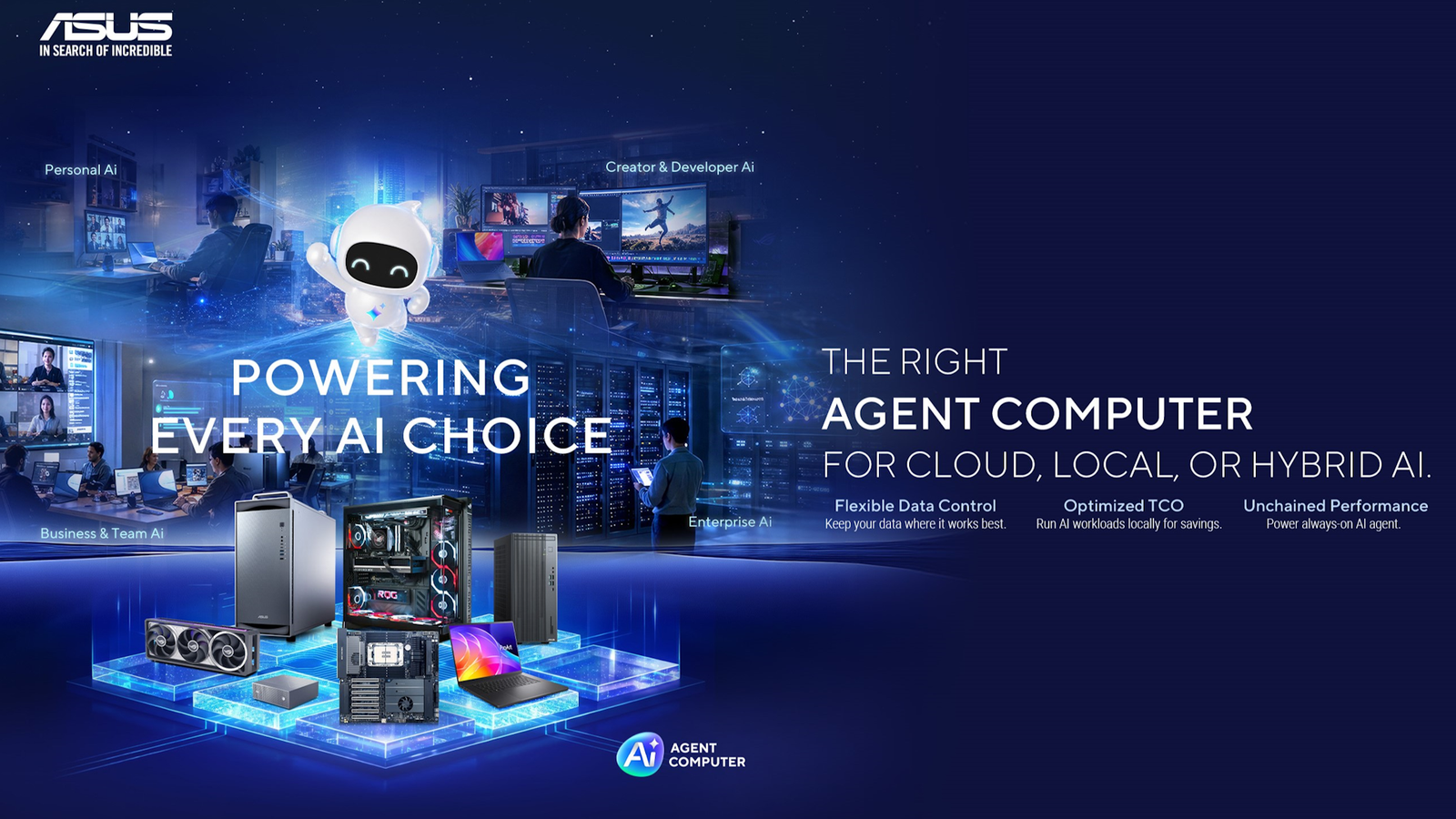
For most people, using AI still means typing a question into a chat window and reading the answer. If you want the model to do something else, you write another prompt. AI agents work differently. Instead of responding to one request at a time, an agent can work through several steps toward a goal you define, using compatible tools and the files or apps you permit it to access. Take a video project. A chatbot can suggest titles when you ask. An agent could take your brief, pull together background research, draft an outline, and write the captions, moving from one stage to the next without a new prompt for each. ASUS uses the term Agent Computing for the combination of suitable hardware, compatible AI models, and software that supports agent-based workflows. An ASUS Agent Computer provides the computing platform for that setup, while the software and configuration determine what it can do. These workflows can use local AI, where the model runs on your PC; cloud AI, where it runs through an online service; or hybrid AI, which combines both. The right approach starts with the task you want to complete, not simply the most powerful hardware. ASUS also offers Agent Computer solutions and practical guidance to help you explore your options. Three practical ways to use an AI agent A creative workflow is the first way to use an AI agent. A creator could hand an agent a project brief and get a structured content pack in return, including an outline, draft captions, supporting research, and a publishing checklist. The agent handles the handoffs between steps, but the creator is still responsible for accuracy, originality, and tone, and nothing goes live without their sign-off. Freelancers and small businesses could also use an agent to prepare for a client project. It might summarize approved documents, tidy up project notes, flag outstanding deliverables, and draft a progress update. The key word there is approved. A sensible setup gives the agent access only to the files it needs and requires your approval before anything is shared with a client. Another option is a local AI workspace. Running compatible models on your own PC appeals to those working with private project material and anyone experimenting with AI-assisted coding or research. Processing locally offers more control over where supported data is handled and can reduce reliance on cloud services for compatible workloads. How well that works in practice, and how private it is, depends on the specific software, model, and configuration you choose. What does a PC need to run AI agents? Credit: ASUS There’s no single specification that makes a PC agent-ready. The right setup depends on the models you want to use, what you’re asking them to do, your budget, and the software requirements. Some introductory workflows will run on a computer you already own. Larger local models are where the hardware starts to matter. For supported local AI workloads, a compatible graphics card can accelerate processing, while its video memory, or VRAM, helps determine which models and settings it can accommodate. Memory requirements also increase with the amount of information a model works with and the number of requests processed together. AI performance is sometimes quoted in TOPS, or trillions of operations per second. This describes processing capability, but it does not tell you how quickly a complete agent workflow will finish. Software, model settings, and available memory also matter, so look for evidence from relevant workloads rather than choosing TOPS alone. The CPU handles general computing, application logic, and parts of the agent workflow. Choose a processor that meets your software’s requirements and supports your other activities, such as editing or development. Running several tasks together can place additional demands on the system, but CPU core count alone does not determine how many agents it can support. The software, models, and available memory also affect what can run together. System memory (RAM) keeps applications, models, and background processes running side by side, so don’t treat it as an afterthought. ASUS doesn’t make its own RAM, so check your motherboard’s qualified vendor list when you choose a kit. Fast SSD storage gives you room for models, datasets, and project files and keeps everyday file access responsive. The motherboard determines which processors you can use, how many expansion cards you can fit, your connectivity options, and how much room you have to upgrade later. Finally, a suitable power supply and cooling setup keeps performance stable during long, sustained workloads, and both should be matched to the rest of the system. Choosing the right ASUS components for your needs Getting started If you’re exploring AI assistants and lightweight agent workflows alongside everyday desktop use, an entry-level card is enough to begin. ASUS offers the GeForce RTX 5060 8GB and RTX 5060 Ti 8GB, both of which can run AI agents. With 8GB of VRAM, you’ll be working with smaller models, and processing speed and task complexity will be more limited than on higher-end cards. Pair either with a B-series motherboard, which covers the essentials for a single-GPU system without extras you may never use. Creative and professional multitasking Creators, freelancers and developers who run demanding applications alongside AI tools benefit from more VRAM. The GeForce RTX 5070 Ti 16GB doubles the memory of the entry-level cards, leaving room for larger models or for an AI tool and a creative app to share the GPU. The Radeon RX 9070 GRE 12GB sits between the two tiers on memory and gives AMD users an option at this level. This is also where a CPU with more cores starts to earn its place, especially if you plan to run more than one agent. Advanced local AI experimentation For enthusiasts who want to run larger models locally, VRAM becomes the deciding factor. ASUS makes two 32GB cards aimed at this kind of work. The ASUS UGen Intel Arc Pro B70 32GB uses ECC memory, which detects and corrects memory errors, and ASUS rates it at up to 367 TOPS of INT8 AI performance. The ASUS Turbo Radeon AI Pro R9700 32GB uses AMD’s RDNA 4 architecture. Both are two-slot cards with blower-style coolers, designed for AI and professional workloads rather than gaming. At this level, Z-series motherboards for Intel processors and X-series boards for AMD processors are worth a look. Their main advantages are support for multiple graphics cards and for faster, higher-capacity memory configurations, both of which matter when models outgrow a single GPU. You’ll also need to pay closer attention to cooling and power supply capacity. Whichever tier you choose, check that the models and software you plan to use support your hardware. Not every component will suit every agent or local model. From hardware to a working agent Hardware is only part of the picture. Start by choosing an AI application, model, or agent framework, then check its operating system, hardware, and software requirements against your PC. Next, decide whether your workflow will run locally, in the cloud, or in a hybrid setup. Once you’ve configured the tools, file permissions, and integrations it needs, try it out on a small, low-risk task and review the results carefully. Even after it’s working reliably, it’s sensible to require your approval before it takes any consequential action. Settle a few practical questions early. Check the licensing terms for the software and models you use, and factor in any cloud costs and how much you’ll rely on an internet connection. Consider how your data will be handled, and plan to monitor what your agents are doing. ASUS also supports the software side through ASUS Zenni Claw, which is designed to make agentic AI easier to try, with a guided setup, ready-to-use skills for work, travel, and everyday planning, and the option to use local or cloud processing depending on the task and your device. It’s currently available as beta software for supported ASUS devices running 64-bit Windows 11 with at least 16GB of RAM and 20GB of free storage. Some local model features require higher specifications, so check ASUS’s compatibility and setup guidance before you start. Credit: ASUS You don’t need to become an AI developer to try any of this. Planning your next build or exploring what your PC could do? Explore ASUS Agent Computer solutions and guidance to understand your options and find a starting point for your needs. FAQs What is an ASUS Agent Computer? An ASUS Agent Computer provides a hardware platform for compatible agent software and AI models. What it can do depends on the chosen workflow, configuration, and whether processing happens locally, in the cloud, or across both. Can I use my existing PC for agent workflows? Potentially. Start by checking the requirements of the application and model you want to use. Some introductory workflows may suit your existing computer, while running more demanding models locally can require additional resources. What is ASUS Zenni Claw, and which systems support it? ASUS Zenni Claw is software designed to make agentic AI easier to explore, with guided setup and ready-to-use skills for work and everyday tasks. Availability and features depend on the supported device and configuration, with additional requirements for local AI. Check ASUS’s current compatibility and setup guidance before choosing a system. What should I check before building an Agent Computer? Choose a useful task first, then check the software, model, operating system, hardware, and data-access requirements. Decide which steps will run locally or use cloud services, and allow for any ongoing costs. Explore ASUS Agent Computer solutions and guidance to help plan your next step.
What PC do you need to run AI agents? ASUS Agent Computer explained
Full Article
Original Source
Read the full article at Howtogeek →KhanList aggregates and links to publicly available news content. We do not host full articles from third-party sources. Always verify important information with original sources.