
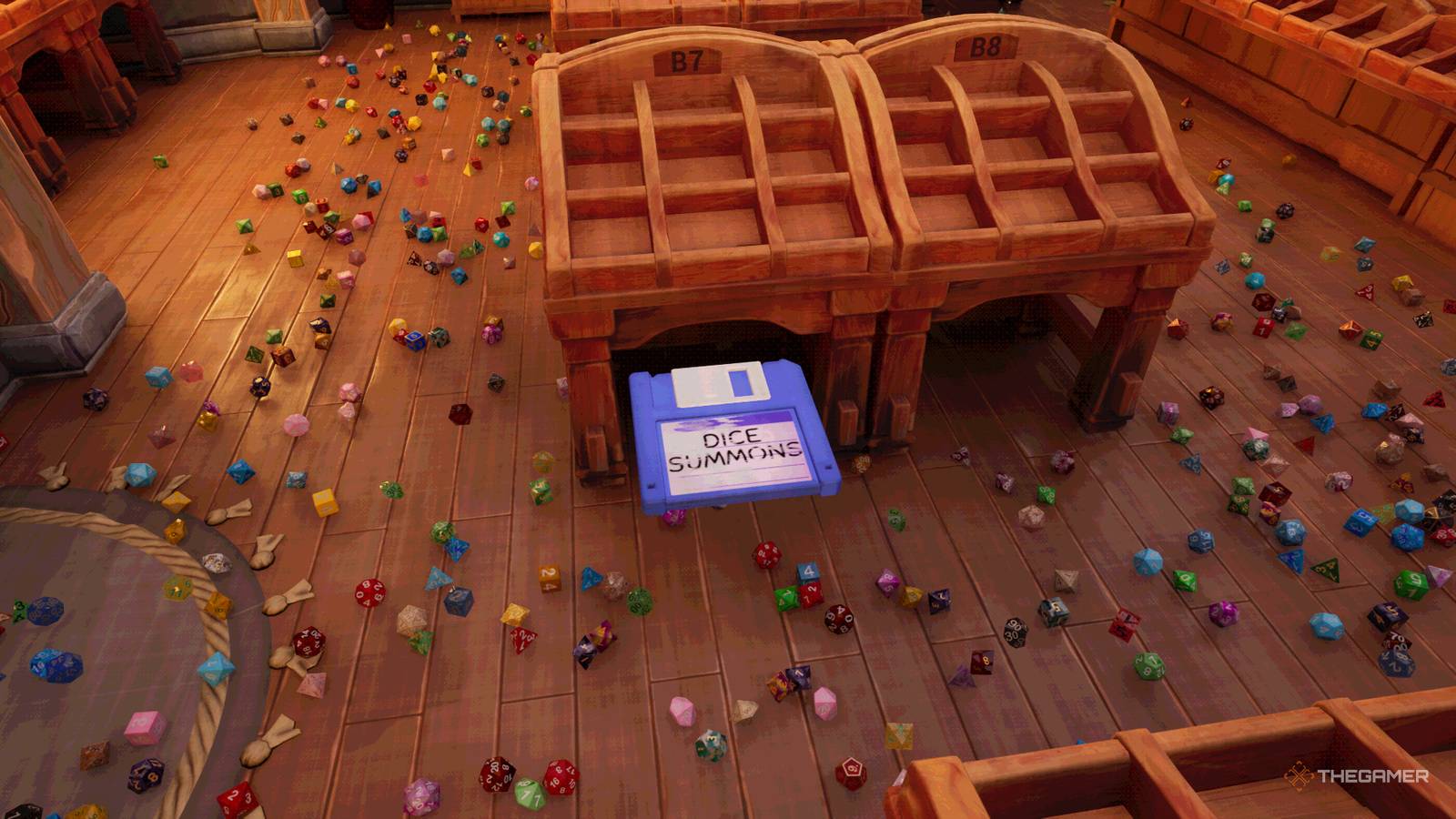
Dice Hoarder: All Floppy Disk Abilities And What They Do Those mysterious floppy disks are pretty useful when you use them to the fullest. Published Nov 17, 2026, 2:43 PM EST Nick is a gaming news writer for TheGamer, and has been covering the games industry for over three years at sites such as Twinfinite, DotEsports and The Phrasemaker. Born and raised in a small town in Pennsylvania, Nick studied Media and Professional Communications at the University of Pittsburgh, refining his writing and fact-checking to ensure clarity and entertainment value in everything he writes. One of the main features of Dice Hoarder is that skills level up through the floppy disks you can find throughout the shop. It adds a bit of mystery once you start getting emails about their enigmatic appearance and what they could mean, but that doesn't make them any less useful. However, when you pick them up, it helps to know what each one does. Some are self-explanatory, while others might not be clear from the name alone. Regardless, they make your job significantly easier, especially once you level them up. Here are all the floppy disk abilities in Dice Hoarder and how to use them. How Do The Floppy Disks Work? As you make your way through the shop and start clearing up some of the dice, you'll find floppy disks lying around in places you might've just looked and not seen anything. When you pick them up, you can identify them only by their color and title. However, when you install them on the computer, you'll find two types of disks: magical and non-magical. The non-magical ones affect your personal abilities or have some... messages on them, while the magical ones make sorting through the dice a breeze. Non-Magical Floppy Disk Abilities The non-magical abilities are some of the most useful because they function as quality-of-life updates to your overall character. Floppy Disk Ability Breakdown Fleet Foot Lets you sprint, with consecutive upgrades increasing sprint speed. Nimble Step Lets you crouch to get lower to the floor and see under tables. Extended Reach Lets you pick up dice from farther away, with consecutive upgrades increasing that distance. Extended Placement Lets you place dice into slots from farther away, with consecutive upgrades increasing that distance. While these are the only non-magical floppy disks that affect your stocking, some floppy disks don't give you abilities but provide story context in the campaign. DieCorp ??? HELP US You'll have to play through the campaign to properly understand the context of those disks, but as you can imagine, it's not quite as pleasant as the rest of the game. Magical Floppy Disk Abilities The magical abilities are what really make stocking the shelves faster and easier. These are the things you couldn't do yourself if you were stocking the shelves of a die shop in real life. Floppy Disk Ability Guidance Highlights and draws a line to the correct display for the held die so you don't have to check the computer every time. True Sight Creates a ring around you in which any dice for your held set are highlighted to make them easier to find. Dice Summons Summons dice from your held set to you from wherever they are in the store. Upgrading it more will summon more dice at a time. Critical Sort While you're holding a d20, activating this will roll that die, and upon a passed check will complete the set and automatically fill the slot on the display. These abilities are the best way to organize every die in the store as fast as possible, but be warned. If you want all the achievements, you have to complete the game without using any of these. You can still use the non-magical floppy disks, but the magical ones void the final achievement in the game.
What All Floppy Disks Do In Dice Hoarder
Full Article
Original Source
Read the full article at Thegamer →KhanList aggregates and links to publicly available news content. We do not host full articles from third-party sources. Always verify important information with original sources.