
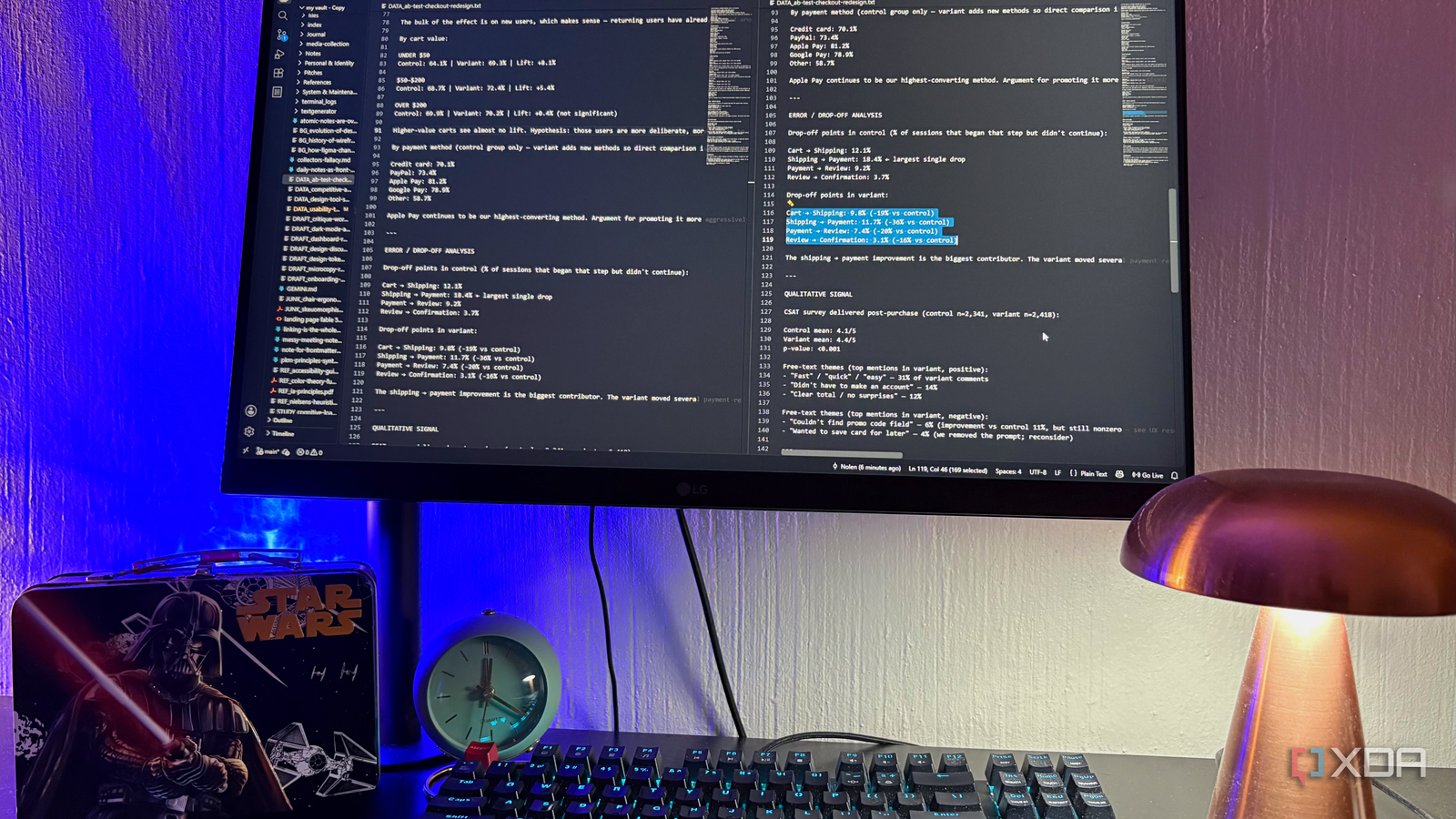
Published Sep 16, 2026, 10:30 AM EDT Nolen began their writing career in 2019, with three years dedicated to editing the Creative section at MakeUseOf. Their expertise lies at the crossroads of technology and creativity, covering areas like photography, video editing, and graphic design. Outside of work, you'll often find Nolen diving into a good book, writing their own stories, or playing video games. Microsoft's VS Code is the most popular source code editor on the planet by a wide margin. Everyone I know in development and programming uses it. But what the marketing doesn't really tell you is that it's also one of the best writing apps you can have on your computer. It doesn't really get pitched to writers. Everything about it, from the file tree to the split panes and version control, was built to solve problems developers have. But most of those problems are architecturally the same problems writers deal with, it was just a matter of reframing "code" as "text". Here's how I've been relying on VS Code as a writing tool and why you shouldn't overlook it as one… Zen mode was made for coders in deep focus And it happens to kill every distraction writers have too Zen Mode is a native VS Code feature that hides basically everything on your screen except the text you're working on. The sidebar, activity bar, tabs across the top, and status bar at the bottom are all gone. The document gets centered and fullscreened, and that's it. It's what some writing tools and text editors put behind paywalls and charge for. You get to it with Ctrl+K then Z on Windows (Cmd+K Z on Mac), or through View > Appearance > Zen Mode. Double-tap Escape to bail out. The reason it goes further than any focus mode I've tried in a writing app is that coding needs really deep focus, and word processors weren't designed for that type of focus. So ultimately VS Code strips the interface harder. And if there's something you actually want to keep visible, you can turn individual bits back on through the settings, so zenMode.hideStatusBar and zenMode.hideLineNumbers are toggleable, for example. The editor blends into whatever shape I need From one draft to three research files to a novel outline with a scratch pad Any writer working on something longer than a single note eventually needs to see more than one document at a time. Word makes you open two windows, Google Docs opens tabs, but VS Code just lets you rearrange the editor itself into whatever shape you need. The basic split is Ctrl+, which opens the same file in two panes. Edits sync because they're views of the same doc, but scrolling position doesn't sync, so this is what I use when I want one part to be more visible when I'm writing another part that ties back into it. For two different files side by side with independent editing, I just drag a tab to the edge of the screen until I see a blue highlight and drop it. Or Ctrl+Enter on a file in the Explorer opens it to the side, or open it straight from Windows Explorer into VS Code. You're not stuck with just left and right either. Drag tabs to any edge, top, bottom, or into another pane's corner. Three vertical columns if you want, or a 2x2 grid, whatever layout works best with your brain. The minimap on the right shows a zoomed-out overview of the current doc - it's more subtle for prose than for code, but it helps me see the shape of my paragraphs and spot where I've drifted into big blocks of text or where I didn't elaborate enough just at a glance. Global search across every file A writer's best friend The Search view, or as it's officially called, Find in Files, is probably the feature I've been relying on the most. What it does that regular find-and-replace doesn't is search every file in the folder you have open, not just the current document. Results come back grouped by file with a snippet of context around every match, and you can replace all of them in one go. I actually do use this feature for coding-adjacent work quite a bit, like cleaning up HTML before publishing. But the novelist scenario is what really sells it in my opinion - if your protagonist has been Sarah for 40k words and you want to change it to Rachel, simply replace all instances of Sarah with Rachel using Search view, and every file gets updated at once. Same goes for changing a location across a whole project, or fixing a style guide slip across a week's worth of drafts. Whatever needs removing or changing happens in seconds. And before you commit to Replace All, you can expand results and skip individual matches with an X. So if 47 out of 50 hits should change but three shouldn't, you skip those three. No writing app I've used does that. Git gives me proper version control Every writer should want this feature Yes it was built for code and devs use it for things that would give me a headache, but at its simplest it's just a way to save snapshots of your work, and VS Code gives you a full GUI for it so you never touch a terminal. Think of it as an infinitely detailed undo history for your entire project. Every time you "commit," you save a snapshot of every file in your folder at that exact moment, with a note about what changed. You can jump back to any of those snapshots later. Word's Track Changes is per-document, Google Docs' version history is per-file and a pain to rummage through, and Scrivener snapshots are hiding behind menus. None of them can snapshot a whole multi-file project at once with a proper commit message. You do need Git itself installed on your machine as a one-off, but after that everything happens inside VS Code. The diff view is what I use to see any file changed and see the old and new versions side by side, with additions and deletions highlighted in green and red. And I can roll back to any commit. Truly useful for any type of writing. Every paid writing app does a worse version of what VS Code does for free These features weren't made for writers, they were meant to solve developers' problems. But it just turns out that those problems overlap with a writer's problems quite a lot. I picked up a text editor to do some HTML cleanup, and I think I've accidentally found the writing setup I've been looking for. VSCode
VS Code is the best writing app I've used, and I've not written a line of code in it for weeks
Full Article
Original Source
Read the full article at Xda-developers →KhanList aggregates and links to publicly available news content. We do not host full articles from third-party sources. Always verify important information with original sources.