
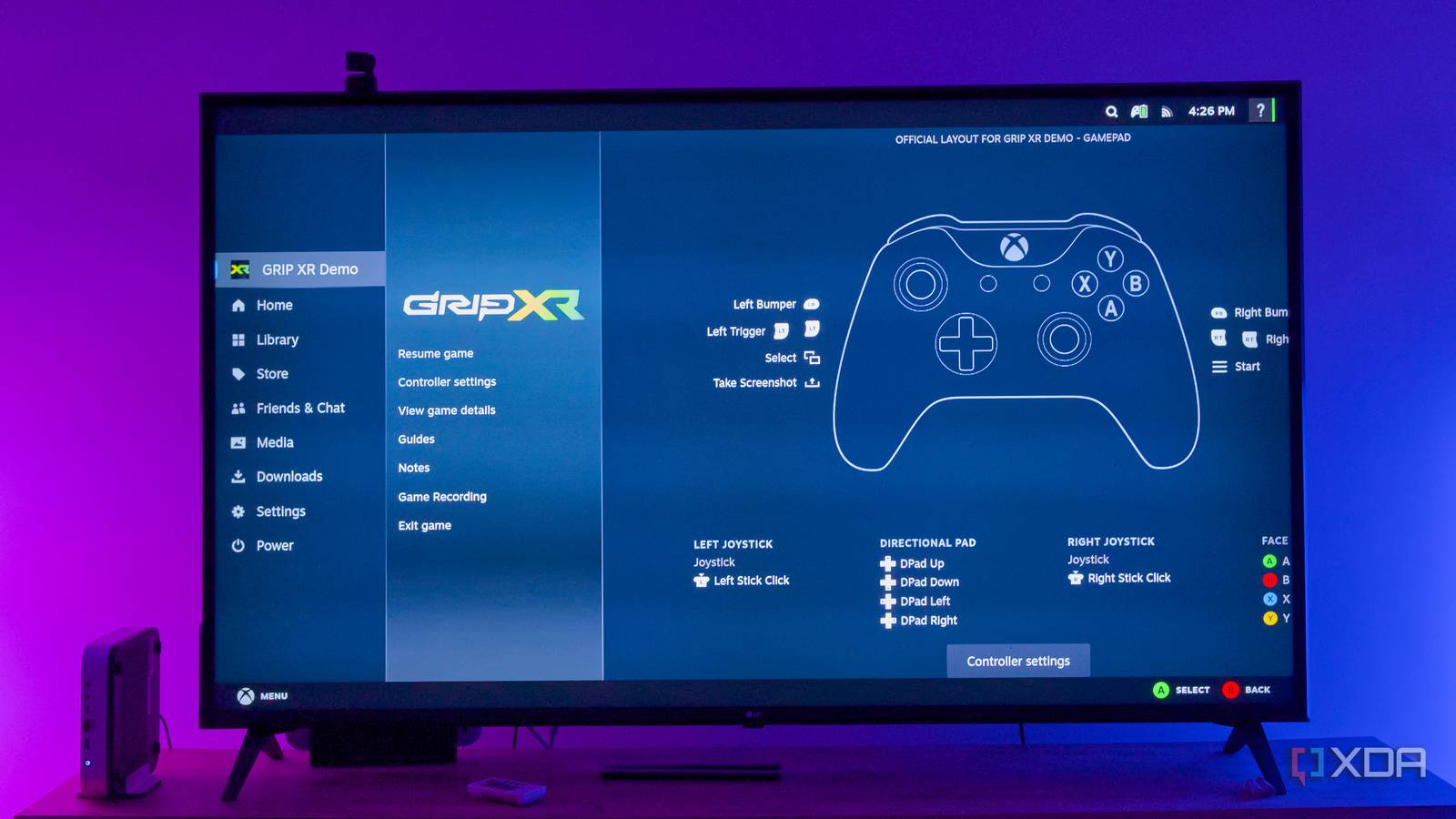
Published Aug 12, 2026, 3:30 PM EDT Jasmine is Software and PC Hardware Author at XDA with years of tech reporting experience ranging from AI chatbots right down to gaming hardware, she's covered just about everything. Whether it's breaking news about the latest AMD NPUs or creating video tutorials on social media platforms, Jasmine has contributed to the world of AI and tech in a variety of ways including interviewing the CEO of Razer, AMD's Director of Product Marketing and the VP of Lenovo. Passionate about gaming and PC technology, she has built countless computers, keyboards and other peripherals - knowing them inside and out. Premium small-form-factor gaming PCs, or even a Steam machine, hit a price tag of over $1,000. However, the reality for many gamers is that they have a piece of forgotten hardware, probably somewhere in the back of a closet. An older desktop PC might be gathering dust in the corner of your room after a main rig upgrade. Luckily, you don't need a $1,000 purpose-built console PC to get the seamless controller-first Steam Deck living room experience thanks to SteamOS. SteamOS proves that Linux, Proton, and GameScope can turn legacy desktop hardware into a dedicated instant-on living room console for free by bypassing Windows overhead and high hardware costs entirely. Windows was not made for your couch SteamOS has so many advantages Using a Windows PC for your TV can be a frustrating experience. Windows has so much desktop friction when it comes to a couch experience, whether that's the wireless mouse navigation, the tiny UI fonts, especially if you have a 4K or even higher resolution screen, the UAC pop-ups, the background update reboots, or the controller constantly disconnecting. There are seemingly countless issues that just make the experience feel unsatisfying and annoying. SteamOS offers a fantastic advantage in the form of Gamescope, its compositor. It provides a true console experience thanks to instant controller-driven navigation, system-wide spatial audio, seamless sleep/resume functions, and hardware-level AMD FSR upscaling on any display, including your TV. Alongside this, you get the advantages of Proton. This is because Valve's Proton compatibility layer has matured to the point where 90% of single-player and casual multiplayer Steam libraries run flawlessly out of the box on Linux without touching a terminal. Your hardware might not be compatible But don't let that stop you The major issue you might face with SteamOS is actually bringing it onto a custom PC. While Valve has revolutionized Linux gaming with SteamOS 3 on the Steam Deck and Steam machine, an official plug-and-play SteamOS 3 for custom desktop PCs lags quite far behind. This is because Valve's official recovery images are hard-coded around specific hardware profiles like AMD Custom APUs, which are found in their portable hardware. NVIDIA hardware specifically presents challenges due to its proprietary driver model, quirks in its legacy Wayland integration, and compatibility constraints with the GameScope compositor. However, this doesn't mean it's impossible, thanks to community-driven distributions that bridge the gap. One of the best options is Bazzite. It delivers the exact Steam Deck game mode interface you might be used to on your handheld, via Valve's GameScope compositor, while maintaining broad desktop compatibility. However, unlike the stock SteamOS, Bazzite maintains dedicated ISO images pre-bundled with proprietary NVIDIA drivers as well as cutting-edge Mesa graphics drivers and fresh Linux kernels. Another benefit of using SteamOS on your older hardware is that you might notice it outperforms Windows 11. The reason behind this is that modern Windows 11 has become increasingly hostile to older, specifically mid-tier legacy hardware, thanks to the fact that it's got aggressive background telemetry, VBS, and anti-cheat services, leading to Windows 11 consuming gigabytes of RAM and substantial CPU interrupt cycles even when you're just sitting at an idle desktop. How to get set up Installing Bazzite is a simple and quick process If you want to turn a dusty old desktop into an instant boot living room console, then you only need to take three simple steps. The first is flashing the image, which should only take you a few minutes. Make sure you download the correct BASIO ISO for your GPU architecture, whether that's AMD, Intel Arc, or NVIDIA, and then write it to a USB 3.0 flash drive using Fedora Media Writer or Rufus. Next, it's time to install it onto the target SSD. You can do this by inserting the USB drive into your PC, booting into the UEFI boot menu, selecting the USB drive, and launching the installer. You can choose automatic storage configuration, which will wipe the target SSD clean. The immutable root image should be extracted and written in under 10 minutes. Next, you can sync your controllers and launch. Remove the USB drive and reboot the PC, and Bazzite should boot directly into Valve's Steam Deck game mode. You can use any controller with Bluetooth, then open the settings and tap Bluetooth. Hold the pair button and connect wirelessly, and you should be good to go. It is worth noting that there is a caveat regarding anti-cheat. While SteamOS and Bazzite excel at single-player games, emulation, and casual couch co-op, Linux does have an absolute boundary when it comes to competitive multiplayer games due to anti-cheat measures. This means competitive titles that rely on proprietary kernel-mode Windows drivers, such as Riot's Vanguard for Valorant or Epic Games' Easy Anti-Cheat implementation for Fortnite, will not run on Proton or Linux. These anti-cheat drivers require Ring Zero privileges within the Windows kernel. SteamOS was made for your living room You shouldn't need a $1000 machine to use it It seems Valve's vision for SteamOS was always broader than a single handheld, as evidenced by the announcement and release of the Steam Machine. However, at such a high price point, the Steam Machine unfortunately isn't accessible to everyone. That doesn't mean that users shouldn't be able to use SteamOS, which allows them to sever PC gaming's dependence on traditional desktop OSes. You don't need to invest in a Steam machine or even a custom small-form-factor PC that can cost you well over a grand for your TV. Dig out your old desktop hardware and flash a custom SteamOS distro like Bazzite, plug in a controller, and enjoy a silent, high-performance gaming console that costs you absolutely nothing.
Valve wants $1,049 for a Steam Machine, but SteamOS just turned my old PC into one for free
Full Article
Original Source
Read the full article at Xda-developers →KhanList aggregates and links to publicly available news content. We do not host full articles from third-party sources. Always verify important information with original sources.