
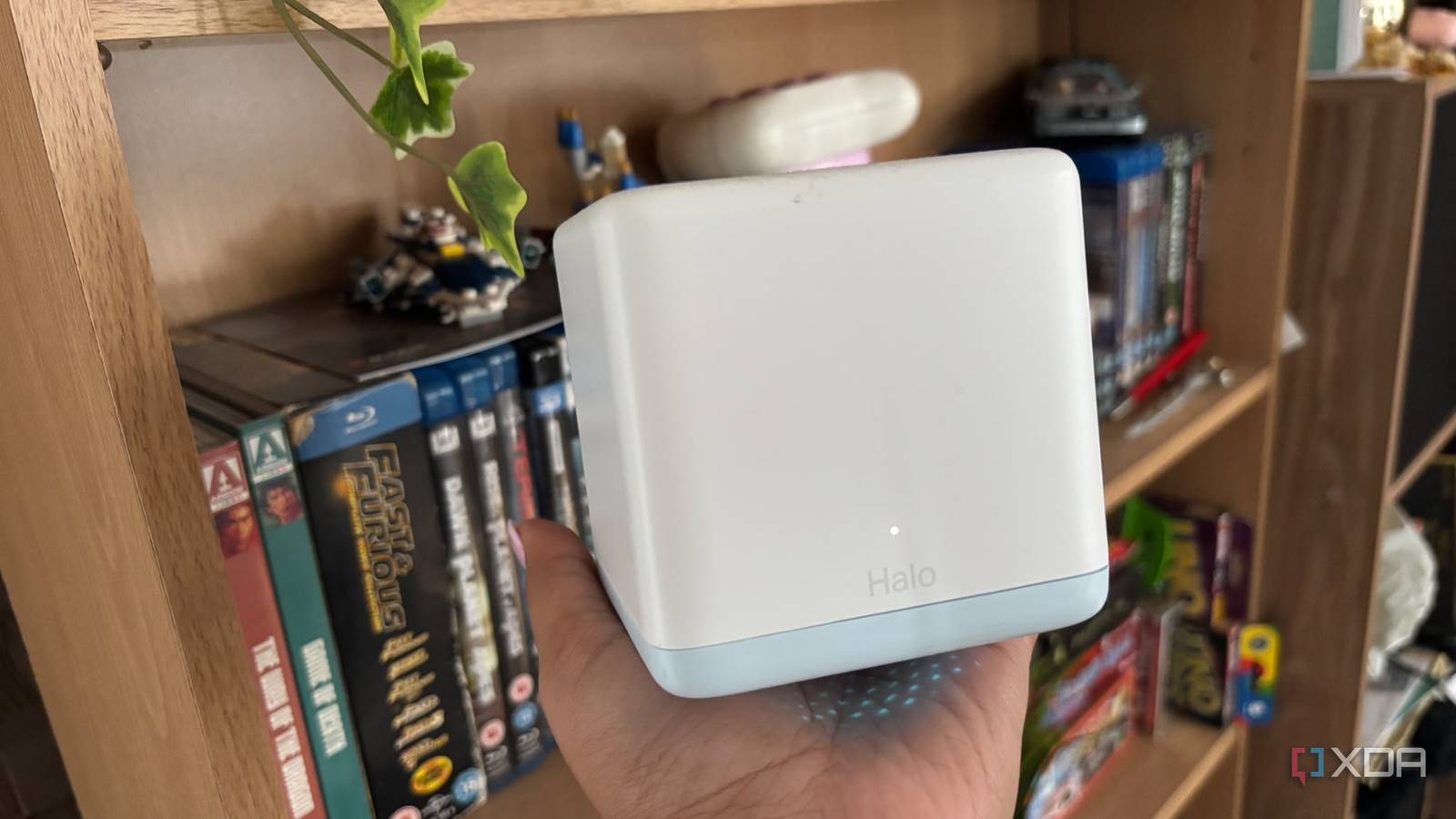
Published Nov 26, 2026, 5:00 PM EST Jasmine is Software and PC Hardware Author at XDA with years of tech reporting experience ranging from AI chatbots right down to gaming hardware, she's covered just about everything. Whether it's breaking news about the latest AMD NPUs or creating video tutorials on social media platforms, Jasmine has contributed to the world of AI and tech in a variety of ways including interviewing the CEO of Razer, AMD's Director of Product Marketing and the VP of Lenovo. Passionate about gaming and PC technology, she has built countless computers, keyboards and other peripherals - knowing them inside and out. It's more of a common practice for homes to replace an aging ISP gateway or standalone router with a multi-node consumer mesh kit to eliminate dead zones around your home. While adding these mesh nodes will improve your signal bars across your rooms, it can sometimes fail to resolve underlying latency spikes, brief connection drops, IoT dropouts, and throughput stutters. This is because the bottleneck in many multi-node setups isn't a lack of RF coverage, but aggressive, opaque band steering (often branded as Smart Connect or Unified SSID Management) fighting against the client device's native roaming logic. How does band steering work? It might not be the right setting for your home Mercusys mesh wifi system changed my life after I struggled with a WiFi extender for so long.Mercusys mesh wifi system changed my life after I struggled with a WiFi extender for so long. Under the IEEE 802.11 standard, roaming and band selection are strictly client-side decisions. Access points and mesh nodes don't have absolute control over which radio a phone, laptop, or smart plug can connect to. The client's wireless NIC and OS driver evaluate signal thresholds and then make the final choice. Modern mesh systems use 802.11k to inform clients of nearby radios and then 802.11v to suggest moving from a congested 2.4 GHz radio to a 5GHz or 6GHz radio. However, these requests are advisory. Clients can ignore them, and most notably, iOS and macOS devices have strict RSSI delta requirements, such as requiring a stronger candidate signal before roaming, making them stick when sometimes it might not deliver the best performance. When clients ignore 802.11v suggestions, many consumer routers fall back on non-standardized workarounds such as legacy steering tactics. These include probe response suppression, where they withhold 2.4 GHz probe responses so a dual-band client only sees the 5GHz BSS ID during scanning, and also forced deauthentication/disassociation frames in order to kick those sticky clients off of 2.4GHz. This problem can be compounded by mesh systems too. In a single-router setup, a client only negotiates between two bands on one access point. In a three-node mesh system with tri-band or dual-band radios broadcasting a single unified SSID, a stationary client sits within earshot of six to nine distinct BSSIDs. Aggressive band steering combined with node steering creates competing transition requests across multiple BSSIDs simultaneously. How did the band steering issue manifest in my home? I was dealing with constant dropouts When swapping over to a mesh system myself, I found quite a few different failure modes that I observed. The first was ping-ponging at coverage boundaries. Sometimes, this can be referred to as band flapping. This happens because 2.4GHz signals attenuate somewhat less through drywall, wood framing, and appliances than 5GHz or 6GHz signals. In rooms with moderate attenuation, a mesh node steering algorithm sees a dual-band client and pushes it onto 5GHz at -68 dBm. Once associated, packet error rates rise or the client's internal roam trigger (such as my iPhone's -70 dBm threshold) fires, dropping it back to the stronger 2.4GHz signal. Five minutes later, the router's steering timer pushes my iPhone back to 5GHz again, and the cycle repeats. Each forced transition interrupts my browsing experience. Sometimes, it can be quick and unnoticeable, but sometimes it can be up to several seconds when full WPA2/WPA3 four-way handshakes are triggered. I also found that a lot of my smart home devices, including plugs, thermostats, and security cameras, were using low-power 2.4GHz-only Wi-Fi chipsets. As a result, they lack 802.11v/r support. When a mesh node delays or suppresses 2.4GHz probe responses to prioritize 5GHz, these 2.4GHz-only clients experience scan timeouts, failed DHCP renewals, or persistent device offline states in companion apps. Power transmission feels asymmetric when it comes to a lot of mesh nodes too. This is because consumer mesh kits frequently run both 2.4GHz and 5GHz radios at maximum default transmit power without manual power tuning. Because 2.4GHz propagates farther, clients moving through the house consistently hear the 2.4GHz beacon at a higher RSSI than 5GHz, causing client drivers to cling to 2.4GHz while the mesh controller repeatedly attempts to steer them off. Disabling band steering changed everything Splitting SSIDs made a difference too I was able to fix this issue by disabling band steering and splitting my SSIDs. Turning off unified band steering (sometimes called Smart Connect, depending on your router's manufacturer) stopped my devices from being kicked off and steered to another BSSID. Separating the network into distinct SSIDs, specifically isolating a dedicated 2.4GHz SSID for IoT/legacy hardware while keeping high-throughput dual-band/tri-band clients on a dedicated 5GHz SSID. This is what worked best for me. This was able to eliminate cross-band probe suppression, and the previous ping-ponging I was experiencing stopped, as stationary laptops and phones could lock onto 5GHz without dropping down to congested 20MHz channels on 2.4GHz. Many entry-level consumer mesh systems don't expose toggles to disable band steering or split SSIDs, meaning you need to switch the mesh kit into bridge/access point mode behind a configurable router (or use prosumer access points that actually do allow this granular radio management). When you are separating your SSIDs, there is a bit of a technical trade-off. 802.11v BSS transition management only operates within the same SSID/ESS, meaning a client on a 5GHz-only SSID will not automatically fall back to the 2.4GHz at the extreme edge of your home (where there might not be the correct coverage unless you manually switch). I also decided to ensure that all of my mesh nodes used Ethernet as a backhaul where possible so that inter-node roaming didn't contend with client airtime. Mesh systems may not solve all of your problems Investing in a consumer mesh system will solve coverage problems like your signal strength across your square footage, but disabling flawed band steering solves stability problems because you're able to eliminate forced client disconnections and RF band flipping. Standards-based 802.11k/v steering can work reliably in well-tuned single-vendor environments with modern Wi-Fi 6/6E/7 clients and balanced transmit power, but on consumer mesh hardware with mixed IoT devices and thick interior walls, sometimes manual band separations remain the most predictable fix.
Turning off band steering fixed more Wi-Fi problems in my house than my mesh system did
Full Article
Original Source
Read the full article at Xda-developers →KhanList aggregates and links to publicly available news content. We do not host full articles from third-party sources. Always verify important information with original sources.