
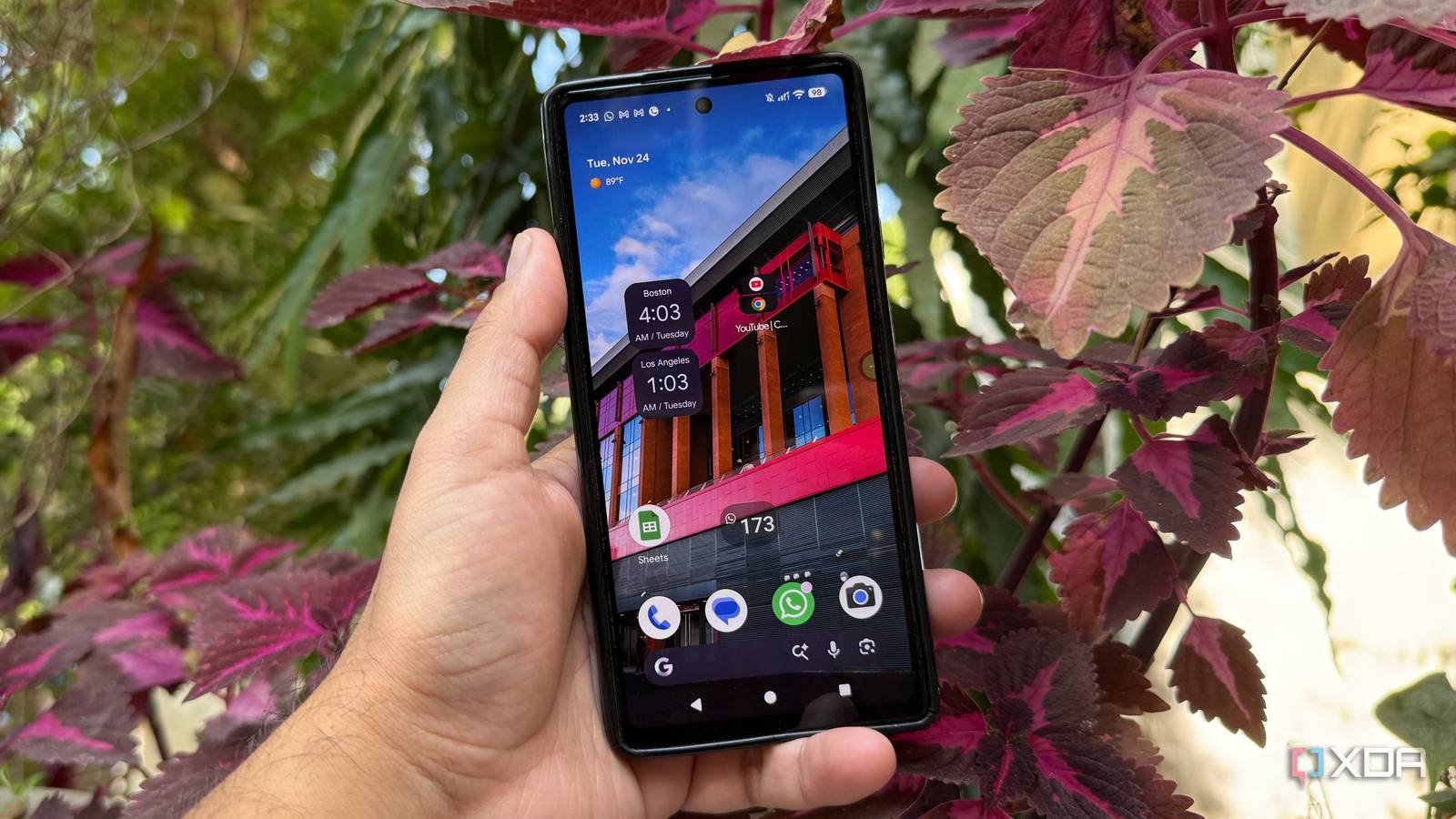
Published Nov 26, 2026, 5:30 PM EST Beginning his professional journey in the tech industry in 2018, Yash spent over three years as a Software Engineer. After that, he shifted his focus to empowering readers through informative and engaging content on his tech blog – DiGiTAL BiRYANi. He has also published tech articles for MakeTechEasier. He loves to explore new tech gadgets and platforms. When he is not writing, you’ll find him exploring food. He is known as Digital Chef Yash among his readers because of his love for Technology and Food. I've been trying Android apps beyond the usual recommendations, and some turned out to be surprisingly useful. Not every great app needs to be popular or packed with flashy features. A few simply do everyday things better, while others add capabilities I didn't know my Pixel was missing. After experimenting with several options, these are five lesser-known apps that earned a permanent spot on my phone. StoryPad Turns everyday notes into a personal timeline StoryPad takes a different approach to note-taking and journaling. Instead of making me sort everything into folders, notebooks, or categories, it brings all my entries together in one chronological timeline. I can use the same space to jot down random thoughts, document my day, save memories, or work on longer pieces of writing. Each entry also supports rich-text formatting, checklists, photos, and multiple pages, making it useful for more than just quick diary entries. My favorite part is the Throwbacks feature. It brings up entries written on the same date in previous years, giving me an easy way to revisit old memories and see what was happening in my life. StoryPad also tracks moods and lets me customize the appearance of my journal. My journal is stored locally by default, and I don't need an account to get started. It works offline, with optional Google Drive backup and manual syncing between devices. StoryPad: My Daily Journal DailyPad is an open-source journaling app that helps you capture daily thoughts, organize entries on a timeline, and maintain a private, offline-first journal without distractions or unnecessary features. Organic Maps This offline maps app is a must-have for traveling Organic Maps showed me how useful a dedicated offline navigation app can be. It uses OpenStreetMap data to provide detailed maps that I can download before heading out. Once the maps are saved, searching for addresses and places doesn't require an active internet connection. Turn-by-turn navigation works for driving, walking, and cycling, complete with voice guidance. I downloaded a map of my area and tested navigation with mobile data switched off. It is also useful for exploring places beyond regular city roads. It includes hiking trails, cycling routes, mountain-bike paths, contour lines, and elevation profiles. It also lets you record GPS tracks and save favorite locations as bookmarks. I can even import and export routes in formats such as GPX and KML. The app is free, open source, and doesn't include ads, trackers, or mandatory registration. Having maps, search, and navigation available offline makes traveling through areas with poor connectivity much less stressful. Organic Maps Organic Maps is a free, open-source offline navigation app for Android and iPhone, offering privacy-focused, ad-free maps, hiking trails, driving directions, bookmarks, and maps without tracking users or collecting data. Ente Photos A smarter way to manage photos without giving up privacy I don't particularly like handing over my personal photo library just to get cloud backups. Ente Photos offers a more private alternative by encrypting photos and videos before uploading them, so even Ente cannot access their contents. It also preserves original image quality, making it a reliable way to back up memories without compression. Beyond storage, Ente offers face recognition and Magic Search, which helps find pictures using descriptions such as a sunset, beach, or particular object. Both features use on-device machine learning, but need to be enabled in settings and take time to index photos backed up to Ente. You also get shared albums and curated memories, making it feel like a complete photo gallery rather than just a backup service. The free plan includes 10GB of storage, giving you enough room to try it before considering a paid subscription. Ente Photos Ente Photos is an open-source, end-to-end encrypted cloud storage and photo management app designed as a privacy-focused alternative to services like Google Photos and iCloud. Blip AirDrop-style file sharing works across platforms Transferring files between my Pixel and Windows PC doesn't have to involve cloud storage or USB cables. Blip (free, non-commercial plan) is my go-to solution for file sharing. The best part is that Blip doesn't impose file-size limits or compress the files I send. After installing the app and signing in on both devices, I can select photos, videos, documents, or entire folders and send them to the recipient. The transfer doesn't require uploading everything to a cloud drive first and then downloading it again. Blip's biggest advantage is that it has no file-size limits and preserves the original quality of photos and videos. It works across Android, Windows, macOS, Linux, and iOS, so I'm not restricted to transferring files between devices running the same operating system. Blip prefers direct connections over the local network or internet, but it can use encrypted server relays when a direct connection isn't possible. It also supports interrupted-transfer recovery, so a disrupted connection doesn't necessarily mean starting over. Blip Blip is a cross-platform file transfer app that lets you securely send files and folders directly between devices without cloud storage. Cashew Tracking my spending no longer feels like a chore I used to rely on spreadsheets to track expenses, which meant sorting through purchases whenever I wanted to understand my spending. Cashew makes this easier with a dedicated space for recording and organizing transactions. Adding a transaction takes just a few details, including its amount, account, and category. I can also create separate accounts for cash, bank balances, and credit cards to keep everything organized. Cashew goes beyond basic expense tracking with flexible budgets, custom spending periods, and category-wise limits. Its visual reports use graphs and charts to show spending patterns and compare expenses over time. There are also savings goals, loans, and scheduled transactions for upcoming bills. I still have to record my transactions, but Cashew takes care of the calculations and reports, making it easier to see where my money goes. Cashew Cashew is a customizable expense and budget tracker app designed to help users log daily spending, manage budgets, and track financial goals without connecting bank passwords. Sometimes, lesser-known apps make a big difference You don't always need a new phone to enjoy a better Android experience. Sometimes, discovering the right apps is enough to make your existing device more useful. These five apps each bring something different to the table, and none feels like an unnecessary addition to my Pixel. It's always nice when a few lesser-known apps turn out to be the upgrades you didn't know you needed.
I installed these 5 lesser-known Android apps, and my Pixel got a serious upgrade
Full Article
Original Source
Read the full article at Xda-developers →KhanList aggregates and links to publicly available news content. We do not host full articles from third-party sources. Always verify important information with original sources.