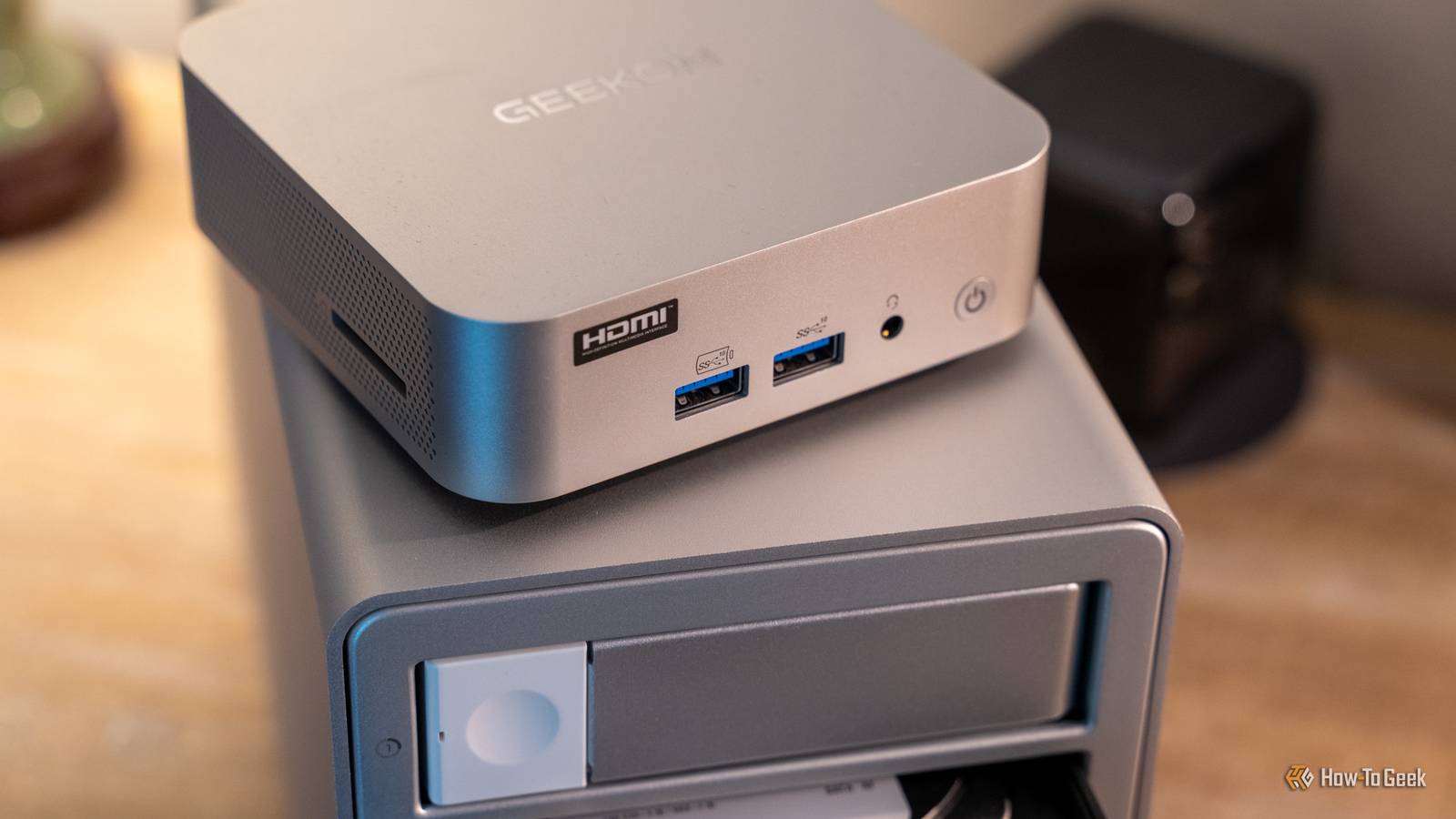
Published Aug 6, 2026, 11:15 AM EDT Patrick Campanale has been in the tech space for well over a decade, specializing in PC/gaming news and reviews, as well as maker-focused products to build small businesses. With a start in technology back in 2010 surrounding the Palm/webOS ecosystem, Patrick spent his formative years developing mobile applications as well as blogging for various publications, eventually leading to starting his own website in 2014. After running a technology blog for a few years, he stepped out of that role and into the world of high-end custom PC manufacturing and building, with a focus on YouTube video production and overclocking. Then, six years ago, Patrick joined the 9to5Toys team as an editor/writer/reviewer with over 14,000 articles being published there there, ranging from deals and roundups to in-depth reviews on the latest technology, video games, 3D printers, and more. In his free time, Patrick loves to create projects from wood using various robots and methods, including leveraging the technologies of CNCs and lasers. If Patrick isn't working on a computer or playing video games, he's likely in his 2-car garage workshop creating something unique. In addition to all this, Patrick is also a youth pastor at his local church where he feels God has called him to serve, and he loves every minute of it. Are you ready for another slew of homelab projects to try out this weekend? Well, you're in luck, because I have some nifty things to try out, including my favorite project of the weekend—creating a custom TV channel for your home based on your Plex media server. Build a simple cross-platform browser-based AirDrop alternative with PairDrop No Apple ecosystem required Have you ever wanted to move a file between two devices like AirDrop, but don't live in the closed Apple system? Or, maybe one device has AirDrop while the other doesn't, so you're stuck trying to figure out how to share a simple picture or video? Well, PairDrop is the perfect solution for this. PairDrop is a self-hosted cross-platform browser-based alternative to AirDrop. You just have to be on the same network to automatically discover the other devices, and then you can transfer files, images, or text without having to install an app or create an account. PairDrop even lets you create a temporary room if you want to share a file or photo with multiple people at one time. However, PairDrop doesn't just work on the same network. That's the ideal setup, for sure, as then PairDrop can use encrypted WebRTC to transfer files without going through a server. However, TURN allows it to relay traffic if a direct connection can't be established. PairDrop also has optional WebSocket support if you need it to be a fallback for off-network transferring. PairDrop deploys in your homelab through a simple Docker container and can easily be set up in just a few hours. It's one of those tools that you might not use all the time, but you'll be so happy it's available whenever you need it. Just make sure your server can handle it If you have a large media server, then I'm sure you've experienced the "I have no idea what to watch" feeling even if you have hundreds of TV shows and movies available to watch. I know I have. Tunarr aims to help fix that. With Tunarr, you can add a new function to your local media server: a custom, linear TV channel of sorts. It can use media from Plex, Jellyfin, Emby, or any other batch of local media files you have. Instead of picking one episode to watch, you just "tune in" to a channel and watch "what's currently on." So, if you're a huge fan of a specific show, like Monk or Psych (my wife's two favorite shows), then you could create a "channel" that just shows old random episodes on loop so you never have to pick an episode to watch, you just turn the channel on and just watch whatever's on at the time. Tunarr isn't just for playing specific files though. It can also add movies into the mix if you wanted to create a Disney Channel-esque channel, insert filler material and pre-rolls, and even offers "channel branding" if you want to put a logo in the corner of the content. The one thing about Tunarr is that it's not necessarily for everyone's hardware. It uses FFmpeg to normalize the programs into a continuous channel stream, meaning it's basically constantly transcoding. While this can happen on CPU only, it could take up quite a lot of resources that way. So, I definitely recommend running Tunarr only if you have a solid system with plenty of transcoding horsepower available. But, if you have the power to handle this type of load, then spinning up Tunarr is a fantastic weekend project. It can take the monotony out of your media server if you've been feeling like there's nothing to watch and bring back the nostalgia of saying "I wonder what's on tonight?" all at the same time. Don't let your Docker containers sit outdated with DIUN It won't automatically update them, DIUN just tells you when an update is available Credit: Patrick Campanale / How-To Geek Have you ever wanted to know when a new Docker image was available for your containers? That's exactly where DIUN, or Docker Image Update Notifier, comes in. Typically, to update a Docker container, you just have Docker pull a new image and restart the container. But, the problem lies in that there's no simple way to know if a new image exists. There are some commands you can run, or you can check the container's website, but DIUN makes it a much simpler task. Basically, DIUN runs as a container itself and then periodically checks container images to tell you if something has changed and a newer image is available. DIUN does not automatically update your images, so you don't have to worry about it breaking anything. All it does is send you a notification through a configured provider to say, "Hey, your Plex container has an update." It does all this with access to the local Docker socket, and you create the schedule it checks on. Plus, DIUN can be configured to watch all containers or only those with a specific label, depending on what you plan on updating. For notification options, it supports things like Gotify, ntfy, email, Discord, Slack, Telegram, and many other services, so you can have the update notification show up wherever you want. So, if you're tired of trying to figure out what containers need updates and what containers don't, just deploy DIUN in your Docker stack and let it do the hard work for you. ACEMAGIC K1 mini PC $299 $399 Save $100 Brand ACEMAGIC CPU AMD Ryzen 4300U Graphics AMD Radeon Memory 16GB DDR4 SO-DIMM pre-instlaled Storage 1TB NVMe pre-installed The ACEMAGIC K1 mini PC packs a punch for its price point. With a Ryzen 4300U quad-core processor, 16GB of user-upgradable RAM, a pre-installed 1TB NVMe SSD and an extra M.2 SATA slot for more storage, this micro desktop offers a lot of performance. Plus, it handles up to three monitors at a time and has Windows 11 Pro pre-installed. GEEKOM A5 mini PC Brand GEEKOM CPU AMD Ryzen 5 7430U Graphics AMD Vega 7 Memory 16GB DDR4 SO-DIMM Storage 512GB NVMe (expandable) The GEEKOM A5 mini PC packs 16GB of user-replaceable RAM, a user-swappable NVMe SSD, plus two other storage slots, giving you plenty of user-upgradability in this compact system. The Ryzen 5 processor packs plenty of power for general tasks, and it's even great at lightweight gaming and CAD work too. Your homelab should be a place you have fun, not a place of frustration I focused on three very different categories of homelab projects in this post, from a useful service, to something fun, to a maintenance helper. That's because I want you to realize that your homelab should be a source of joy, not a source of frustration. Not every homelab project has to take 72 hours to complete, and not every homelab project has to be a simple self-hosted landing page. Sometimes it can be a utility service, other times it can be something fun, and it can also just be something that makes your life a little easier.
Turn Plex into live TV, plus two other fun homelab weekend projects (August 7 - 9)
Full Article
Original Source
Read the full article at Howtogeek →KhanList aggregates and links to publicly available news content. We do not host full articles from third-party sources. Always verify important information with original sources.