
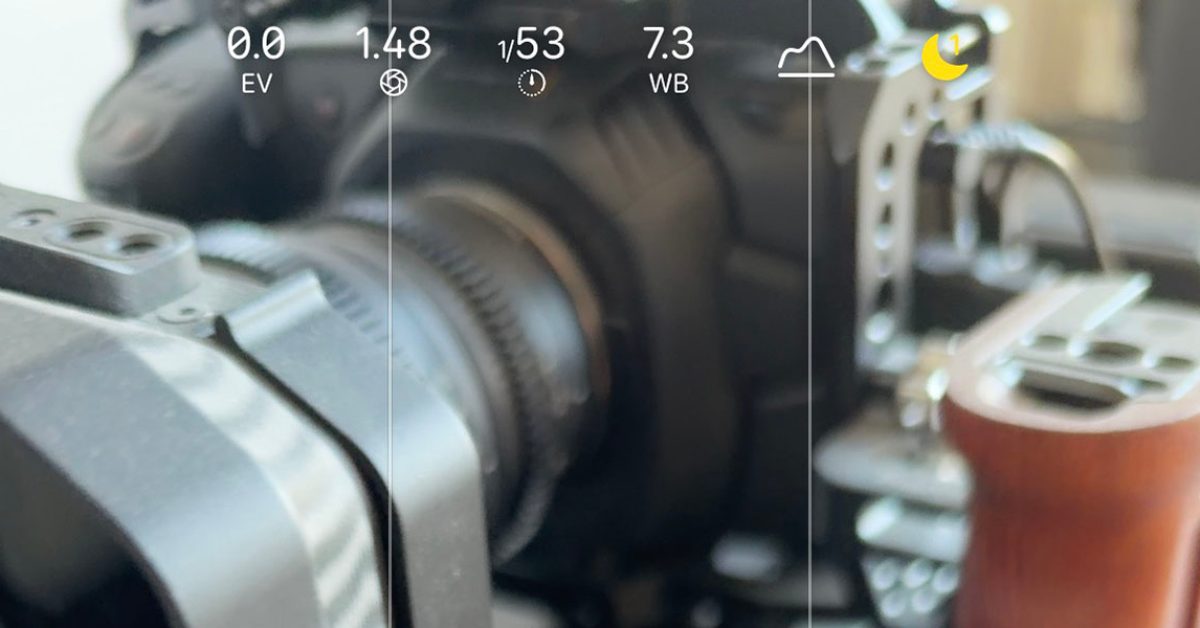
When shooting both photos and videos on my iPhone, I make regular use of a few different third-party apps, mostly because I like to take manual control. But a combination of the new Pro controls on the iPhone 18 Pro and a new feature introduced with iOS 27 means there are more times when I can stick to Apple’s stock Camera app. If you aren’t already using customizable controls, I highly recommend doing so … Developers know that a big reason for using third-party camera apps is being able to use them in much the same way you would a standalone camera. A key part of this is having easy access to manual control over things like aperture (on the iPhone 18 Pro), shutter speed, white balance, and choosing between manual and auto focus. Those settings are right there on the main screen of almost all third-party apps. With the iPhone 18 Pro, the same set of controls are also available in Apple’s stock camera app. By default, these are tucked inside a menu, requiring an initial tap to open it. As we noted back in September, however, iOS 27 brings customizable controls to the camera app. Simply open the menu and tap the Edit button (top-left when holding the phone vertically) and you can add any of the controls to the main screen. This makes them available in a single tap. For still photography, I have these: Aperture, shutter speed, and white balance as these are the three main manual controls I use. Exposure compensation, because sometimes the only reason I want to take manual control is to increase or decrease the exposure, and that provides a faster way of doing so (quicker than the alternative drag up/down within the photo, in my experience). Finally, I have one-tap access to the histogram to help in setting exposure. It’s a similar story in video mode. I again have aperture and white balance along with exposure compensation and the histogram. But here I add instant access to frame-rate and focus modes (as I’m more likely to switch focus mode when shooting video). Of course, third-party apps still have an important role, but this one change has made a big difference to me when using the stock camera app for both photos and video. Do you make use of this feature yourself? If so, please share the details in the comments. iPhone 18 Pro Apple AirPods Pro 3 Apple HomeView meross Smart Garage Door Opener Logitech MX Master 4 for Mac FTC: We use income earning auto affiliate links. More.
This tiny iOS 27 camera feature really makes a huge difference
Full Article
Original Source
Read the full article at 9to5mac →KhanList aggregates and links to publicly available news content. We do not host full articles from third-party sources. Always verify important information with original sources.