
Published Nov 2, 2026, 6:30 PM EST Patrick Campanale has been in the tech space for well over a decade, specializing in PC/gaming news and reviews, as well as maker-focused products to build small businesses. With a start in technology back in 2010 surrounding the Palm/webOS ecosystem, Patrick spent his formative years developing mobile applications as well as blogging for various publications, eventually leading to starting his own website in 2014. After running a technology blog for a few years, he stepped out of that role and into the world of high-end custom PC manufacturing and building, with a focus on YouTube video production and overclocking. Then, in 2017, Patrick joined the 9to5Toys team as an editor/writer/reviewer with over 14,000 articles being published during his time there, ranging from deals and roundups to in-depth reviews on the latest technology, video games, 3D printers, and more. In his free time, Patrick loves to create projects from wood using various robots and methods, including leveraging the technologies of CNCs and lasers. If Patrick isn't working on a computer or playing video games, he's likely in his 2-car garage workshop creating something unique. In addition to all this, Patrick is also the media director at his local church where he feels God has called him to serve, and he loves every minute of it. I already do all of my writing inside of Obsidian, so why not make it so AI can search it from any device I use? That’s what I’ve done with this simple Raspberry Pi project that just needs a Pi, a small local model, and an Obsidian vault synced to it. Obsidian LiveSync can run on anything—Raspberry Pi included It holds all of my notes to search through with ease I do all of my writing in Obsidian—have for quite some time now. I’ve gone through using different apps to write over the past several years, including using Ulysses on Mac, Google Docs, Notion, Asana, and now Obsidian. I love Obsidian because it keeps the files local on my computer and in plain text so they can be read by anything, whether that’s me or an AI system. I also love that I don’t have to pay for a sync service or use a third-party platform to sync my notes like Google Drive. With Obsidian, I can use the open source LiveSync plugin and have it sync my notes to the cloud of my choice—my own system. This is a little tricky, but definitely still possible. I start by running CouchDB in Docker on the Pi, which is the source of the LiveSync server. This keeps the notes in an encrypted blob though, so they aren't readable right off the bat. Then, I run a headless version of Obsidian LiveSync on my Raspberry Pi, which syncs the notes into human-readable Markdown files, which is how I'm able to have my local AI models browse my notes. Of course, I do have offsite backups configured through Duplicati as encrypted blobs to Google Drive to ensure the safety of my writings, but I love that everything just lives locally on my computers and phone and syncs through my own hardware. The Pi 5 can actually run some AI models on-device They won’t compete with Claude or ChatGPT, but they’re free to run Running local AI models on a Raspberry Pi is really something that only the Pi 5 can do. You technically can run a local model on any Pi, but it just won’t be all that fast and you’ll be quite limited unless you have a decent amount of RAM on whatever Pi you’re using. But, for those with a Pi 5 (and especially if you add the AI HAT+ 2 module), it’s actually possible to run something like Qwen3 4B Instruct 2507 locally at a decent speed. While it’s not frontier-grade, or even really all that great of a model at all, it is good at processing text and surfacing information that you need to know. It’s fairly easy to spin up Qwen3 4B Instruct 2507 in something like Ollama or llama.cpp (or through hailo-ollama if you have the HAT) and run it through Open WebUI to have a full chat interface in order to search through the files stored on it. I’ve used this several times to find a note that I couldn’t find, or to help parse some of the text that’s in my vault. All I have to do is ask AI where something lives and it can find it for me It’s like a personal assistant that has perfect recall It’s actually insane to think that I can run a local AI model on a Raspberry Pi and it actually be useful. I wouldn’t have Qwen3 4B Instruct 2507 or other smaller models help with tons of tasks around the house or handle coding projects, but for simple text and document search it’s actually quite capable. Whenever I need to find a file, I can simply use Open WebUI utilizing the local Qwen3 4B Instruct 2507 model to search all of the notes that are on the Raspberry Pi. The great thing is, since all of the notes are stored in plain text and accessible on local machines, I could even run a more powerful model on my desktop or laptop and search Obsidian if I wanted to. But, it’s nice to be able to just use the Pi self-contained for the searching. Everything stays there and all I use my other devices for is writing. This allows me to write from my iPad, Chromebook, laptop, desktop, or phone and not worry about whether they’ve caught up in syncing to each other. So long as whatever I’m writing on makes it back to the Pi, which is running LiveSync, I can search for it using Qwen3 4B Instruct 2507. Raspberry Pi AI HAT+ Compatibilty Raspberry Pi 5 The Raspberry Pi AI HAT+ comes in two versions: 13 TOPS and 26 TOPS. Both are designed to work with the Raspberry Pi 5 exclusively, bringing AI computing to your favorite single-board computer. This took a bit of hacking to get working, but my pain is your gain Actually getting Open WebUI to search through an Obsidian vault isn't the simplest thing to accomplish. It actually took me a good few hours to get it working properly, including trying to figure out the best model to use and how to make it actually obey the tool calls since low-parameter models aren't the smartest. So, I've put all the code that you need to do this yourself on my GitHub to save you the pain that I went through of getting this all to work. It should be fairly one-shot for you once you have the repo, but I would definitely make sure to test it a few times to ensure it works the way you're wanting it to. These small models do like to hallucinate until they're prompted into submission.
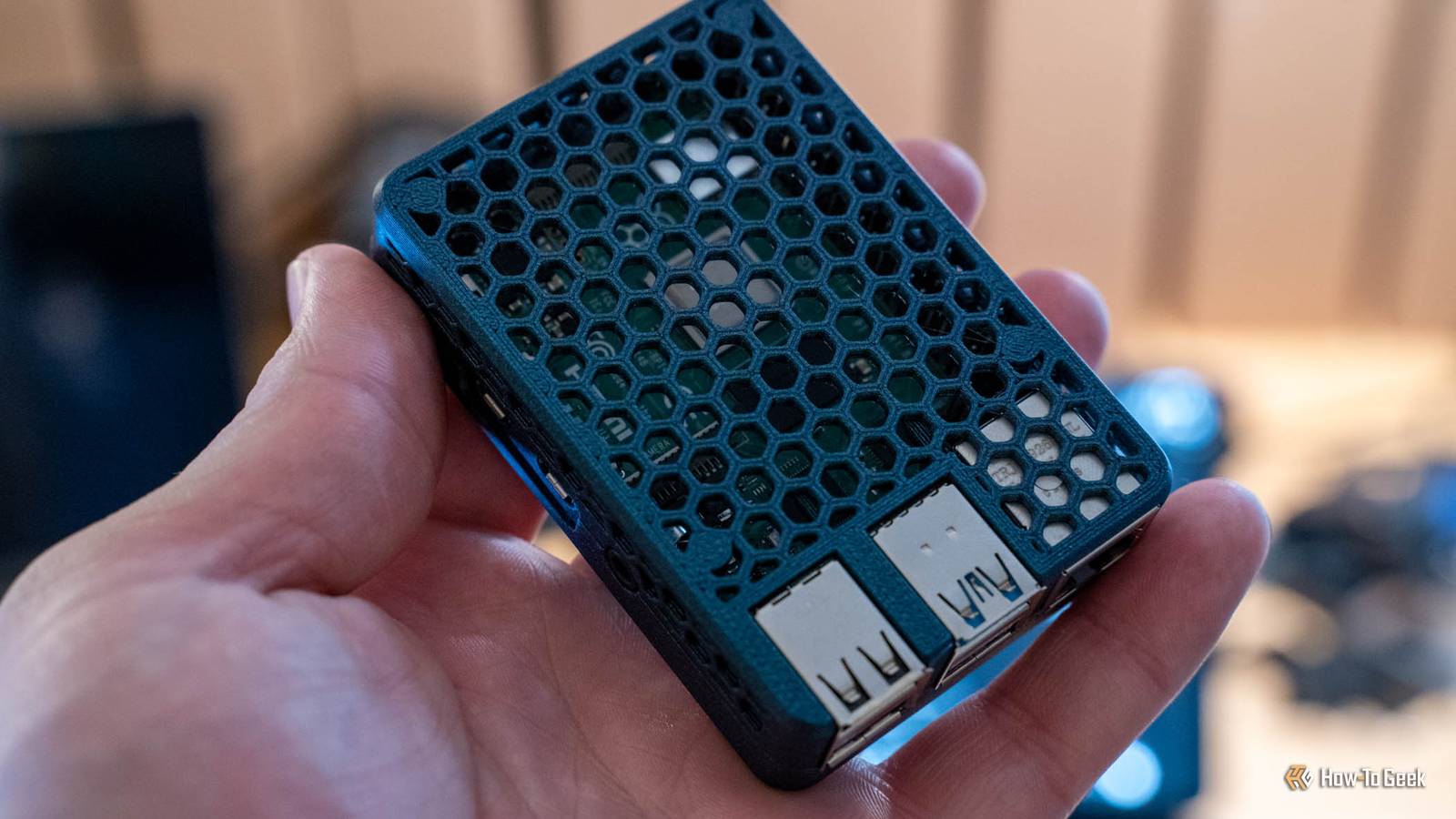
This Raspberry Pi AI project turned my notes into a searchable second brain
Full Article
Original Source
Read the full article at Howtogeek →KhanList aggregates and links to publicly available news content. We do not host full articles from third-party sources. Always verify important information with original sources.